Set up a content page
By Julien RiouxUpdated August 31, 2026
Create a page in your workspace so customers can read it on the shop.
By Julien Rioux·Updated August 31, 2026
Create a page in your workspace so customers can read it on the shop.
Open Content pages and click Page. You'll land on New Page. Enter a Page title and the page body, then click Create Page. Leave visibility Visible so the page appears in the shop menu under Pages.
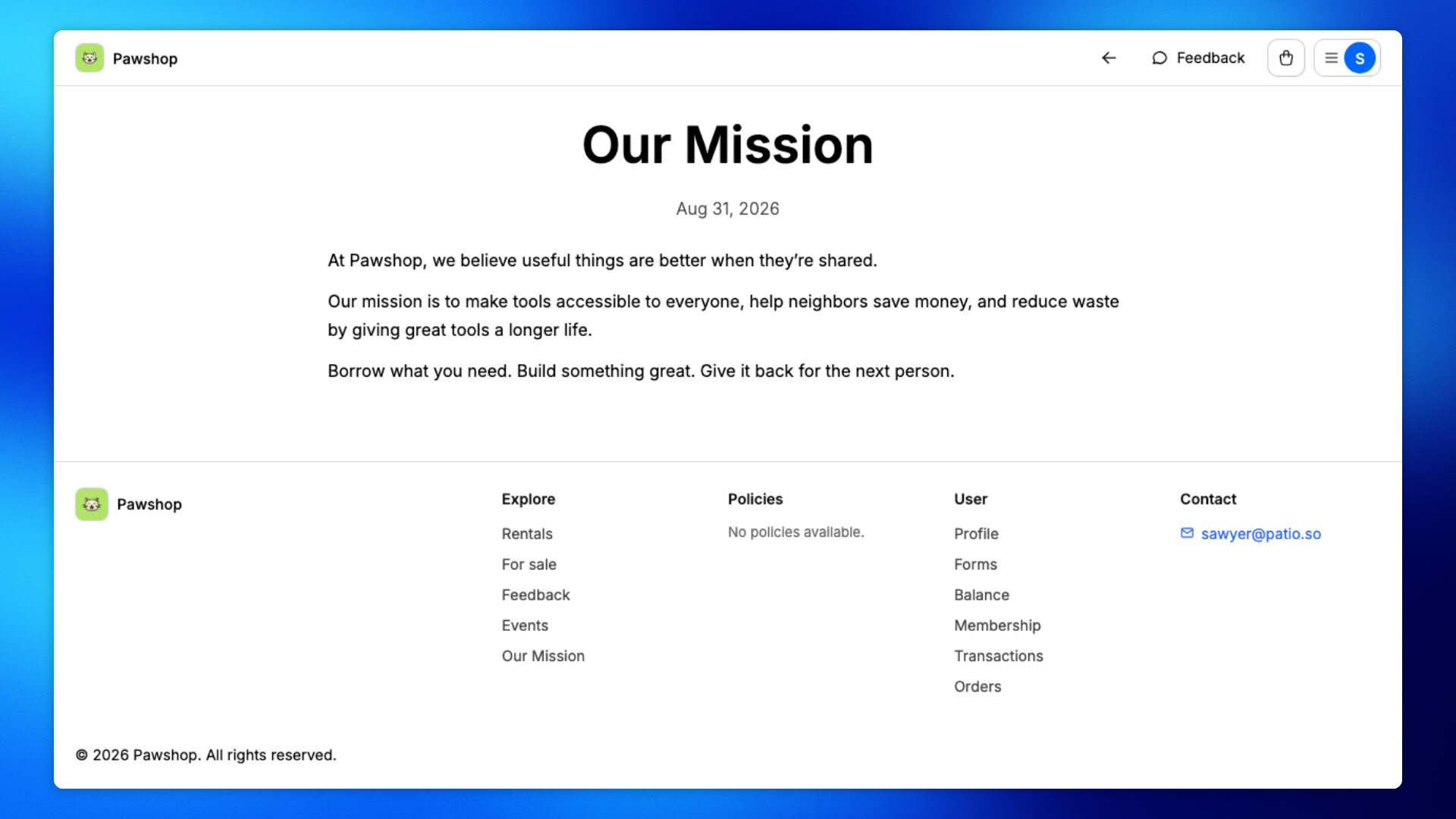
Open the shop, click the menu at the top right, then click the page under Pages. For example, Our Mission can tell customers why you share tools.
These steps are yours. You create the page under Content pages.
Open Content pages from the workspace sidebar, then click Page.
You'll land on New Page.
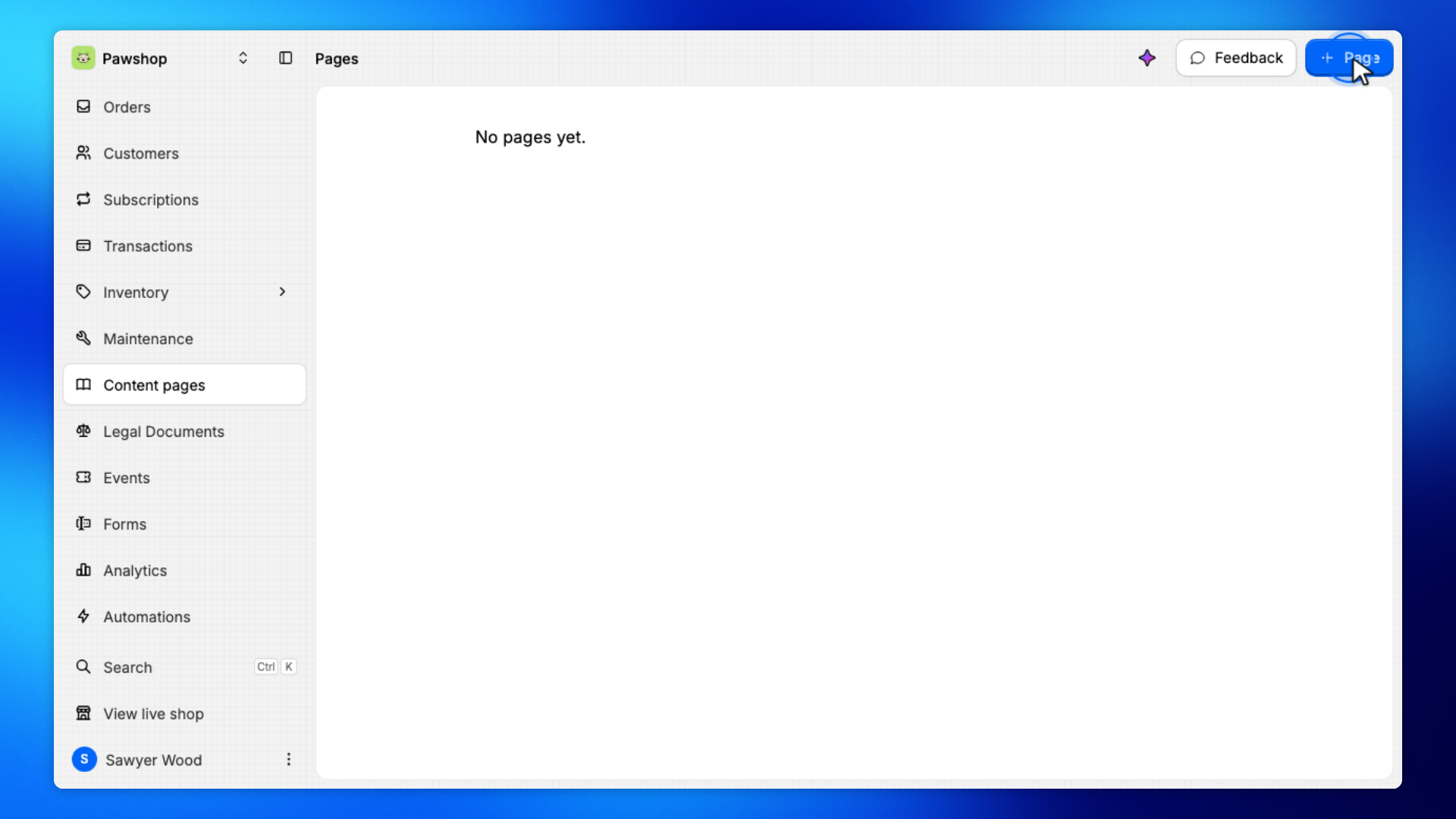
Enter a Page title and write the page body.
Leave visibility Visible so customers can find it in the shop.
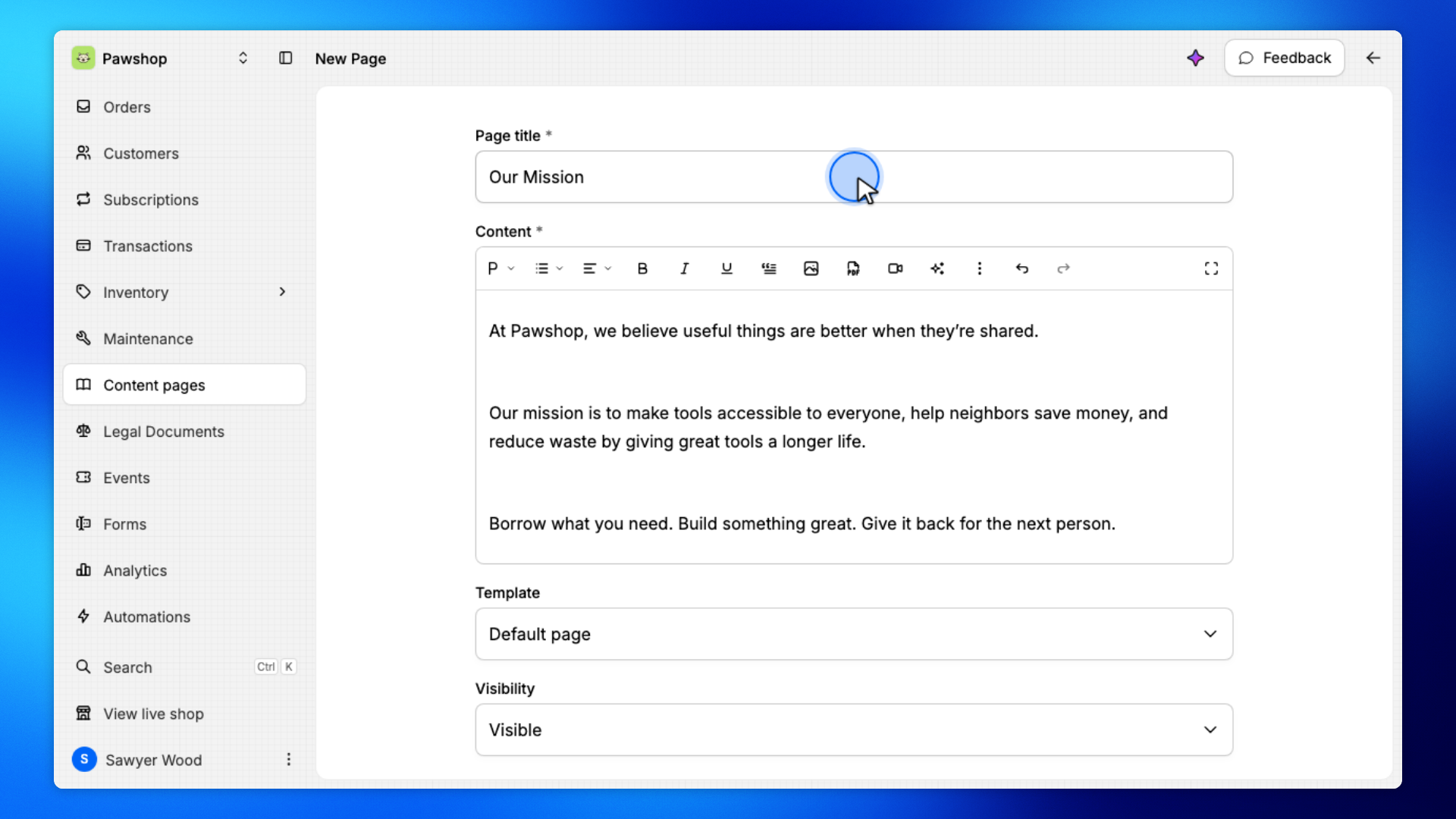
Click Create Page.
You'll land on Edit Page once it is saved.
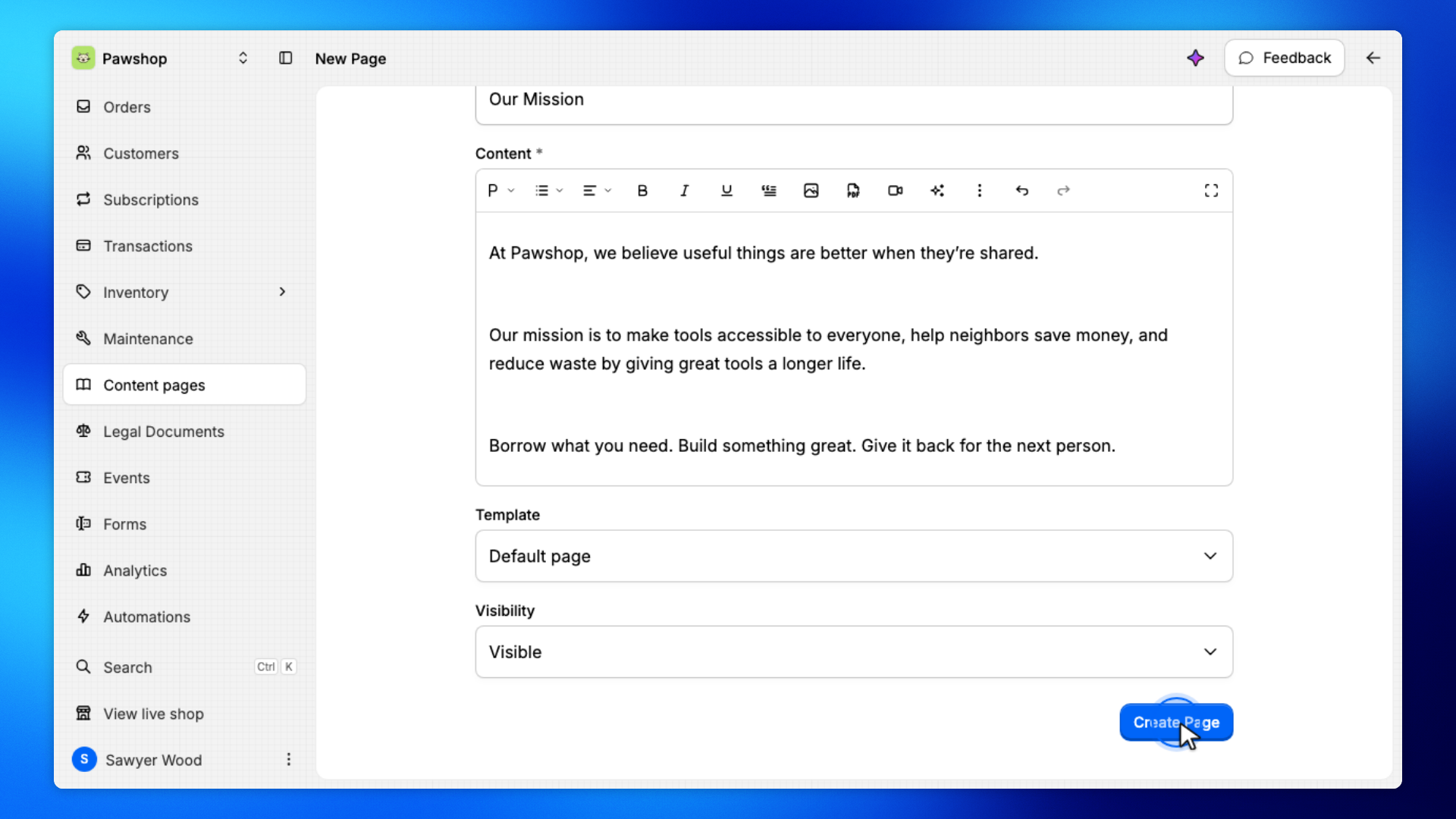
Go back to Pages. The new page is in the list with a Visible badge.
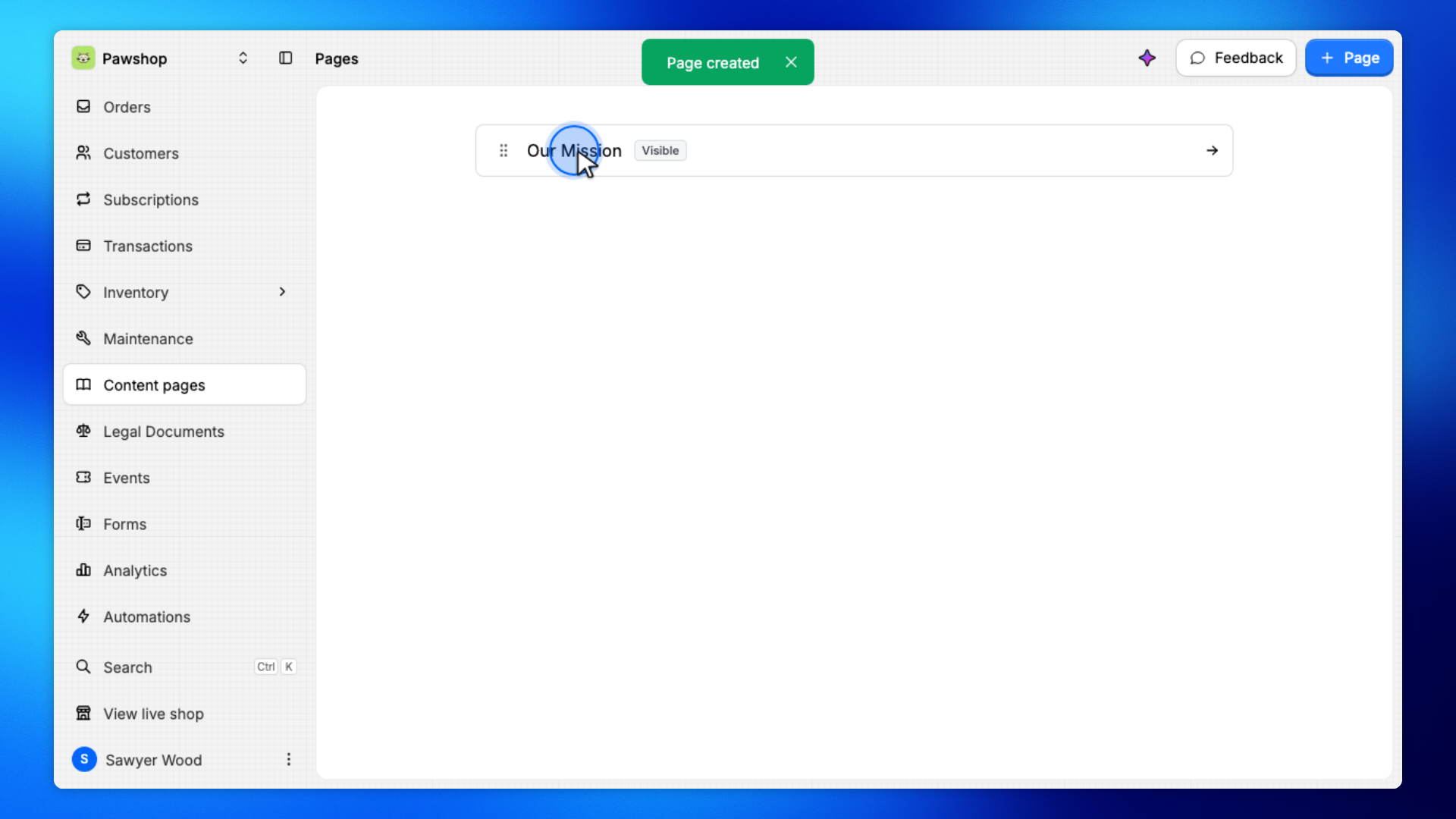
These steps are what customers see. Visible pages appear in the shop menu under Pages.
Open the shop, click the menu at the top right, then click the page under Pages.
The link uses the Page title you set.
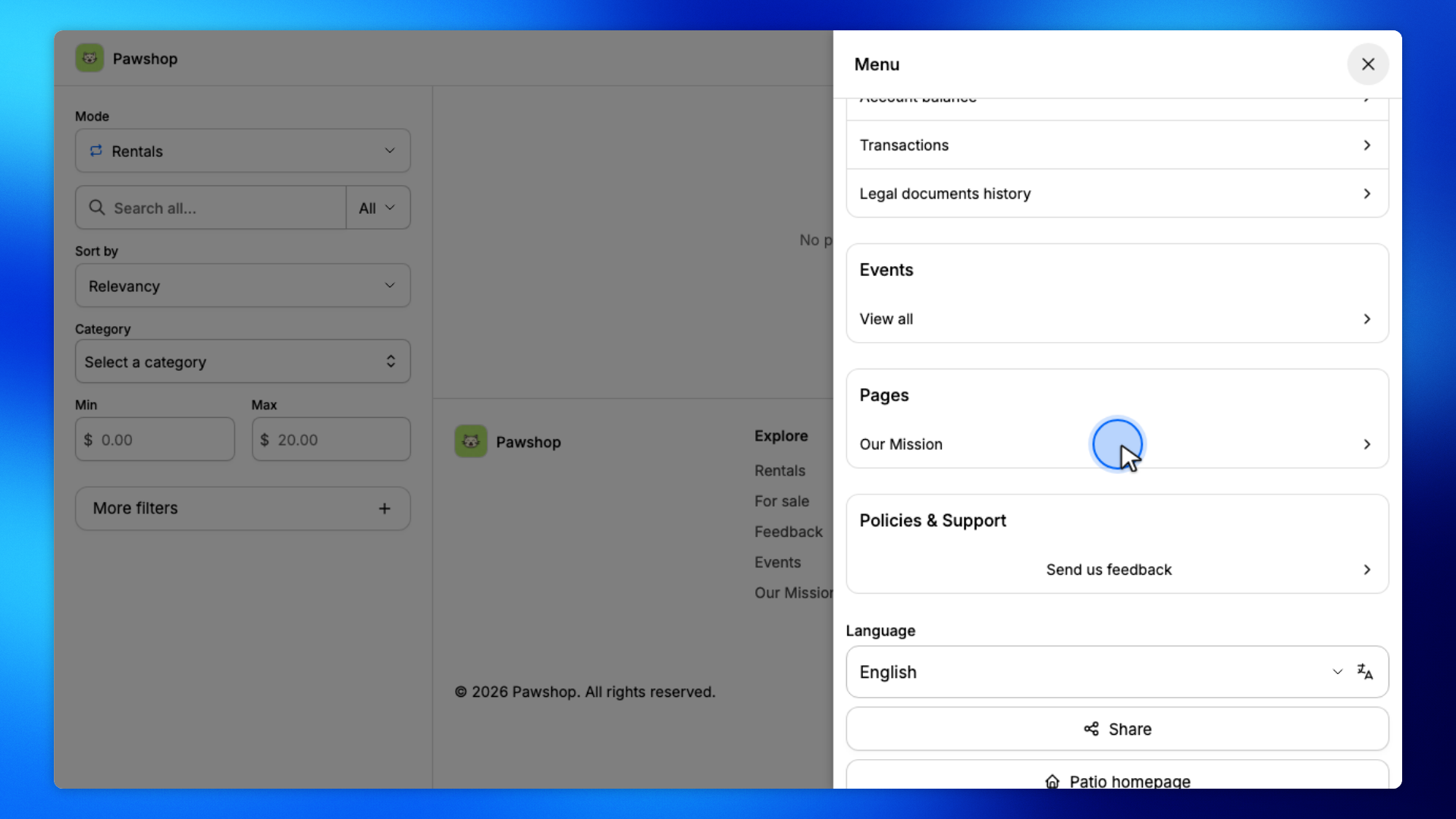
You'll land on the page.
Check that the title and body look right.