Create a new workspace
By Julien RiouxUpdated August 31, 2026
Add a logo, name the workspace, confirm contact details, choose what you offer, and create it.
By Julien Rioux·Updated August 31, 2026
Add a logo, name the workspace, confirm contact details, choose what you offer, and create it.
Go to https://patio.so/workspace/new to open Create your workspace. Add a logo and a Workspace name, then continue through Contact & region. On How your organization works, choose Rent items and/or Sell items, then click Create my workspace.
If you already have a workspace, you can also open the workspace switcher and click Create new workspace. For example, a new tool library can name the workspace, keep the default contact details, and create it.
Go to https://patio.so/workspace/new.
You'll land on Create your workspace.
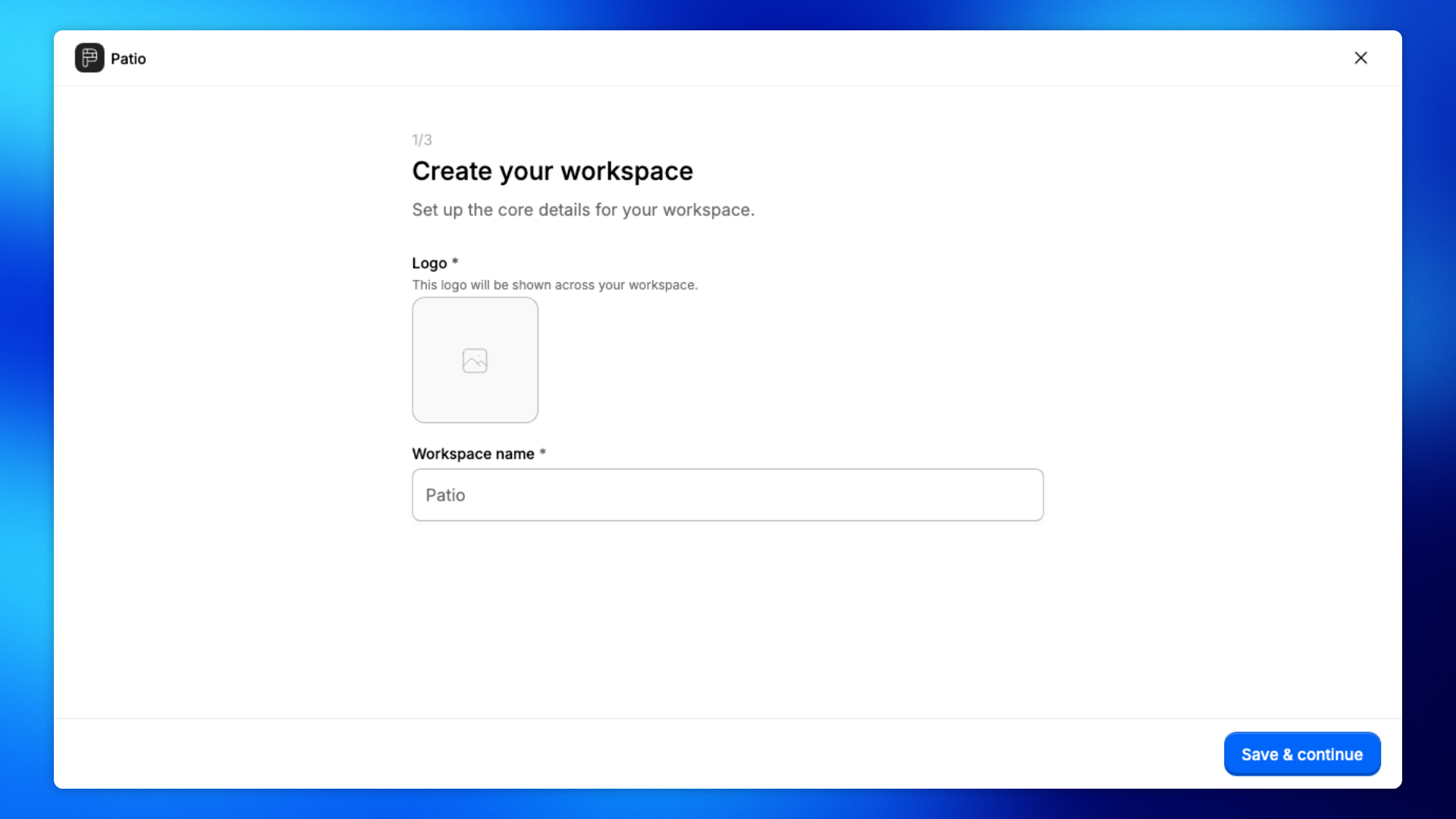
Upload a logo for the workspace. If a crop editor opens, click Save.
This logo is shown across your workspace.
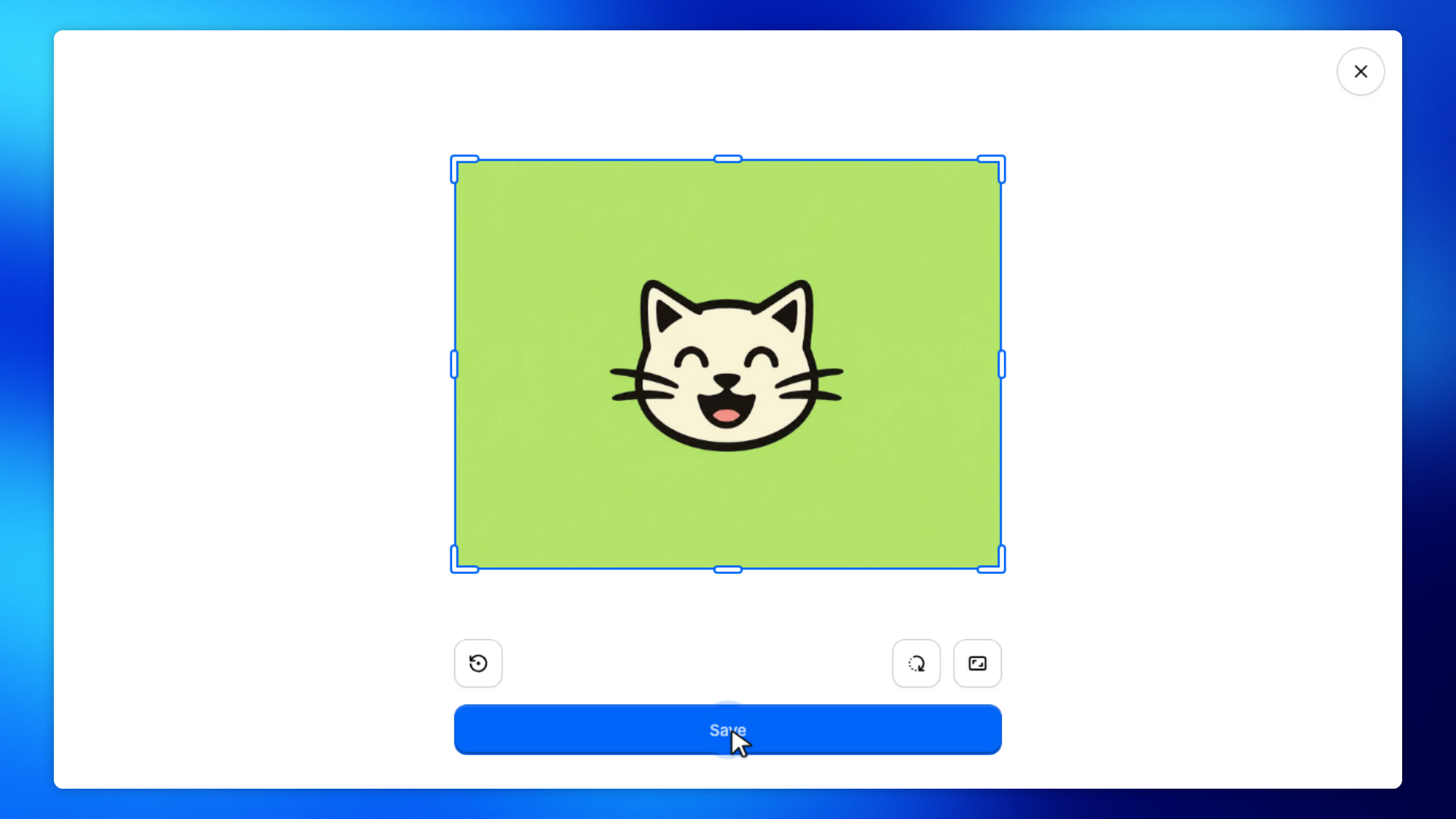
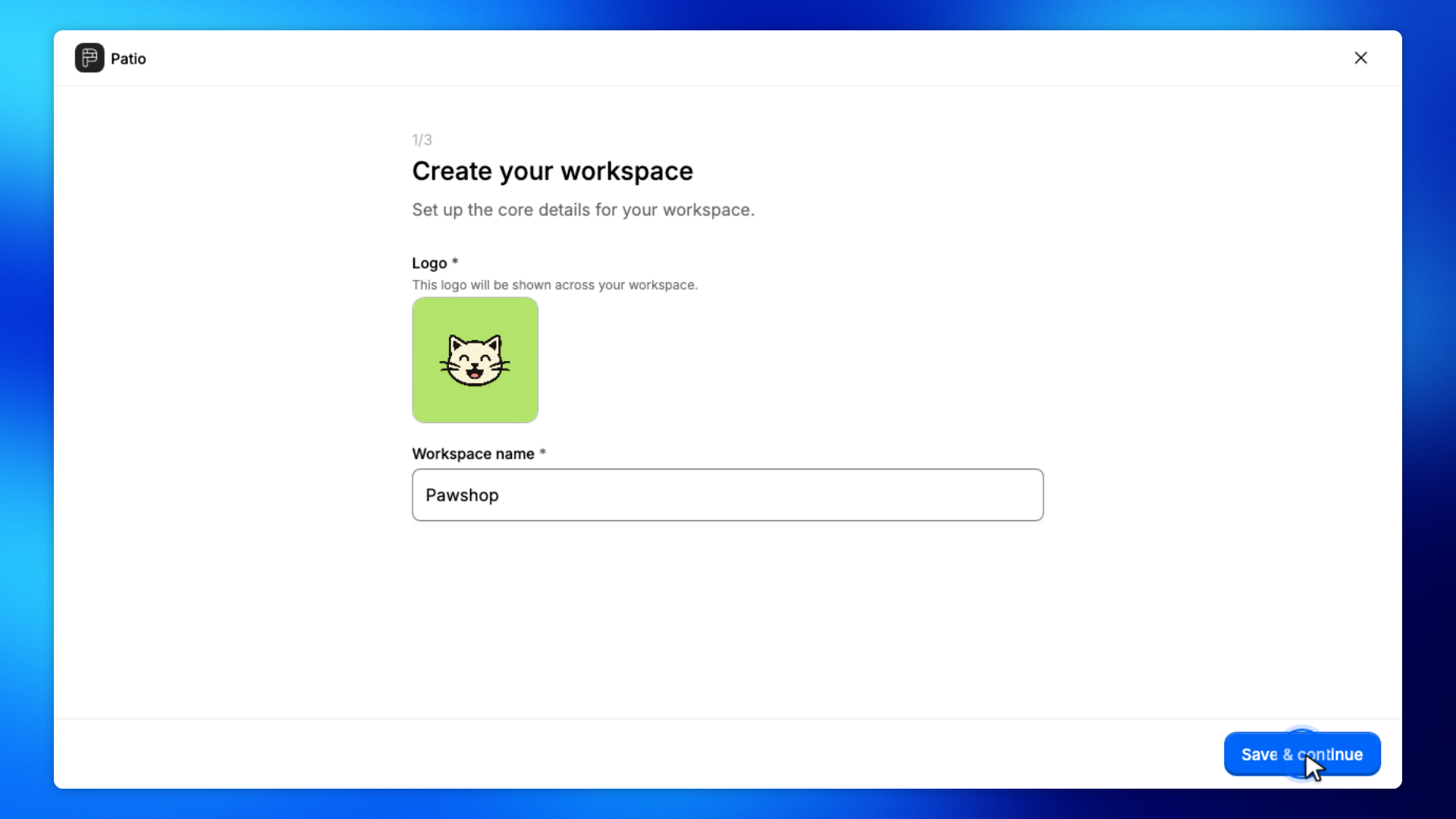
Enter a Workspace name, then click Save & continue.
Pick a name staff and customers will recognize.
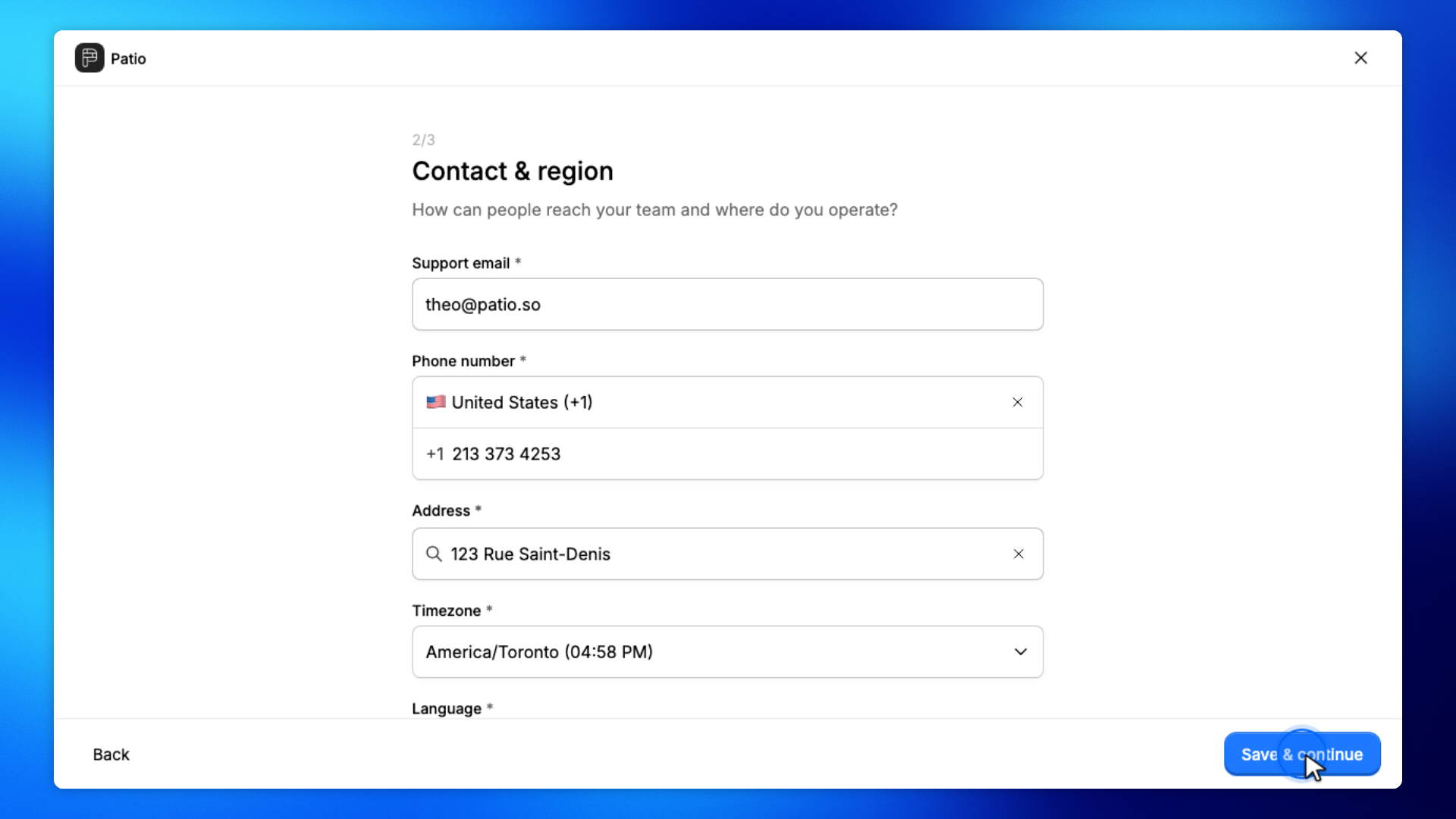
On Contact & region, confirm the support email, phone, address, timezone, and language. Click Save & continue.
These details help people reach your team.
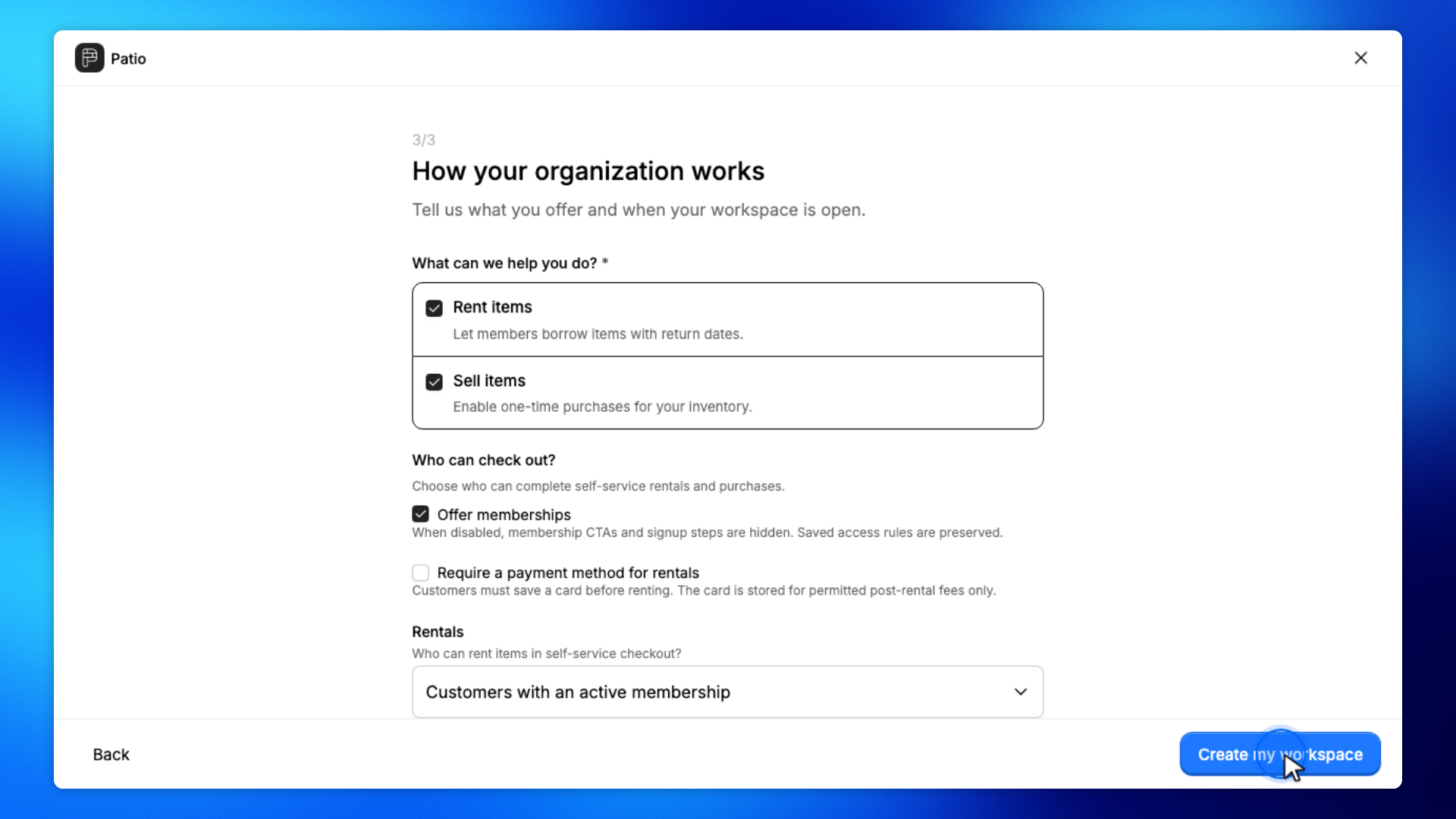
On How your organization works, choose Rent items and/or Sell items, then click Create my workspace.
You can also set who can check out and your opening hours.
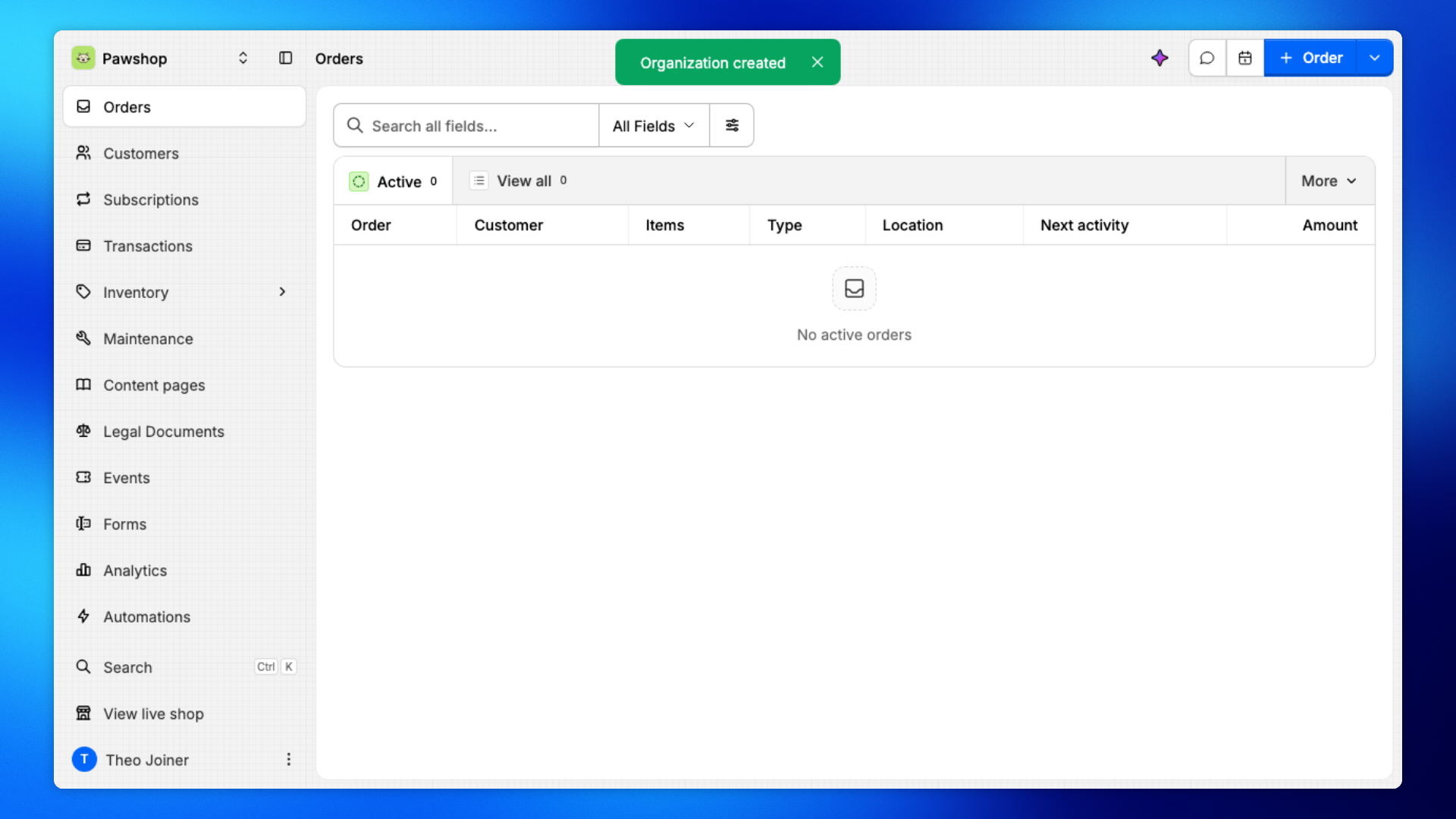
You'll land on Orders in the new workspace.
The workspace name is in the switcher. You can start adding products, memberships, and staff.