Invite staff
By JulienUpdated August 31, 2026
Send an invitation from your workspace, then see how the invited person joins.
By Julien·Updated August 31, 2026
Send an invitation from your workspace, then see how the invited person joins.
This tutorial has two parts: what you do in the workspace, and what the invited person does with the invite link.
In Customers, invite them to Join the team, pick a role (for example Admin), and send the invite. You will see them on Invitations until they accept.
The invited person opens the link, signs in, completes their profile, and clicks Join Workspace. Then they appear as an active member in your workspace.
These steps are yours. You send the invitation from Customers.
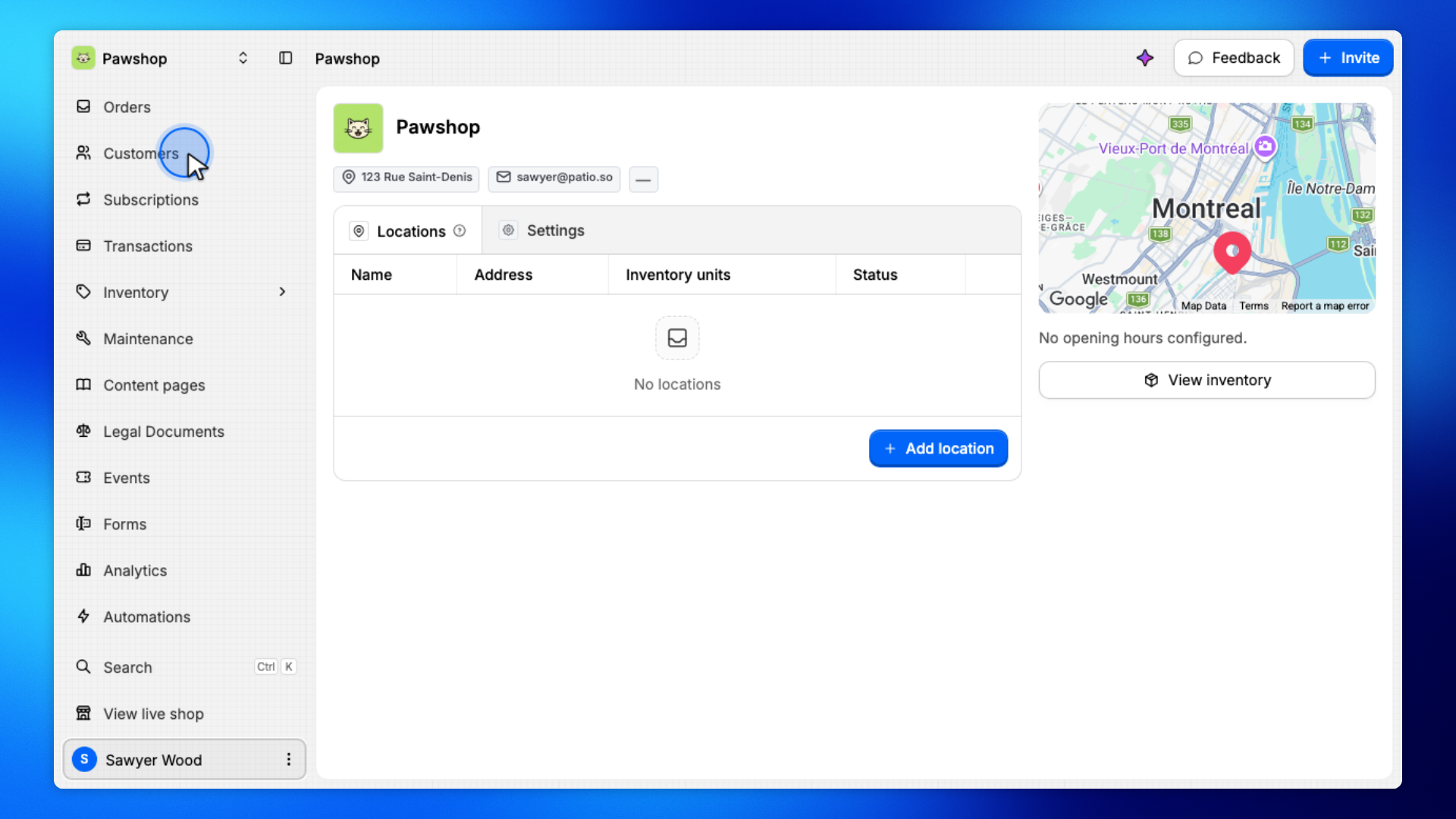
Open Customers from the workspace sidebar.
This is where you invite people to the team or to the shop.
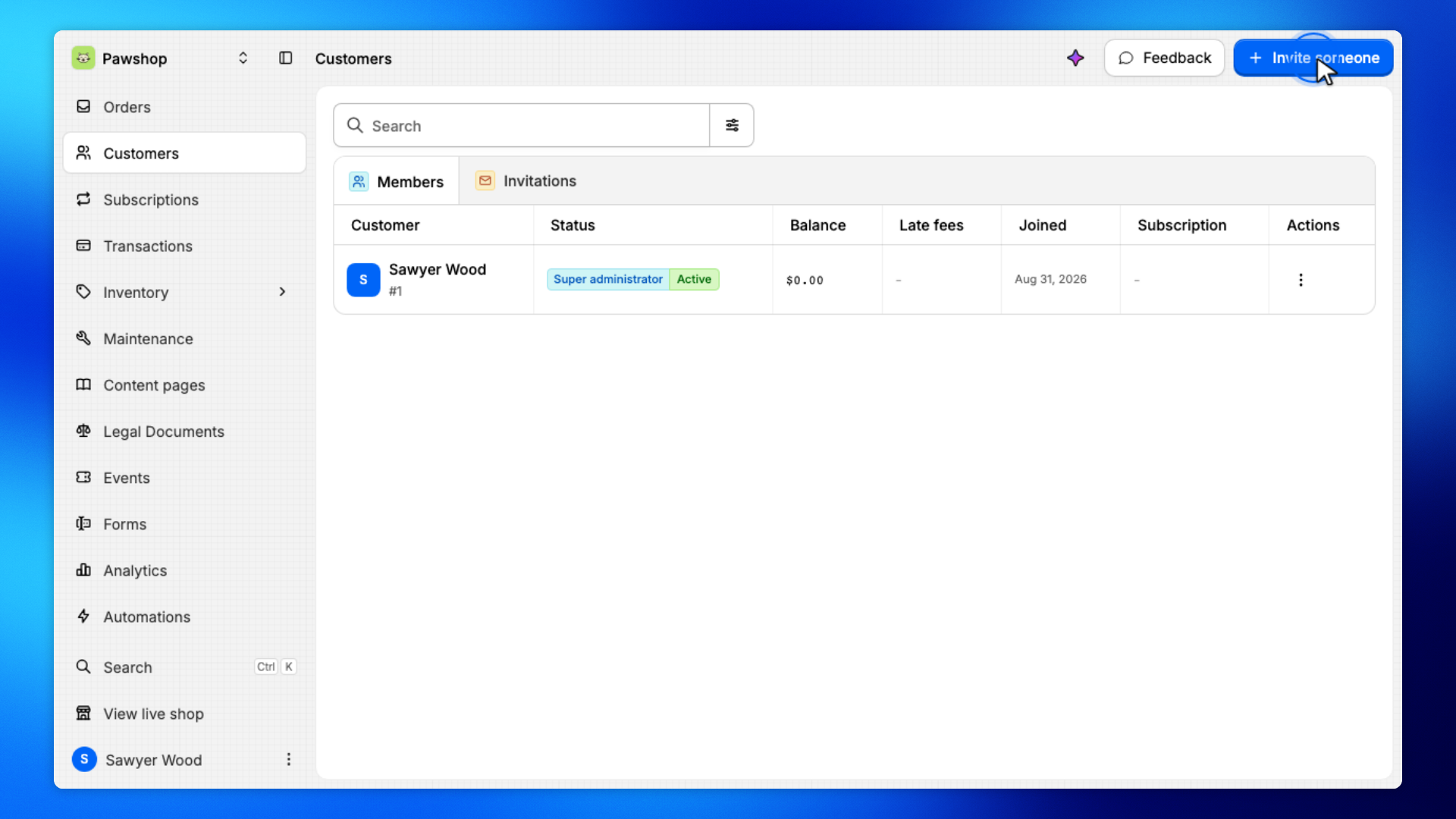
Click Customer (the invite button).
You will choose whether they join the team or join as a customer.
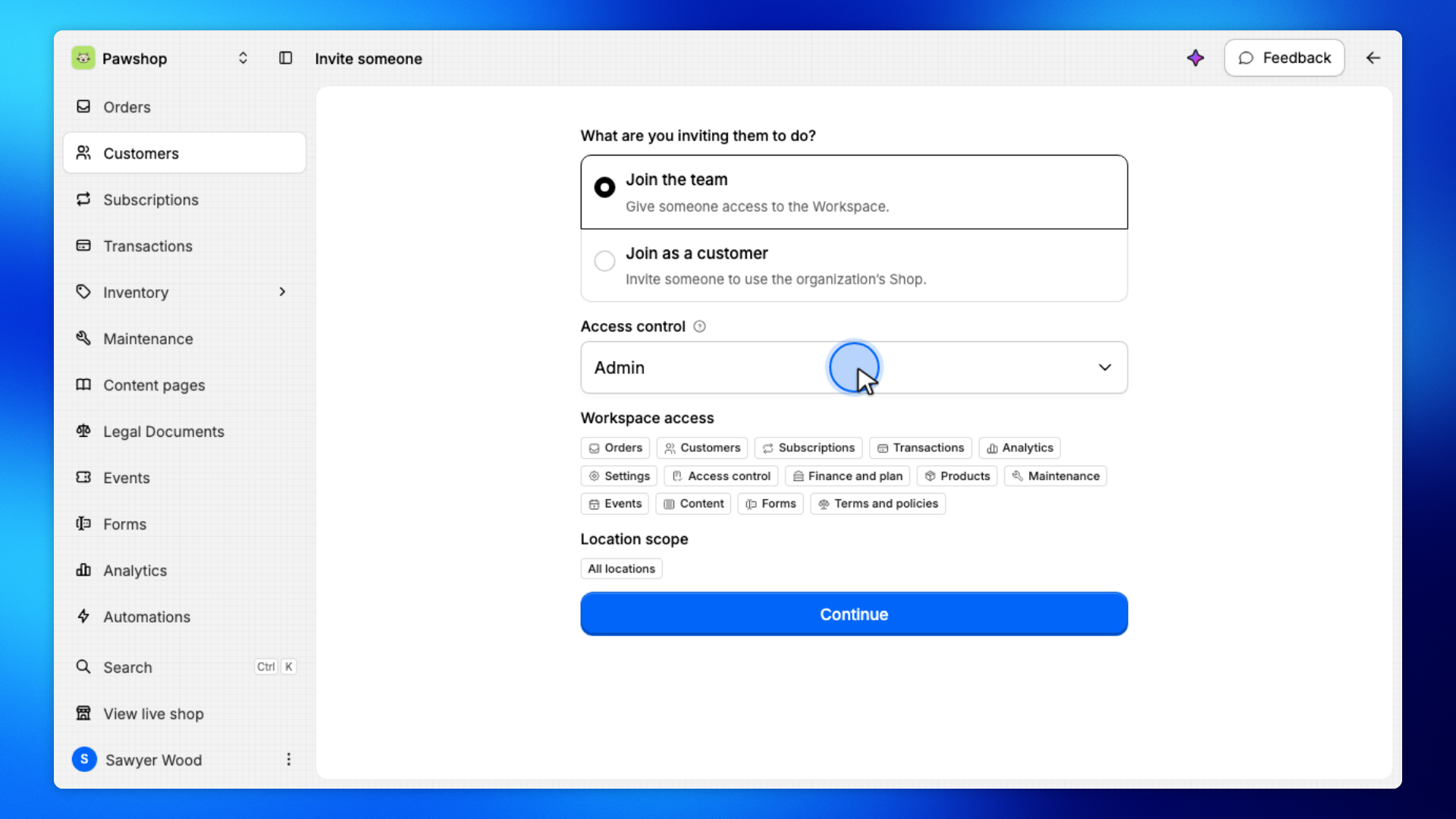
Select Join the team.
Use this when they should work in your workspace, not rent from the shop.
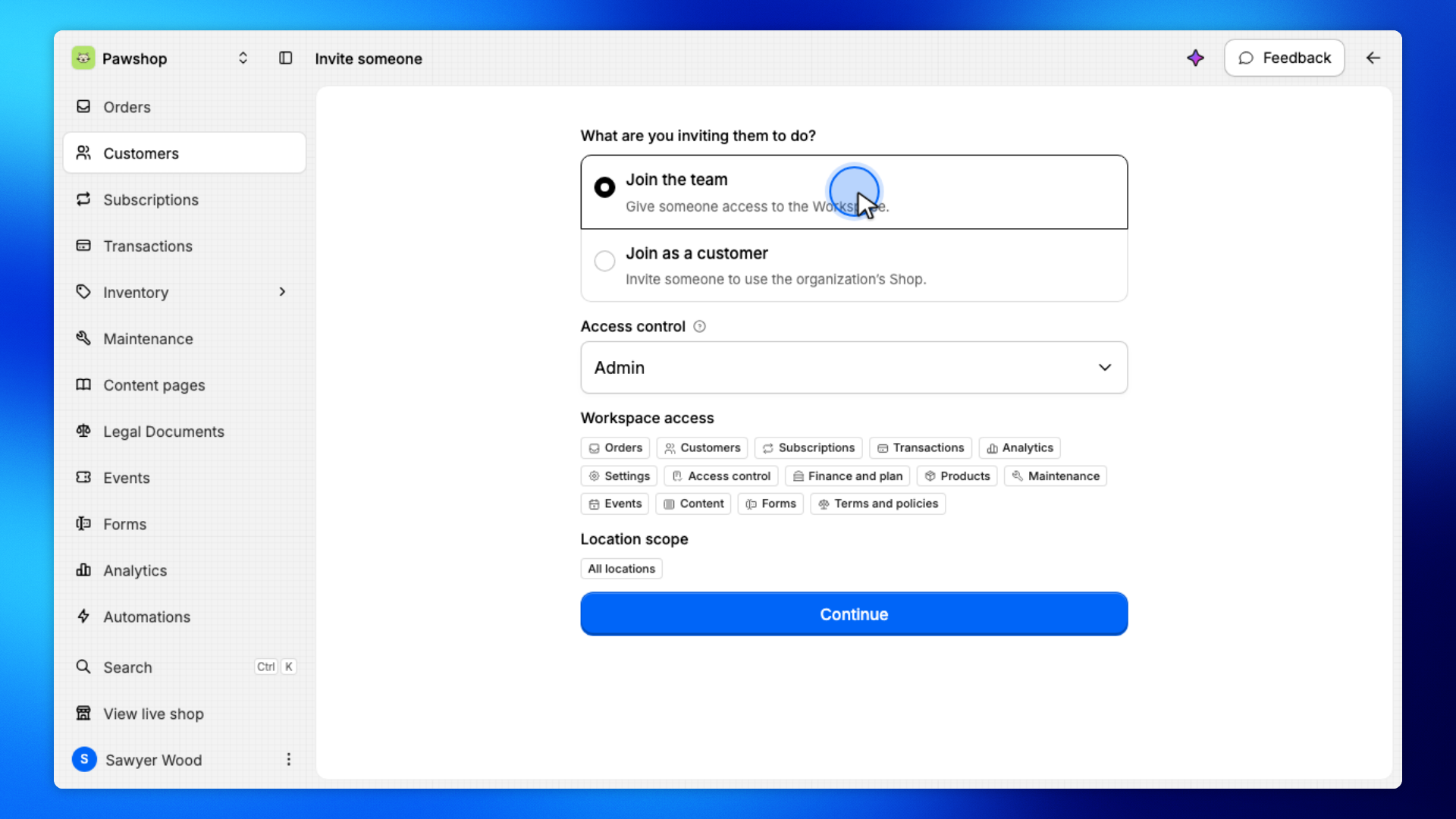
Open Access control and pick the role they should have, such as Admin.
The role controls which parts of the workspace they can use.
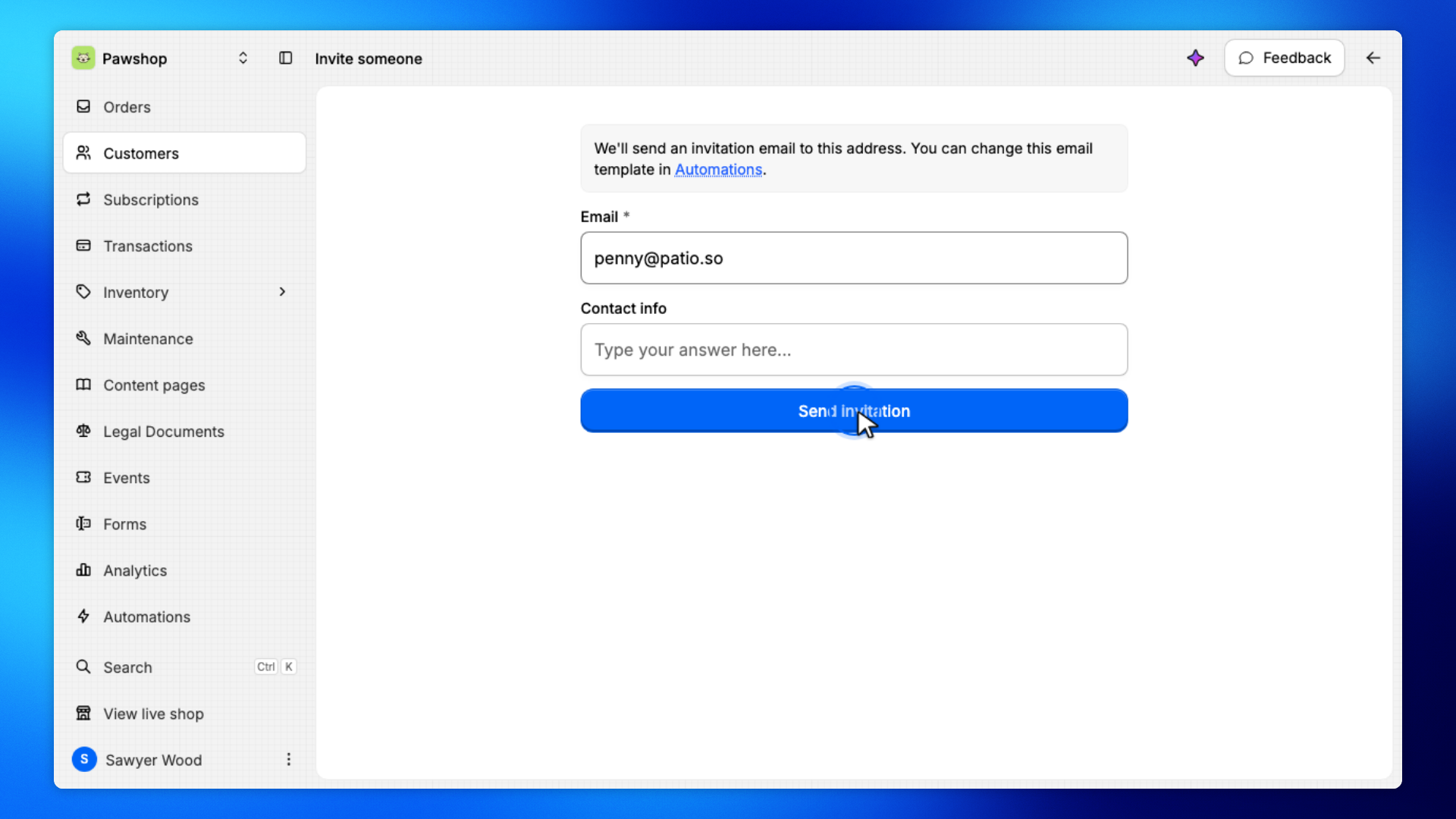
Enter their email, then click Send invitation.
Patio emails them a link. The next screens are theirs, not yours.
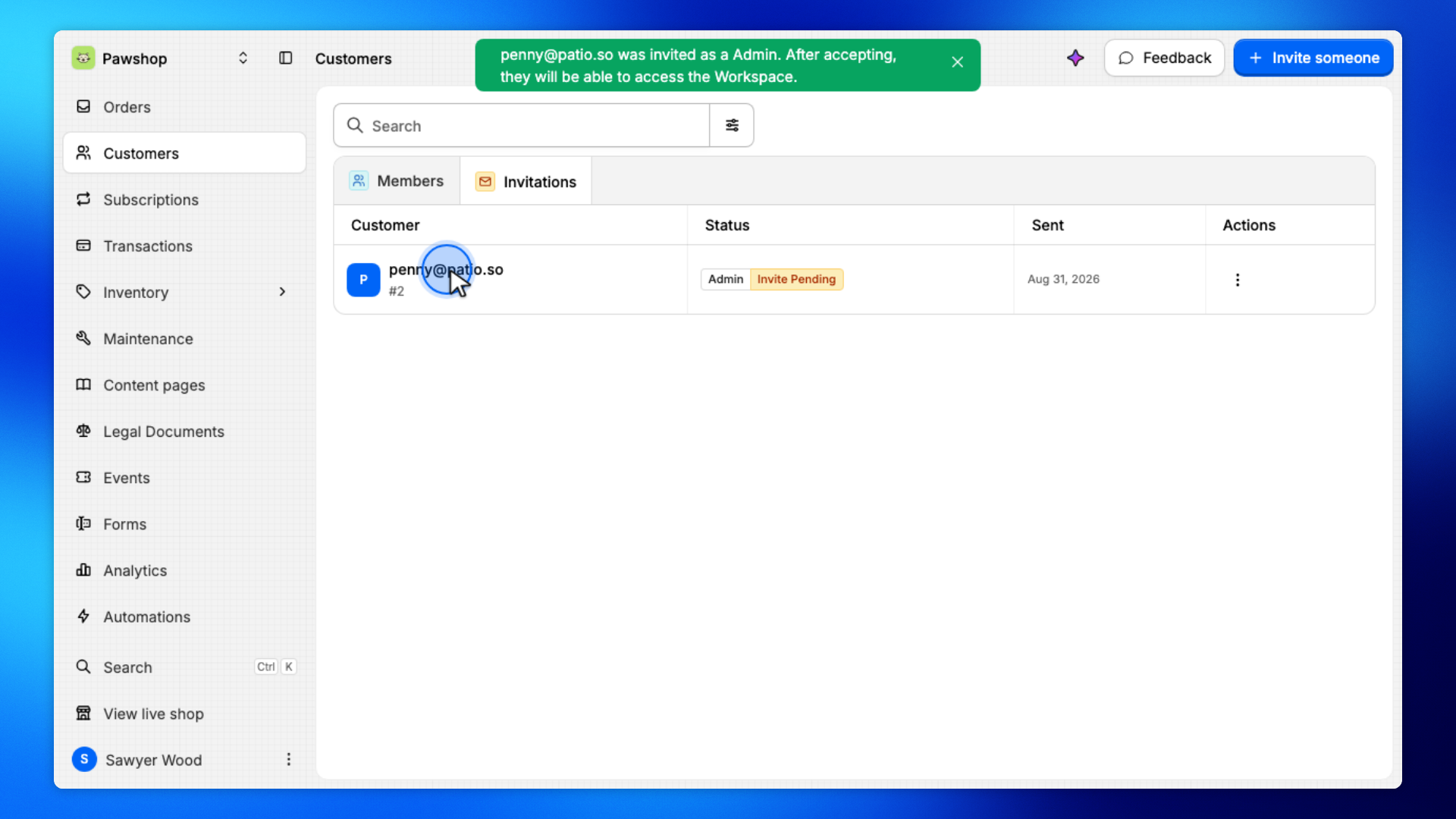
Still in Customers, open Invitations. The invited person stays listed here until they accept.
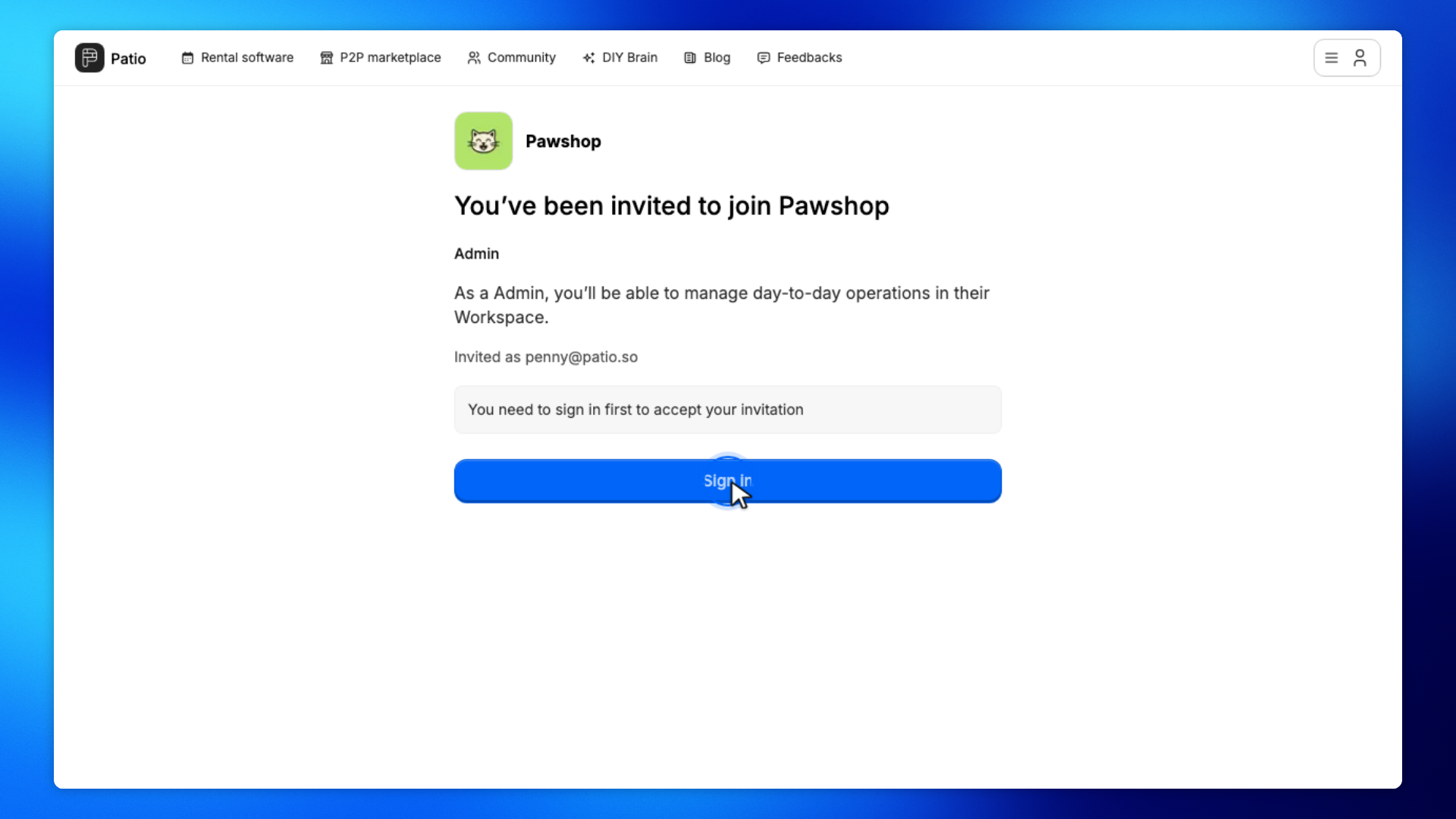
These screens are on the invite link in their browser, not in your workspace.
The invited person opens the invite link and clicks Sign in.
They must sign in before they can accept. This is not the workspace.
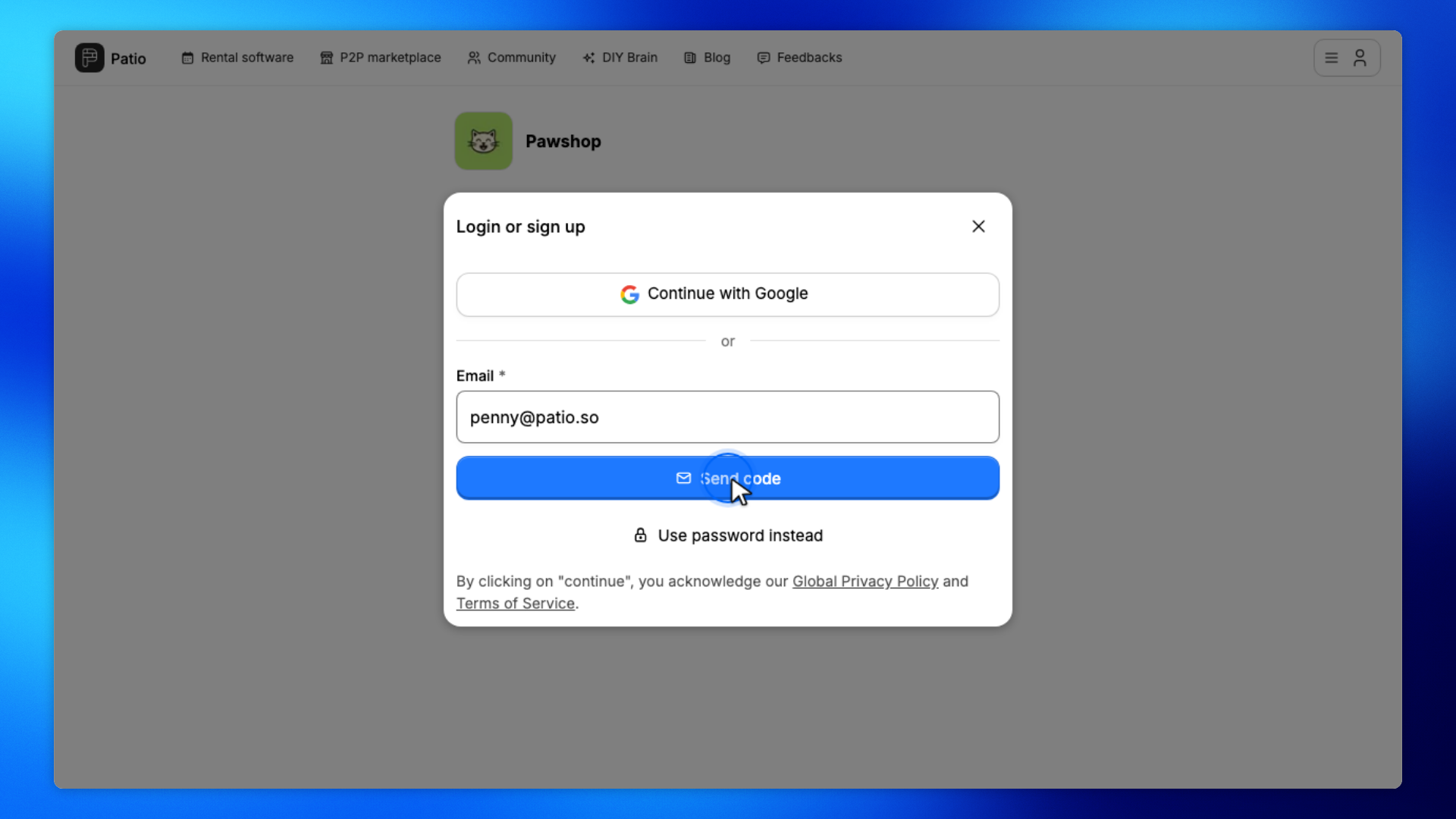
The invited person enters the invited email and clicks Send code.
Patio emails them a one-time code.
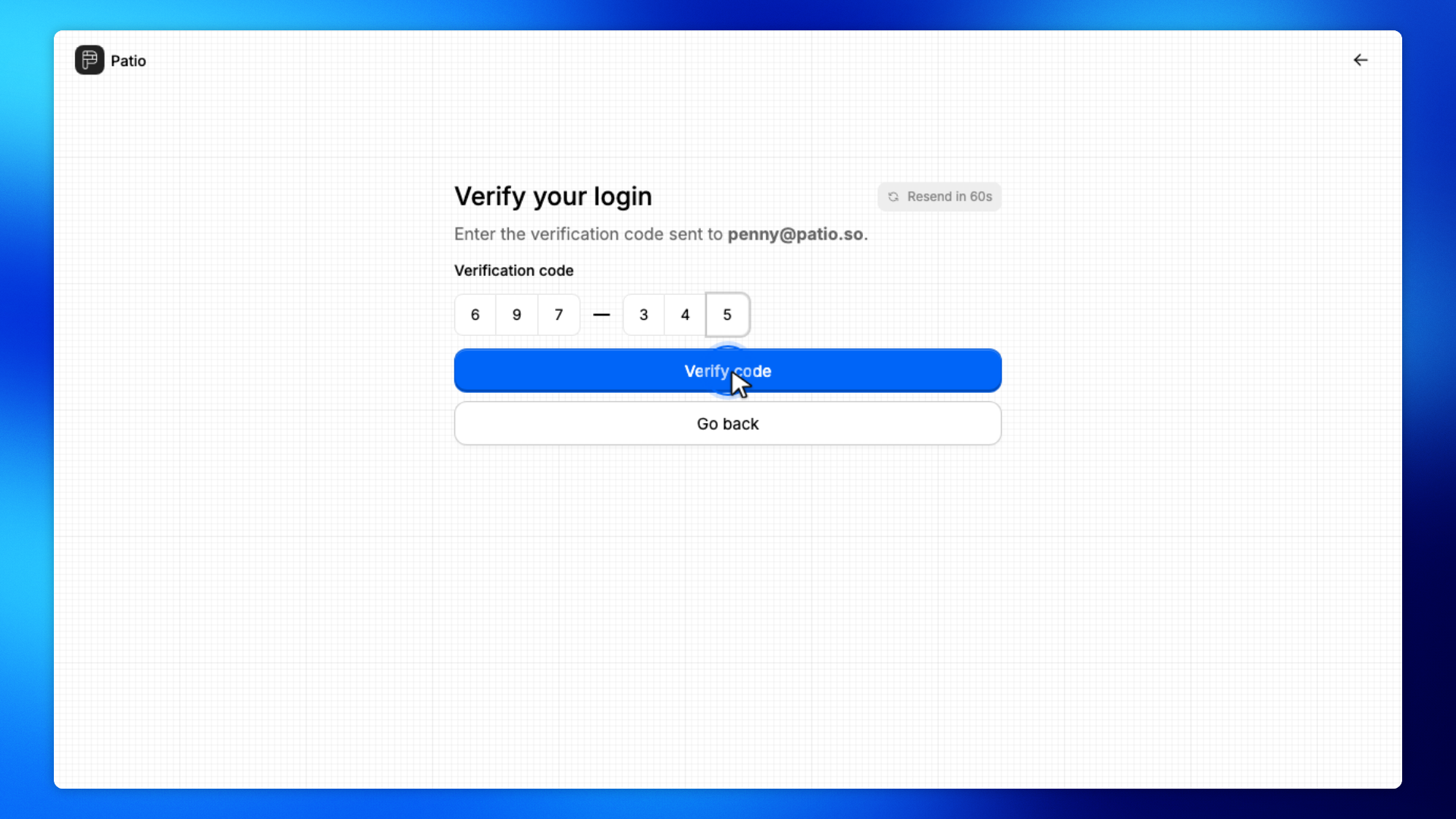
The invited person enters the code from their email and clicks Verify code.
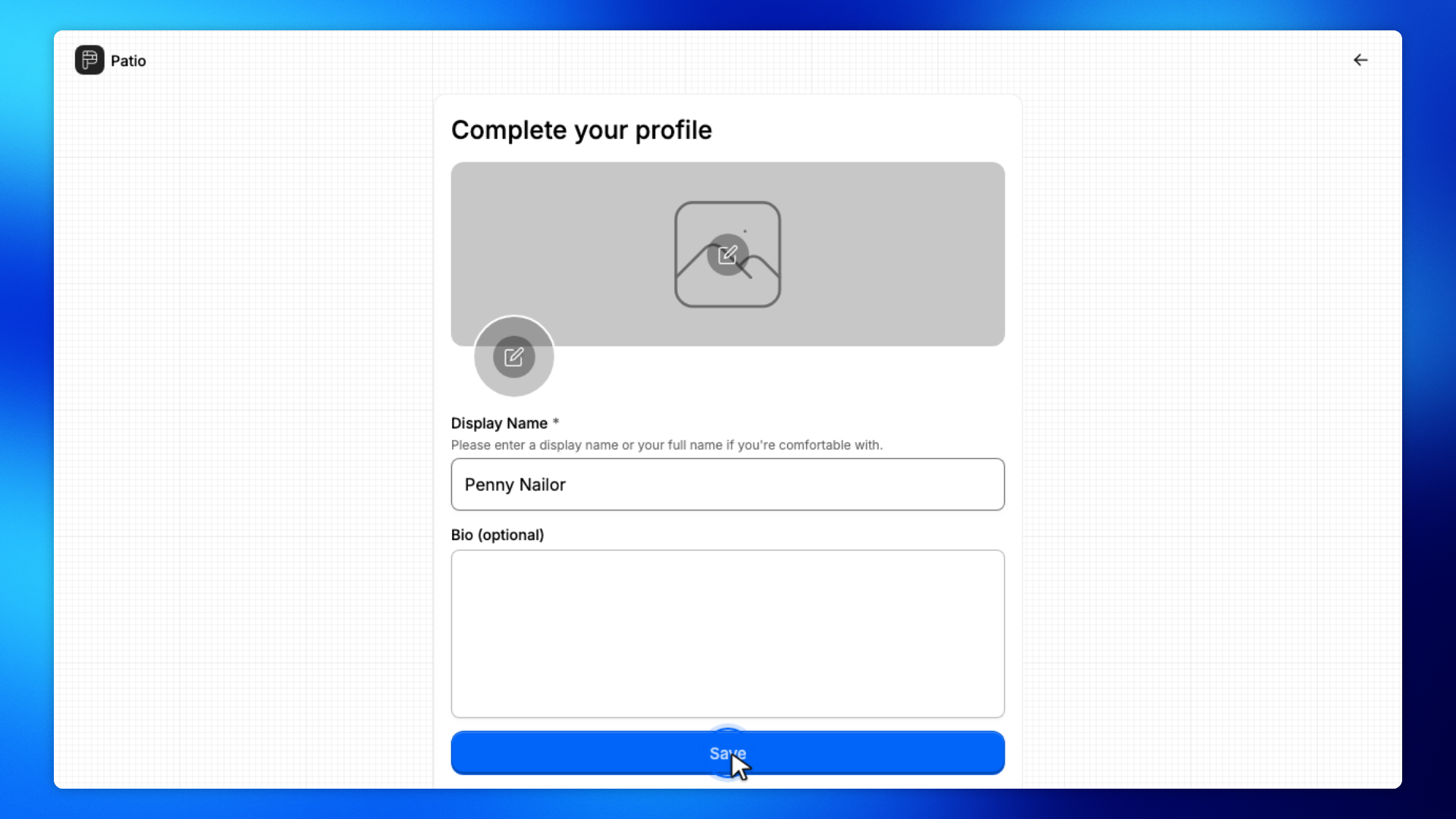
The invited person enters their name on Complete your profile and clicks Save.
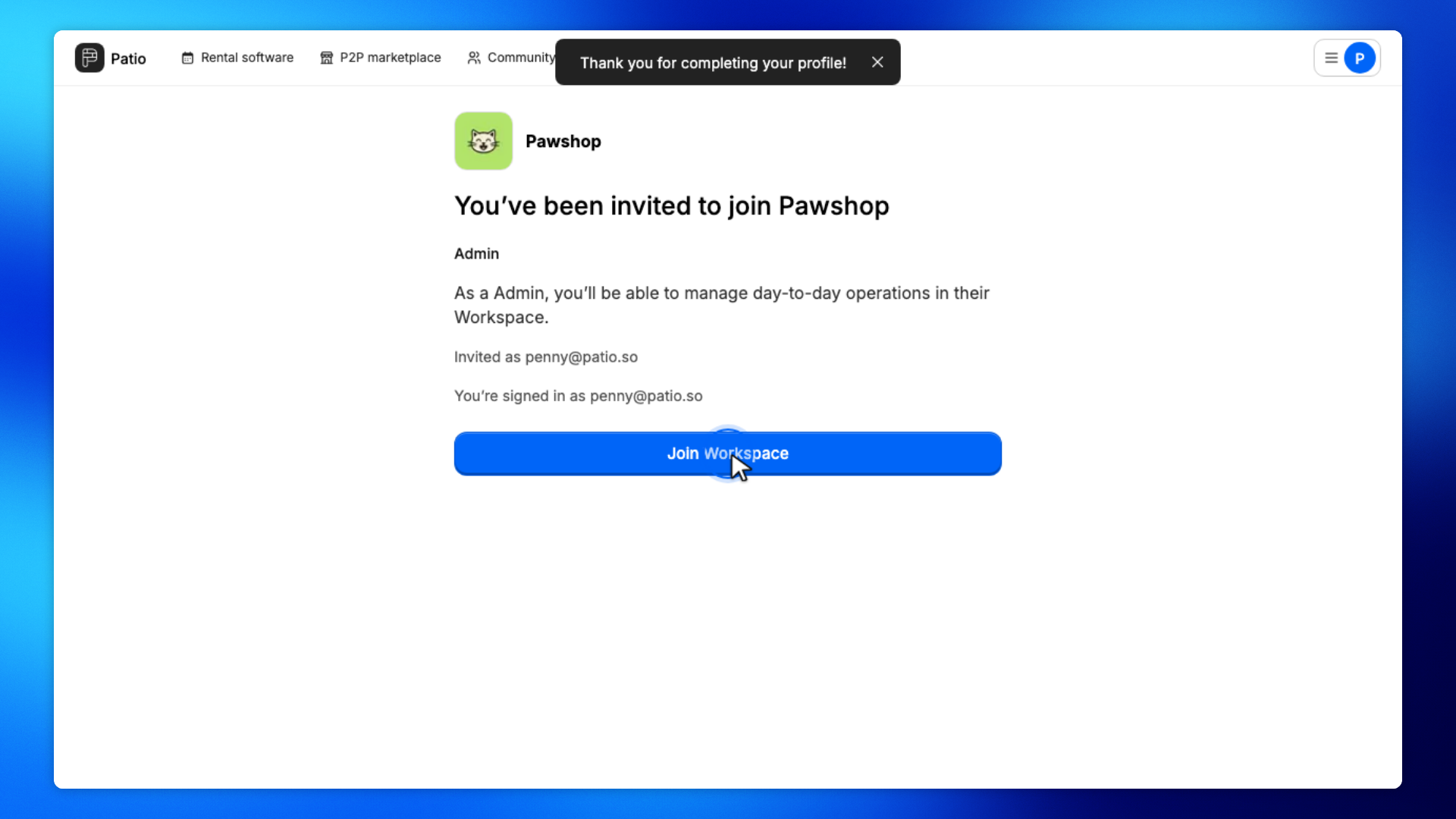
The invited person clicks Join Workspace.
That accepts the invitation and opens your workspace for them.
These steps are yours again. The invited person has finished joining.
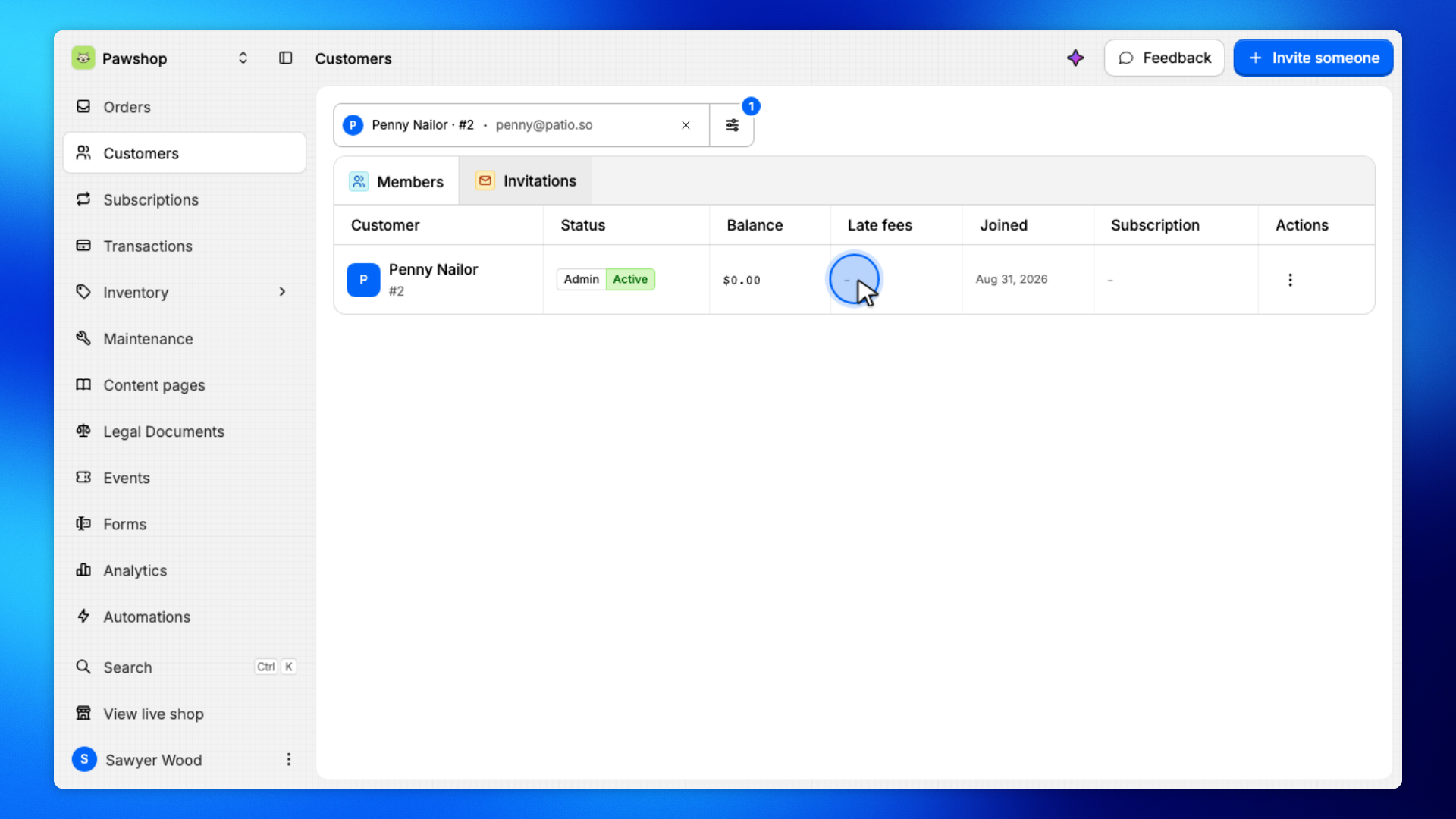
Open Members. They should show as Admin and Active.