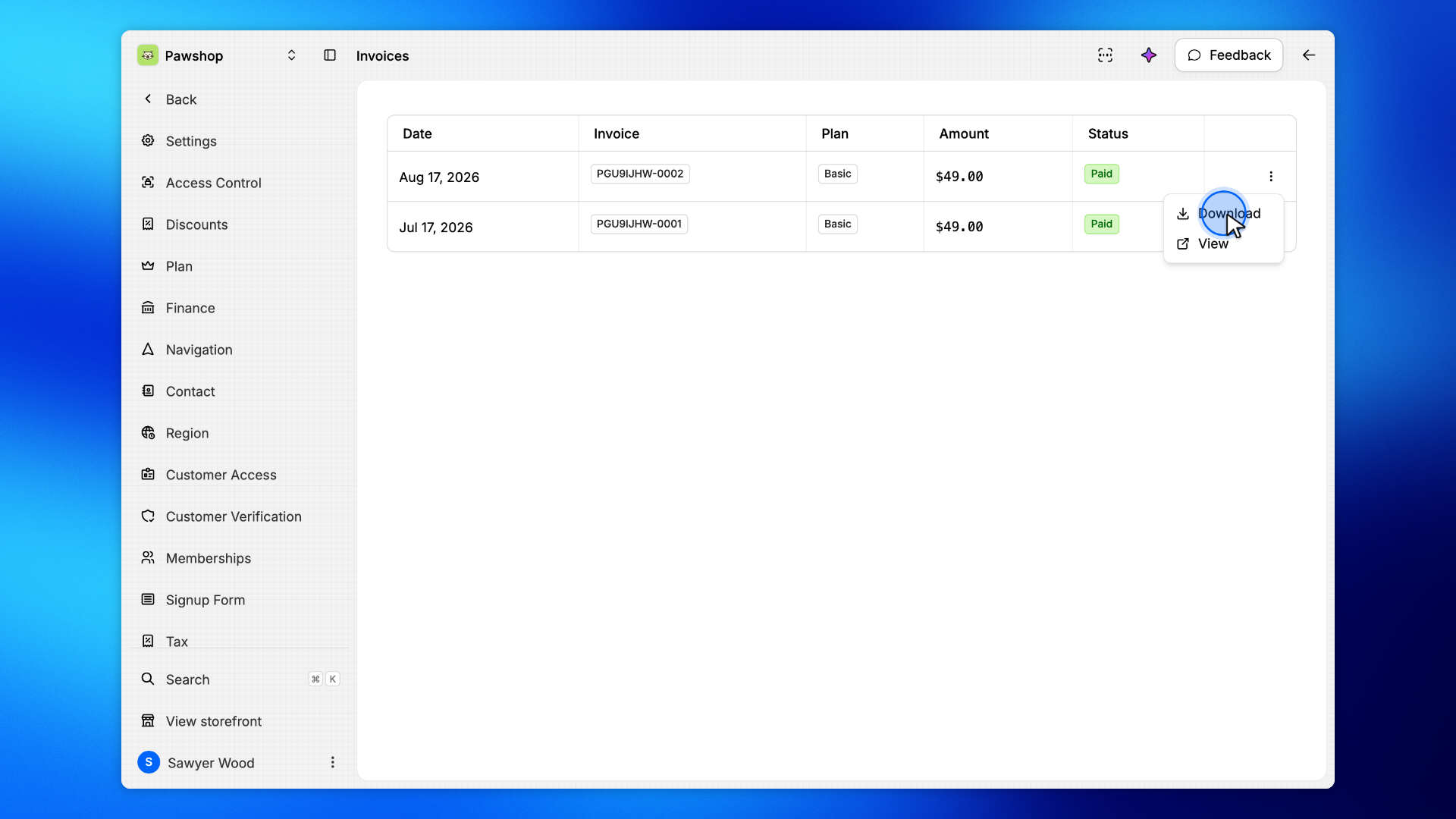
Find and download your Patio plan invoices
By Julien RiouxUpdated October 13, 2026
Open the invoices of your Patio plan from Settings › Plan, see the plan each one billed, and download them as PDFs for your records.
By Julien Rioux·Updated October 13, 2026
Open the invoices of your Patio plan from Settings › Plan, see the plan each one billed, and download them as PDFs for your records.
Every time your Patio plan renews, Stripe issues an invoice. Settings › Plan › Invoices lists them all, newest first, so your finance team can find any of them without searching an inbox.
Only the workspace owner and roles with the Finance and plan permission can open it.
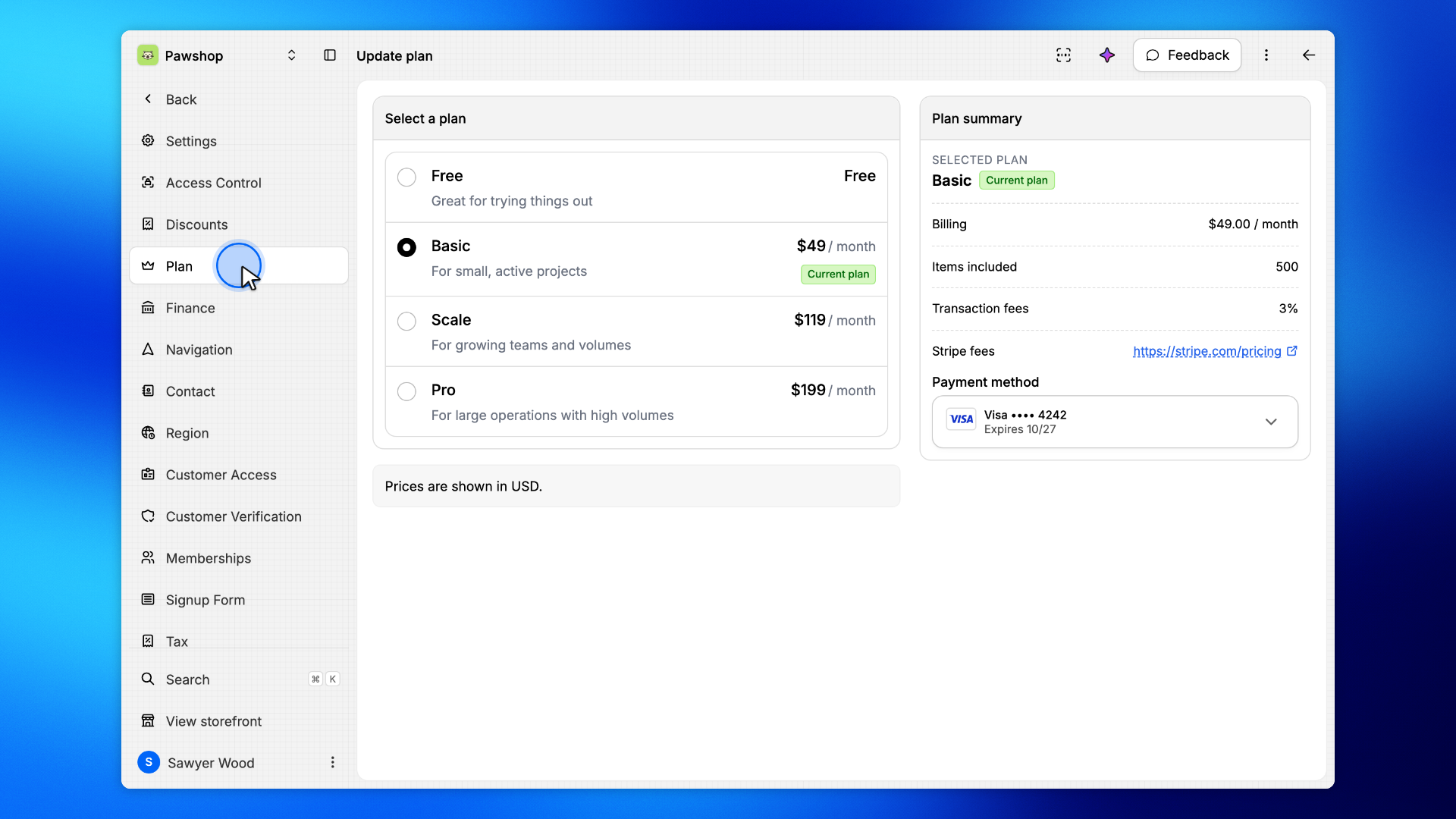
Go to Settings › Plan. This is the page where you change your plan, and its invoices are one menu away.
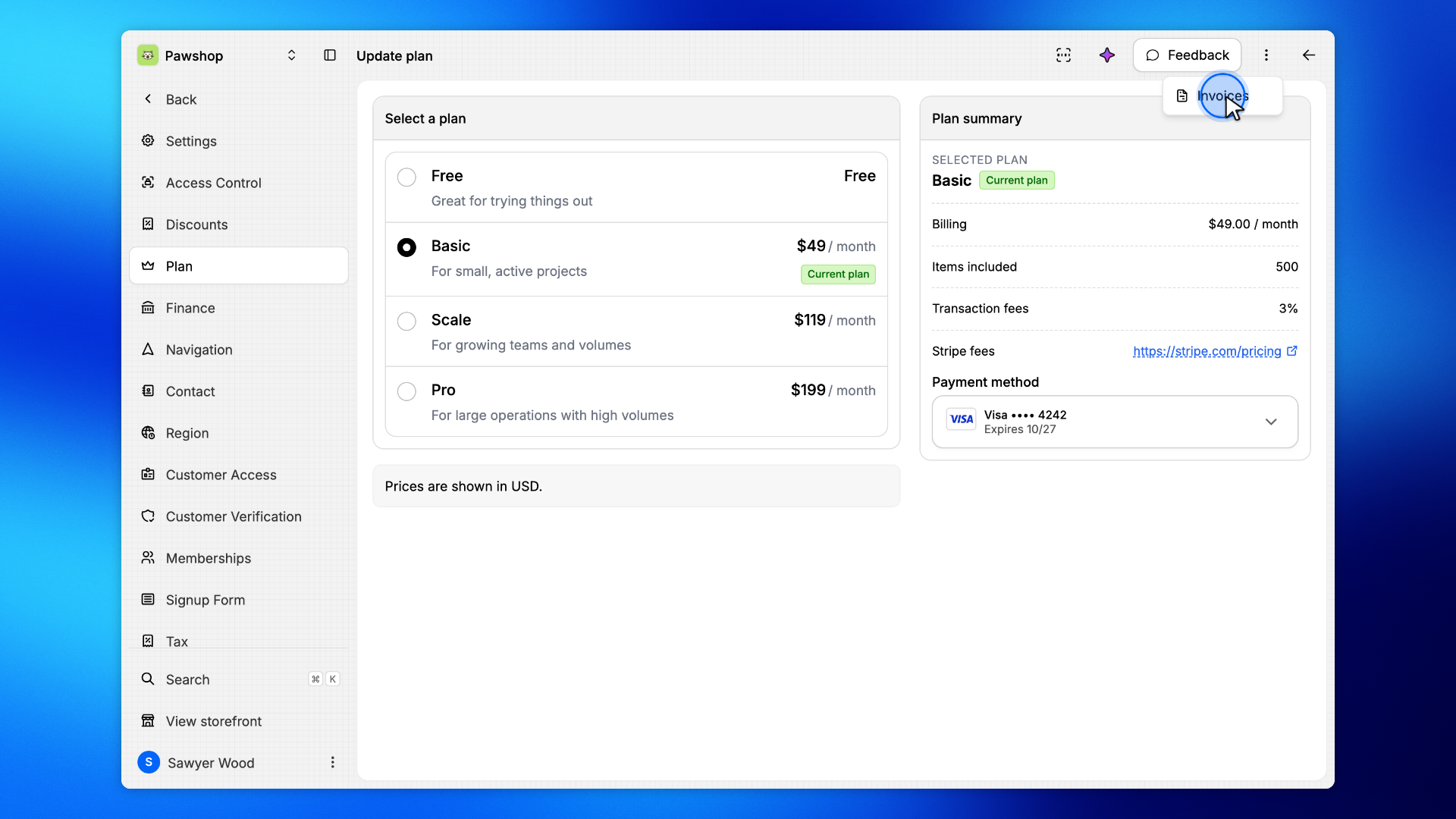
Click the ⋮ button at the top right of the page, then Invoices.
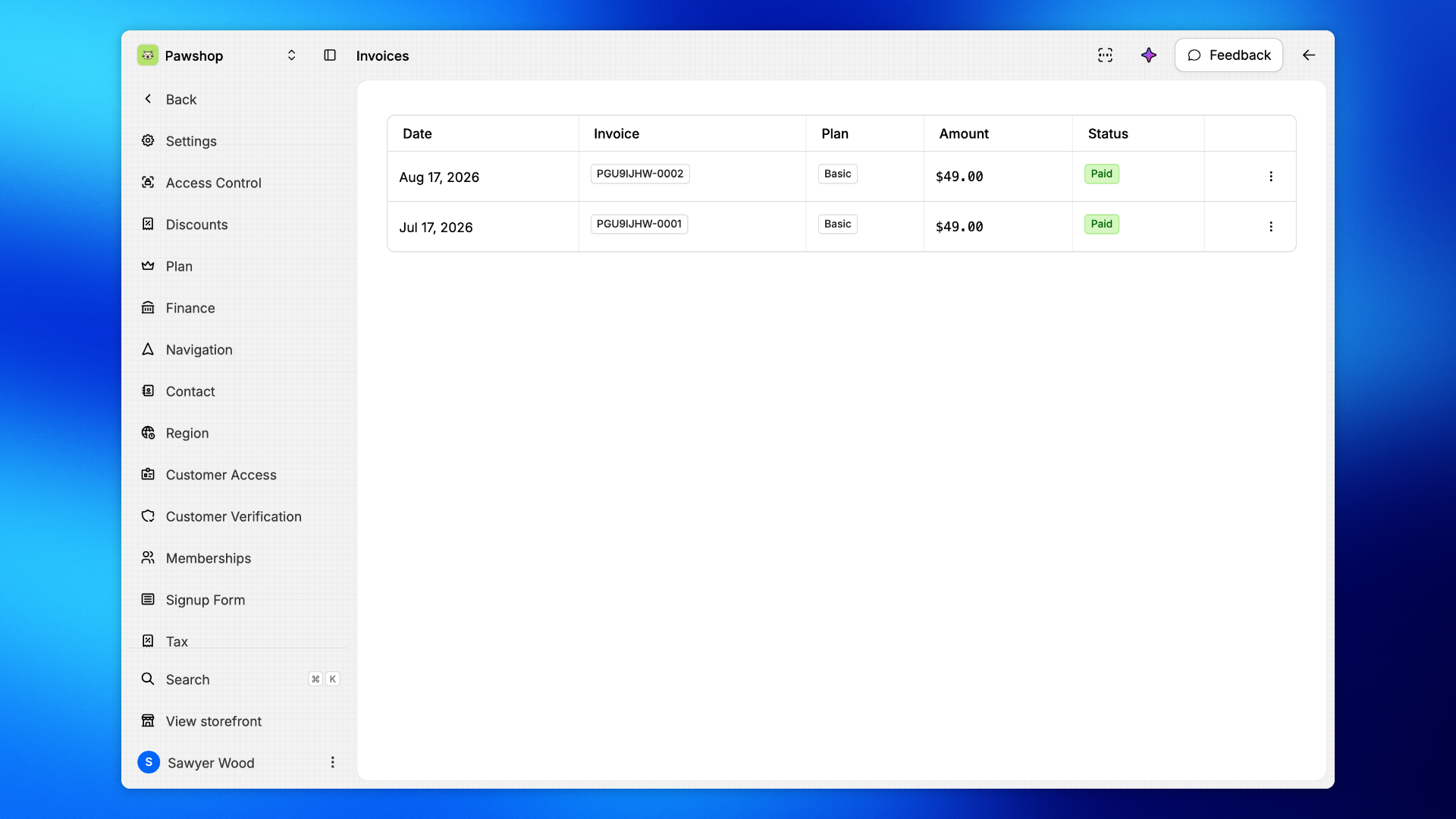
Each row is one invoice: its date, its number, the Plan it billed, the amount, and whether it is Paid.
When you have more than a dozen invoices, Show older invoices at the bottom loads the earlier ones.
Click ⋮ at the end of the row. Download saves the invoice as a PDF, ready to send to your accountant. View opens it on Stripe, where you can also download its receipt.