Rent an item from the shop
By Julien RiouxUpdated August 31, 2026
Browse the shop, add a rental to your cart, and complete checkout.
By Julien Rioux·Updated August 31, 2026
Browse the shop, add a rental to your cart, and complete checkout.
From the shop, open a rental, add it to your cart, choose how you will pay, and complete checkout.
The rental dates can be filled for you. For example, a member can rent a drill for the default period and see an Active order.
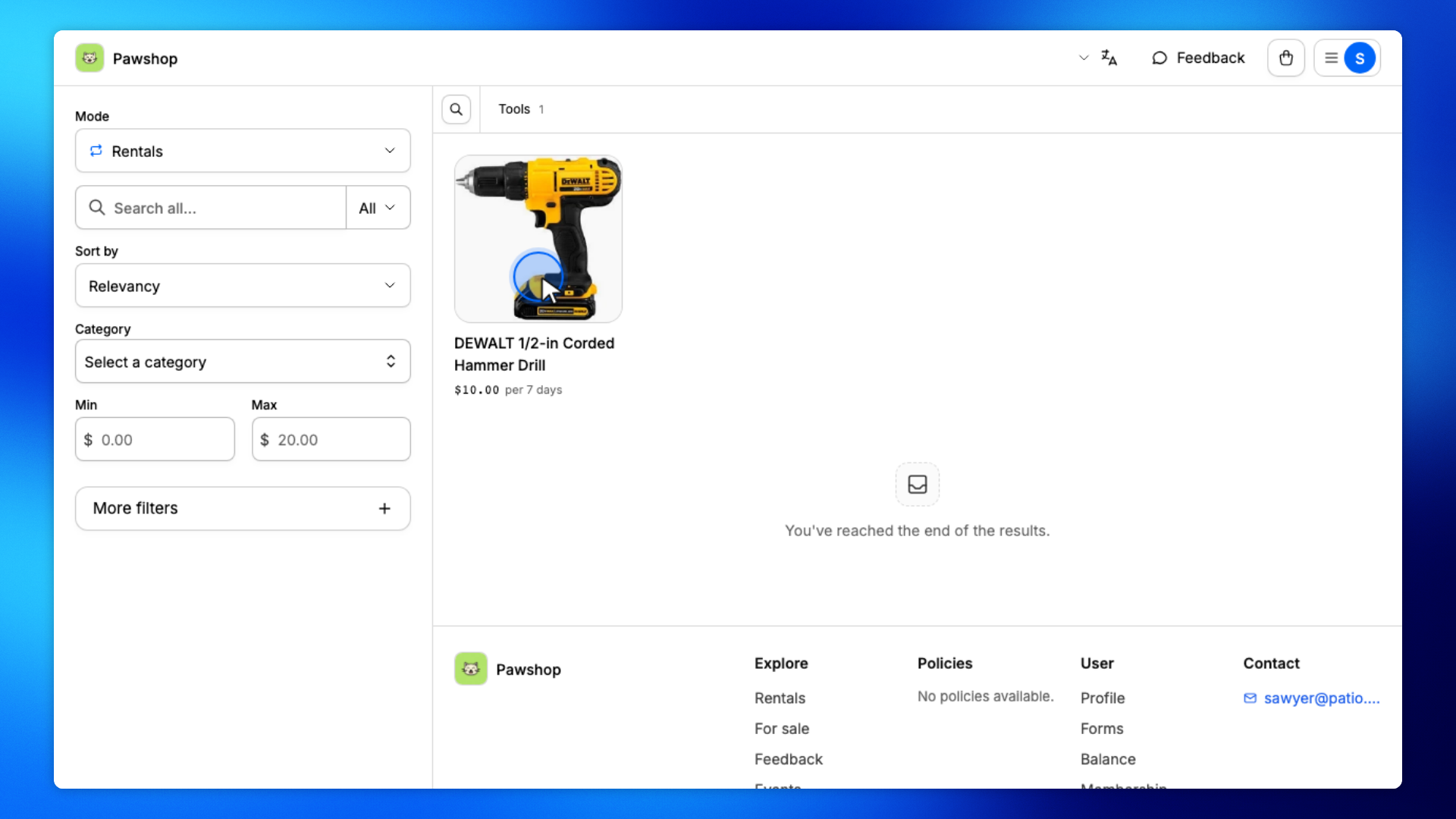
On the shop, stay on Rentals and open the item you want.
The product page shows the rental period and Add to cart.
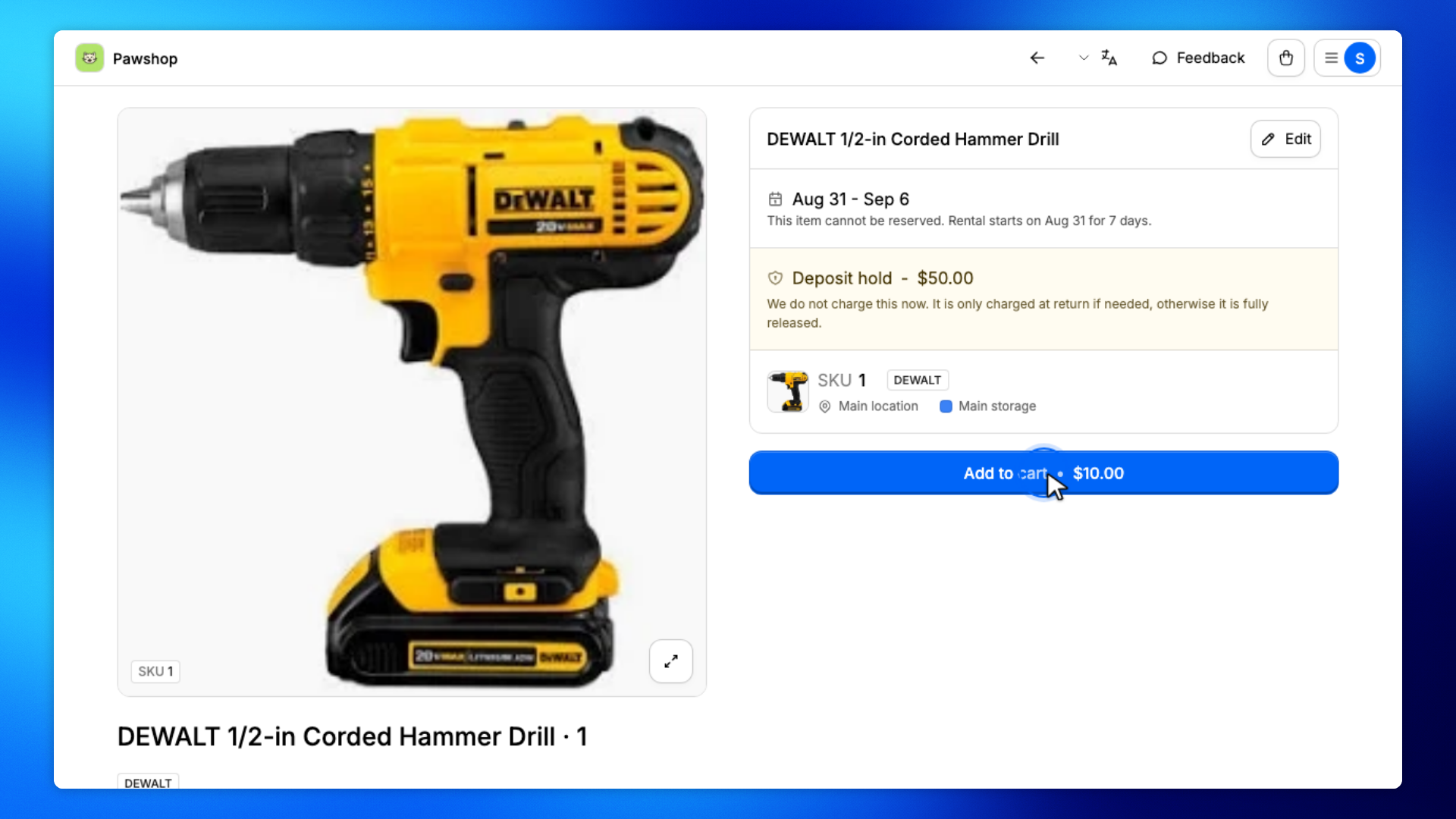
Click Add to cart.
The rental dates are already filled for the default period.
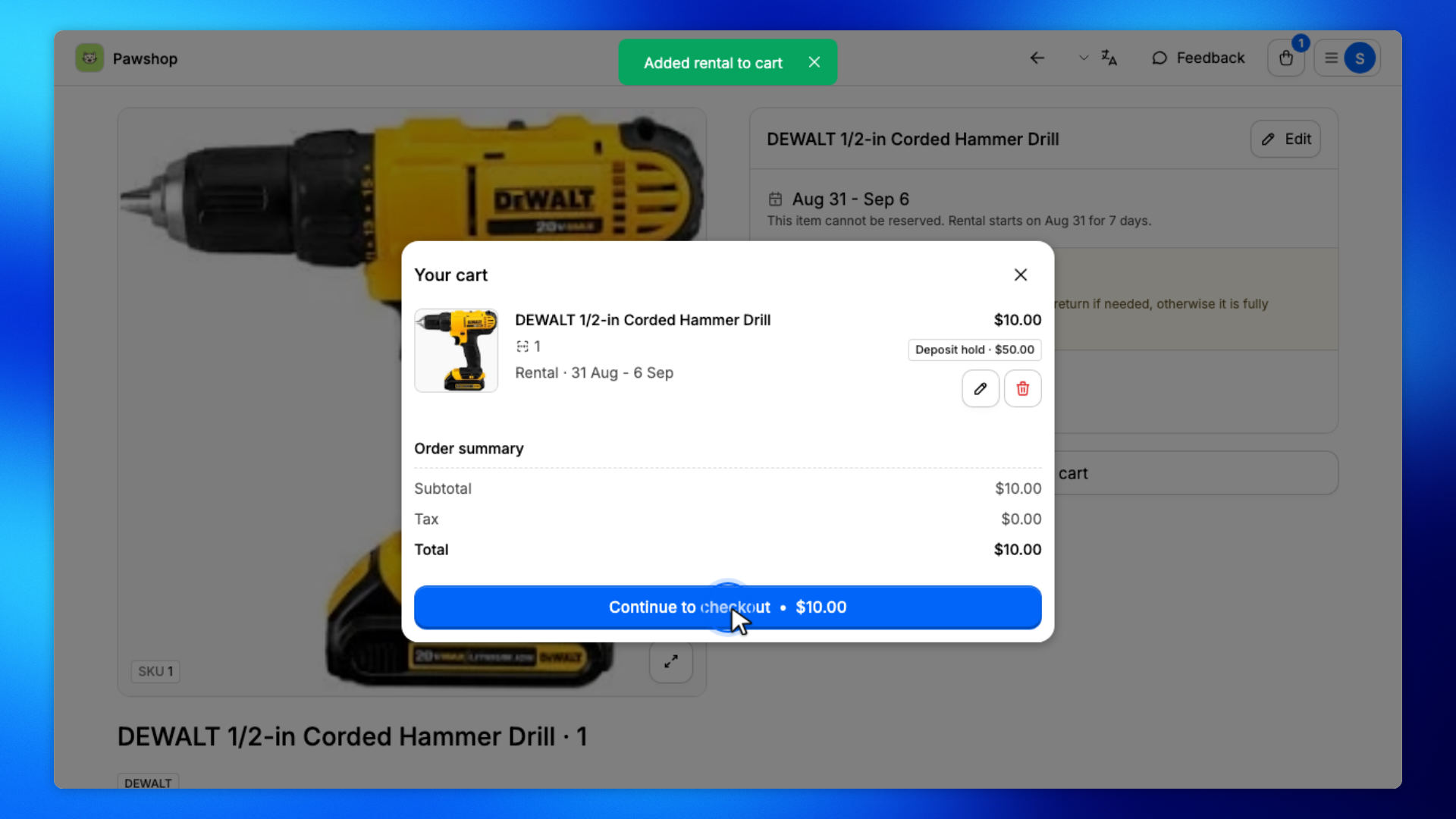
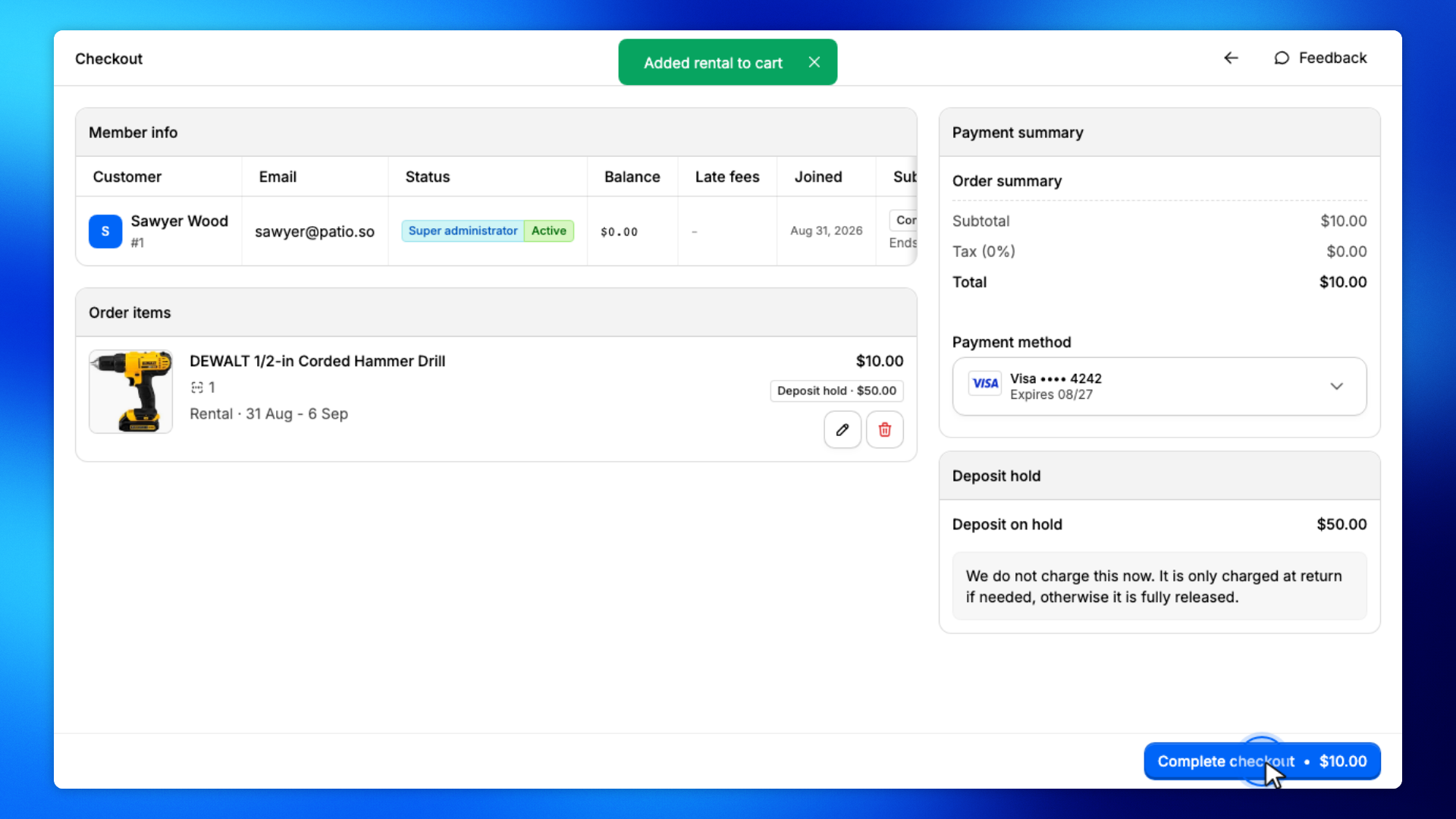
Open your cart, then click Continue to checkout.
You'll review the rental and pay.
Choose your saved card, then click Complete checkout.
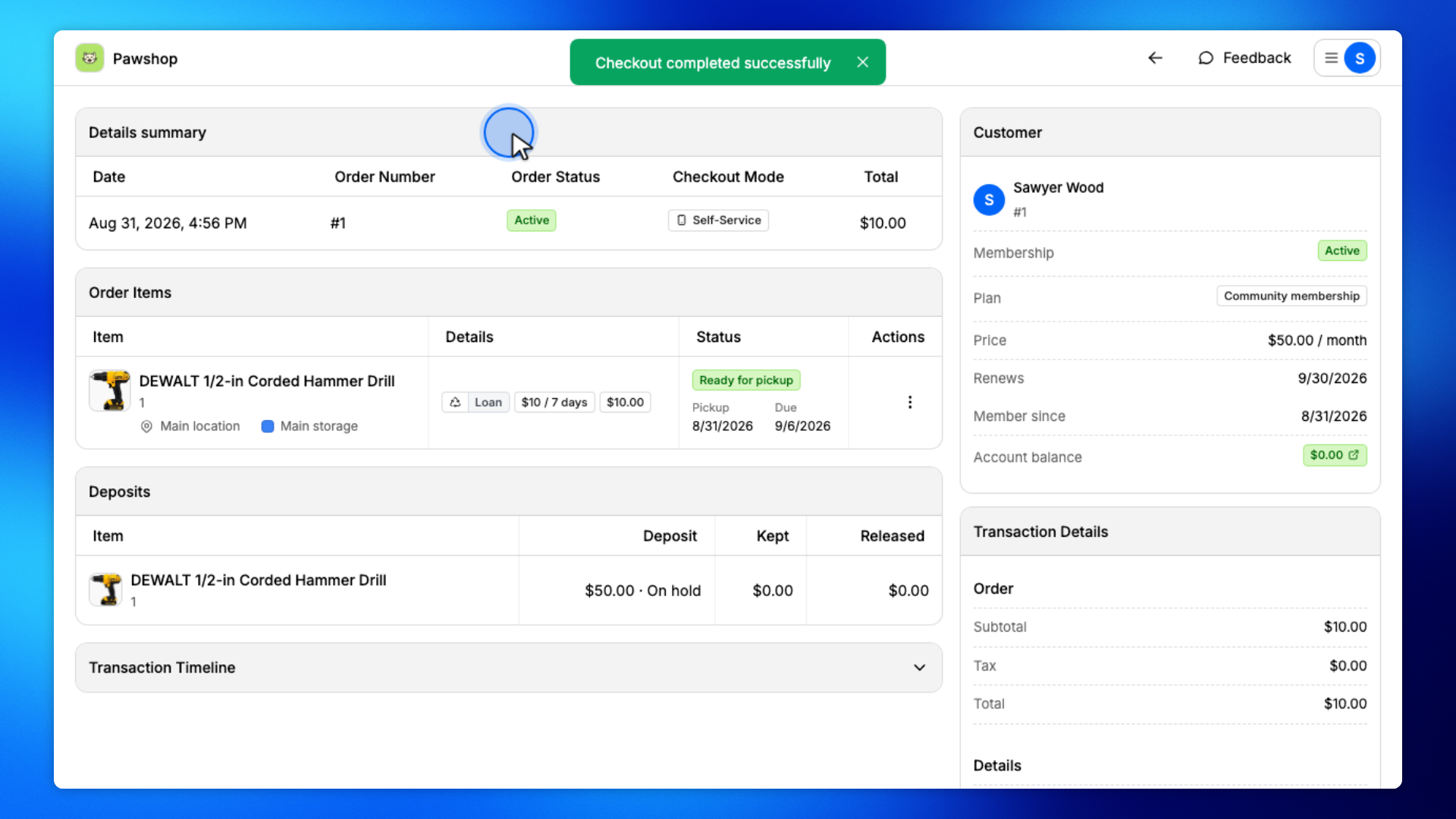
You'll land on the order when payment succeeds.
Your order should show Active and Self-service under Details summary.