Review orders in your workspace
By JulienUpdated August 31, 2026
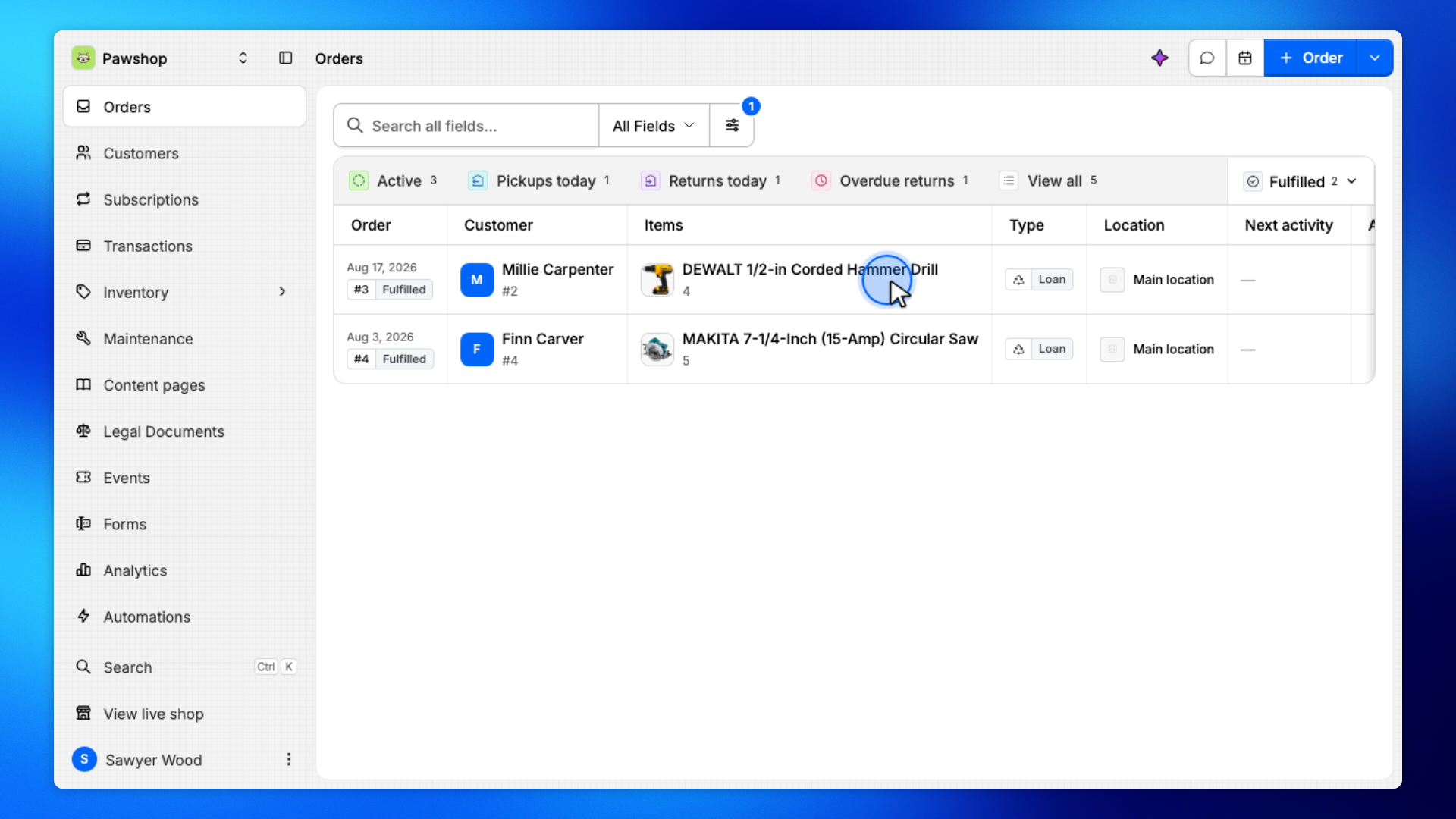
Orders lists every rental and groups what needs attention today.
By Julien·Updated August 31, 2026
Orders lists every rental and groups what needs attention today.
Orders lists every rental in your workspace.
Each tab focuses on a different kind of work:
Active: everything that still needs attention.
Pickups today: reservations customers are coming to collect.
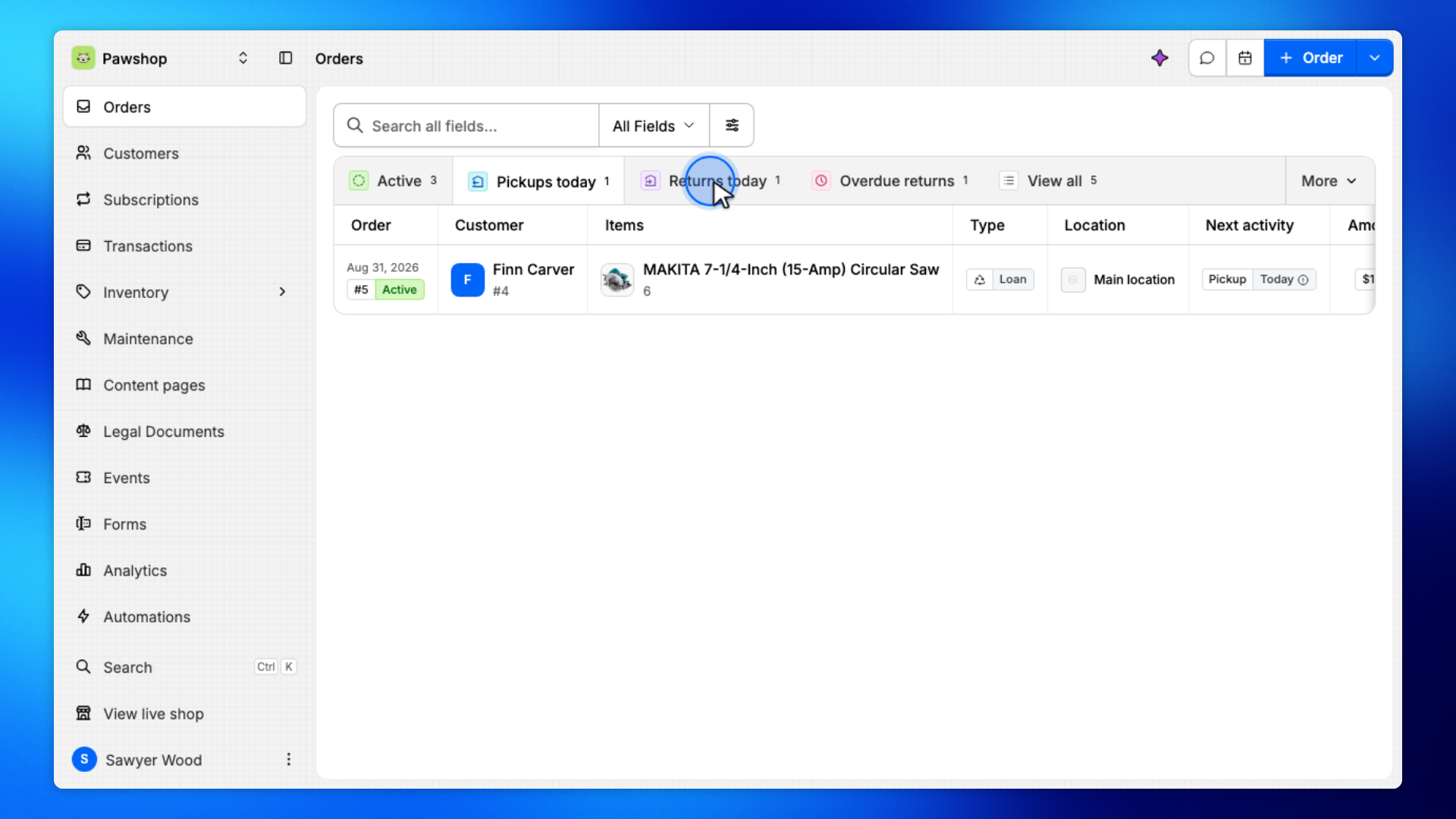
Returns today: items due back today.
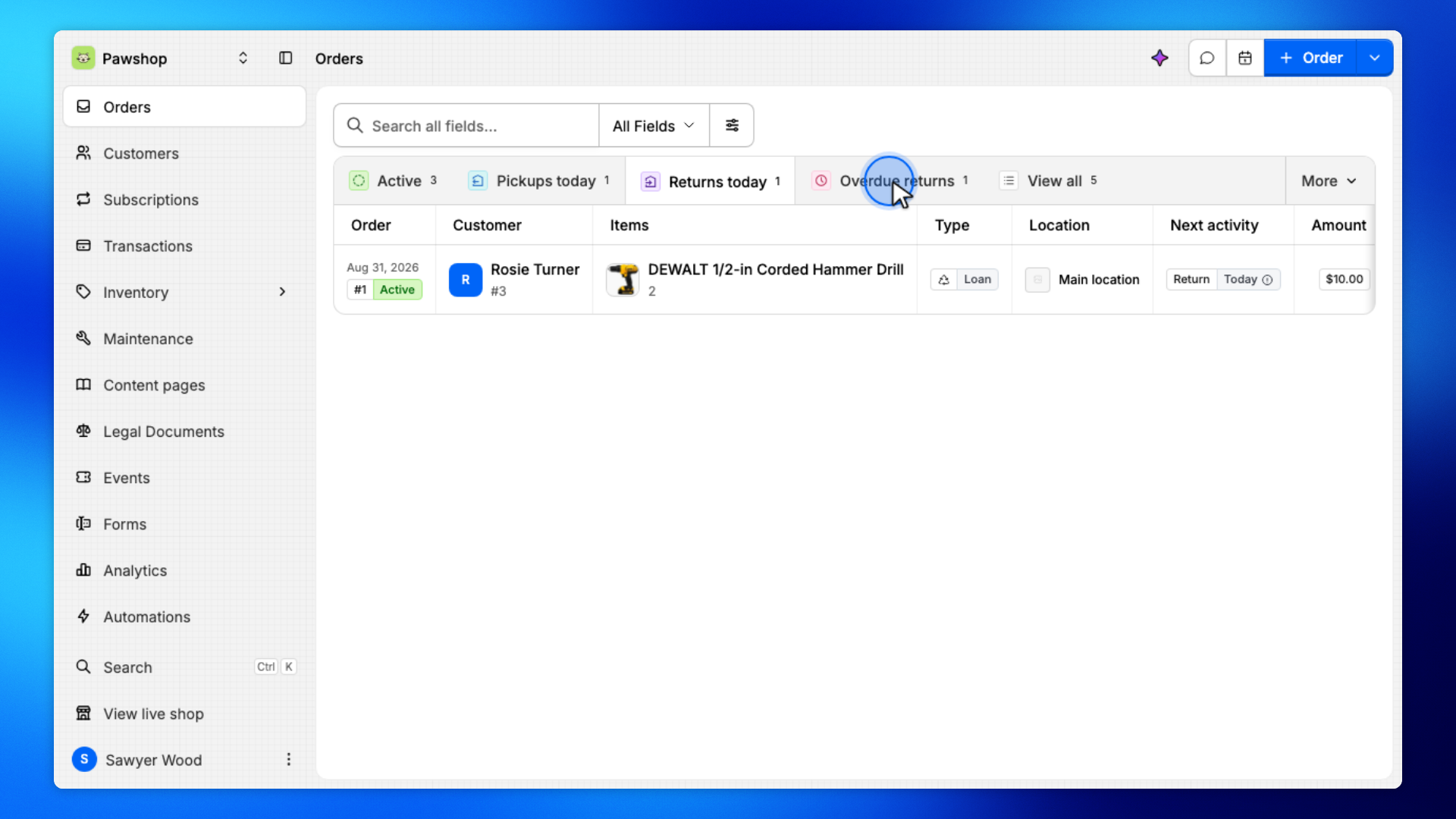
Overdue returns: items that should already have been returned.
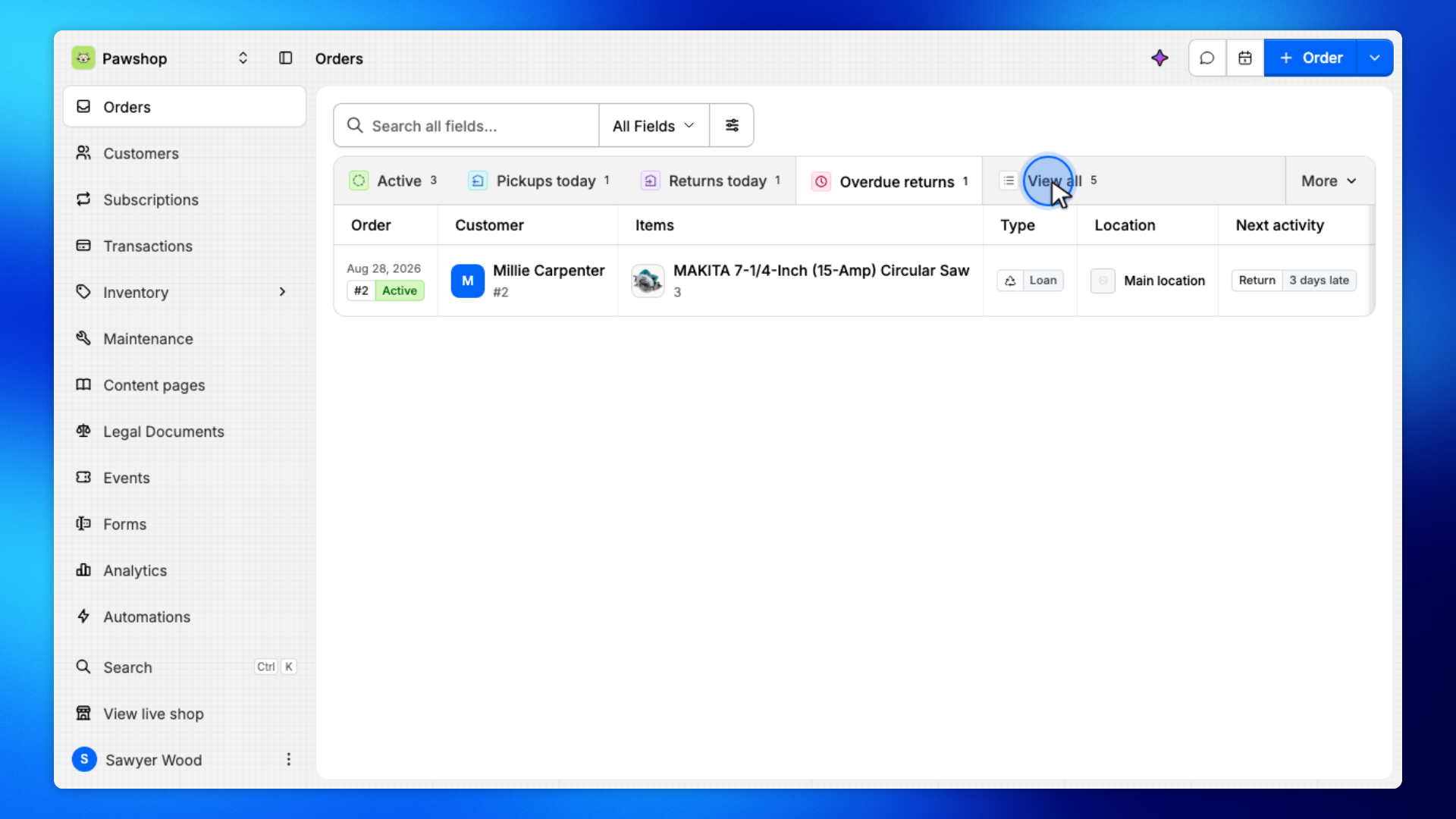
Use View all when you need history, then filter to a status. Click a row to open the order.
For example, at the start of the day you might check Pickups today and Returns today, then open Overdue returns if anything is late.
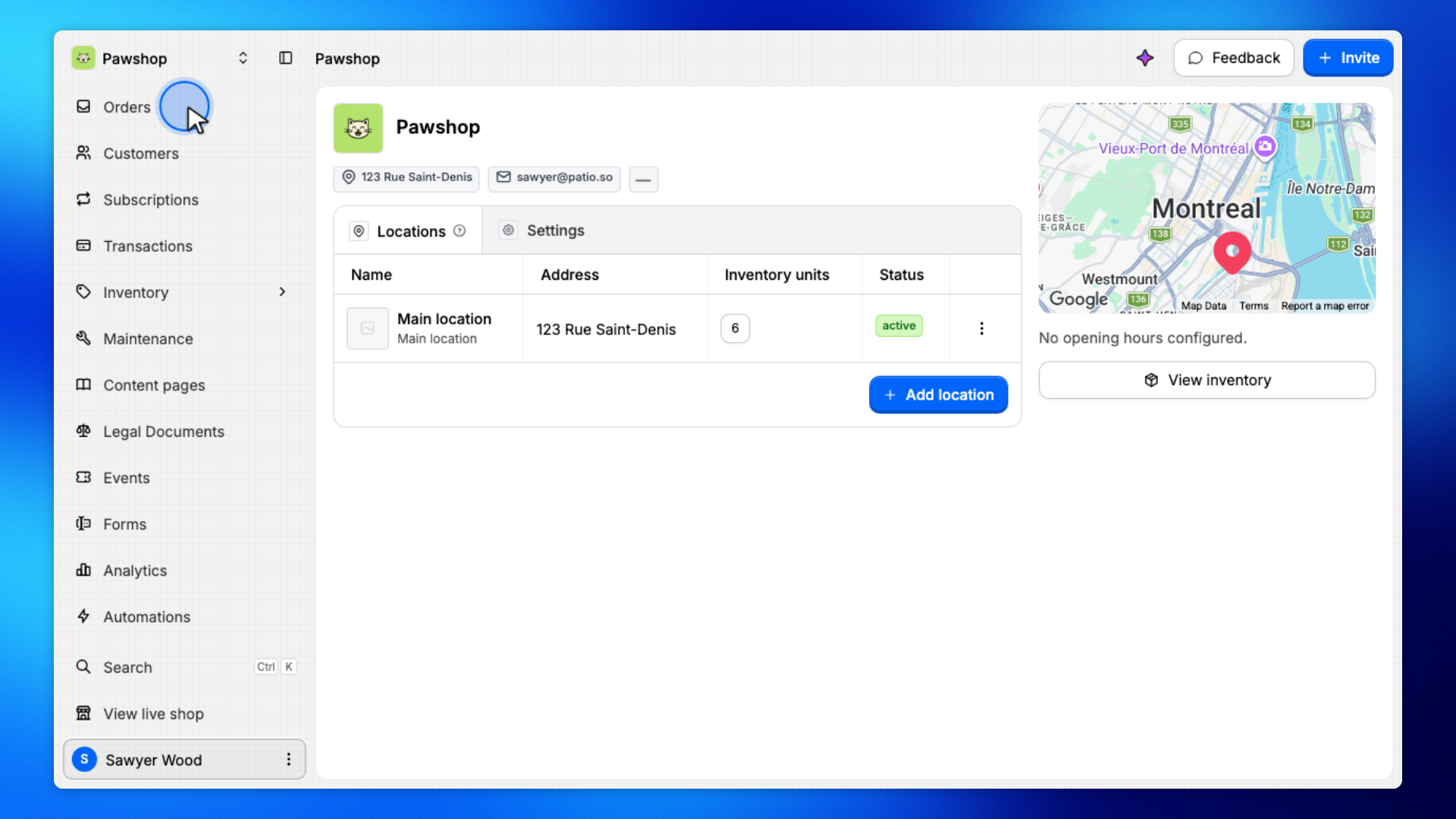
Open Orders from the workspace sidebar.
This is the list of every rental in the workspace, grouped by what needs attention today.
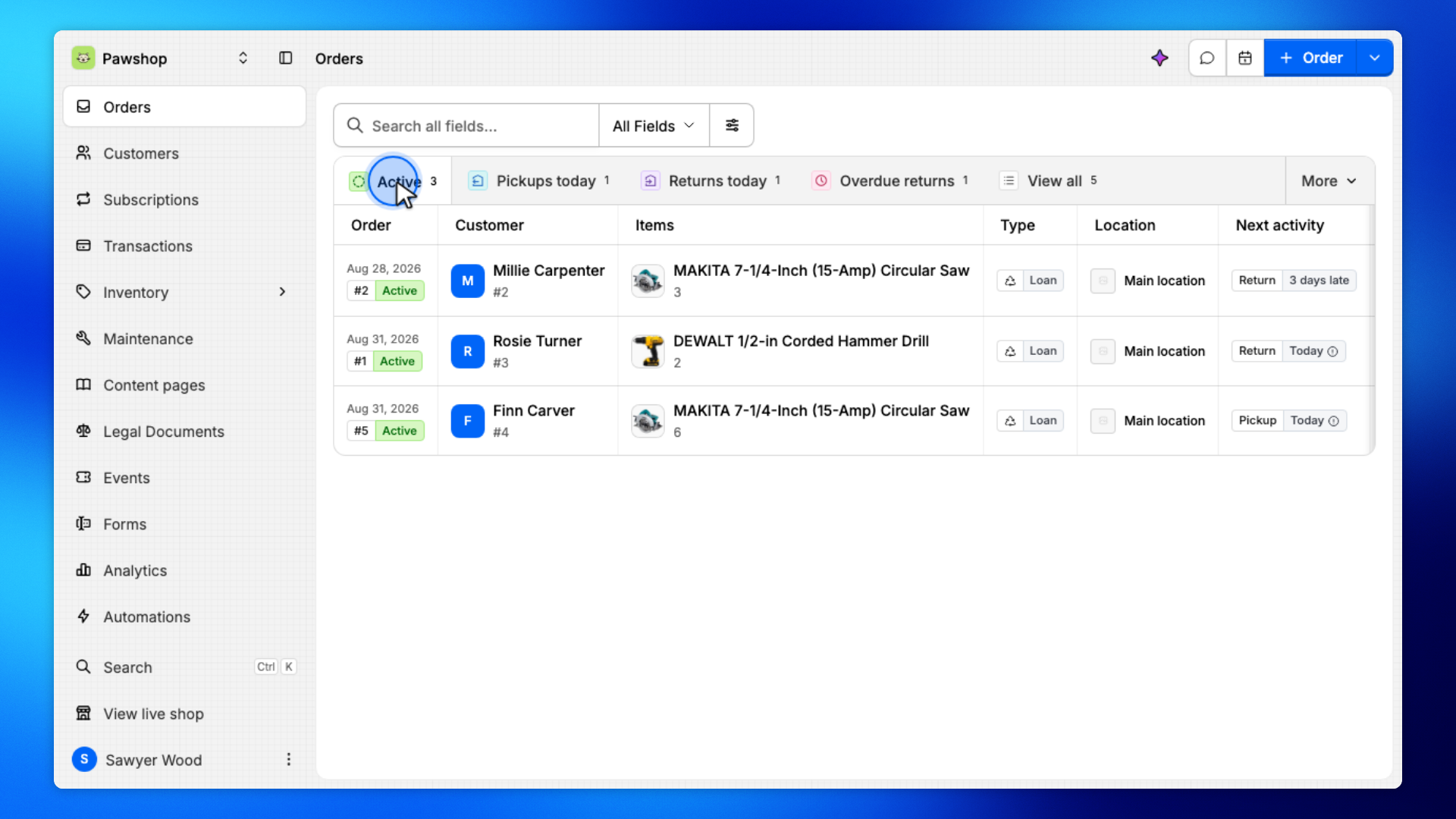
The tabs at the top of Orders show only the work that still needs attention.
Active combines every order that still needs attention: pickups, returns due today, and overdue items.
Use this tab when you want a single list of unfinished work.
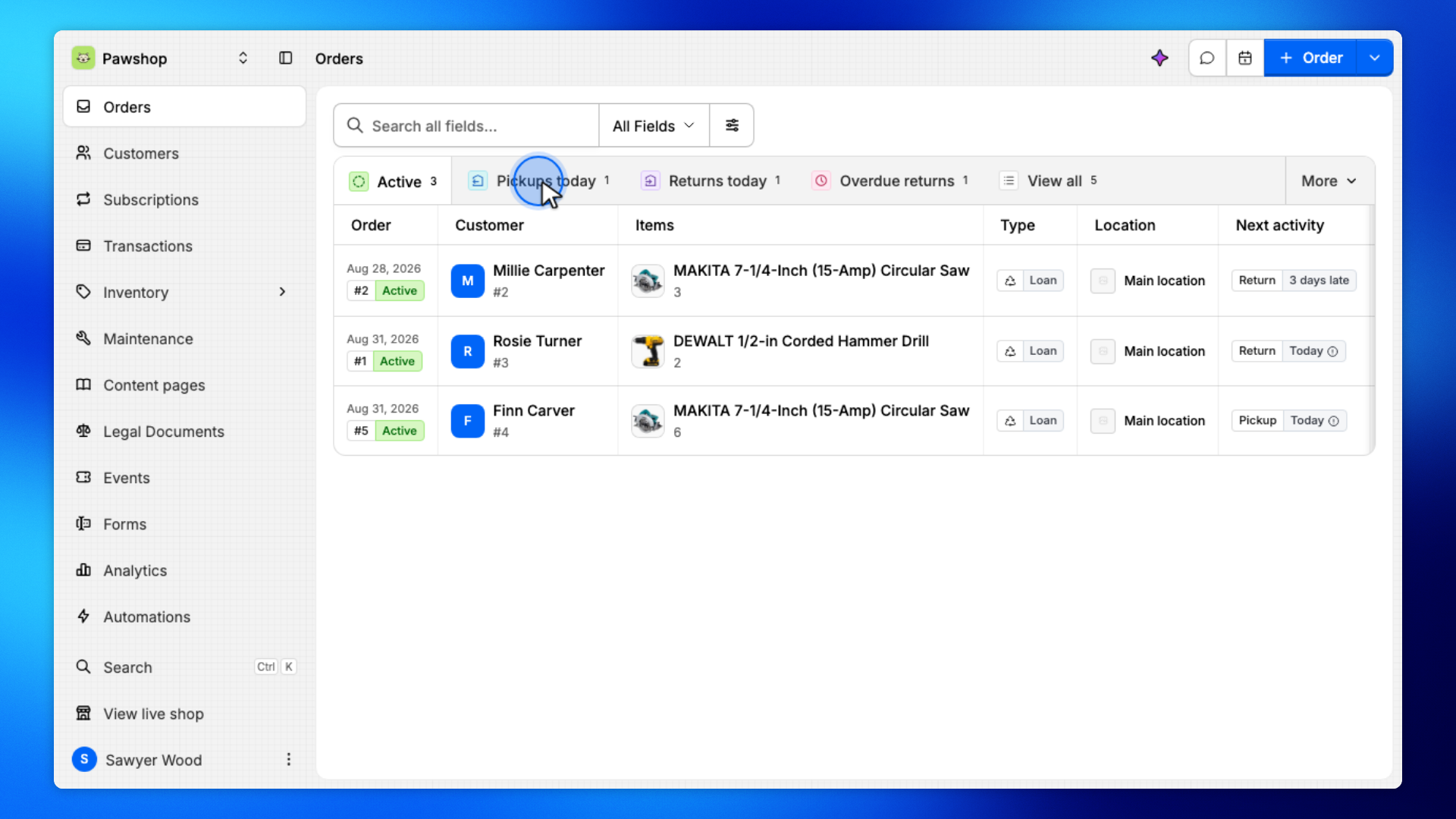
Open Pickups today to see reservations customers are coming to collect.
These items are reserved, but they have not been checked out yet.
Open Returns today to see items that are due back today.
This is the list to work from when customers are coming in to return equipment.
Open Overdue returns to see items that should already have been returned.
These orders may also have late fees, depending on your rental rules.
Use View all when you need history, then narrow the list with filters.
Open View all to see every order, including ones that have already been returned.
This is the starting point when you are looking for a past rental.
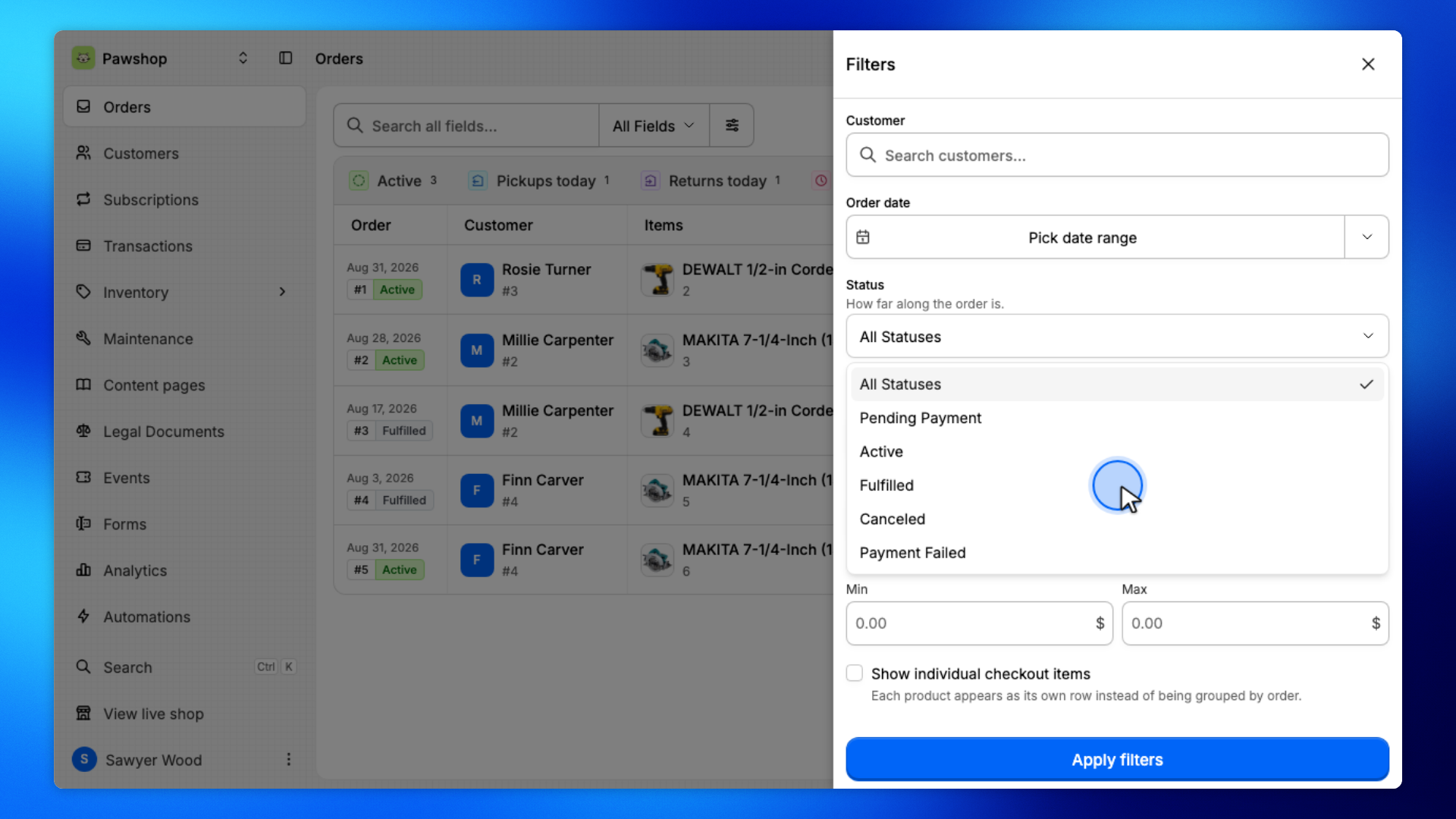
Open Filters, set Status to Fulfilled, and apply.
You'll see only rentals that have already been returned.
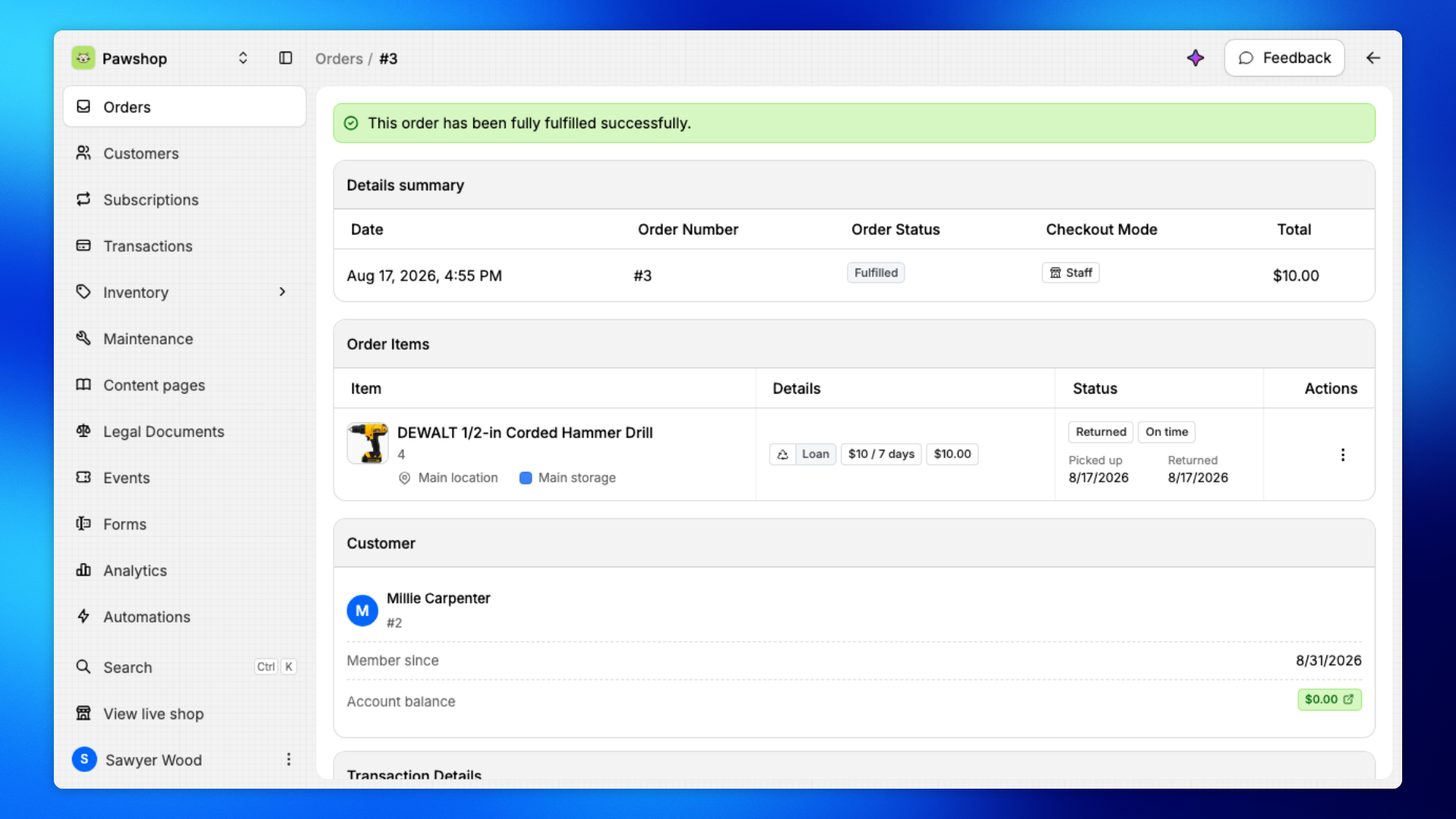
Click a row to open the order.
The order page shows the customer, items, and current status.
You'll land on the order page.
Check the items, status, and customer to confirm you're looking at the right rental.