Review an order's details
By Julien RiouxUpdated August 31, 2026
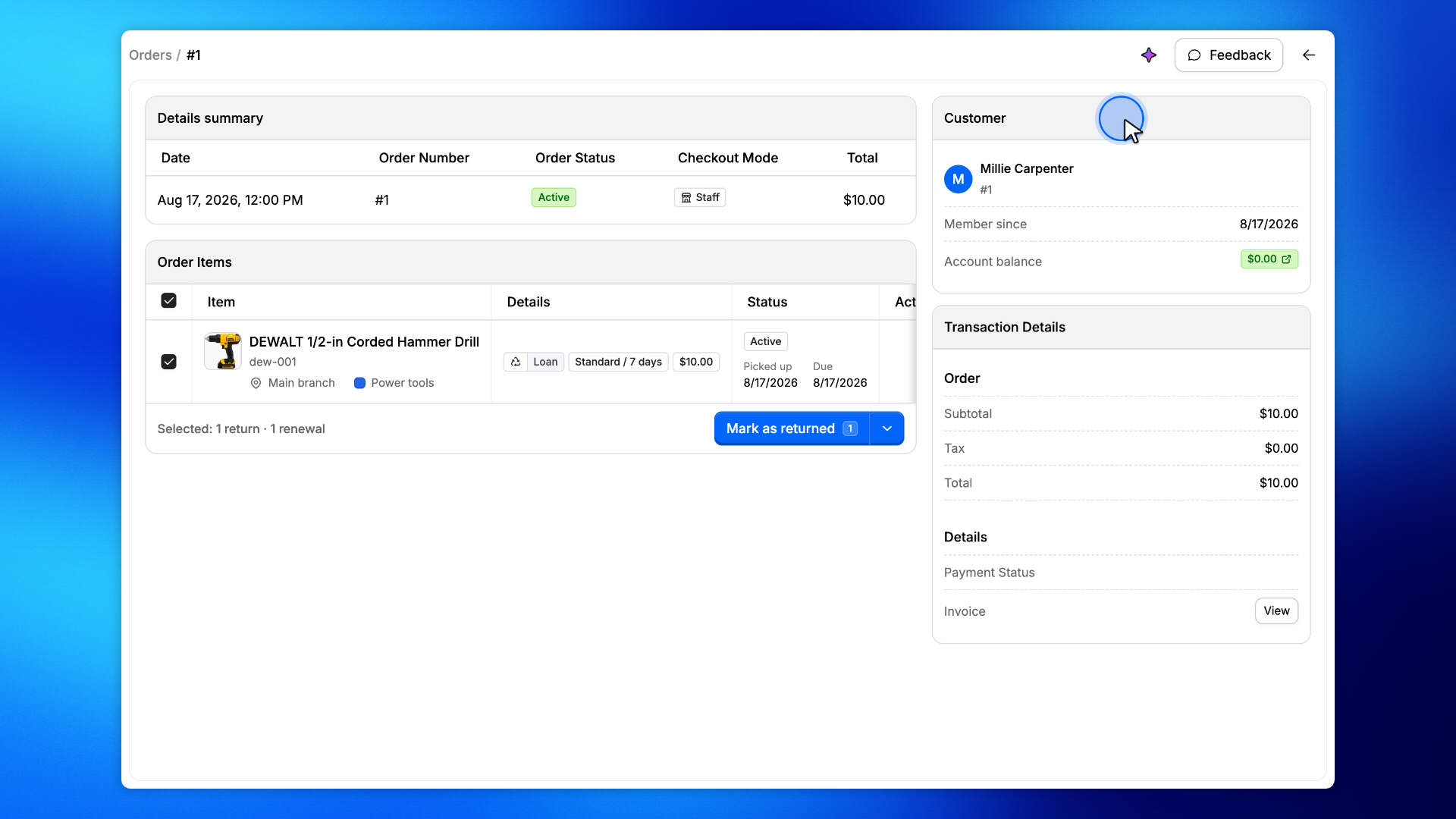
Open an order to see its status, items, and the customer it belongs to.
By Julien Rioux·Updated August 31, 2026
Open an order to see its status, items, and the customer it belongs to.
The order page is the record of a single rental.
The heading shows the order number and status. Order Items lists what went out. The Customer card is who the rental belongs to.
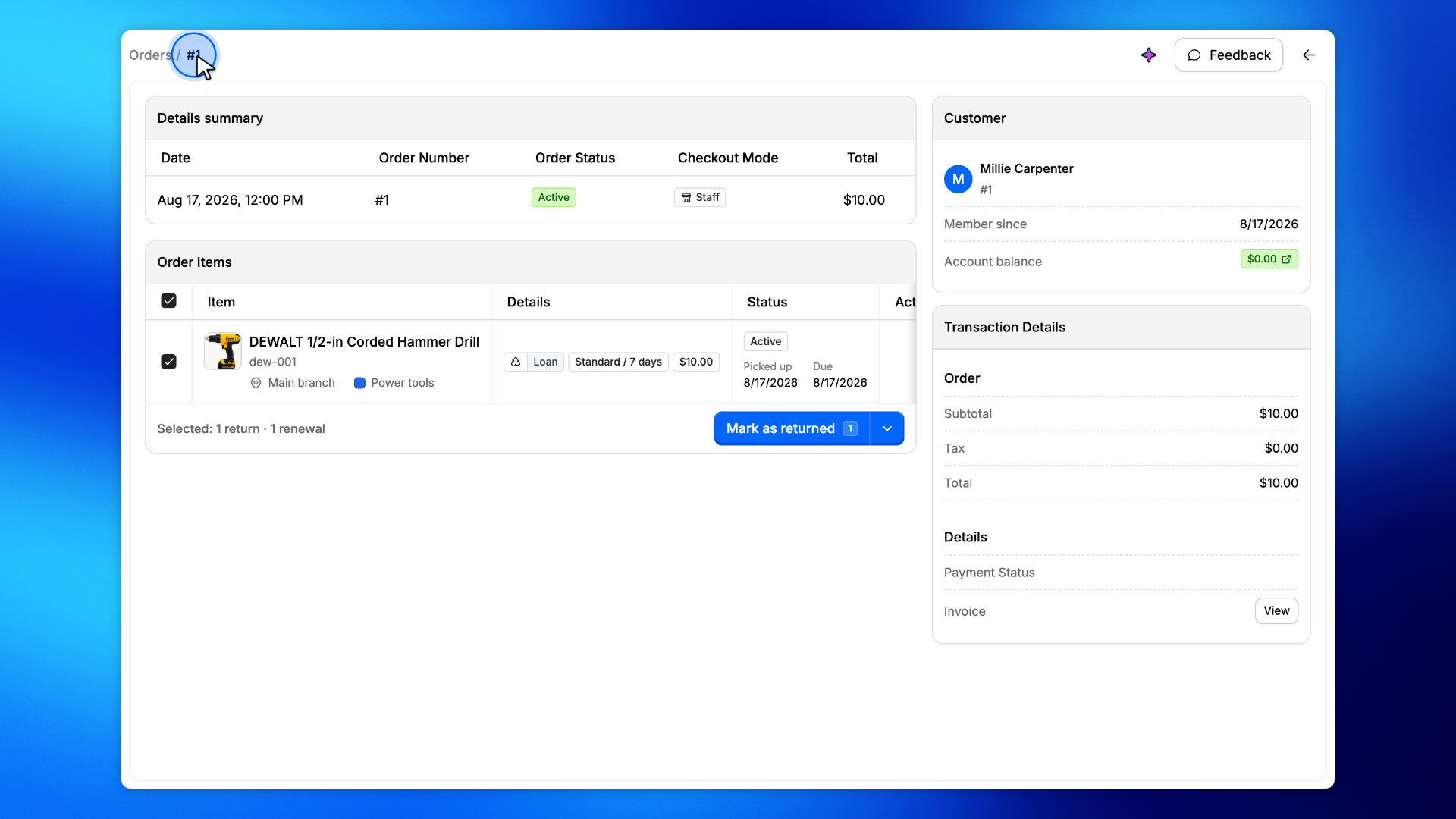
The heading is the order number. Active means the rental is still out.
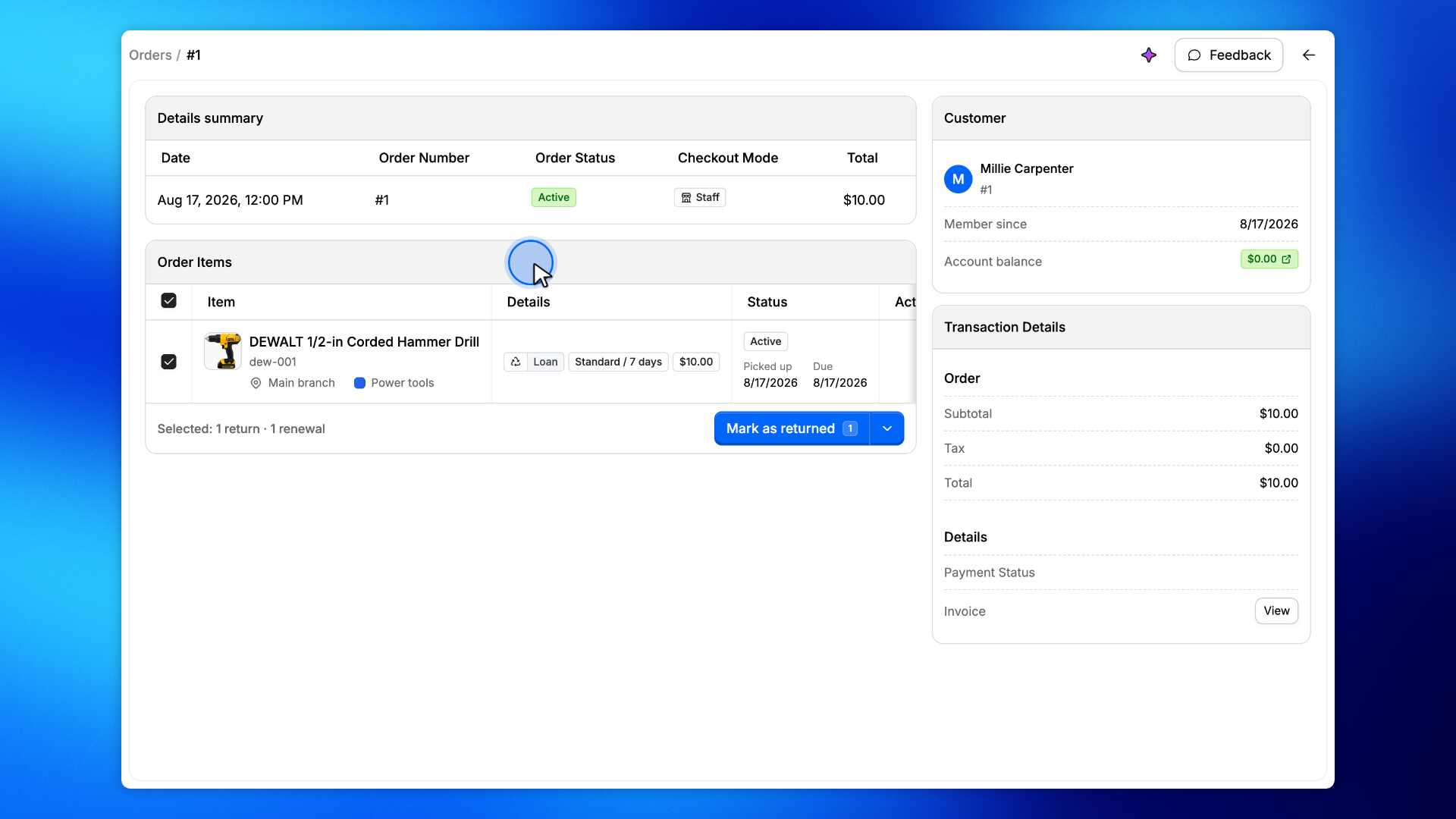
Order Items lists each product on the rental, including status and dates.
The Customer card is who this rental belongs to. Open it when you need their account.