Return items from a customer
By JulienUpdated August 31, 2026
When a customer brings items back, mark them returned so the loan is closed.
By Julien·Updated August 31, 2026
When a customer brings items back, mark them returned so the loan is closed.
When a customer brings items back, record the return from Orders.
A return walks through three things:
Order: the rental they currently have out.
Items: which units they are handing back.
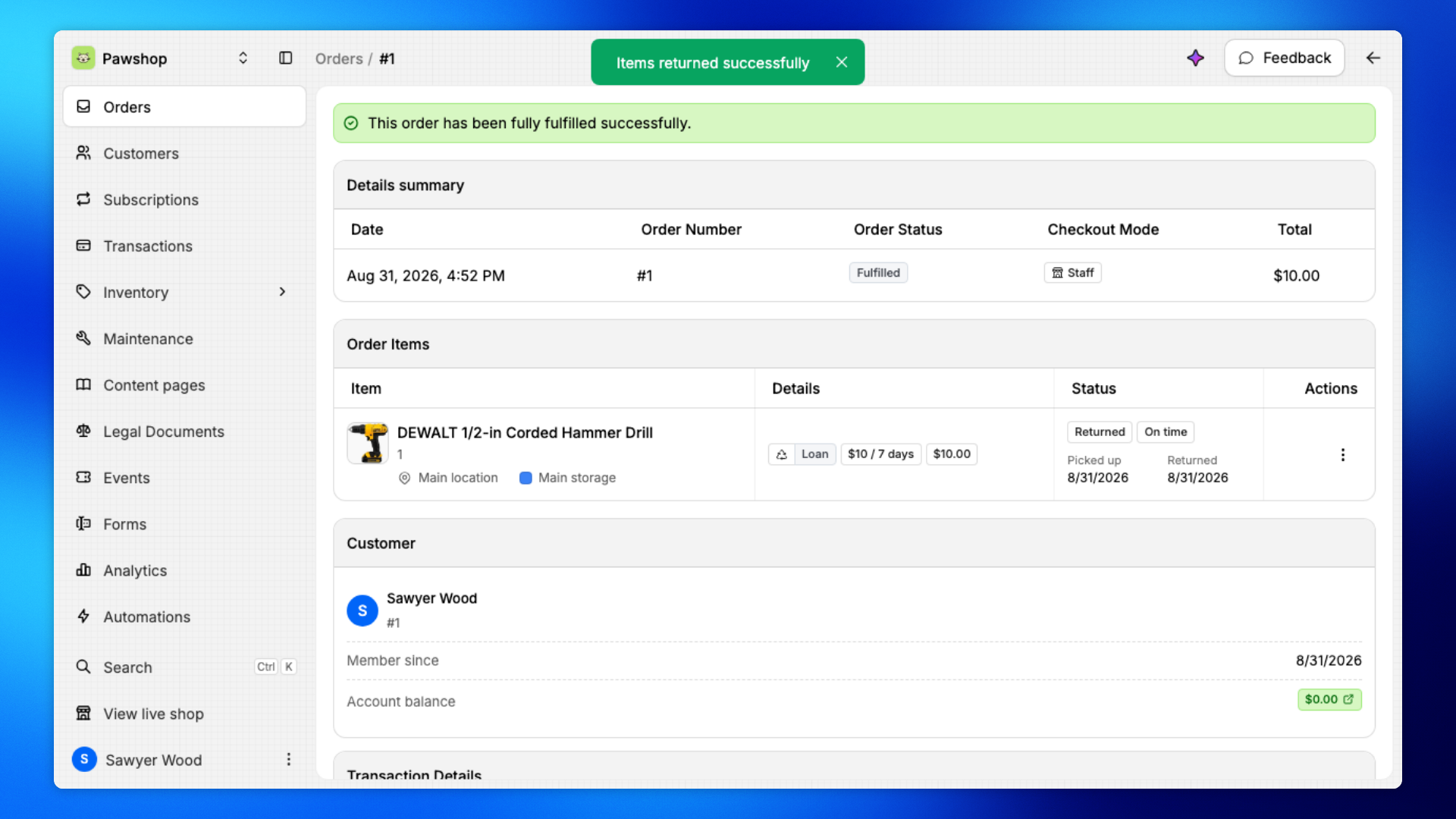
Confirmation: the order is fulfilled and the items are available again.
For example, a customer at the desk can hand back a drill. Search the SKU, mark it returned, and the loan is closed.
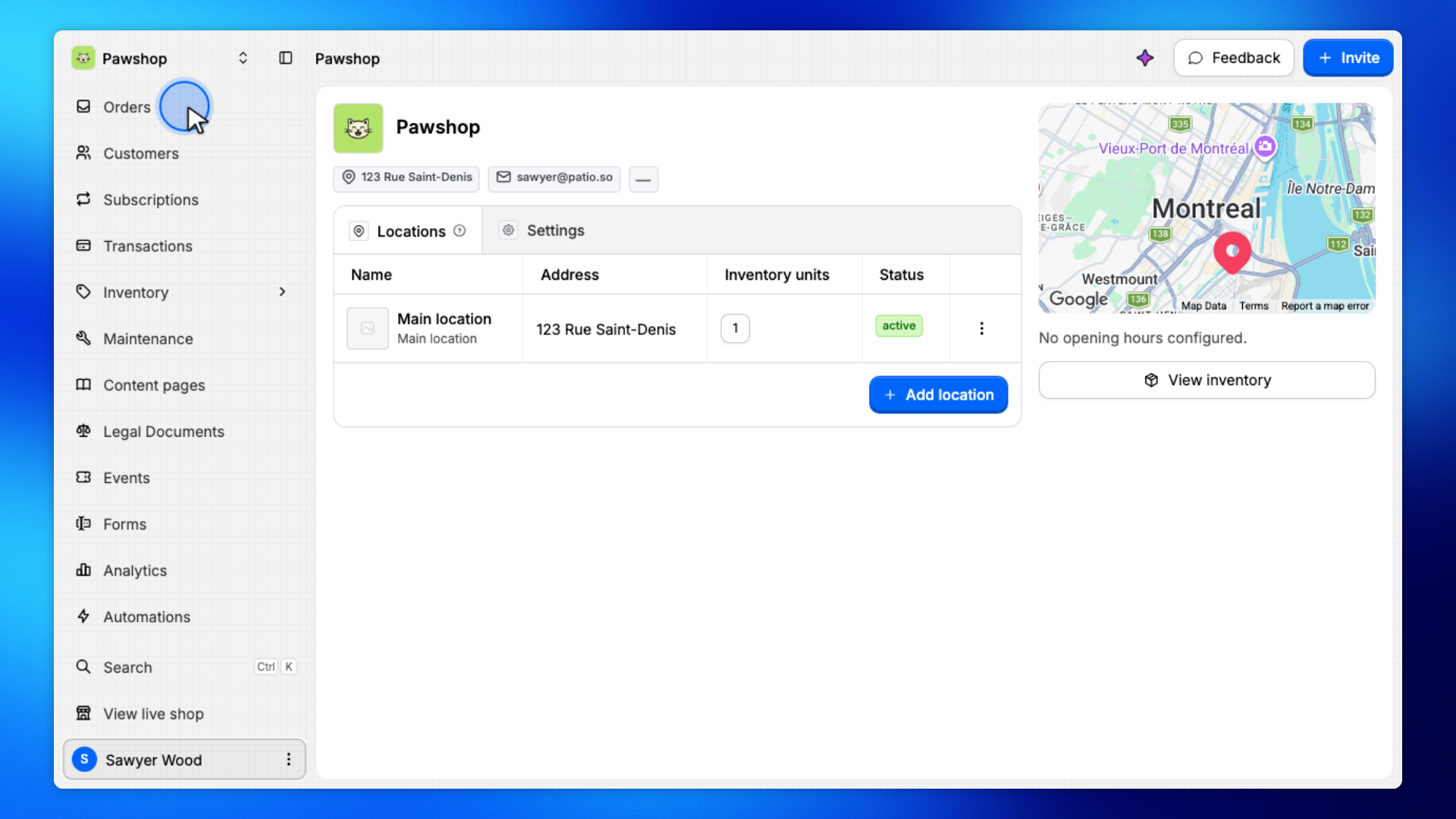
Open Orders from the workspace sidebar.
This is the list of every rental in the workspace. When a customer is at the desk with an item, start here.
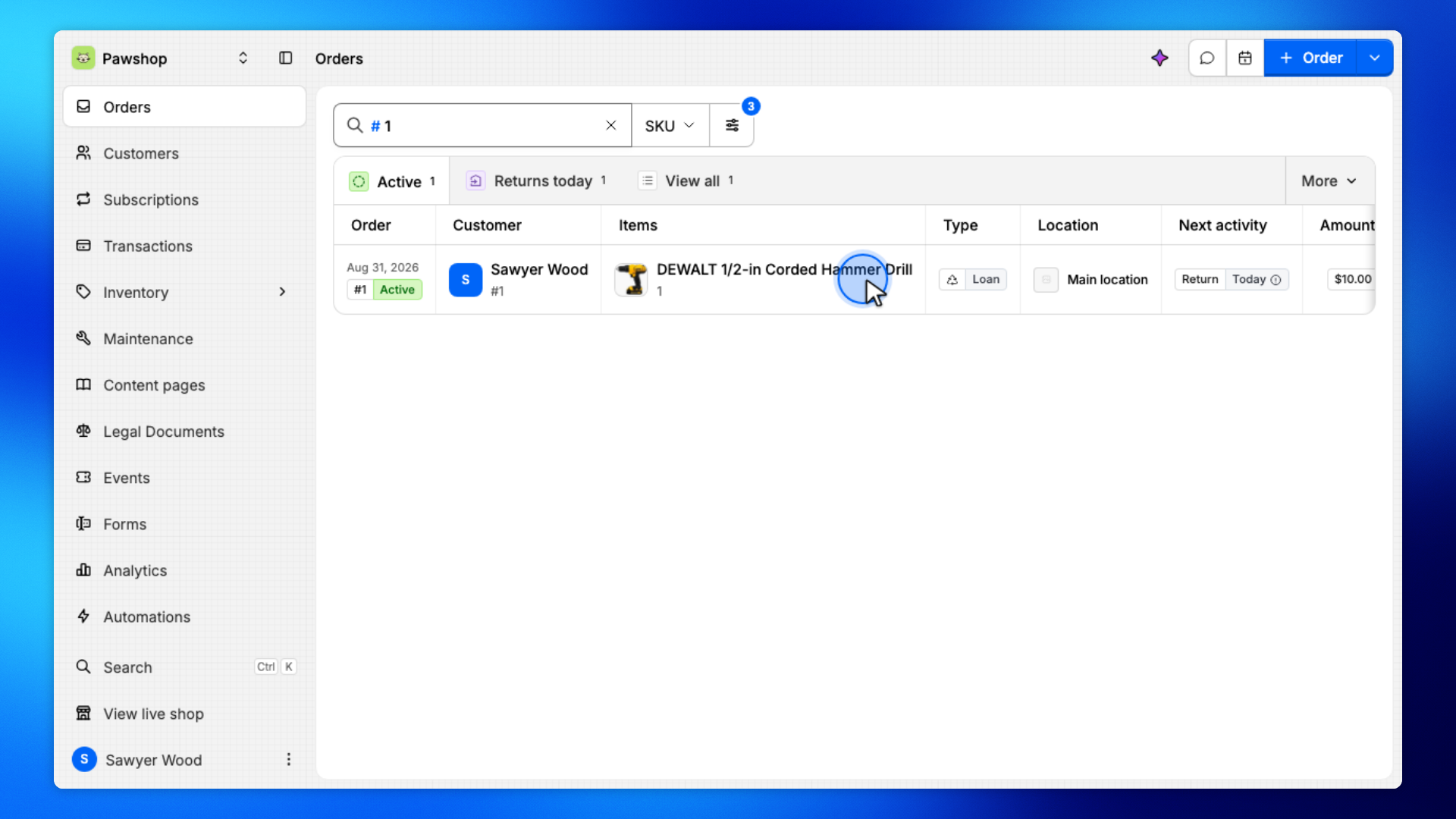
Set the search field to SKU, type the item code, then open the matching order.
SKU search is the fastest way to find an active loan when the customer is handing the item back.
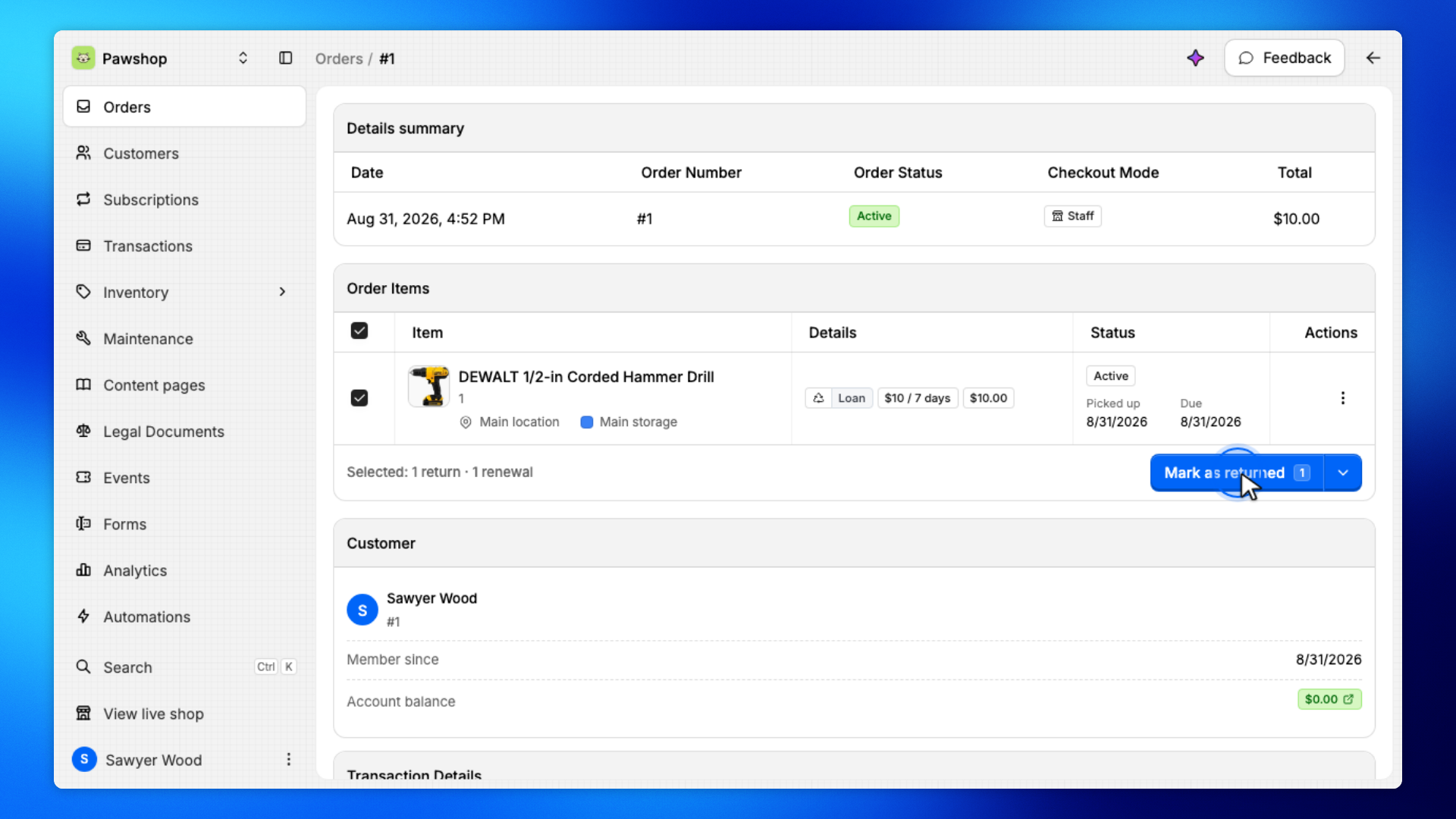
On the order, check each item the customer is handing back.
Only selected items will be marked returned. Leave anything they are keeping out.
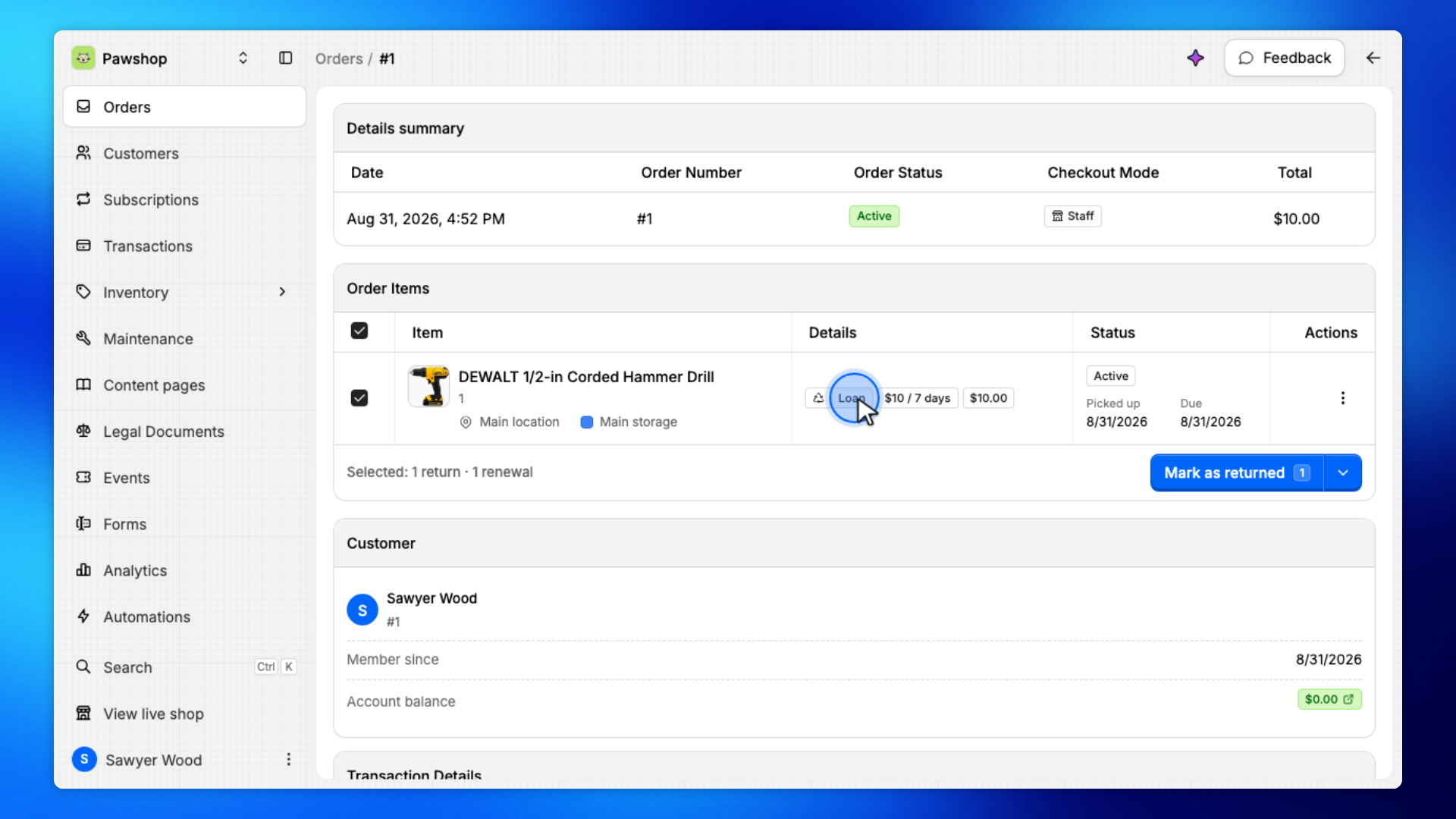
Click Mark as returned.
You'll confirm which items are coming back before the loan is closed.
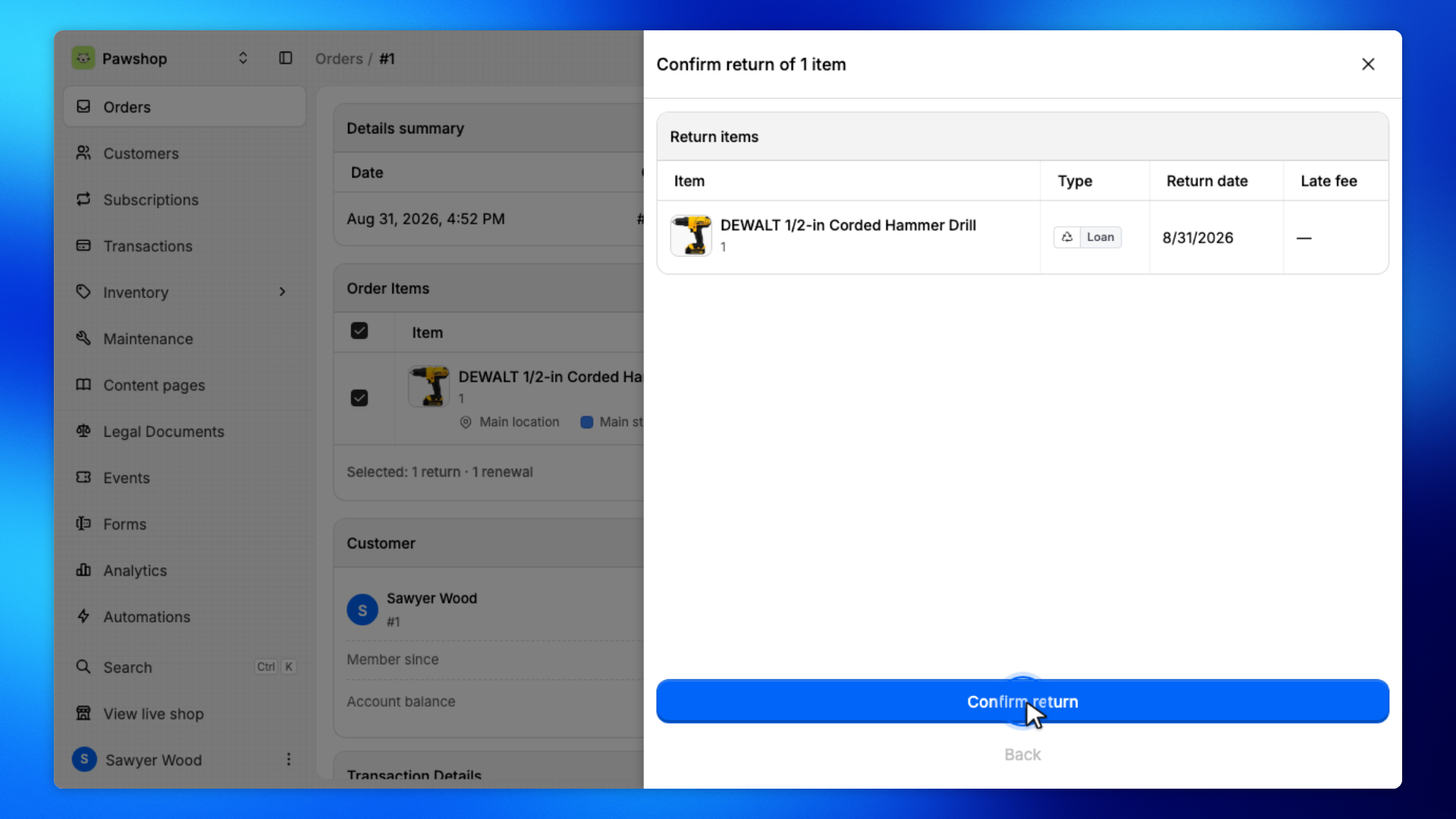
Review the return, then click Confirm return.
This closes the loan and puts the items back into inventory.
You'll stay on the order page.
The order should show Fulfilled, and the items should show Returned. They're available to rent again.