Verify a customer at pickup
By Julien RiouxUpdated September 27, 2026
Verify a customer from their order before you hand the items over.
By Julien Rioux·Updated September 27, 2026
Verify a customer from their order before you hand the items over.
Answers set to Block pickup or Block reservations and pickup stop the pickup until staff check them. You can verify the customer right from the order.
Answers set to Block reservations and pickup are checked again at pickup, because a check can run out in between.
Handing items over at Checkout instead? See Check out items to a customer who is not verified yet.
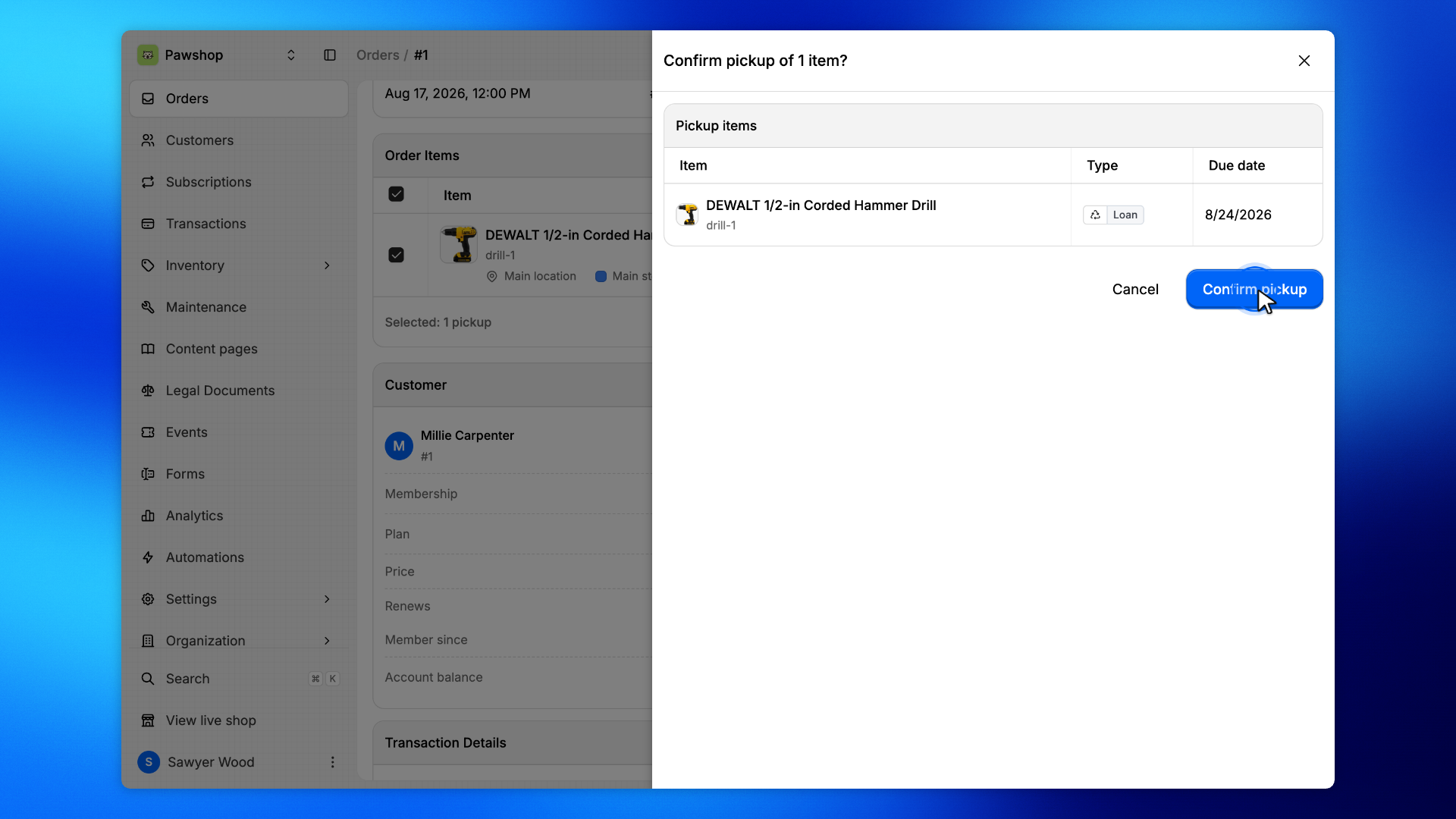
Open the reservation from Orders.
A warning names the answers that still need a check before the items leave.
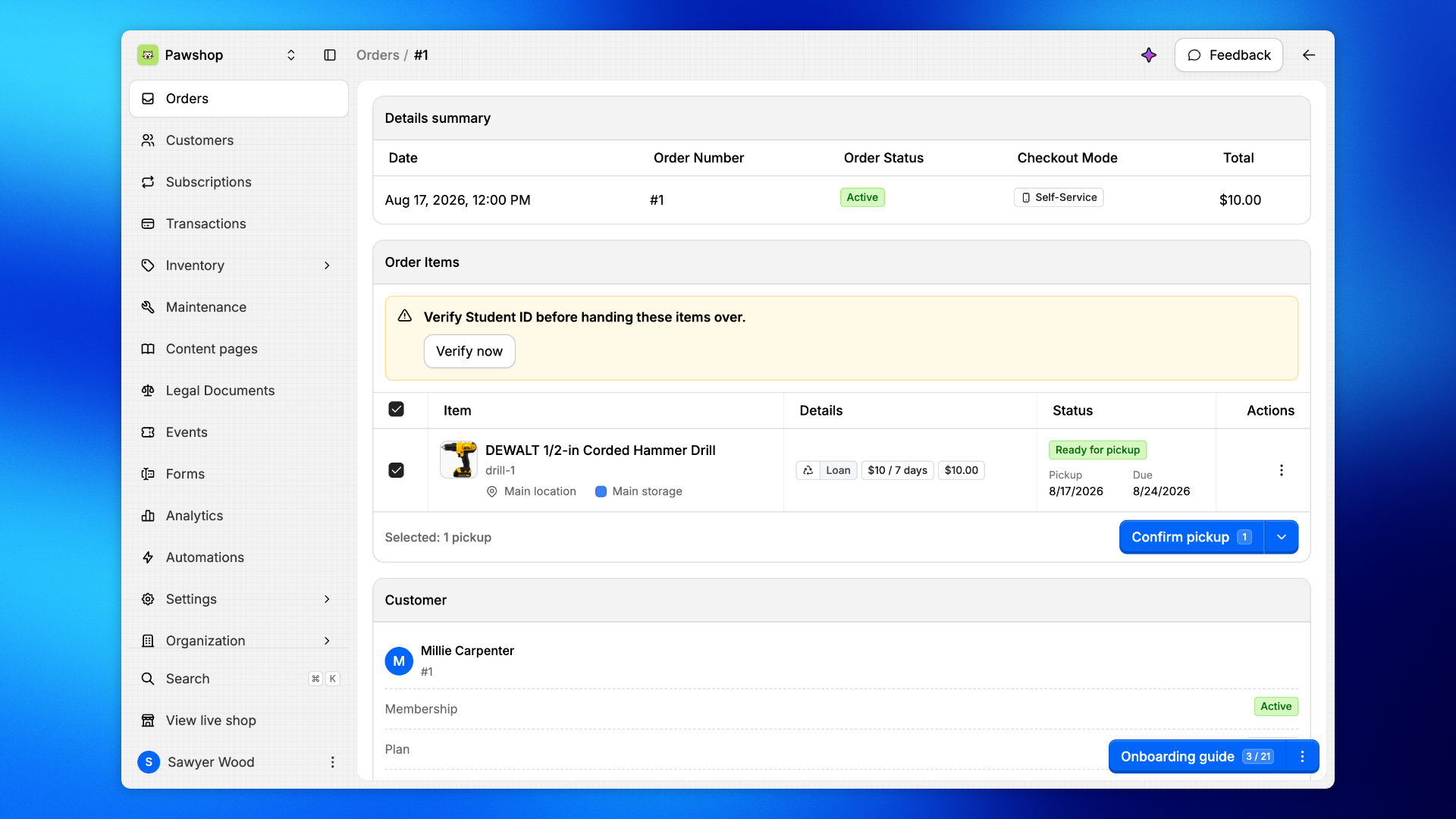
Select the items and click Confirm pickup.
Patio opens the verification first, because this customer still needs a check.
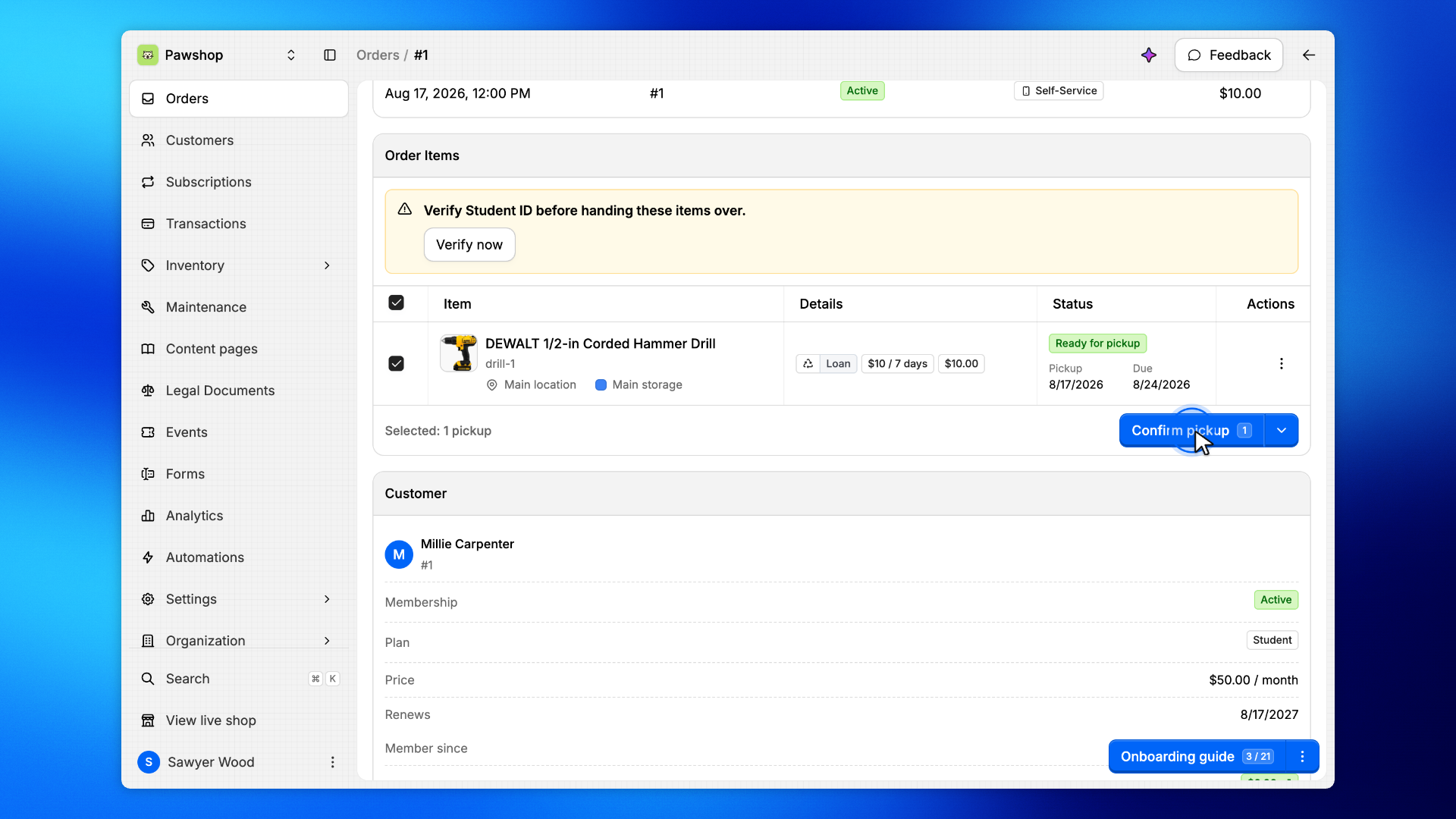
The dialog lists every answer this customer still needs checked, the ones that only remind included. Compare them with the customer's card. An answer that requires an expiration date, here Student ID, needs the Expiration date printed on the card before you click Mark as verified.
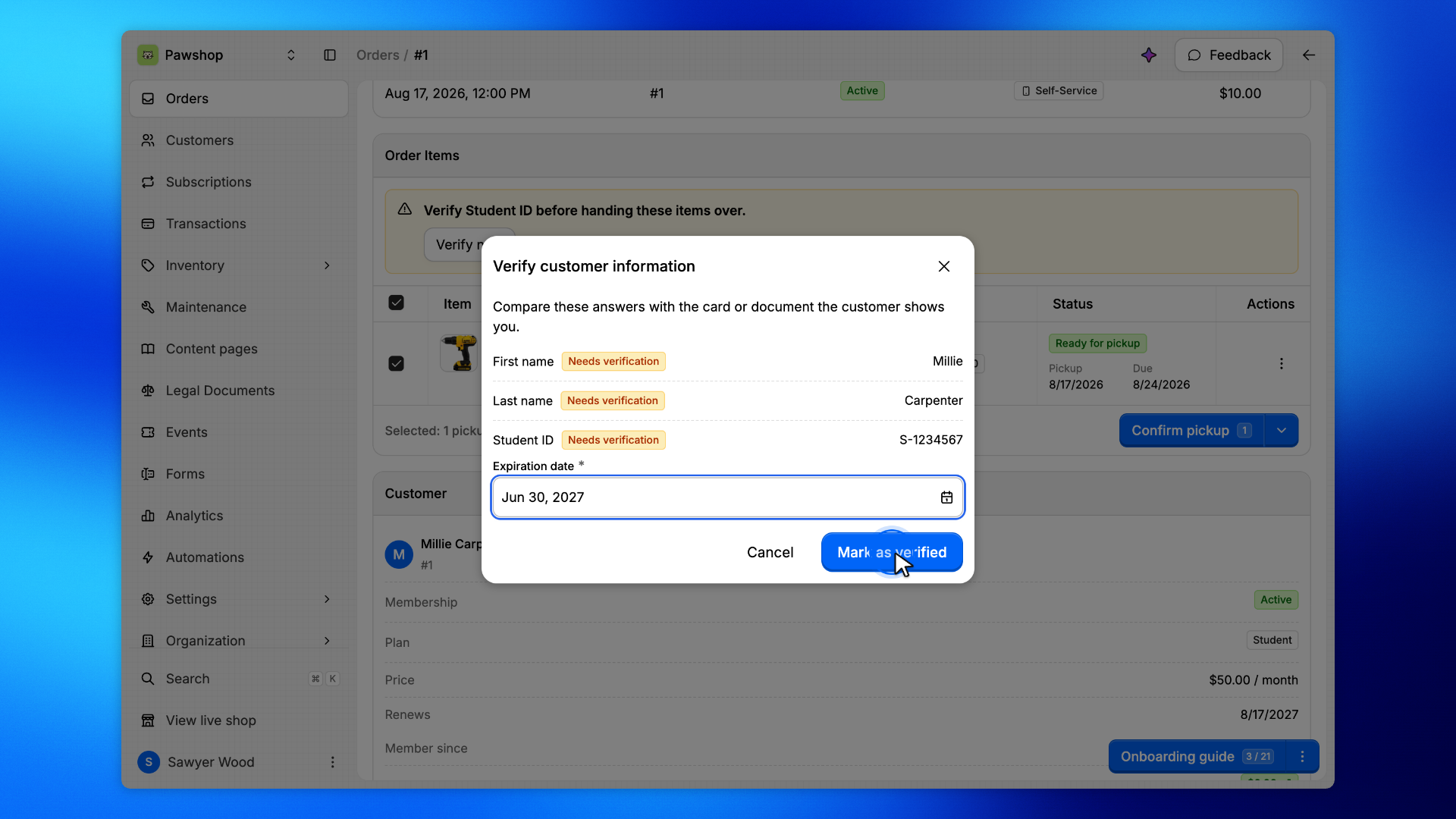
Confirm the pickup as usual.
The items are now on loan.