Print a label for an item
By Julien RiouxUpdated October 13, 2026
Print or download a label with a QR code and a barcode for one of your items, so your team can scan it and customers can find it in your shop.
By Julien Rioux·Updated October 13, 2026
Print or download a label with a QR code and a barcode for one of your items, so your team can scan it and customers can find it in your shop.
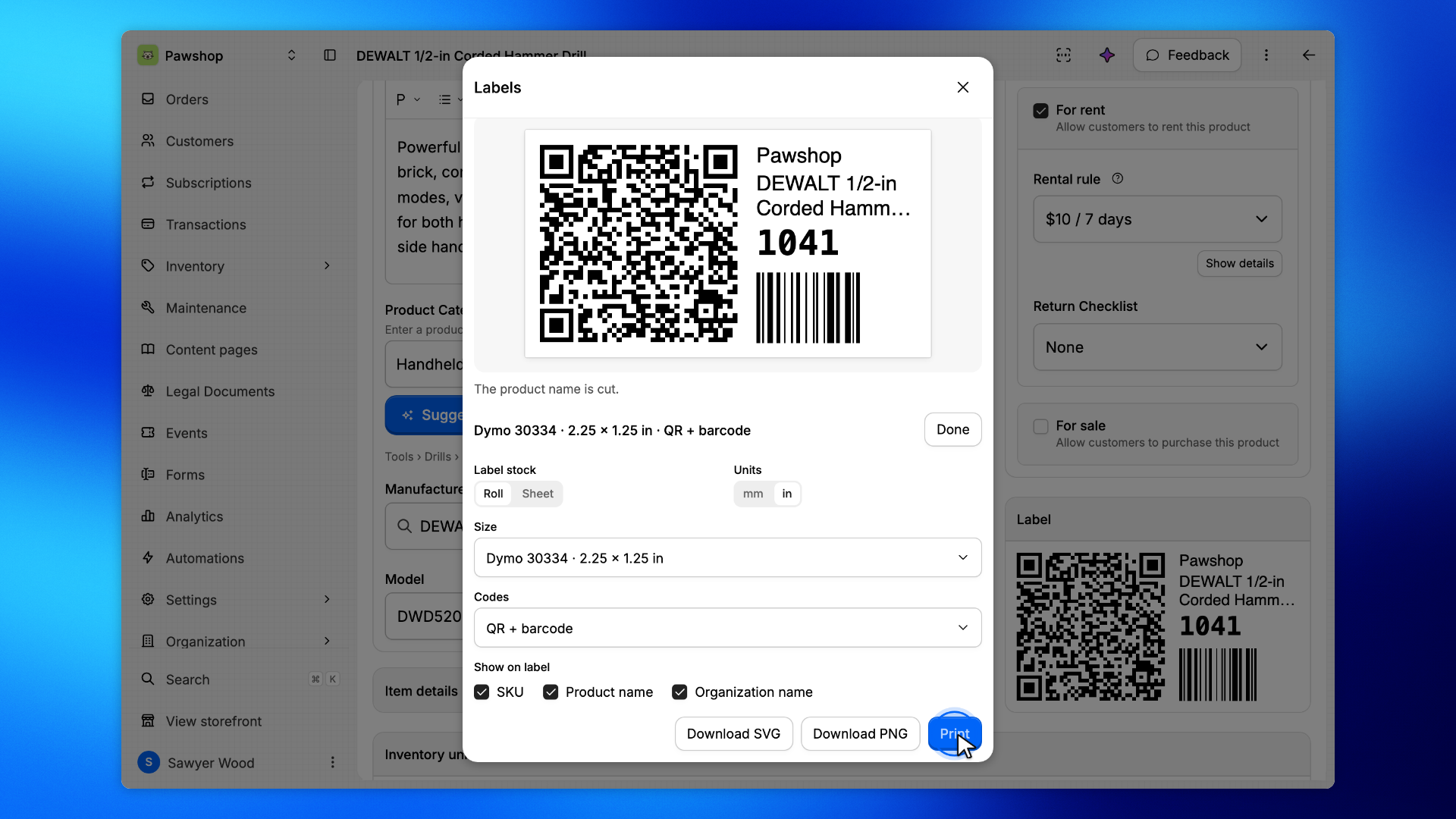
Each unit of a product can carry its own label: a QR code and a barcode of its SKU, with the product name and your organization's name.
Your team scans it with the workspace scanner to find that exact unit. A customer who points their phone's camera at the QR code lands on the item in your shop.
To print the labels of many units at once, see Print labels for many units at once.
Go to Inventory and open the product. Under Availability, the Label card shows the label of its first unit.
Click the label to open Labels.
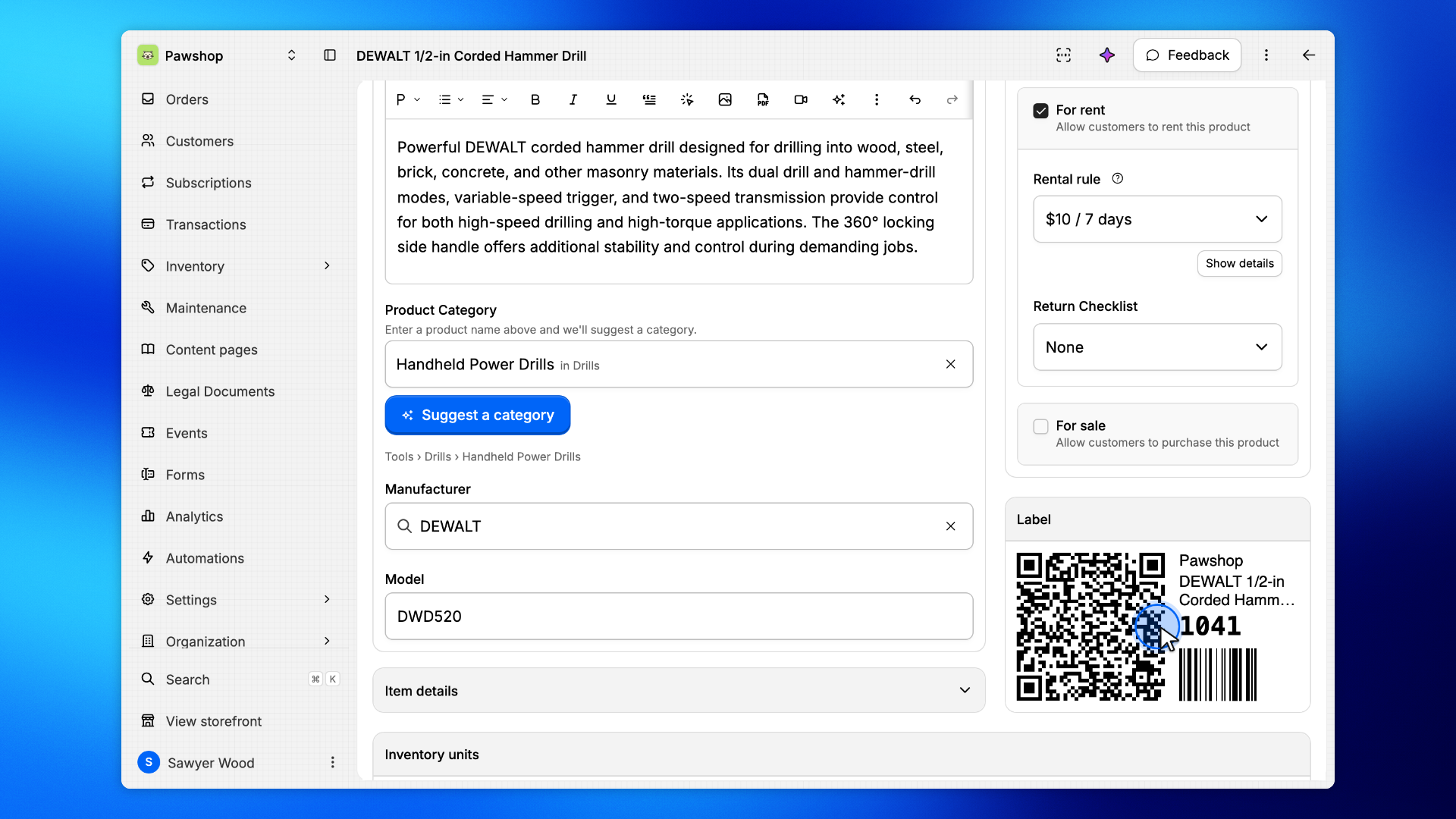
Label for lists the product's units by SKU. Pick the unit the label goes on: its QR code and barcode carry its SKU, so a scan finds that exact unit.
Product (no SKU) makes one label for the product itself, with a QR code only, for a shelf or a bin. A unit without a SKU is not listed: give it one first.
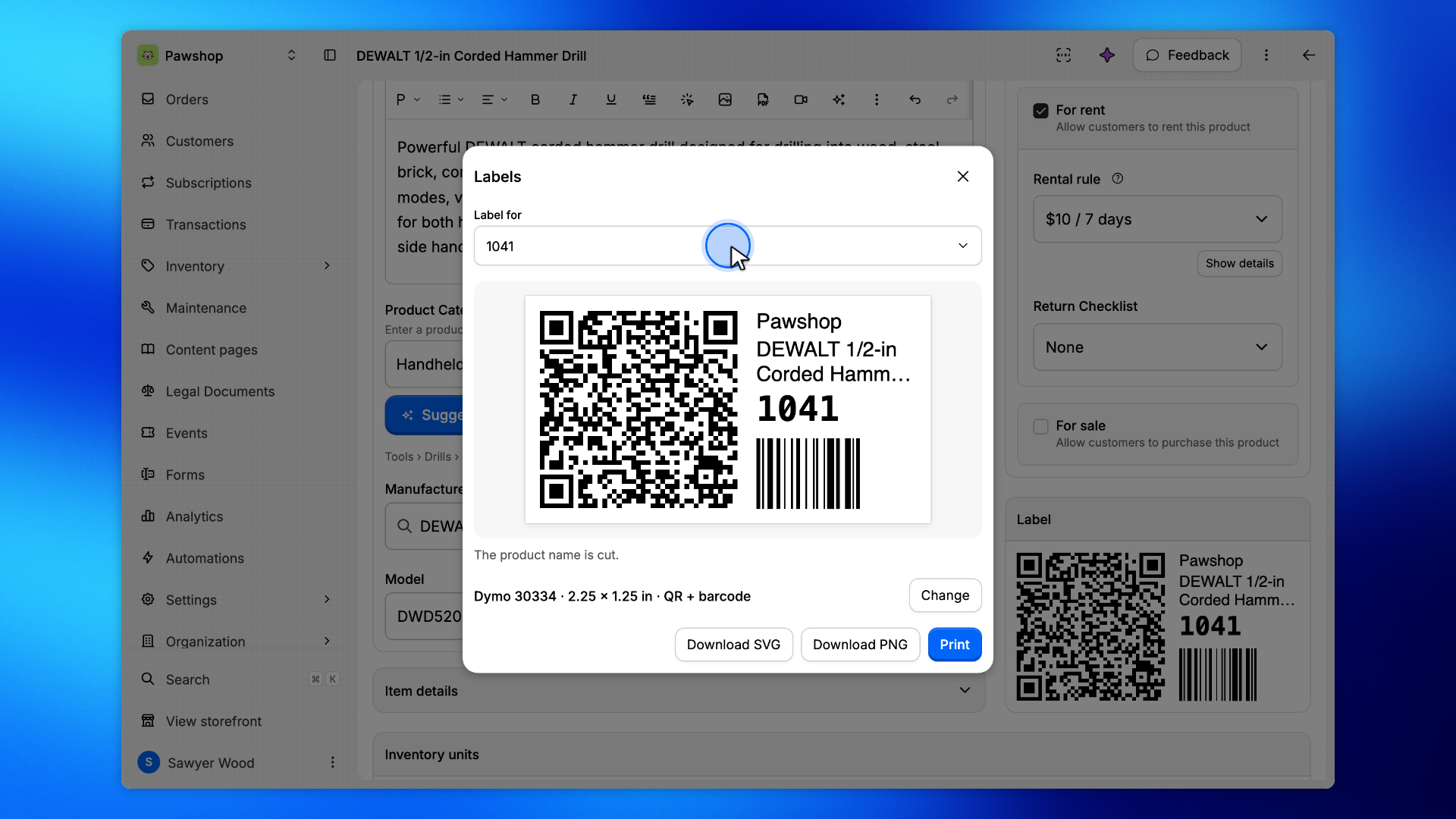
Click Change under the preview, then pick:
Label stock: Roll for a label printer, Sheet for sheets of labels on a regular printer.
Units: sizes in millimetres or inches.
Size: the labels you print on, such as Dymo 30334, or Custom for your own size.
Codes: QR + barcode, QR only or Barcode only.
Show on label: the SKU, the Product name and your Organization name.
The preview follows every change. A note under it says when something does not fit, such as a long product name cut short: pick a larger size or turn a line off. This browser remembers your choices for your next labels.
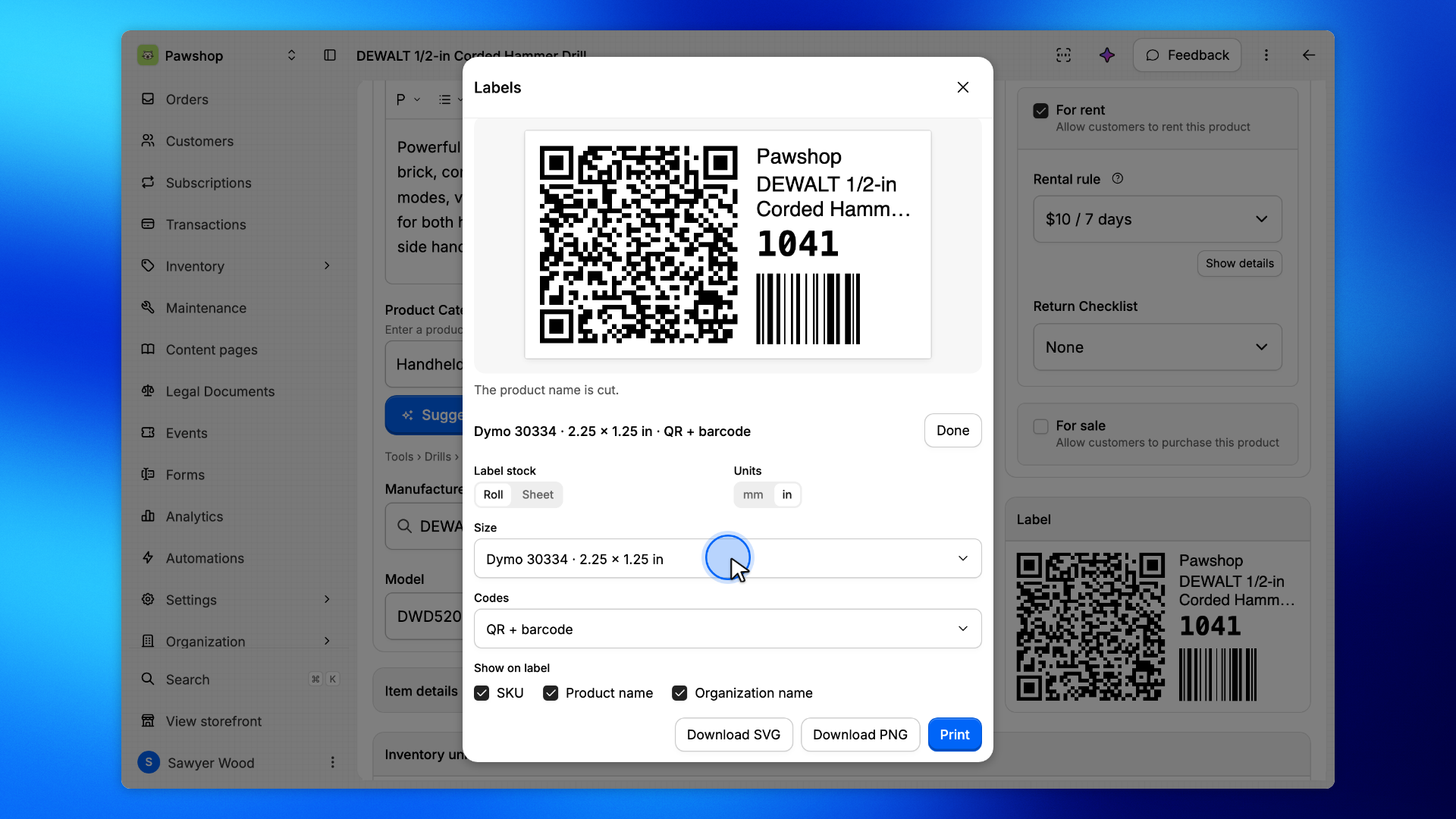
Click Print to open your browser's print dialog. Pick your label printer and the label size, and set the margins to None so the label prints at its real size.
Download PNG saves the label as a picture for your label printer's own software, and Download SVG as a file you can scale to any size.