Let customers rent an item without a membership
By Julien RiouxUpdated September 22, 2026
Open specific items to anyone with an account, even when your workspace requires a membership to rent.
By Julien Rioux·Updated September 22, 2026
Open specific items to anyone with an account, even when your workspace requires a membership to rent.
When your workspace requires a membership to rent, you can still open up specific items to anyone with an account.
You set this on the rental rule, under Inventory › Rental Rules, so every product using that rule opens up at once.
For example, a tool library that requires membership for power tools can still let anyone borrow a sewing machine or a bike pump.
Customers always need to register first. *Without a membership* means they need an account, not that they can check out anonymously.
Open Inventory from the workspace sidebar, then click Rental Rules.
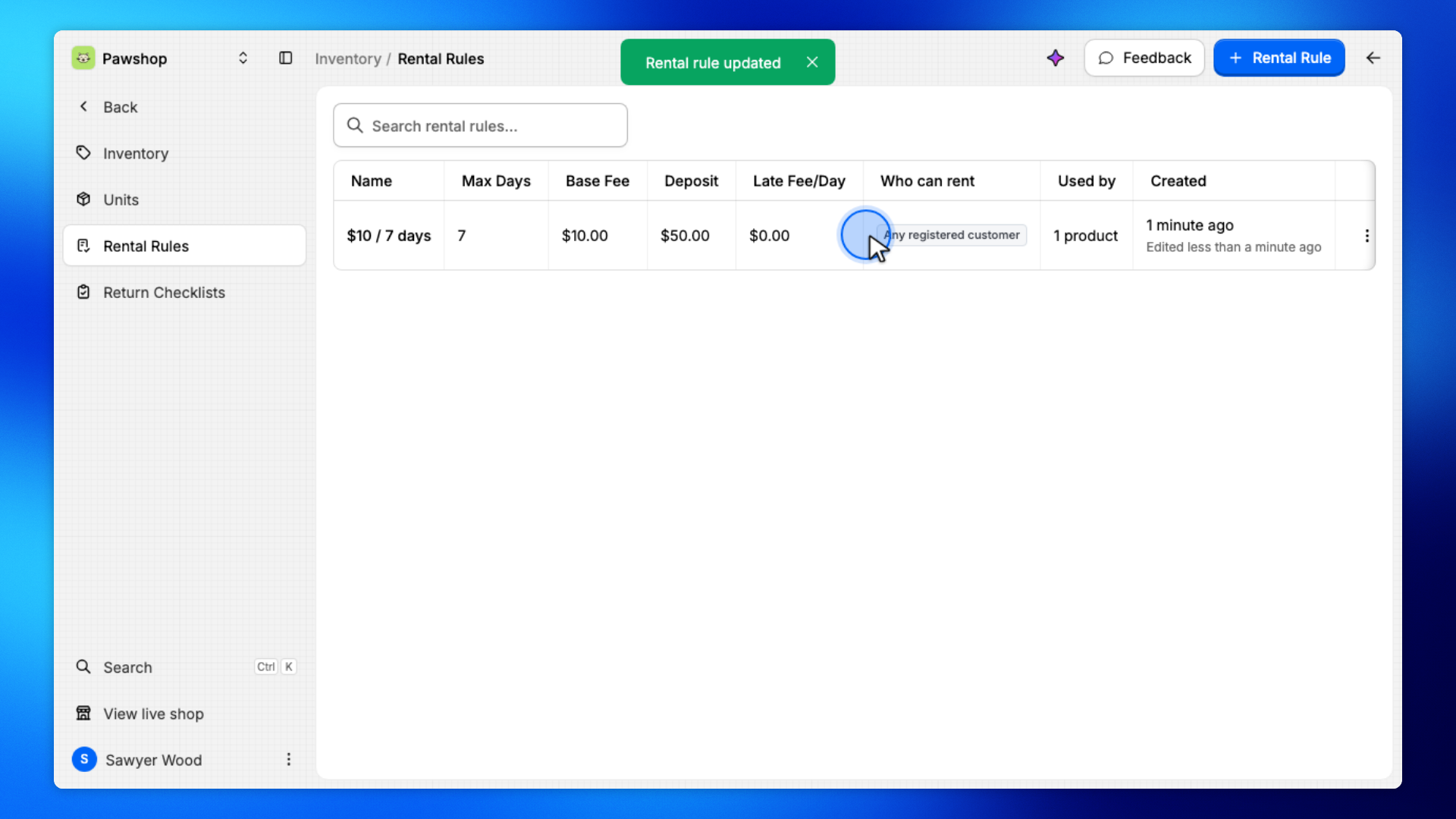
The Who can rent column shows which rules are already open to everyone.
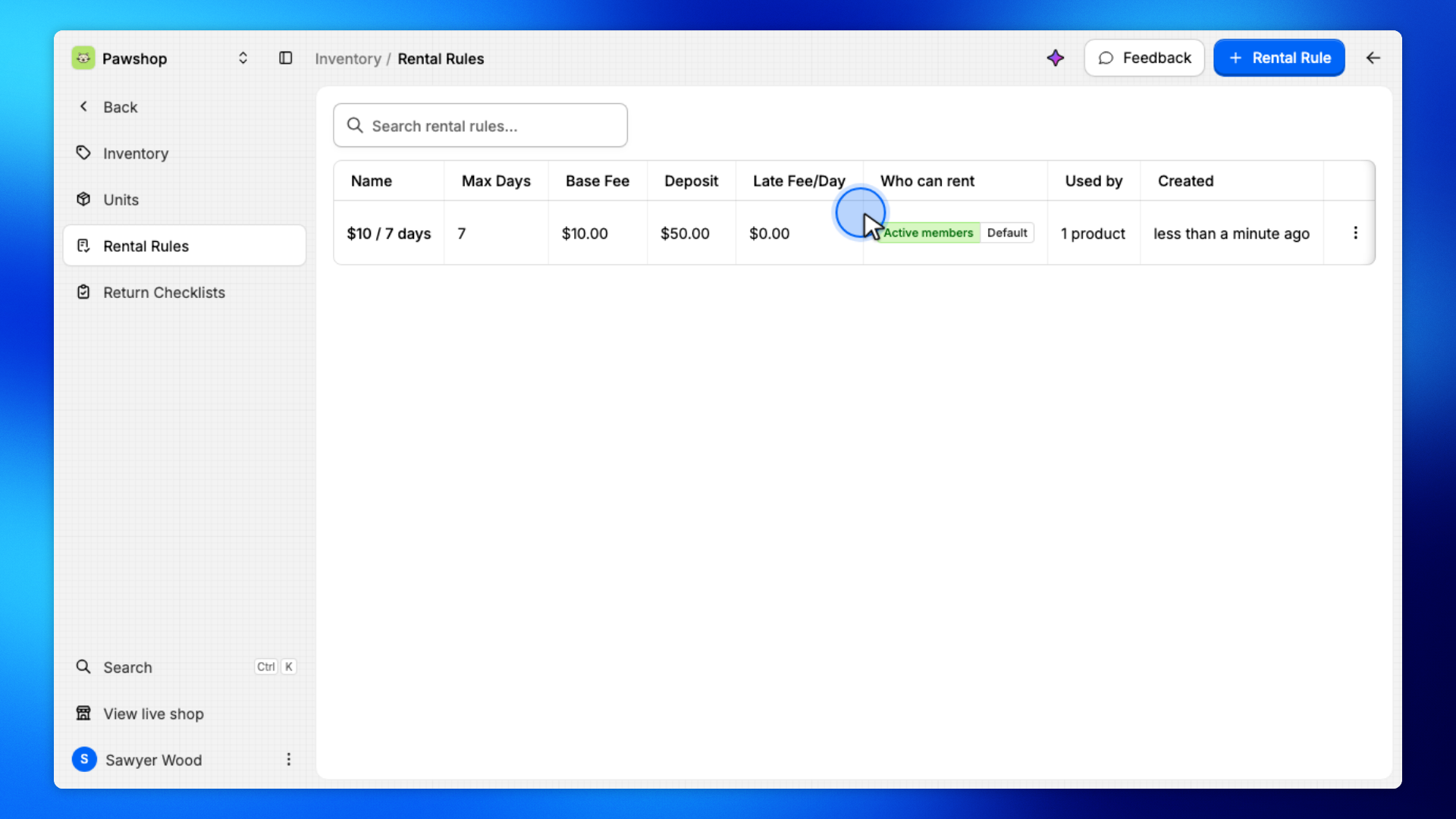
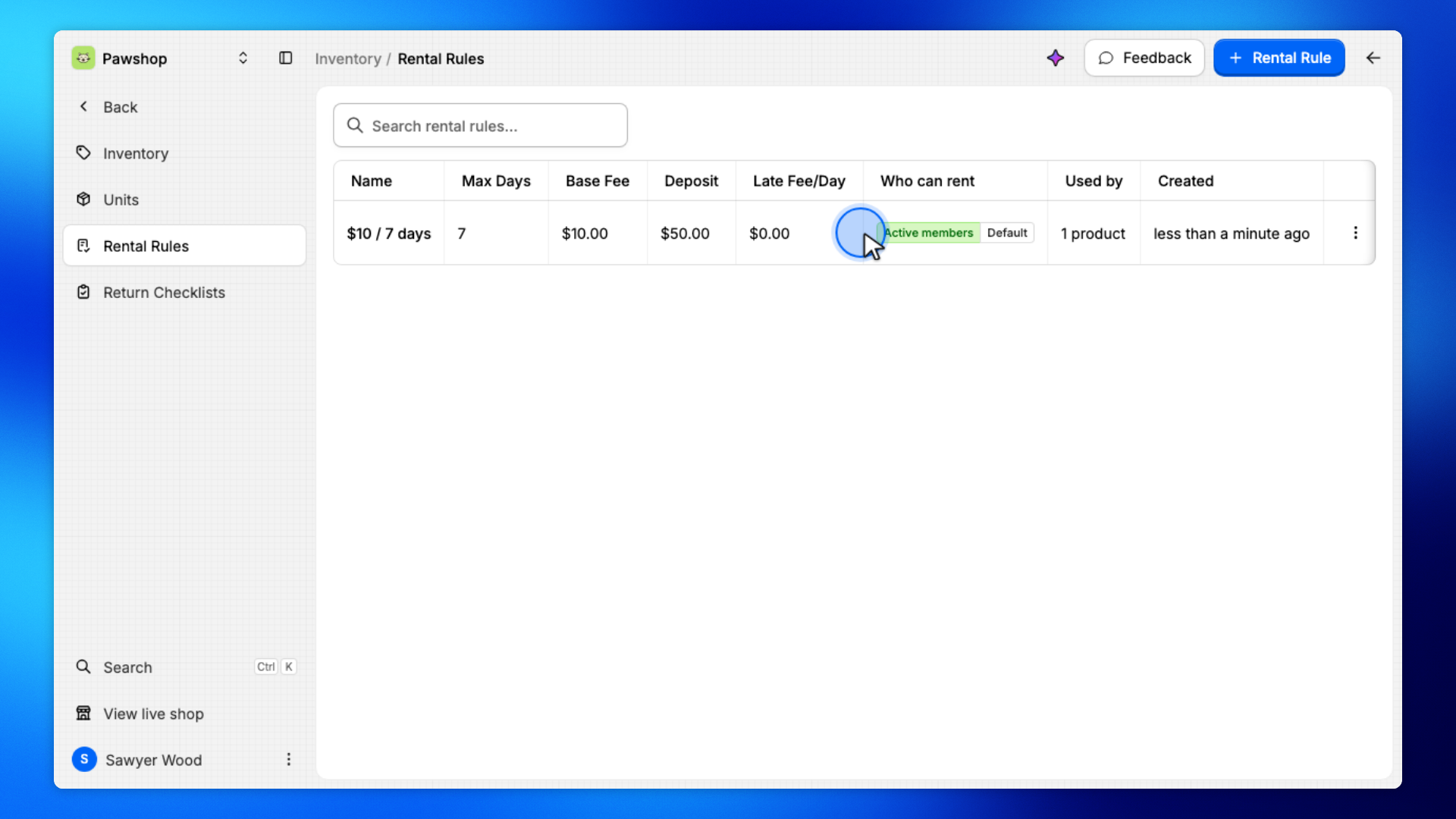
Click the rule.
Every product using this rule opens up, so pick one that covers only the items you mean.
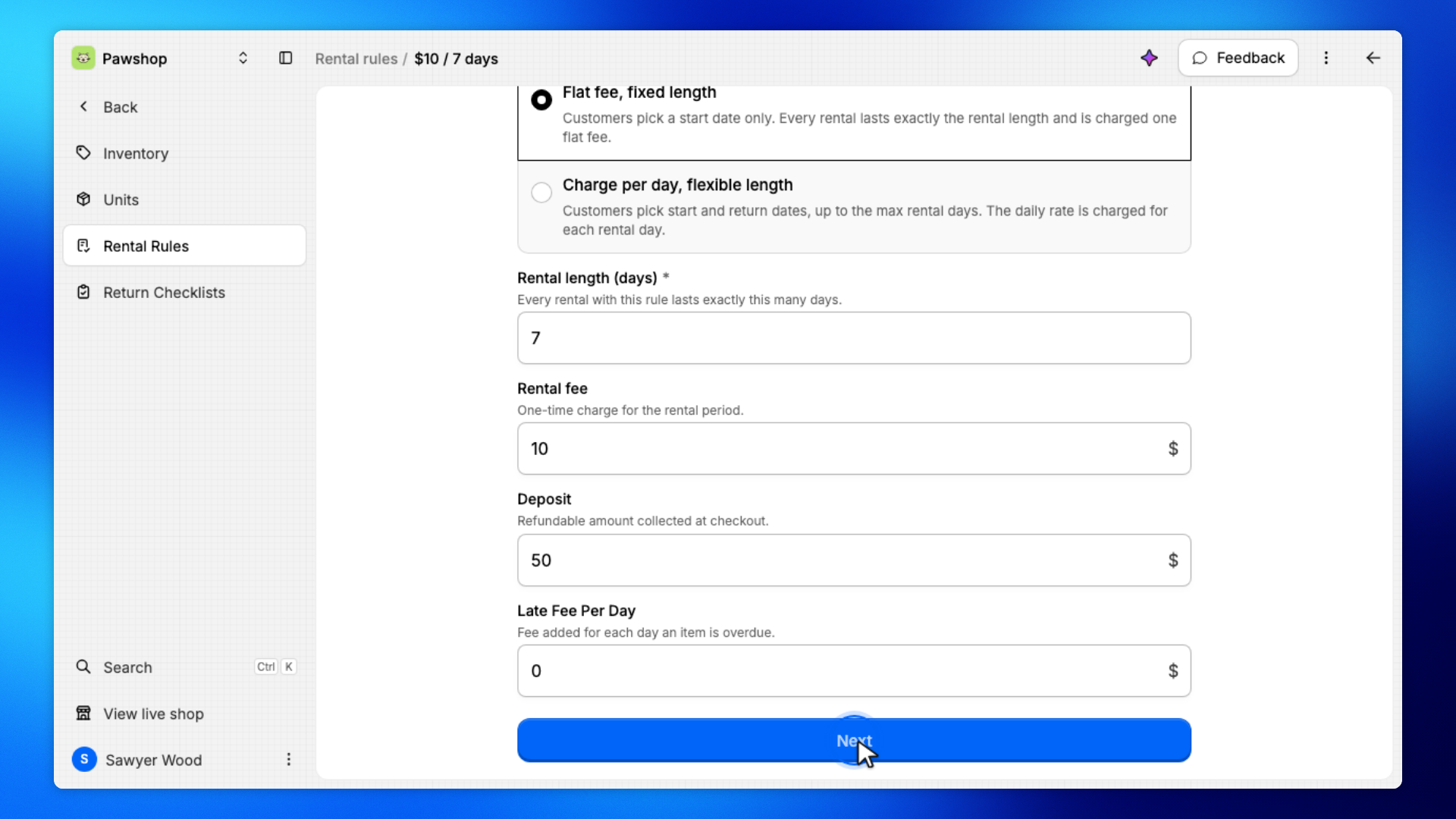
Click Next.
Who can rent these items sits on the second step, with the other rental settings.
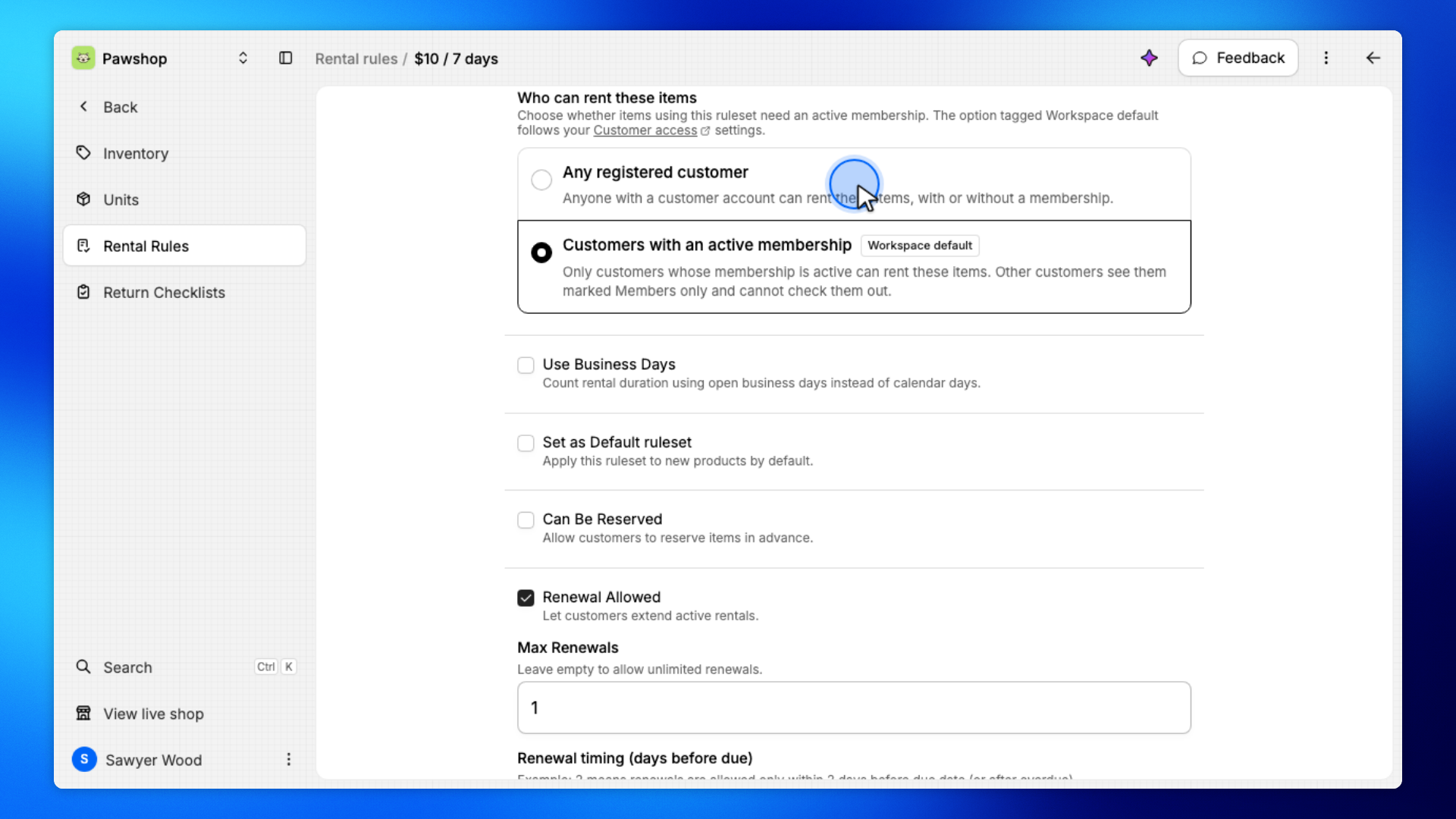
Under Who can rent these items, choose Any registered customer.
The option tagged Workspace default is what your Settings › Customer access choice does today, and picking it keeps the rule following that setting.
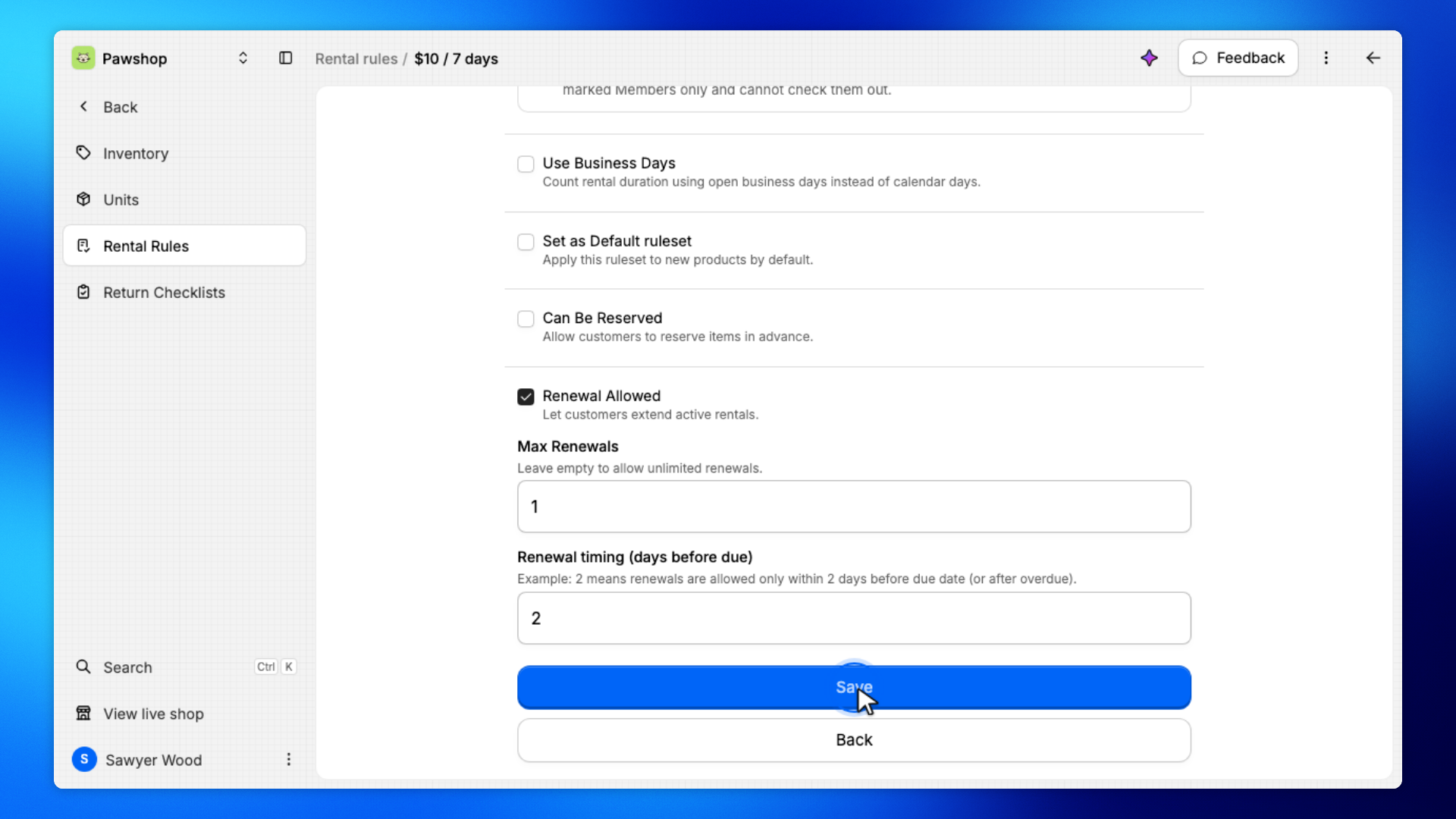
Click Save.
Customers with an account can now rent these items without buying a membership.
Go back to Rental Rules.
The rule now shows Any registered customer in the Who can rent column. Every product on this rule is open.