Create a membership plan
By Julien RiouxUpdated August 31, 2026
Add a named plan with a price and term so customers can become members.
By Julien Rioux·Updated August 31, 2026
Add a named plan with a price and term so customers can become members.
Open Settings, then Memberships, and click Membership. You'll land on Create a new membership type. Each plan is a membership tier customers can pick in the shop.
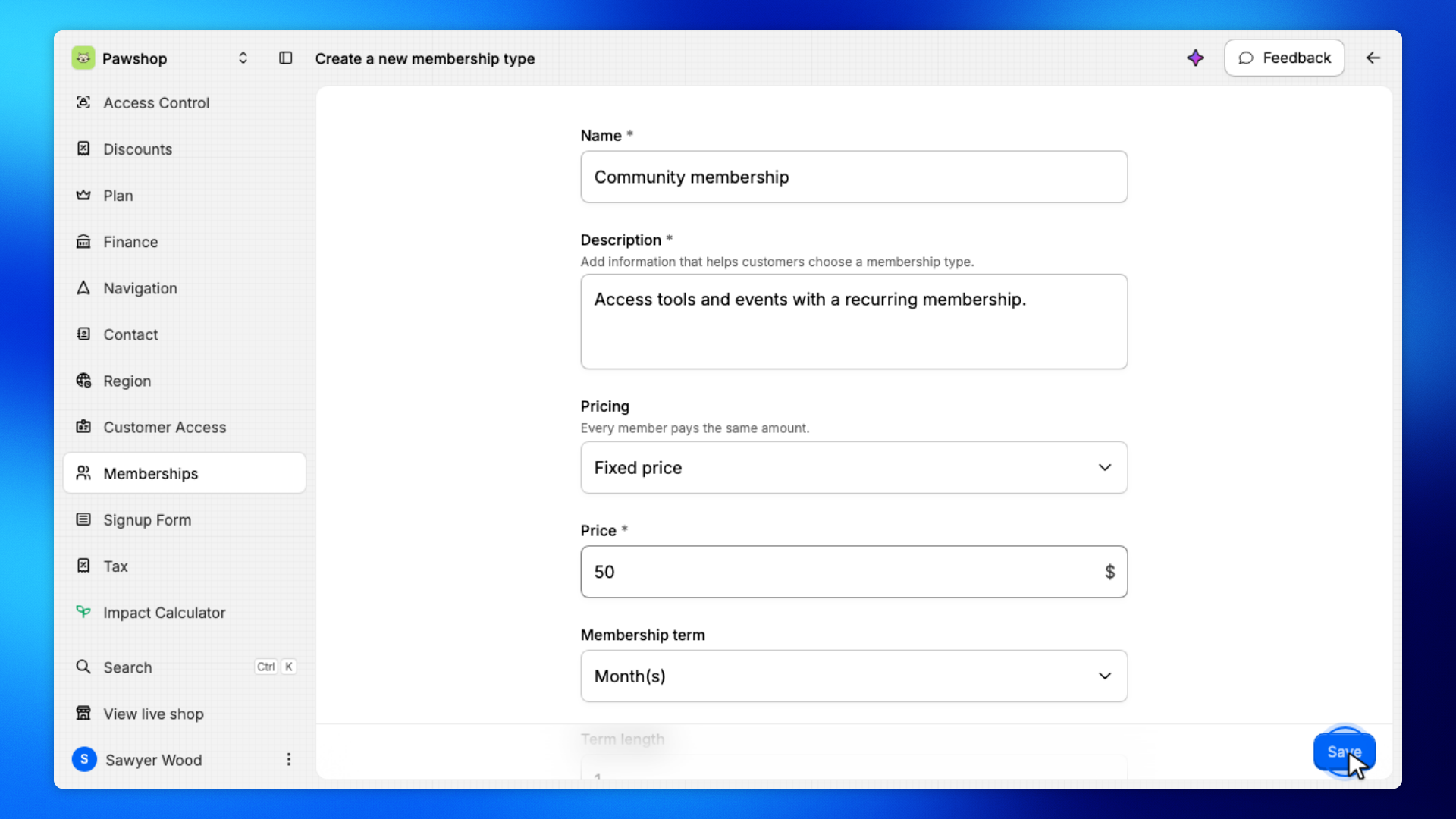
Enter a Name, Description, and Price. Leave Fixed price and a 1-month Membership term unless you need something else, then click Save. For example, a Community membership at $50 per month.
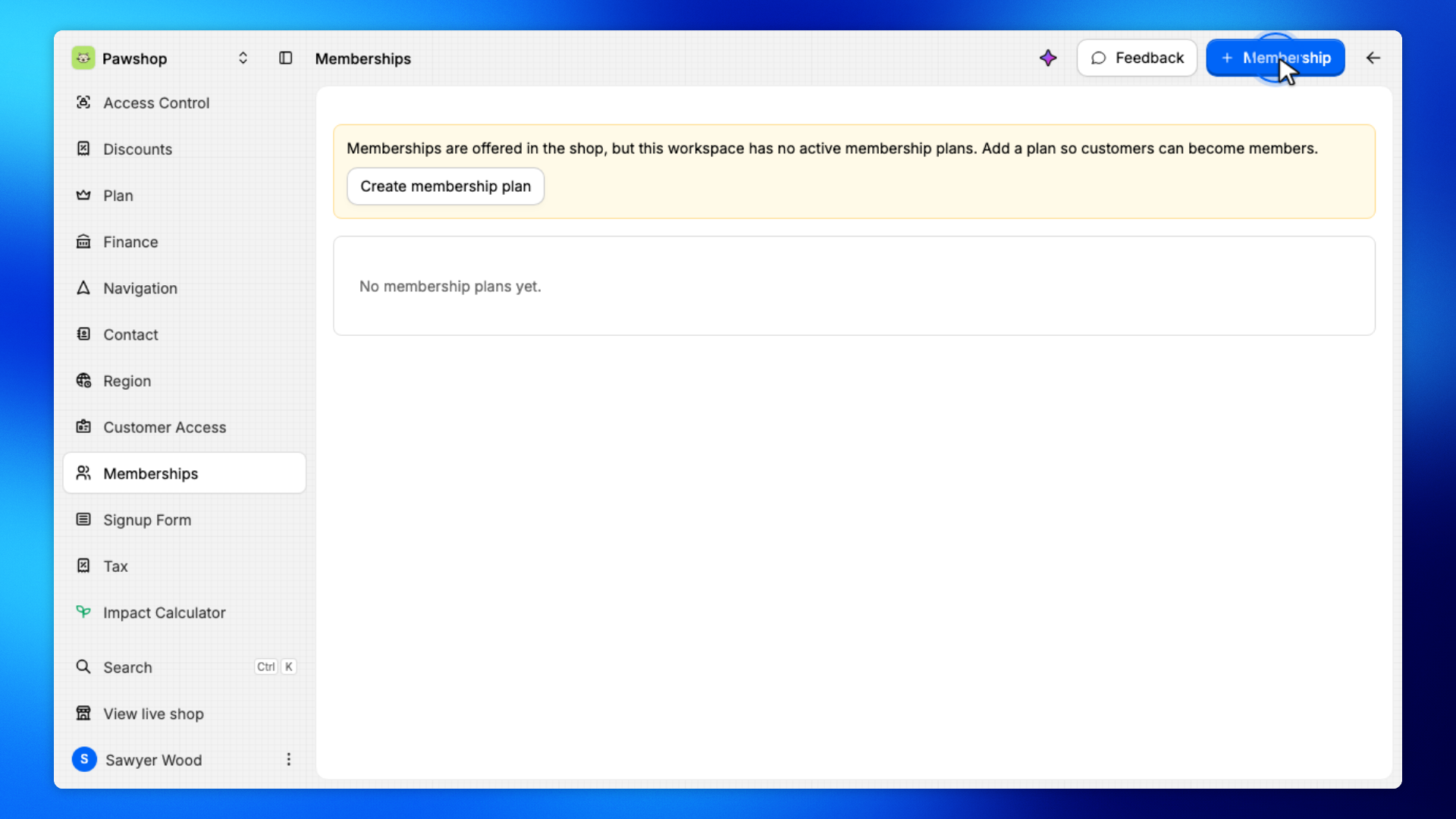
Open Settings, then Memberships, and click Membership.
You'll land on Create a new membership type.
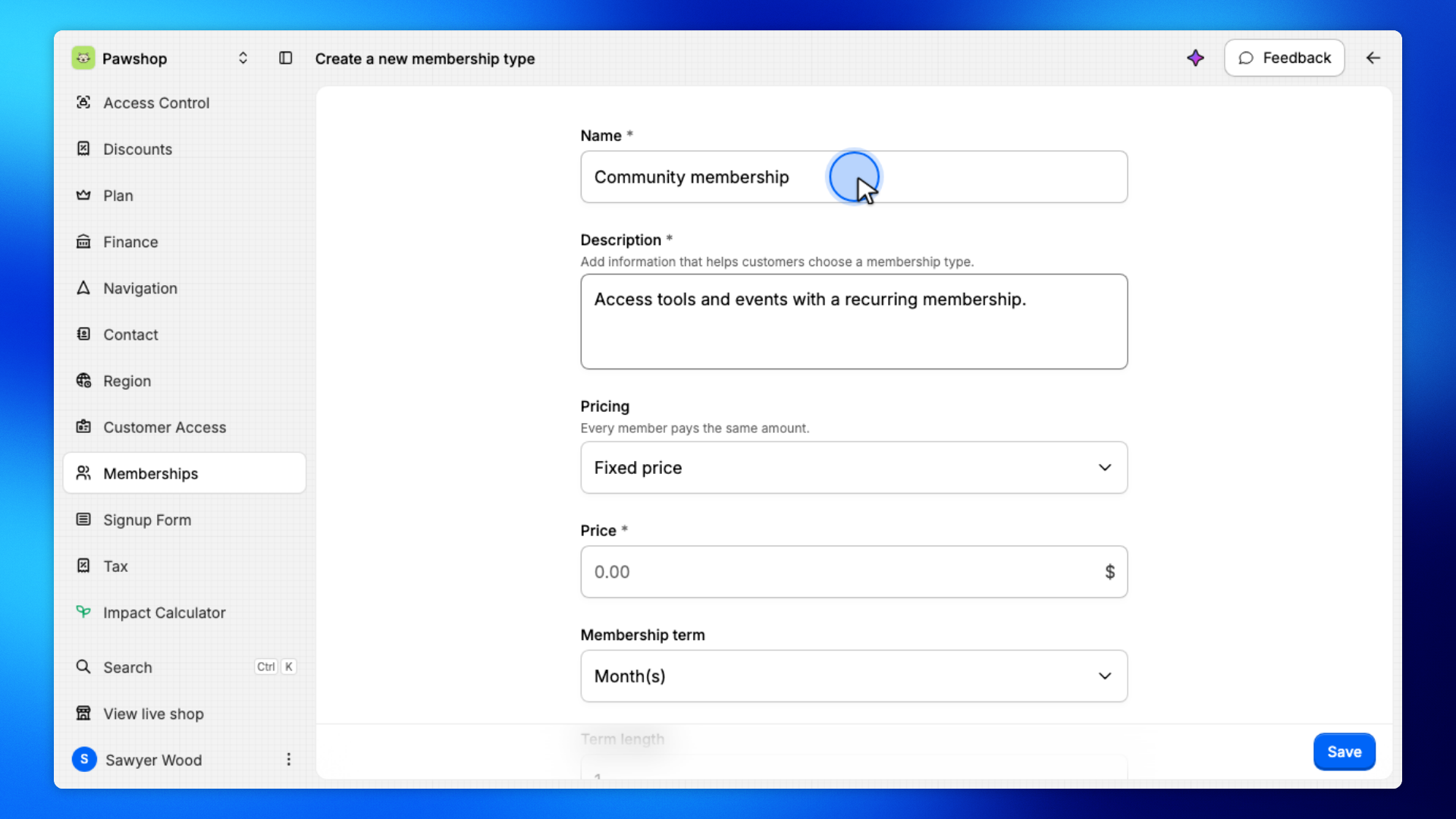
Enter a Name and Description.
The name is what customers see when they pick a membership.
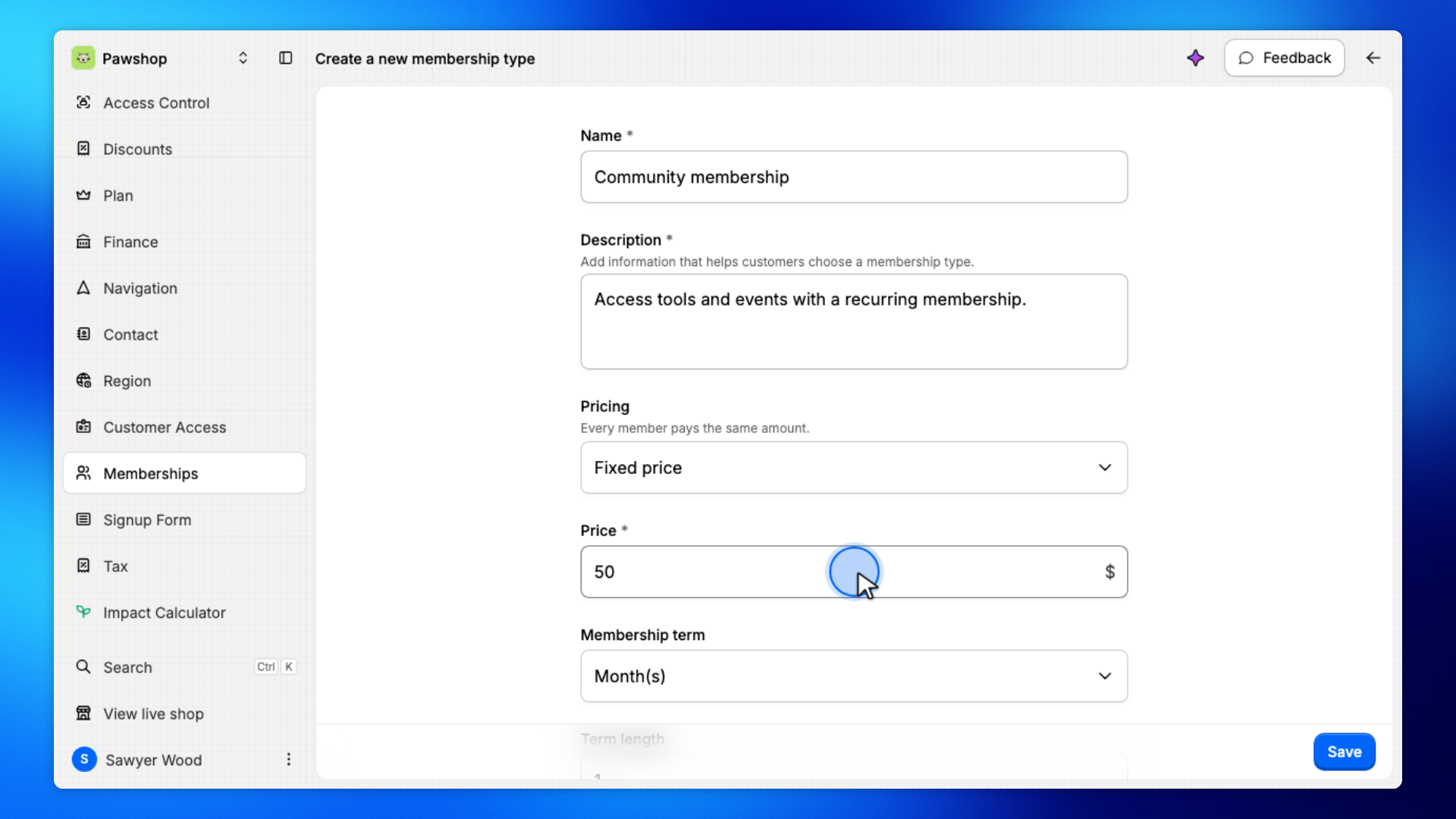
Enter the Price. Leave Fixed price and a 1-month Membership term unless you need something else.
Every member on this plan pays the same amount.
Click Save.
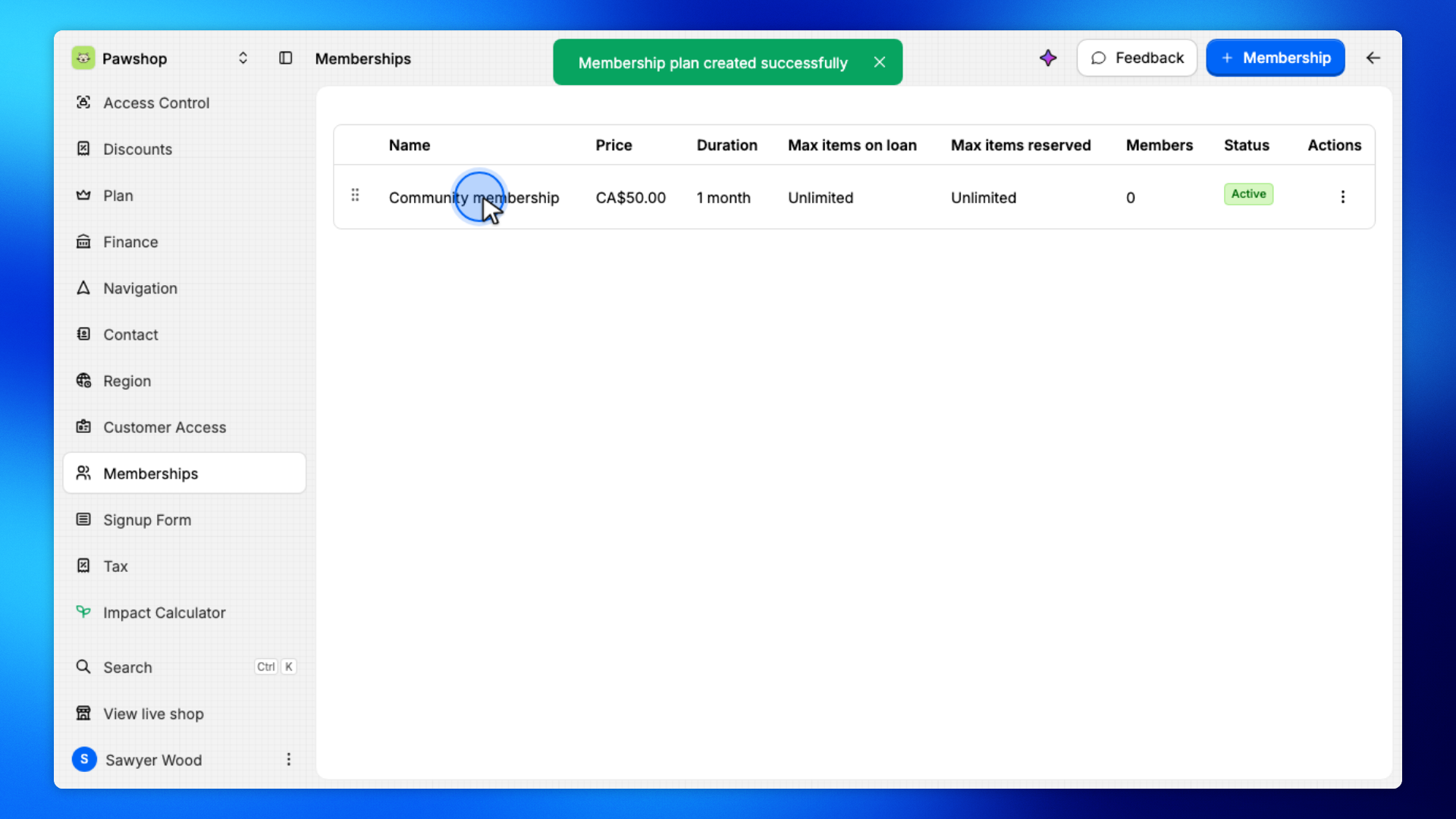
Patio creates the plan and takes you back to Memberships.
The new plan appears on Memberships.
You can add more plans if you offer more than one tier.