Renew a rental
By Julien RiouxUpdated September 9, 2026
Extend an item's due date from the order page without taking it back.
By Julien Rioux·Updated September 9, 2026
Extend an item's due date from the order page without taking it back.
Renewal adds another rental cycle onto the current due date. It does not start from today.
Open the order, choose Renew item, then confirm. The new due date is the previous due date plus the same number of days as the last cycle.
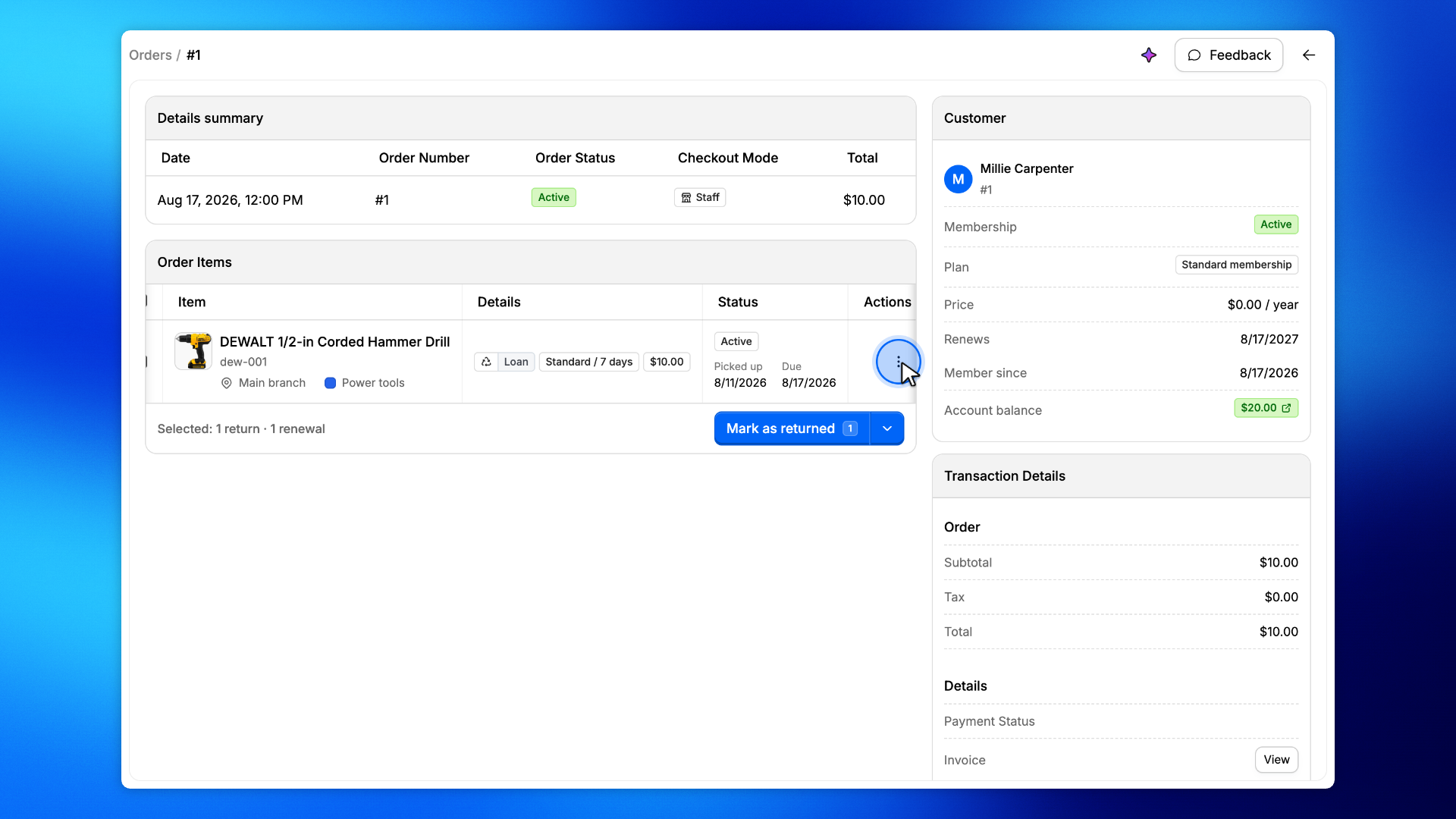
On Order Items, open the actions menu for the item you want to renew.
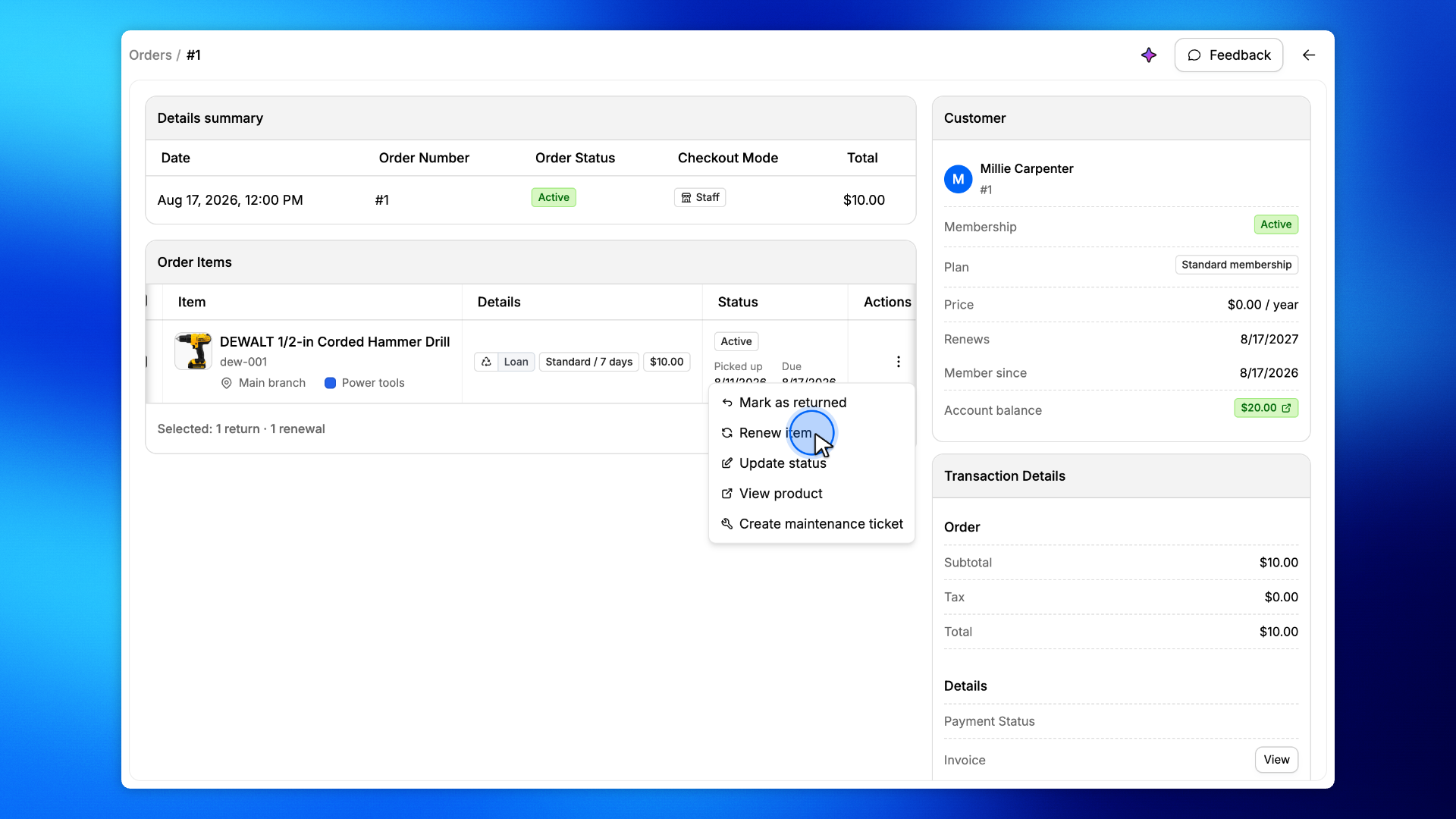
Click Renew item.
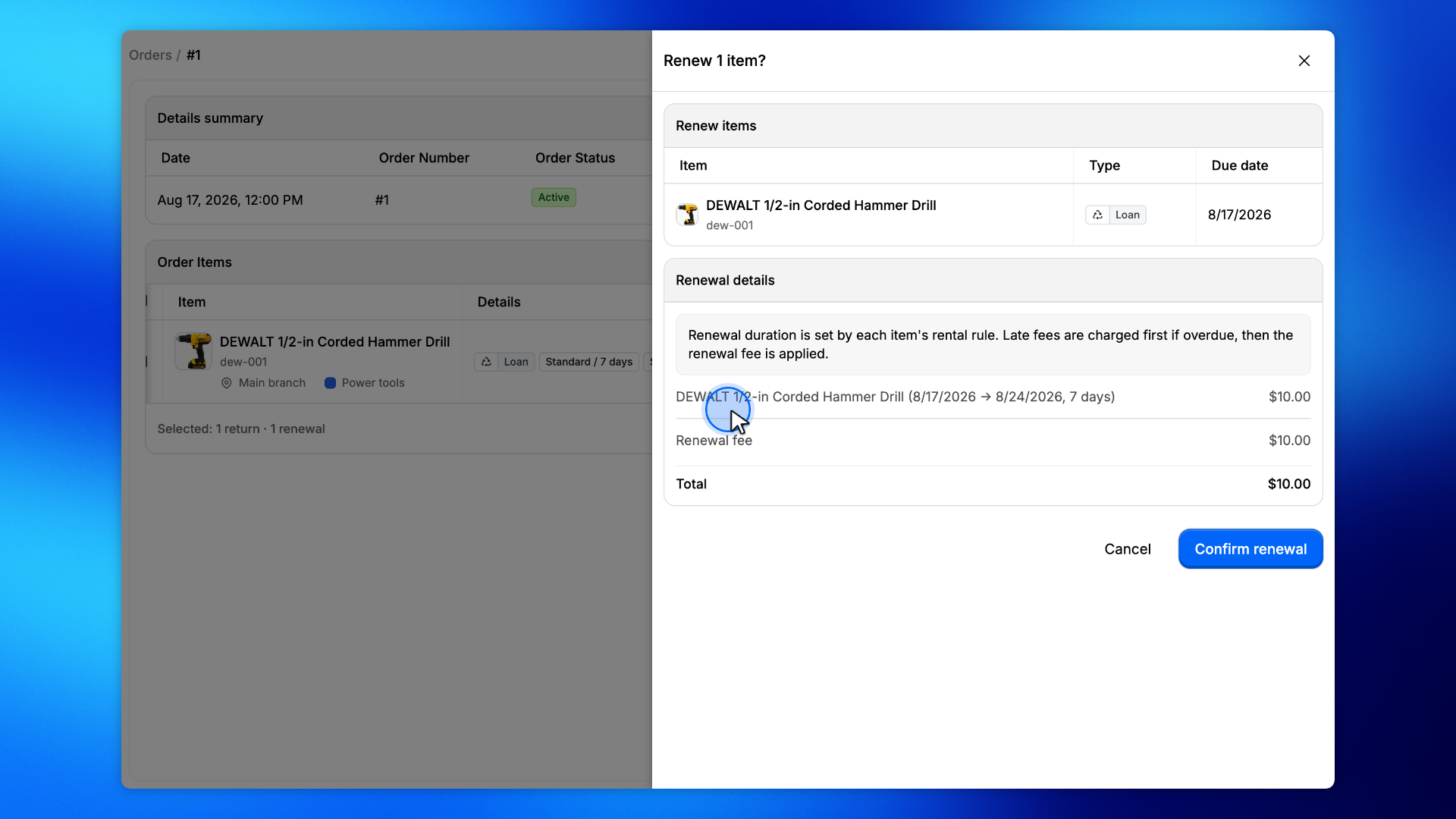
The drawer shows the renewal fee and the new due date. Click Confirm renewal.
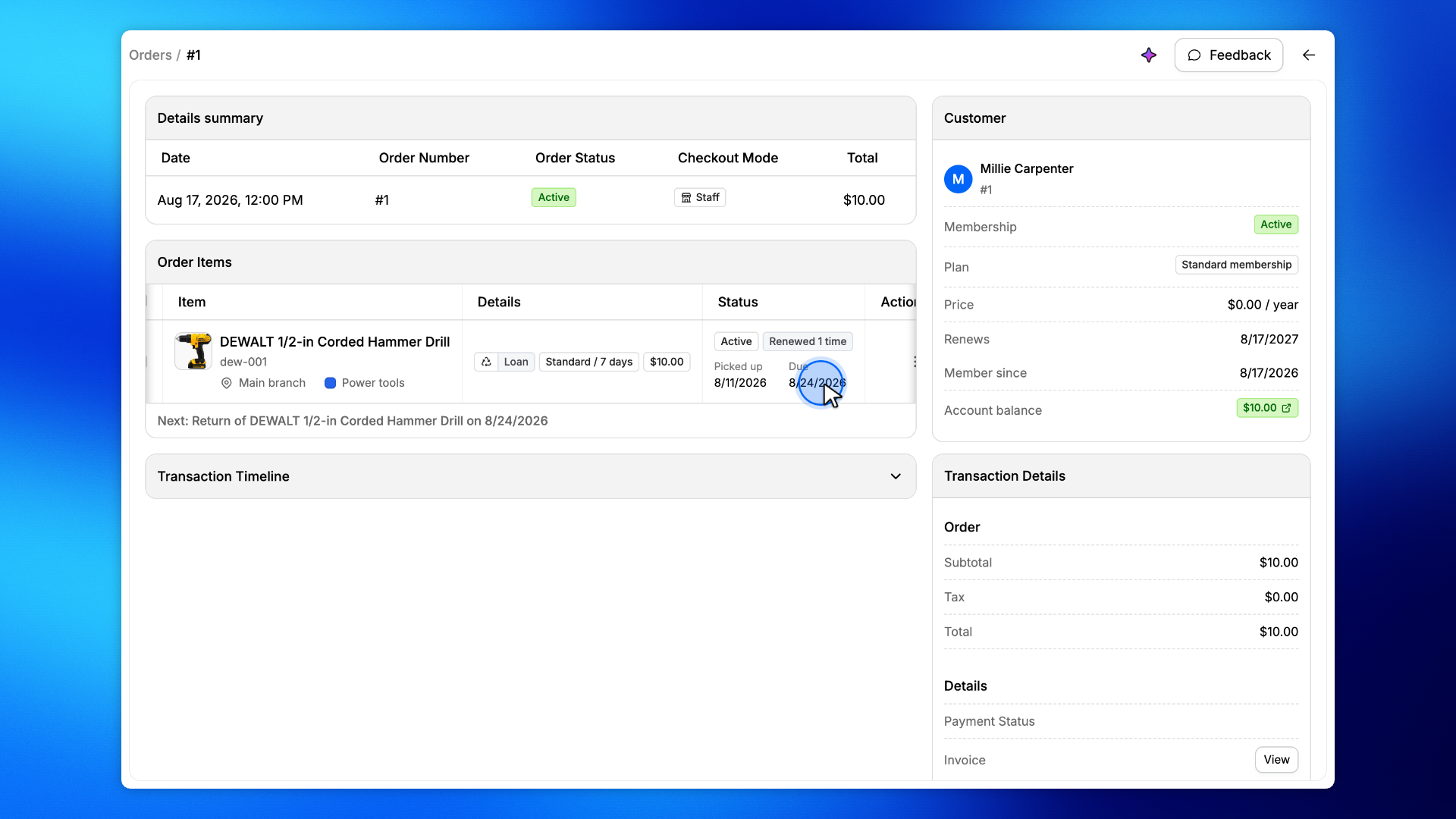
The item stays Active. A Renewed 1 time badge appears, and the due date moves forward by the previous cycle.