Choose who can rent and buy
By Julien RiouxUpdated September 21, 2026
Set whether people need only an account, or an active membership, to rent and to buy in your shop.
By Julien Rioux·Updated September 21, 2026
Set whether people need only an account, or an active membership, to rent and to buy in your shop.
Settings › Customer access is the workspace-wide answer to "who can take something out of here".
Rentals and purchases are set separately, so you can lend only to members while selling to anyone.
Every rental rule follows this setting unless you deliberately change that rule. So this is the one place to change your mind for the whole shop, and individual rules are the exception rather than the norm.
Customers always need to register first. Any registered customer means they need an account, not that they can check out anonymously.
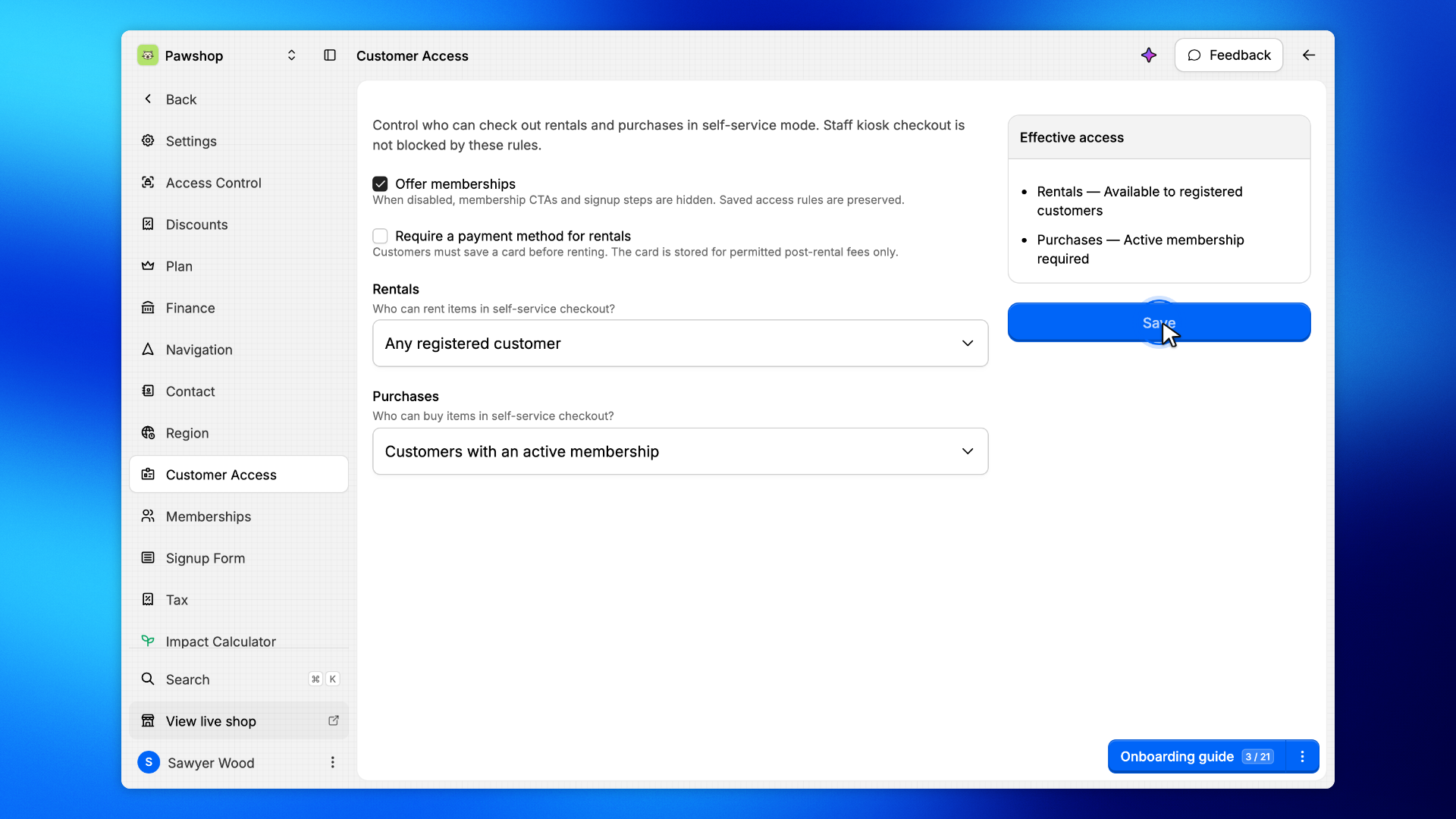
Go to Settings › Customer access.
Offer memberships controls whether memberships exist at all. With it off there is no plan to buy, so everything below treats every customer the same.
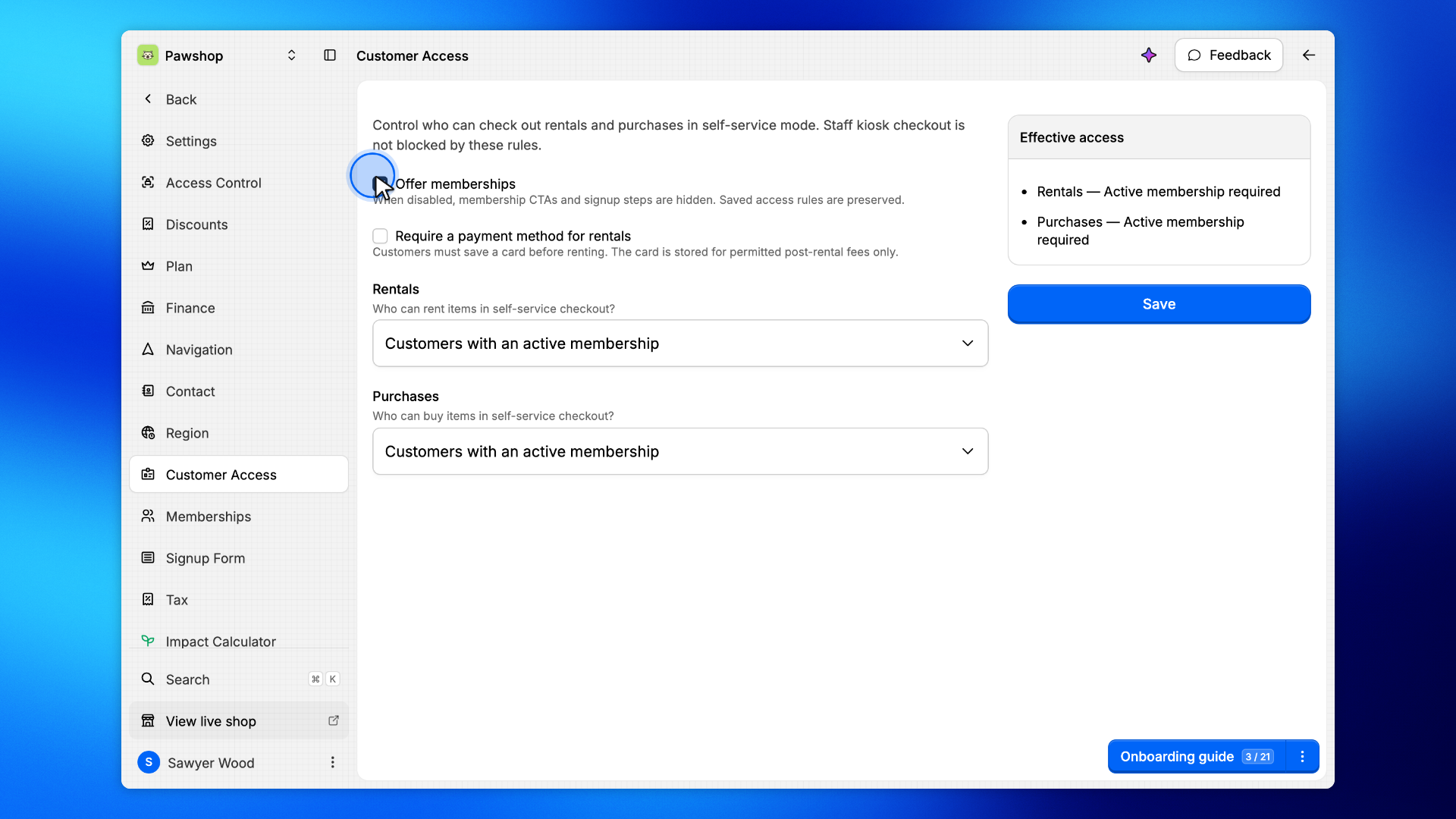
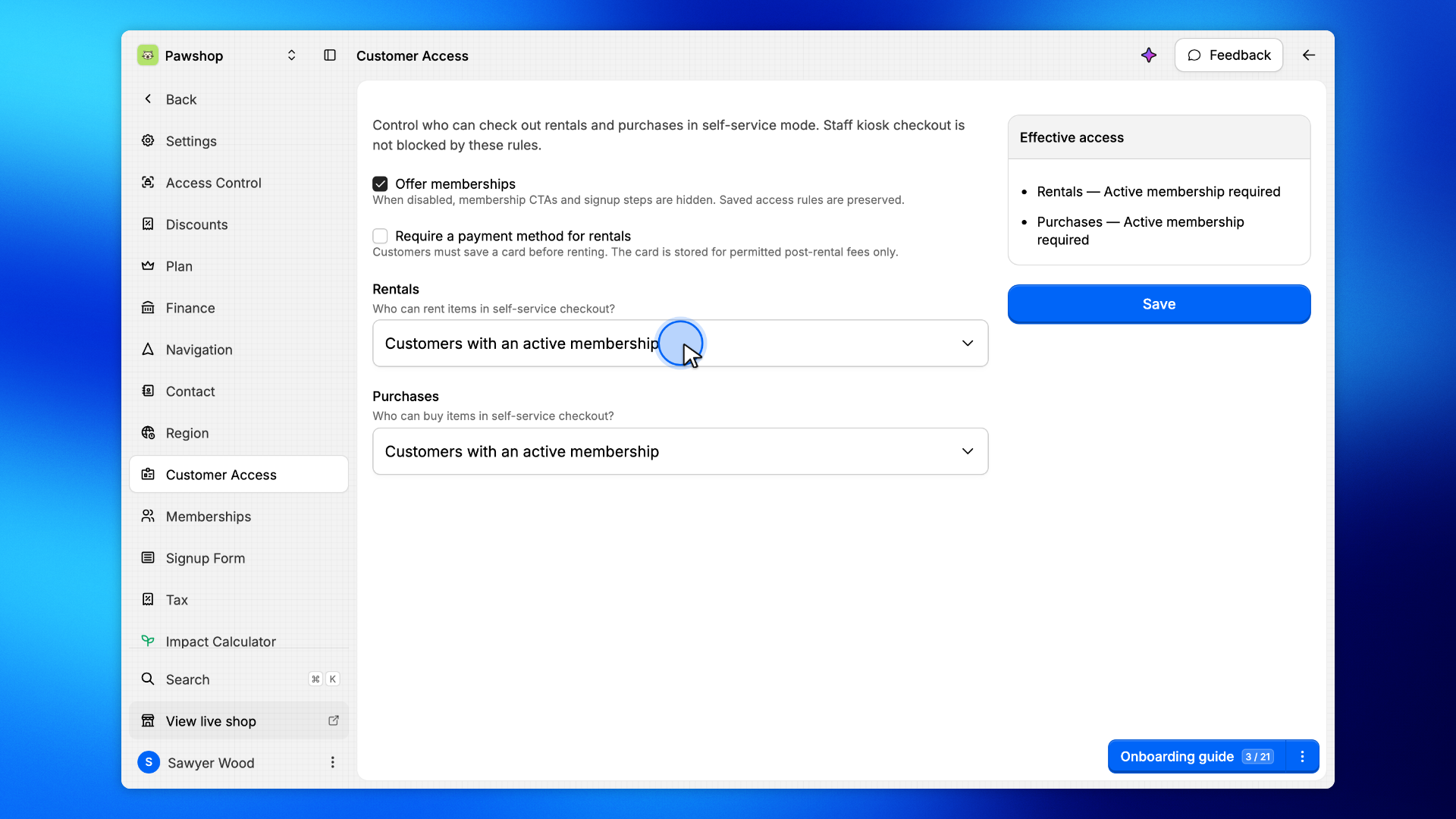
Under Rentals, pick Any registered customer or Customers with an active membership.
This is what a rental rule means by its Workspace default option: pick that option on a rule and the rule keeps following this setting, so changing it here moves those items too.
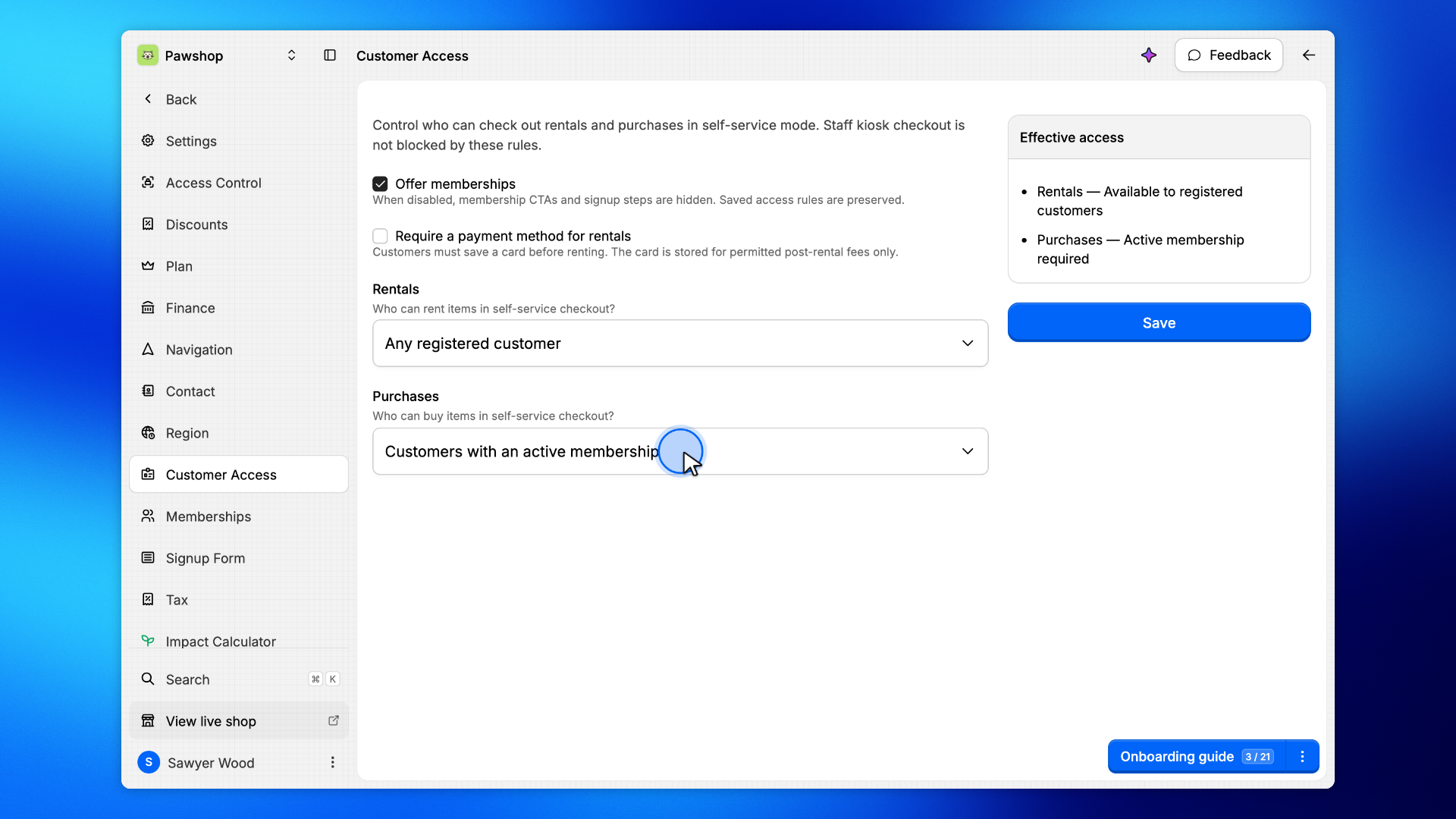
Purchases is set on its own.
A tool library that lends only to members often still sells consumables to anyone, which is why these two are not one switch.
Effective access restates your choices as sentences, and updates as you edit.
Read it before saving. It is the quickest way to catch a setting that says something you did not mean.
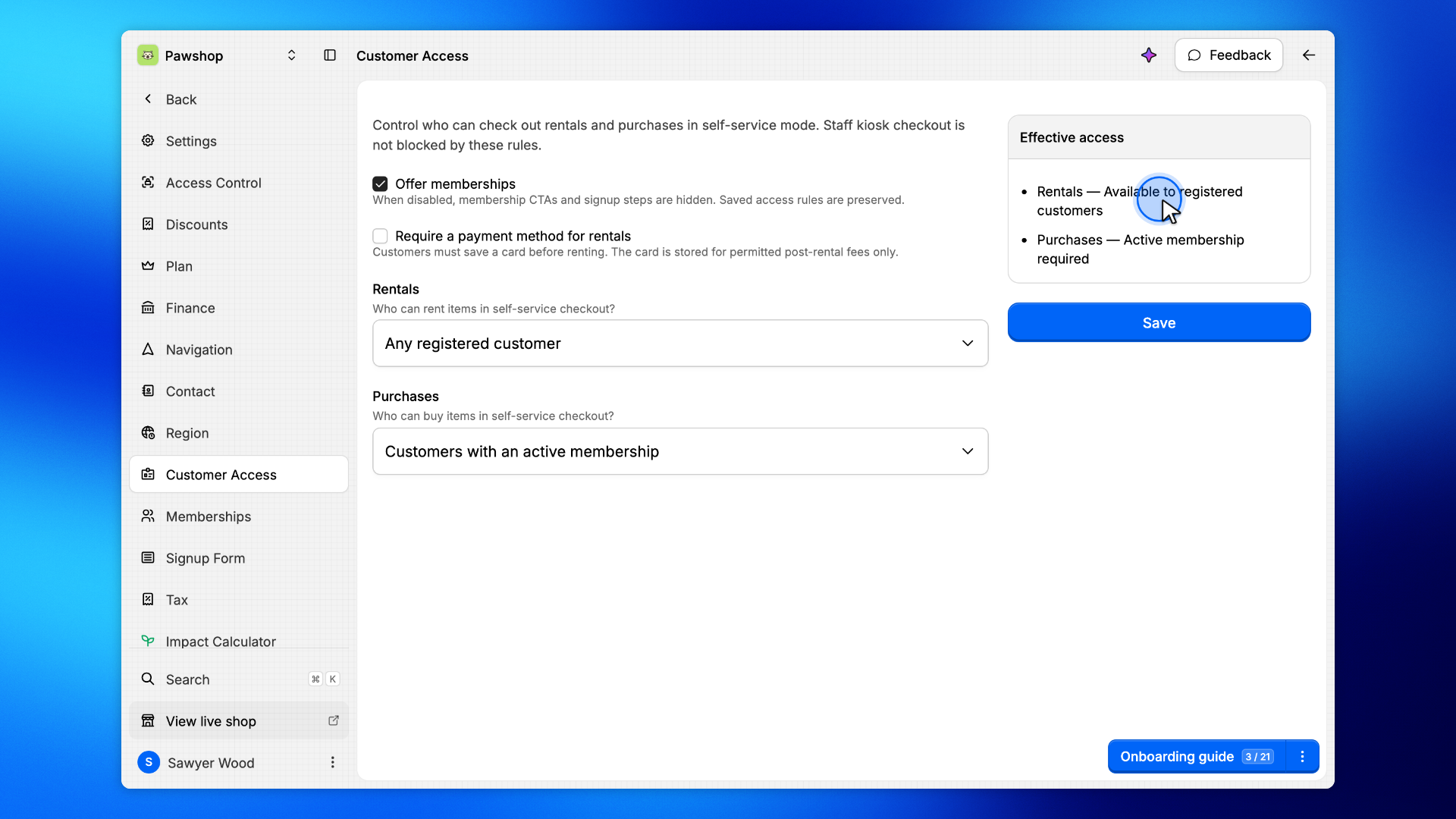
Click Save.
The change applies to checkout straight away. Customers already in a cart see it on their next step.