Find an item by scanning its label
By Julien RiouxUpdated October 13, 2026
Point your phone's or computer's camera at an item's label to open it in the workspace, without typing its SKU.
By Julien Rioux·Updated October 13, 2026
Point your phone's or computer's camera at an item's label to open it in the workspace, without typing its SKU.
The scanner reads the labels you print from Patio, by their QR code or their barcode, and opens the item it finds at once. Checking an item's status or where it belongs takes one scan.
It runs in your browser, on a phone, a tablet or a computer with a camera. To print labels, see Print a label for an item.
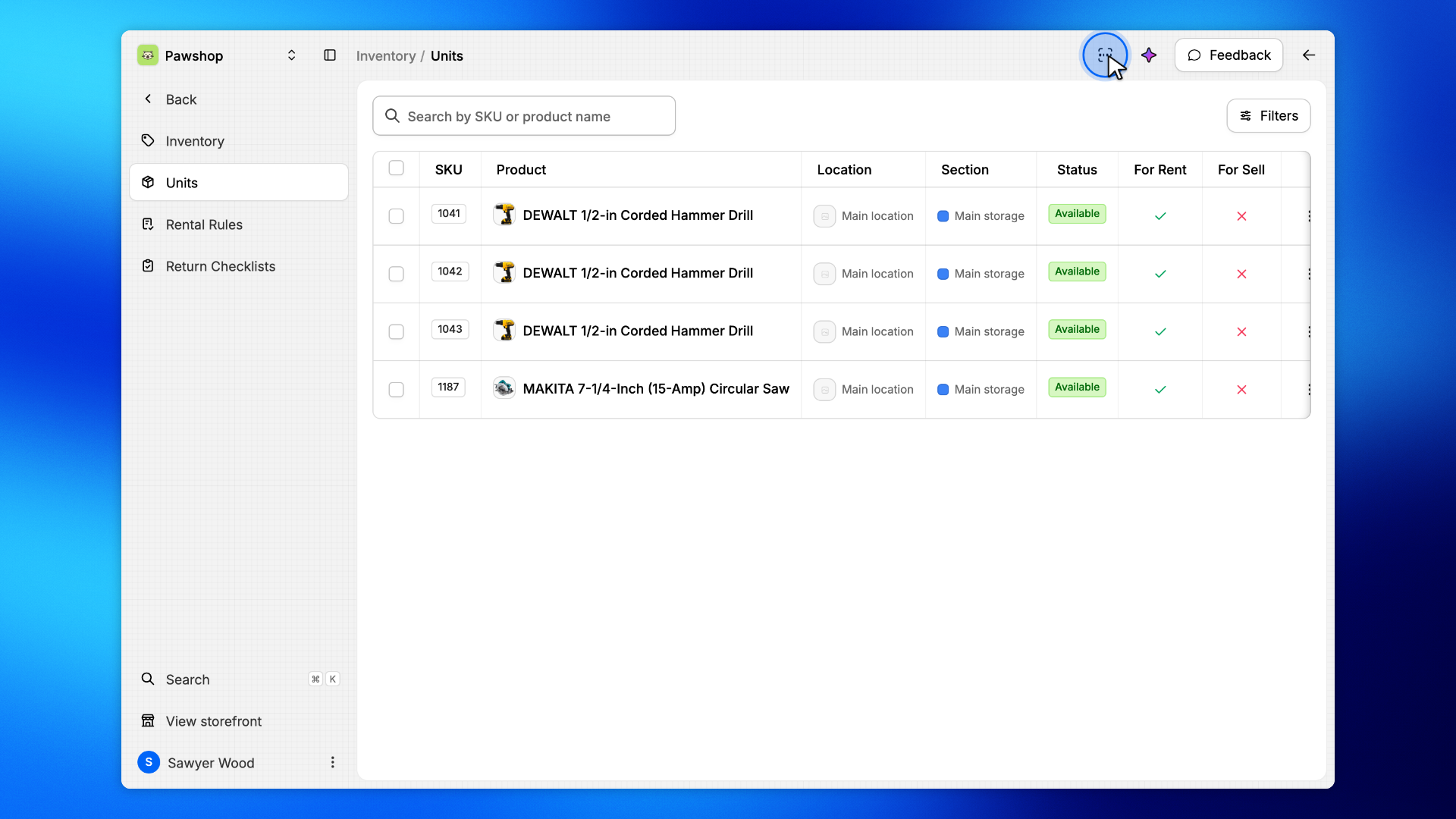
Click the barcode button at the top right of any workspace page, Scan a label. On a phone, it is in the menu at the bottom of the screen.
In the search, the same barcode button opens it too, and so does typing /scan.
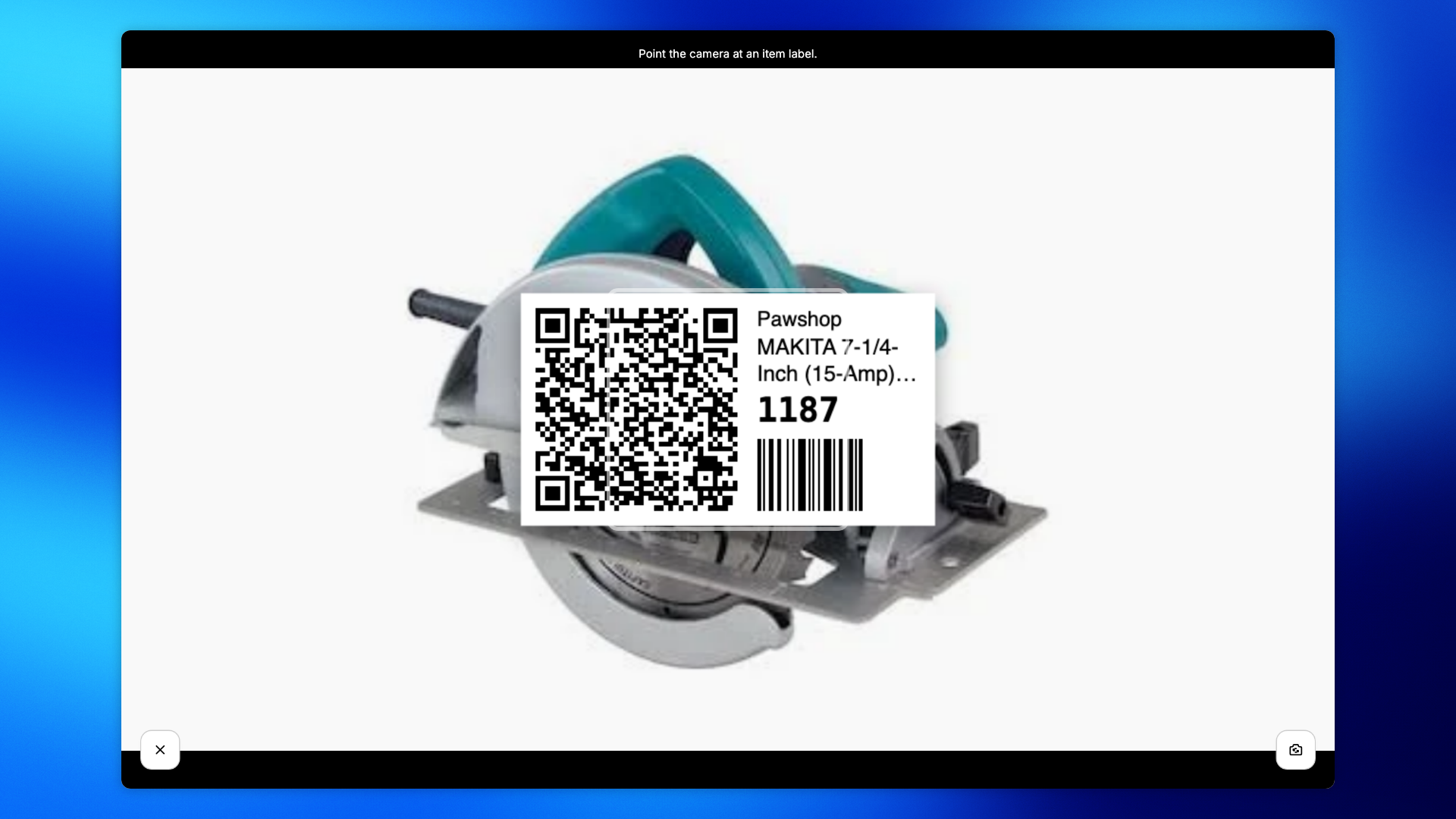
The first time, your browser asks to use the camera: allow it.
Hold the label in front of the camera and keep it steady until the picture is sharp. The scanner reads the QR code or the barcode on its own, there is nothing to press.
On a computer, the webcam's picture starts mirrored, like a mirror: the button at the bottom right turns it the right way round. The scanner reads labels either way.
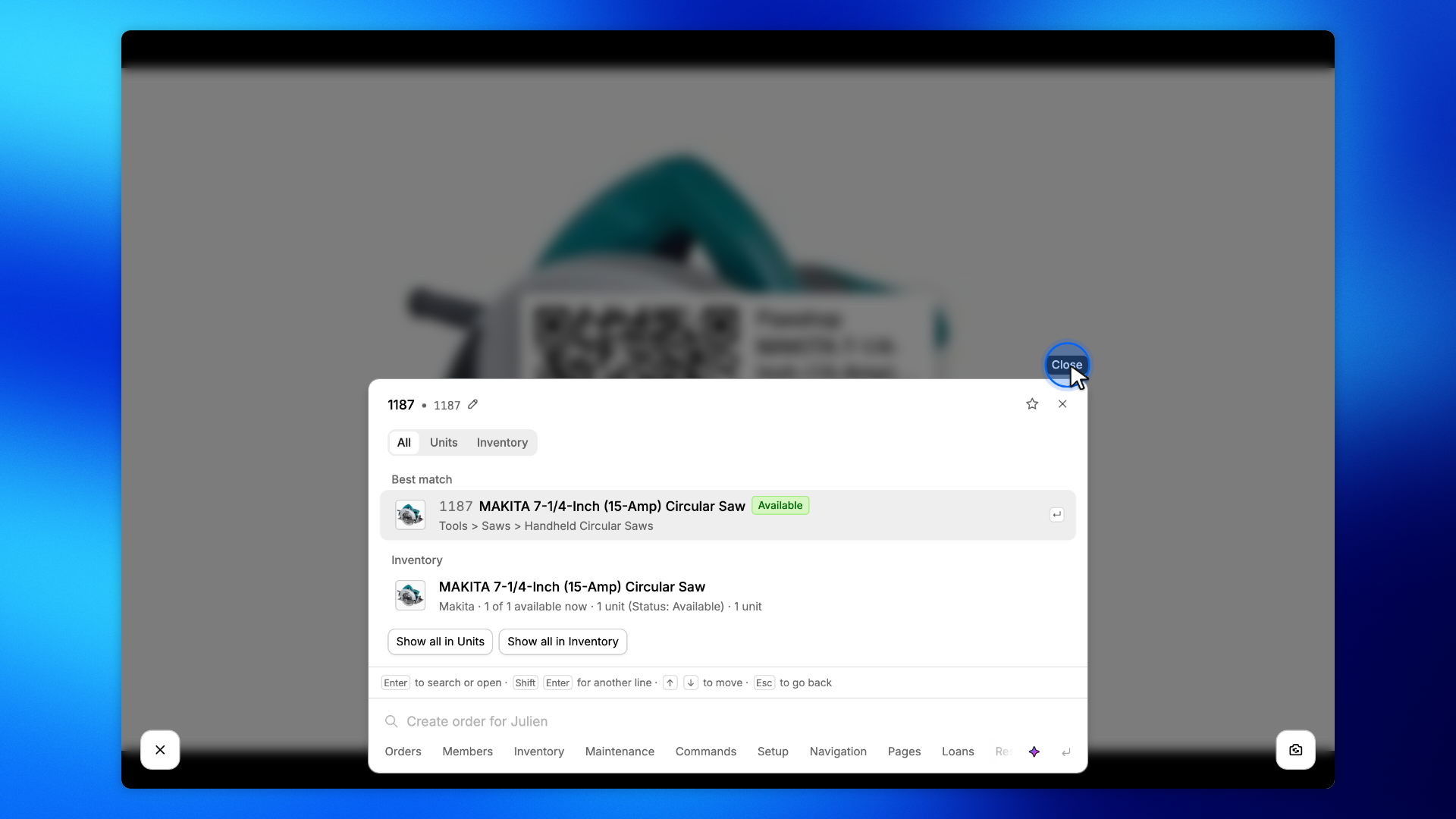
The picture stops on the label it read, and the search opens on the unit's SKU, with the unit as the Best match.
Click it to open the unit's details on its product page.
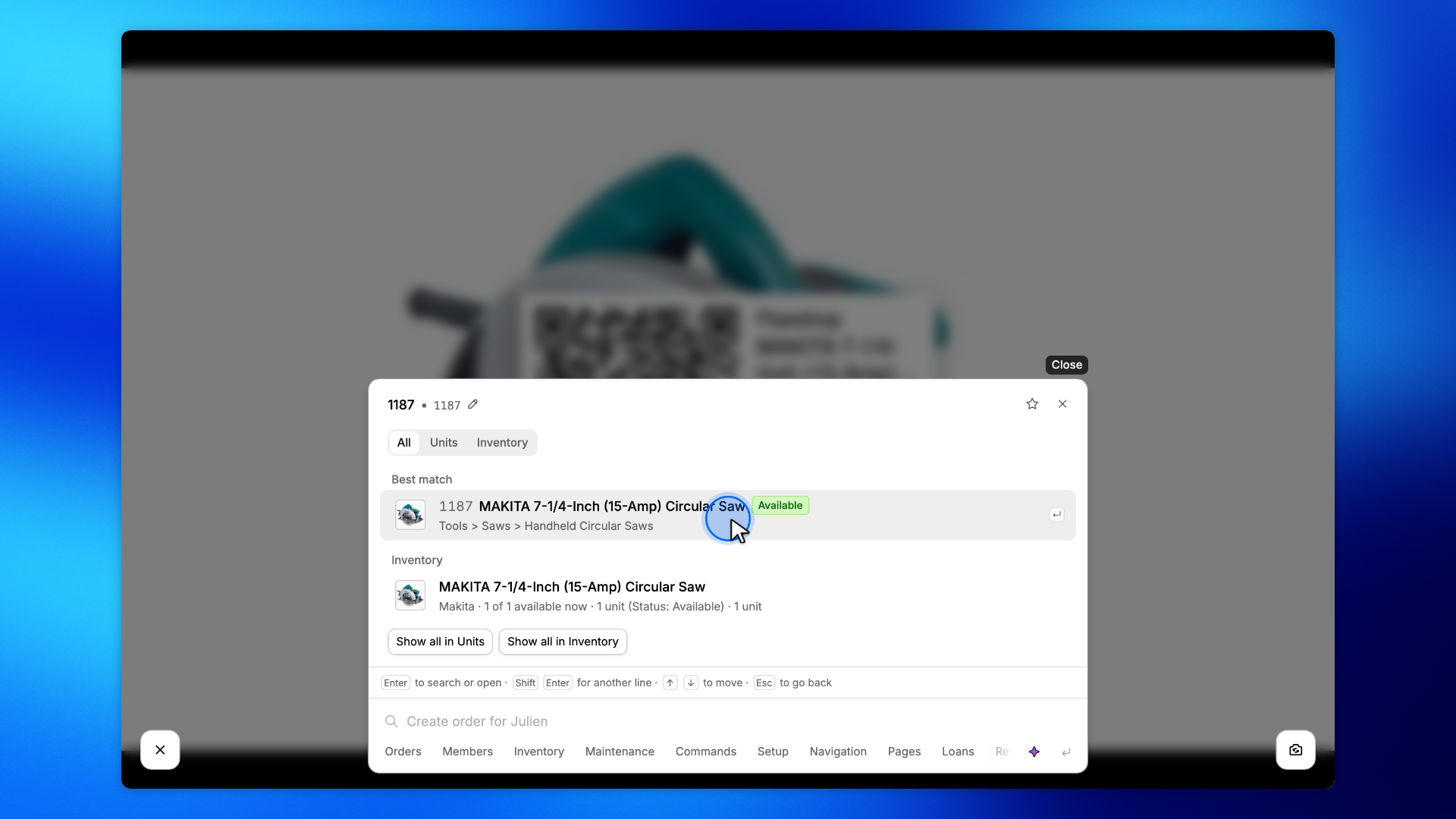
Close the search, with Close or the Esc key, and the camera starts again for the next label. The label you just scanned is not read again while it stays in front of the camera.
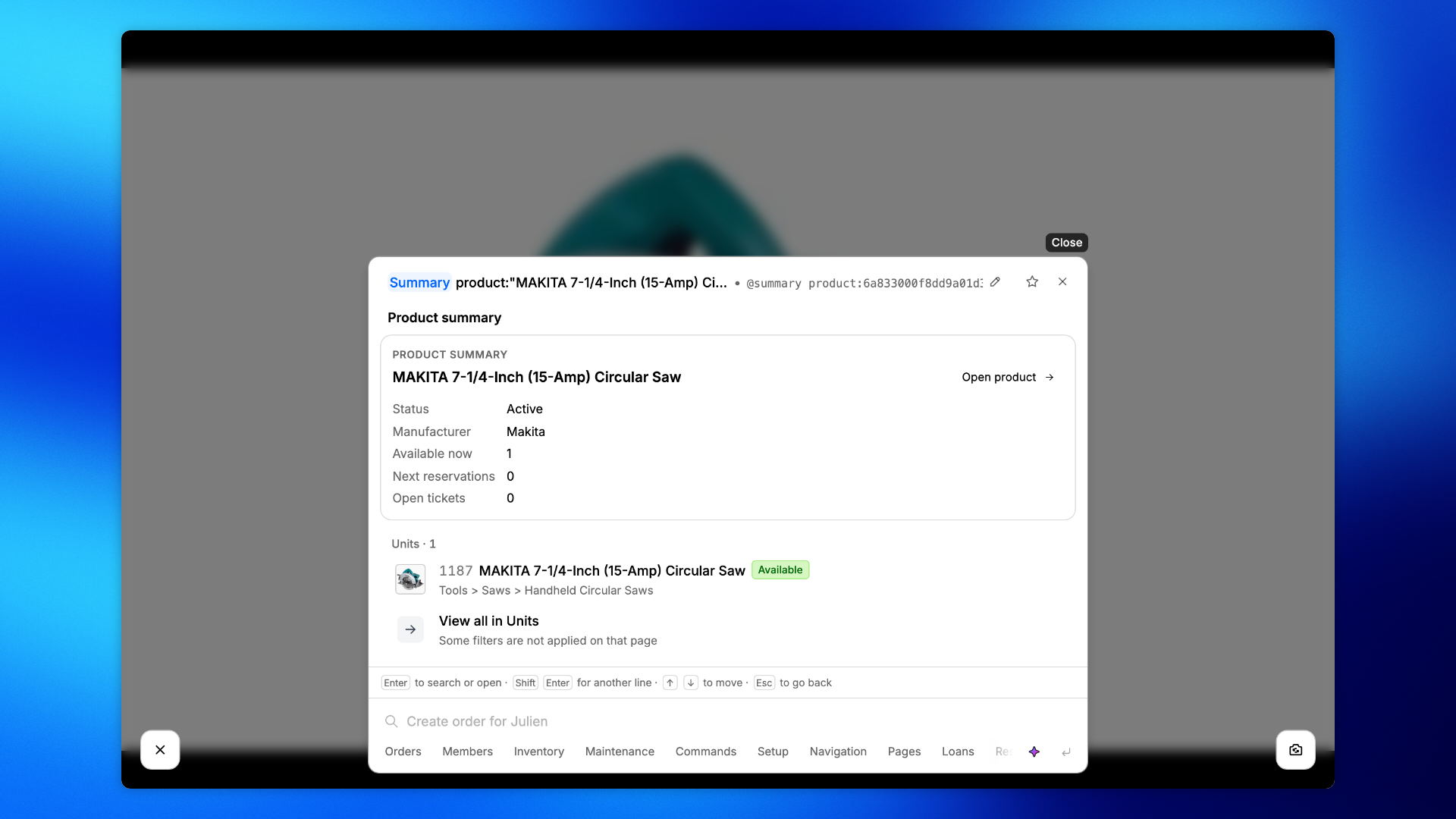
A product label, the one with a QR code only, opens the product instead: the search shows its summary, with how many units are available and the list of its units.
Close the search to scan on.
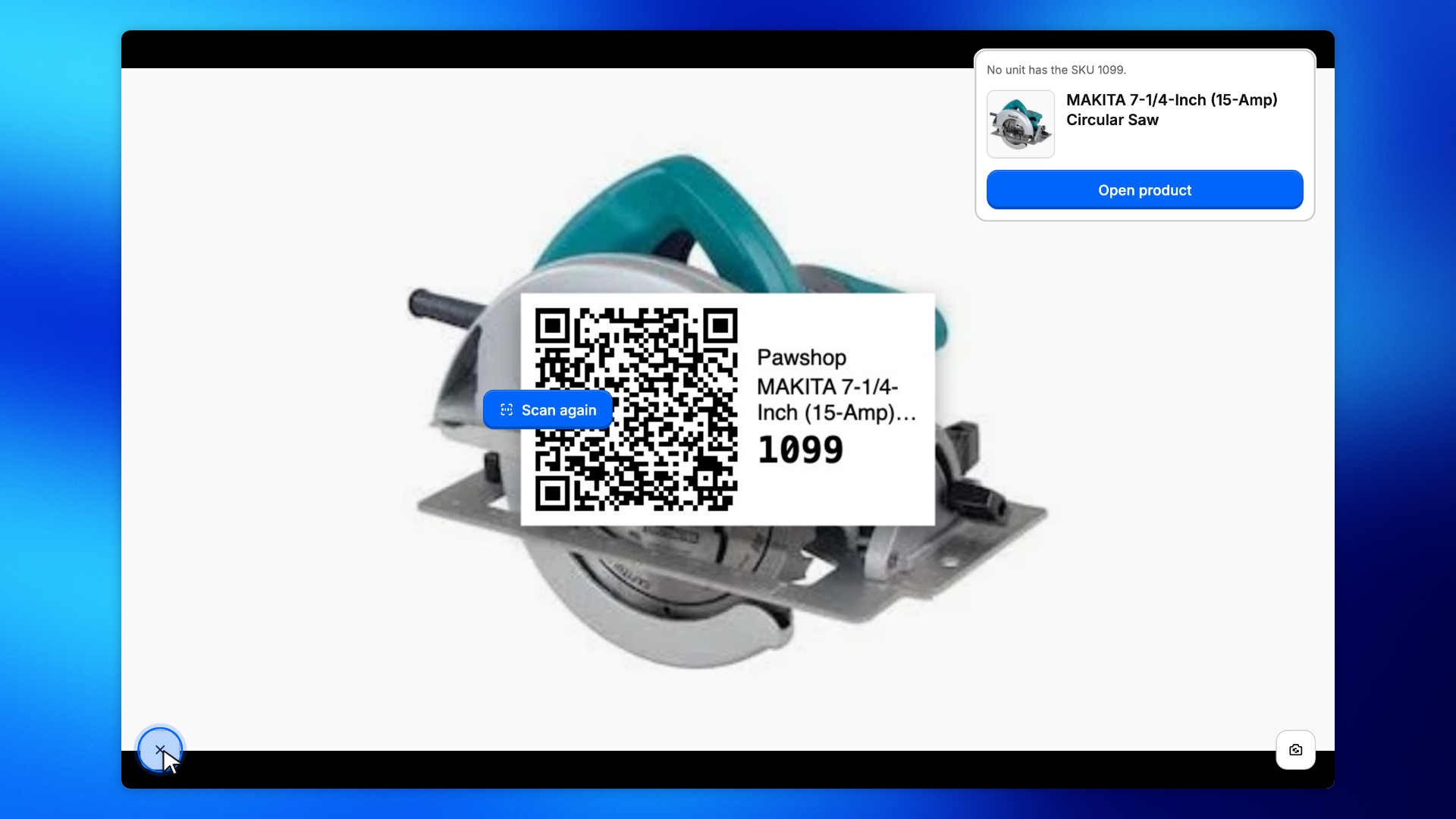
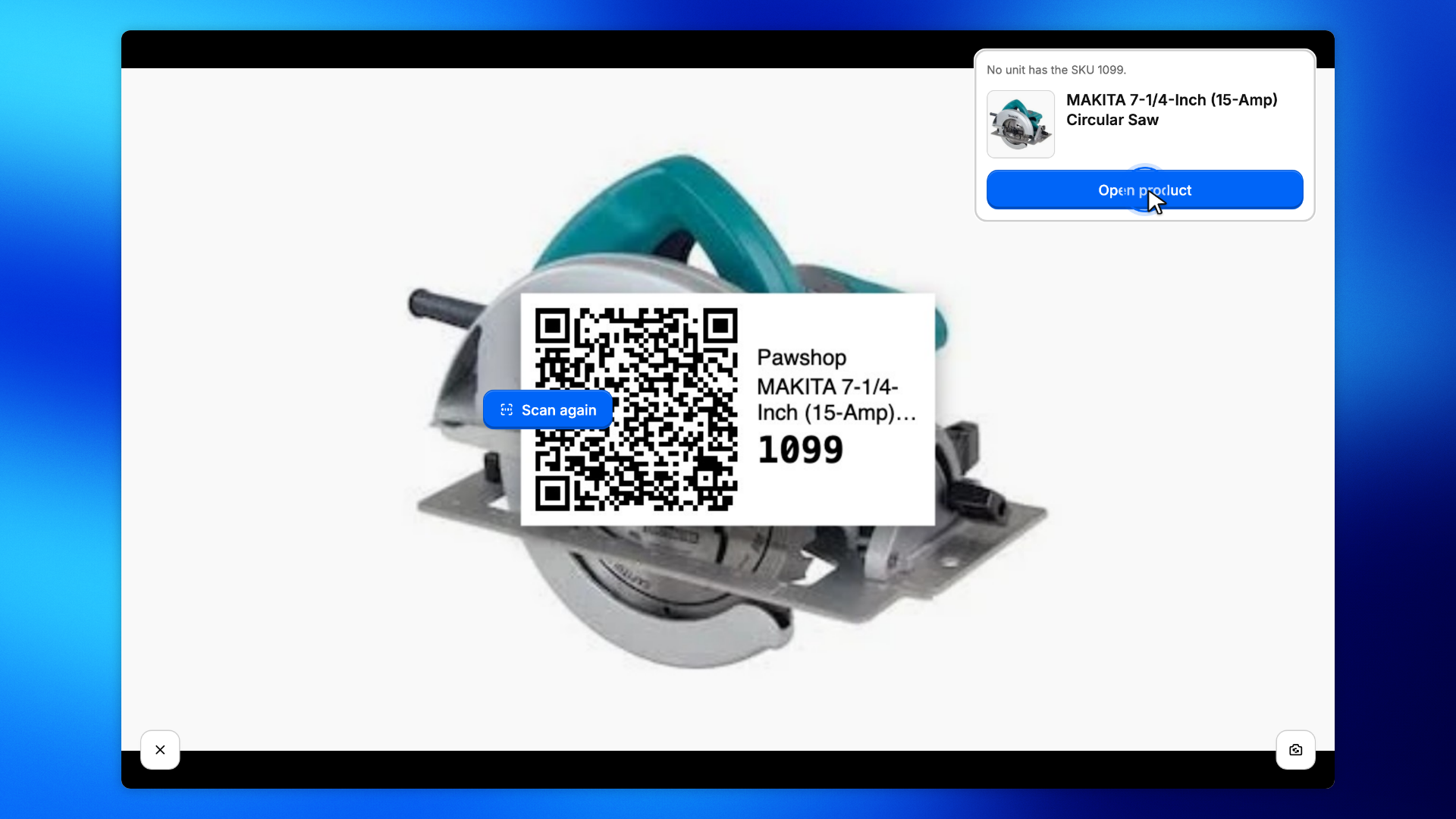
If a unit's SKU changed after its label was printed, the scanner says No unit has the SKU and the old SKU. Click Open product to print a new label from there, or Scan again to go on.
A label of another organization, or a code that is not a Patio label, is turned down the same way.
Click the X to go back to the page you opened the scanner from.