Create a maintenance ticket
By JulienUpdated August 31, 2026
A ticket tracks work on a unit and can take it off the floor until the work is done.
By Julien·Updated August 31, 2026
A ticket tracks work on a unit and can take it off the floor until the work is done.
When an item needs repair or inspection, create a ticket from Maintenance.
A ticket does two things:
Tracks the work: the title, item, and status so staff know what still needs doing.
Can take the unit off the floor: keep Mark item as unavailable while in maintenance on so it cannot be rented until you mark the ticket Done.
For example, a drill with a broken chuck can be taken out of inventory, repaired, then marked Done when it is ready to rent again.
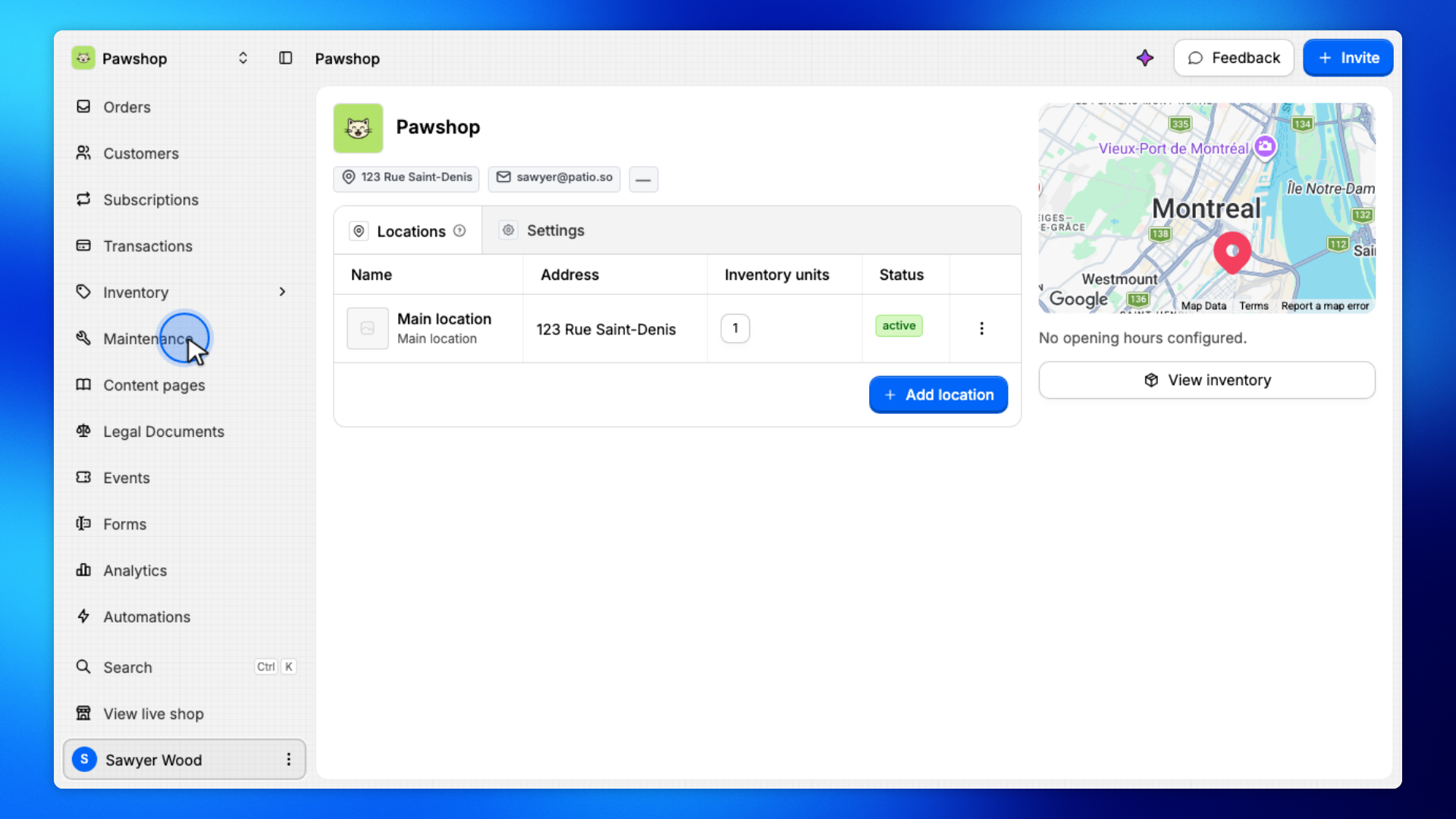
Open Maintenance from the workspace sidebar.
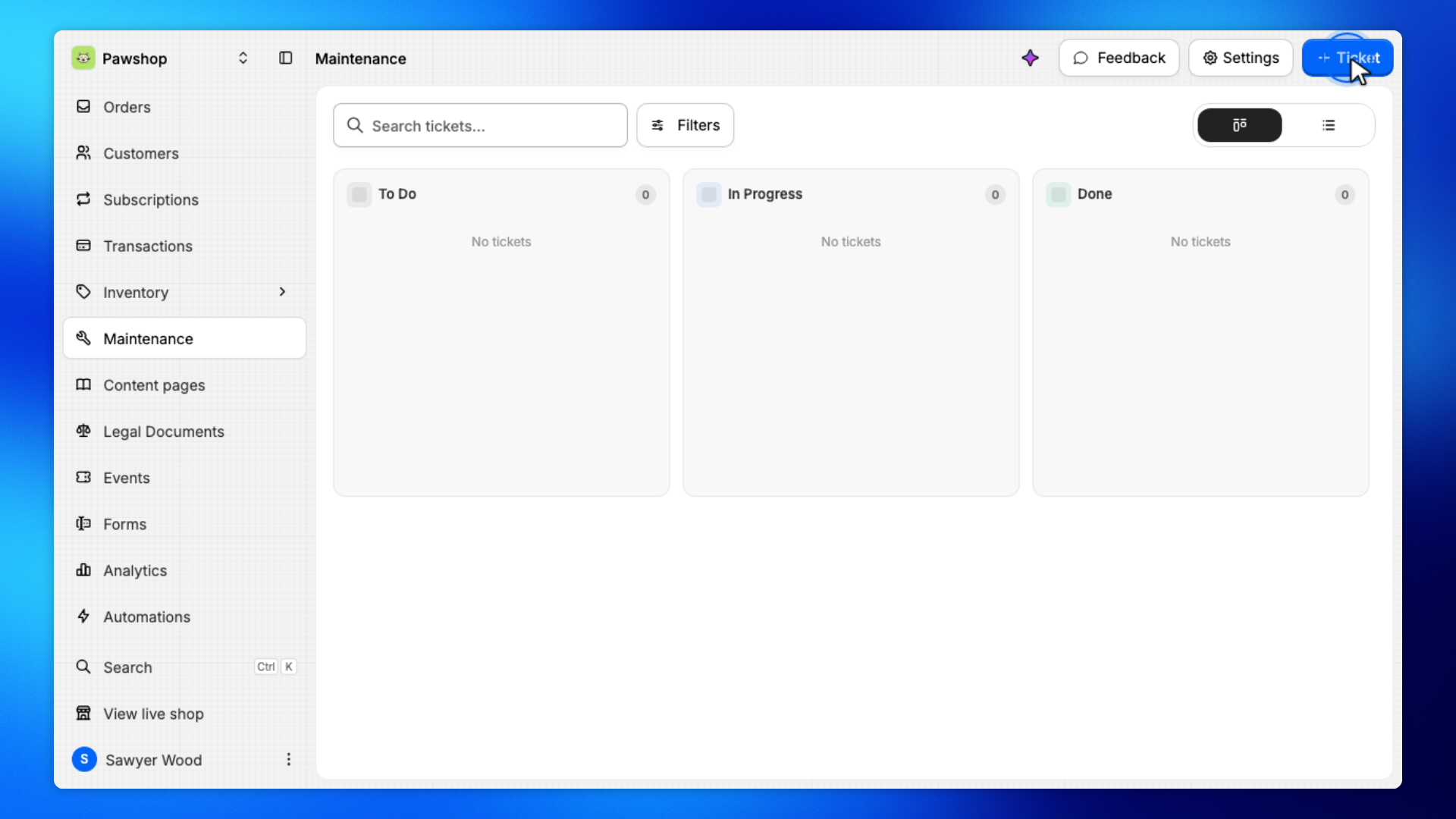
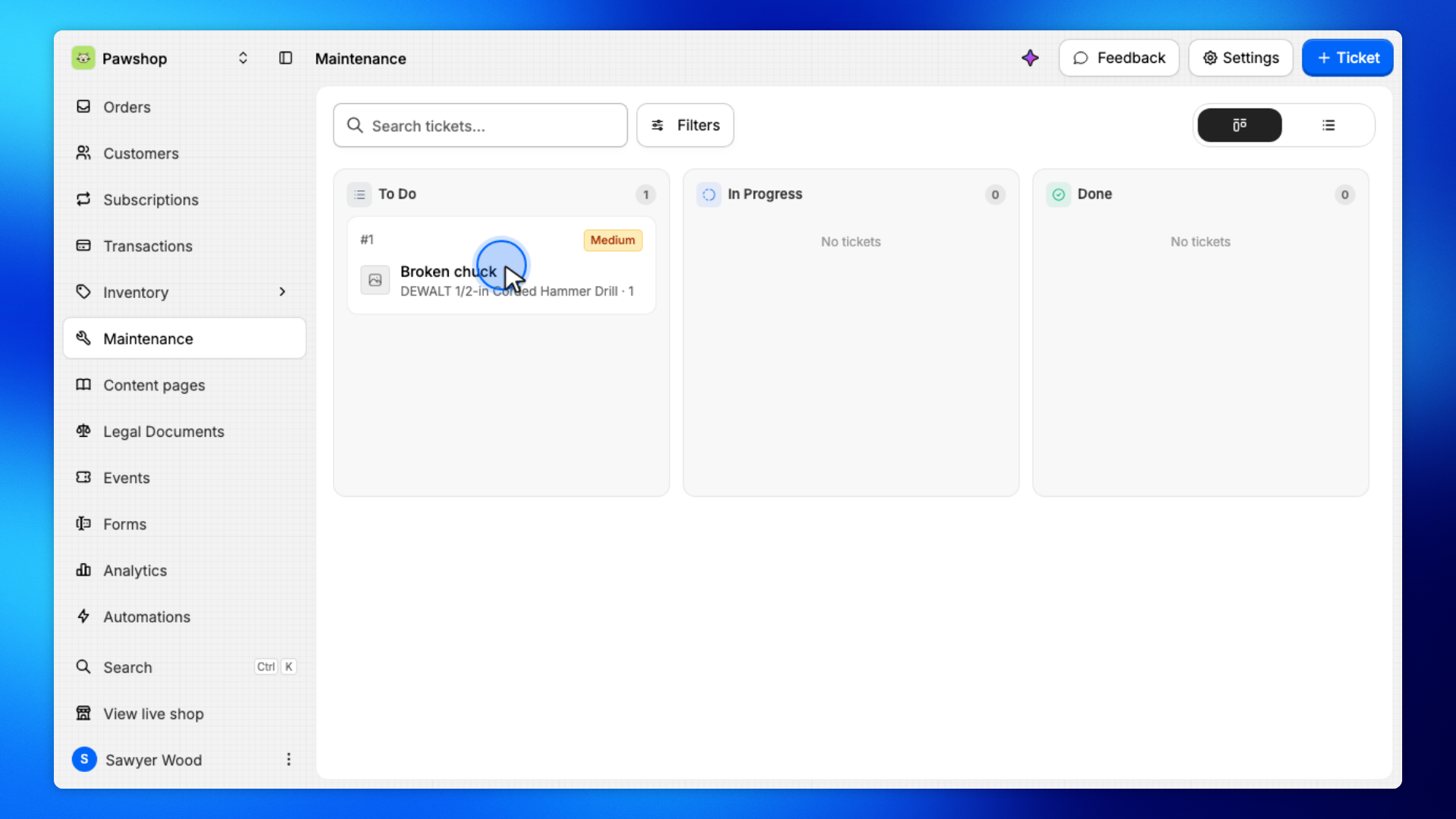
This is the list of tickets for items that need repair or inspection.
Click Ticket.
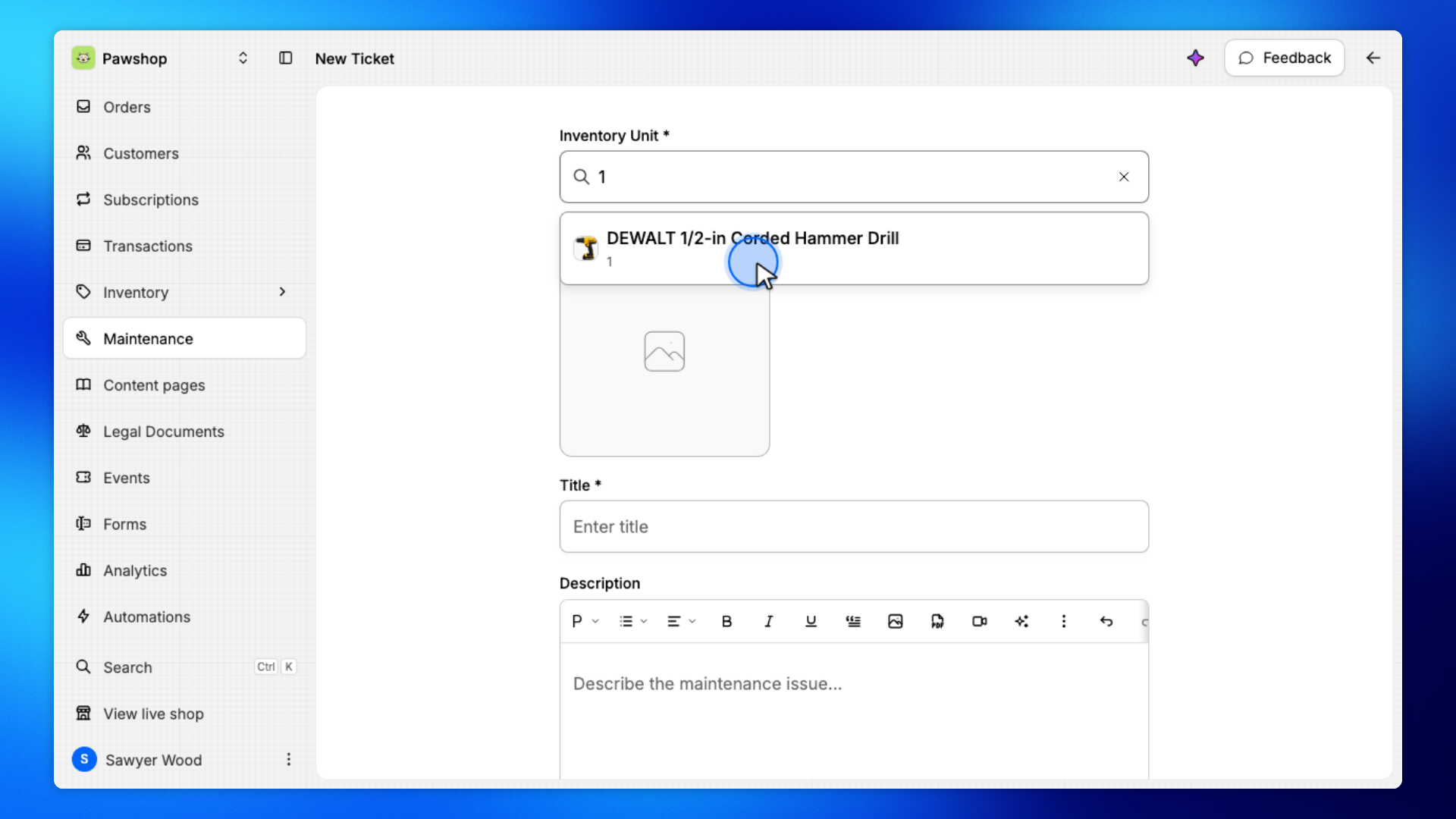
You'll land on New Ticket, which is the form for work on one inventory unit.
Search by SKU, then select the unit from the results.
The ticket is always attached to one physical item, so later you can take it off the floor and put it back.
Enter a short title for the work. Leave Mark item as unavailable while in maintenance on if the unit should not be rented until the ticket is done.
The title is what staff see on the Maintenance board.
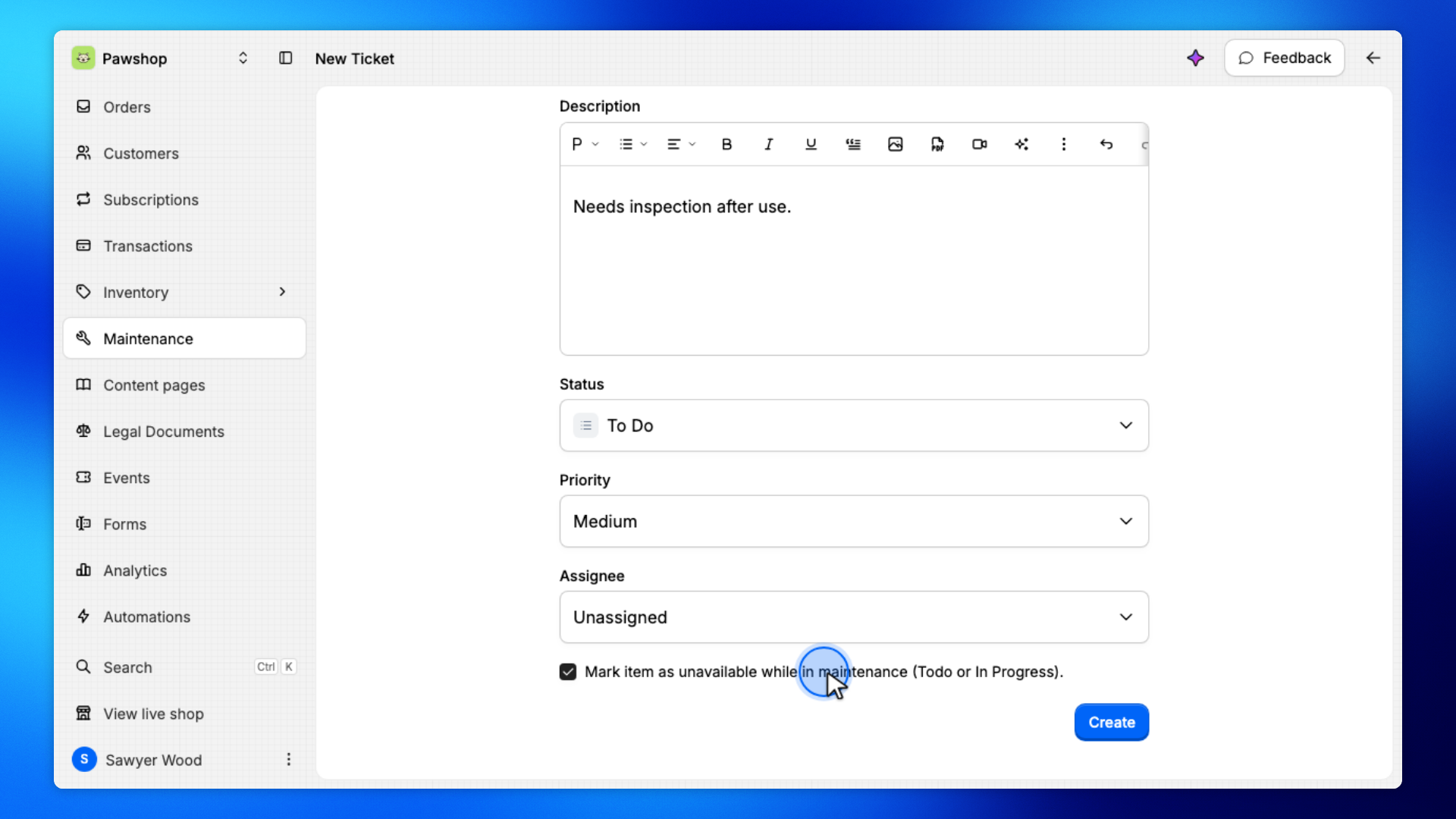
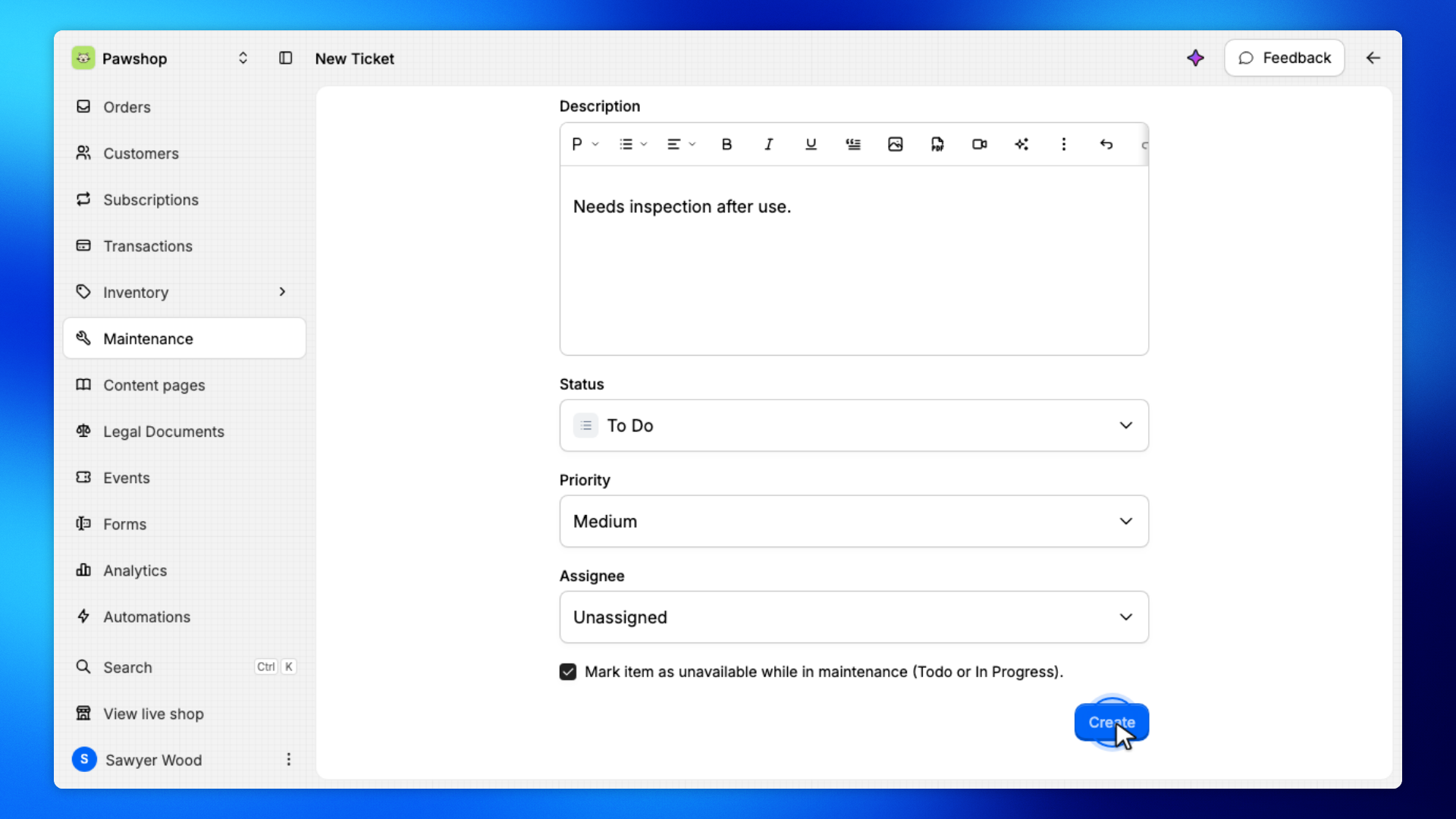
Click Create.
You'll land on the ticket. The unit is in maintenance until you mark the ticket Done.
On the Maintenance board, click the ticket.
You'll land on the ticket page, where you can update its status.
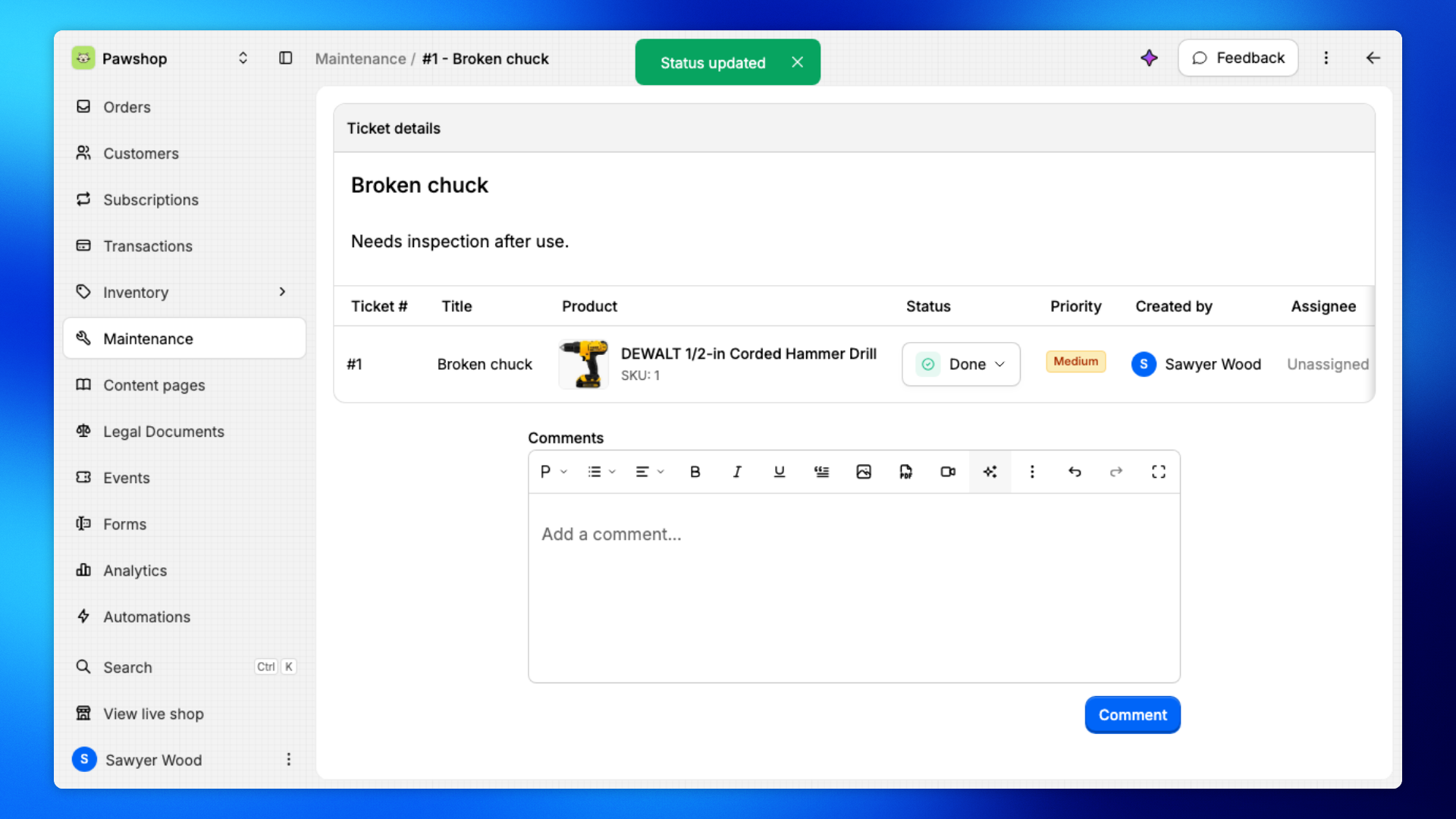
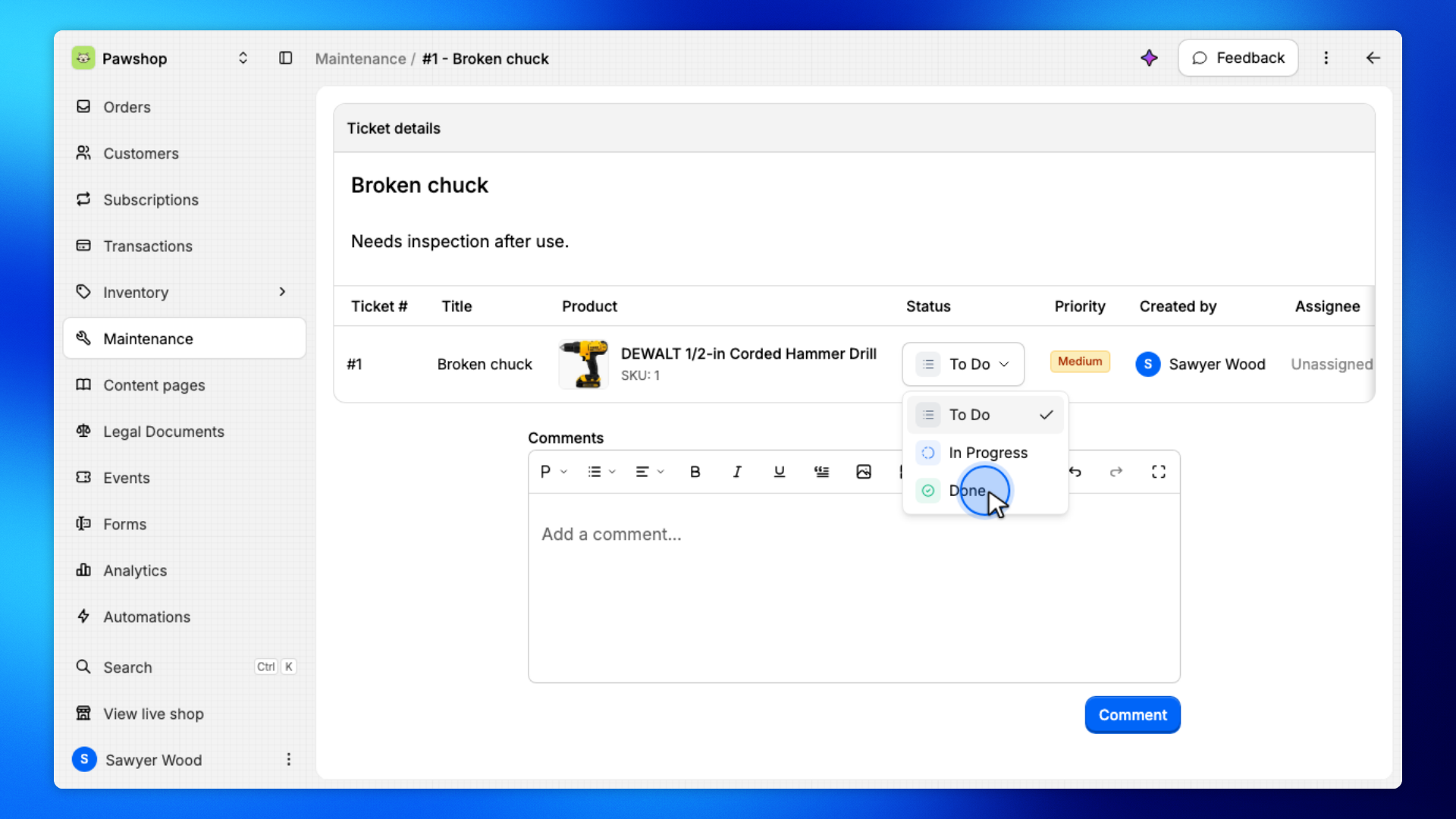
Open Status and choose Done.
That closes the ticket and puts the unit back on the floor so it can be rented again.
The ticket should now show Done.
The item is available to rent again.