Choose how customers pick rental dates
By Julien RiouxUpdated September 21, 2026
A rental rule's pricing option also decides whether customers pick one date or a date range on the product page.
By Julien Rioux·Updated September 21, 2026
A rental rule's pricing option also decides whether customers pick one date or a date range on the product page.
Under Inventory › Rental Rules, the Pricing choice on a rule does two things at once: it sets how the fee is charged, and it sets how customers choose dates in the shop.
Flat fee, fixed length: customers pick a start date only. Every rental lasts exactly the Rental length you set, and the fee is charged once.
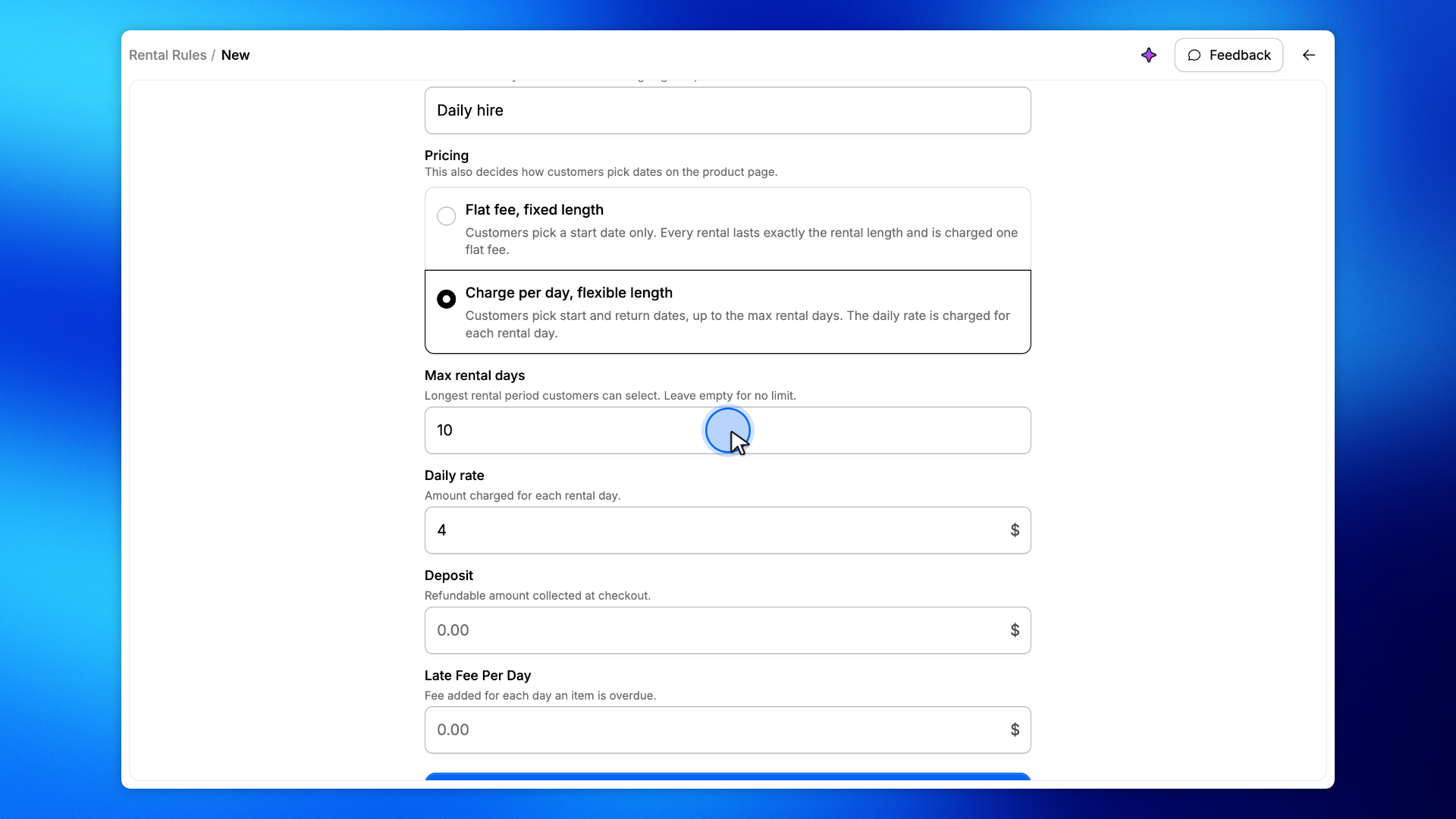
Charge per day, flexible length: customers pick a start and a return date, up to the Max rental days you set. The daily rate is charged for each day.
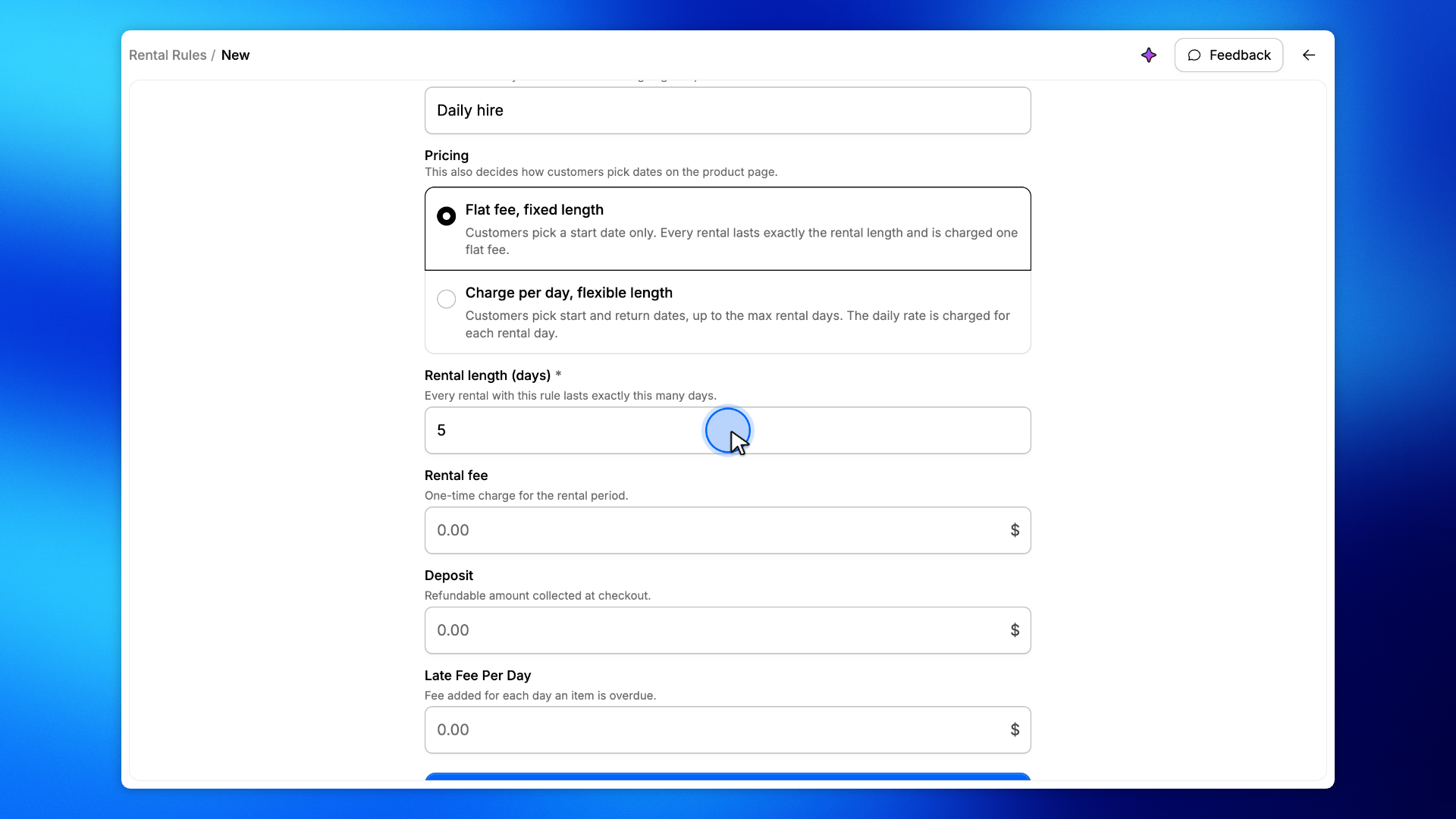
For example, a $15 / 5 days rule locks every rental to five days, while a $4 per day, up to 10 days rule lets customers choose any length up to ten days.
On the new rule form, pick one of the two Pricing options.
The form only shows the duration field that applies to your choice.
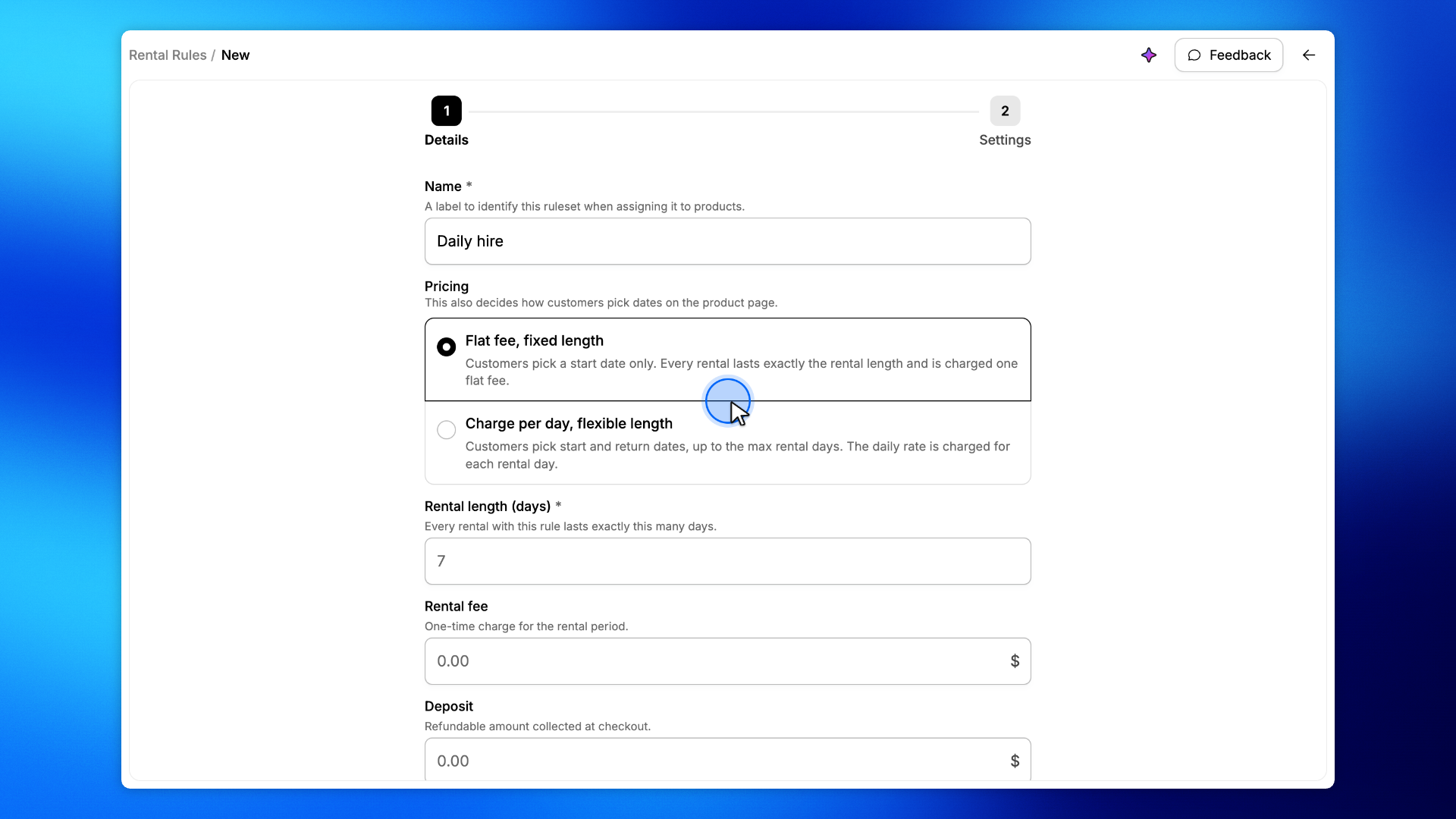
With Flat fee, fixed length, enter the Rental length (days).
Every rental lasts exactly this many days, so customers only pick a start date. It is also the longest rental the checkout accepts.
With Charge per day, flexible length, the rental length makes way for Max rental days.
Customers pick their own start and return dates, up to this many days. Leave it empty for no limit.
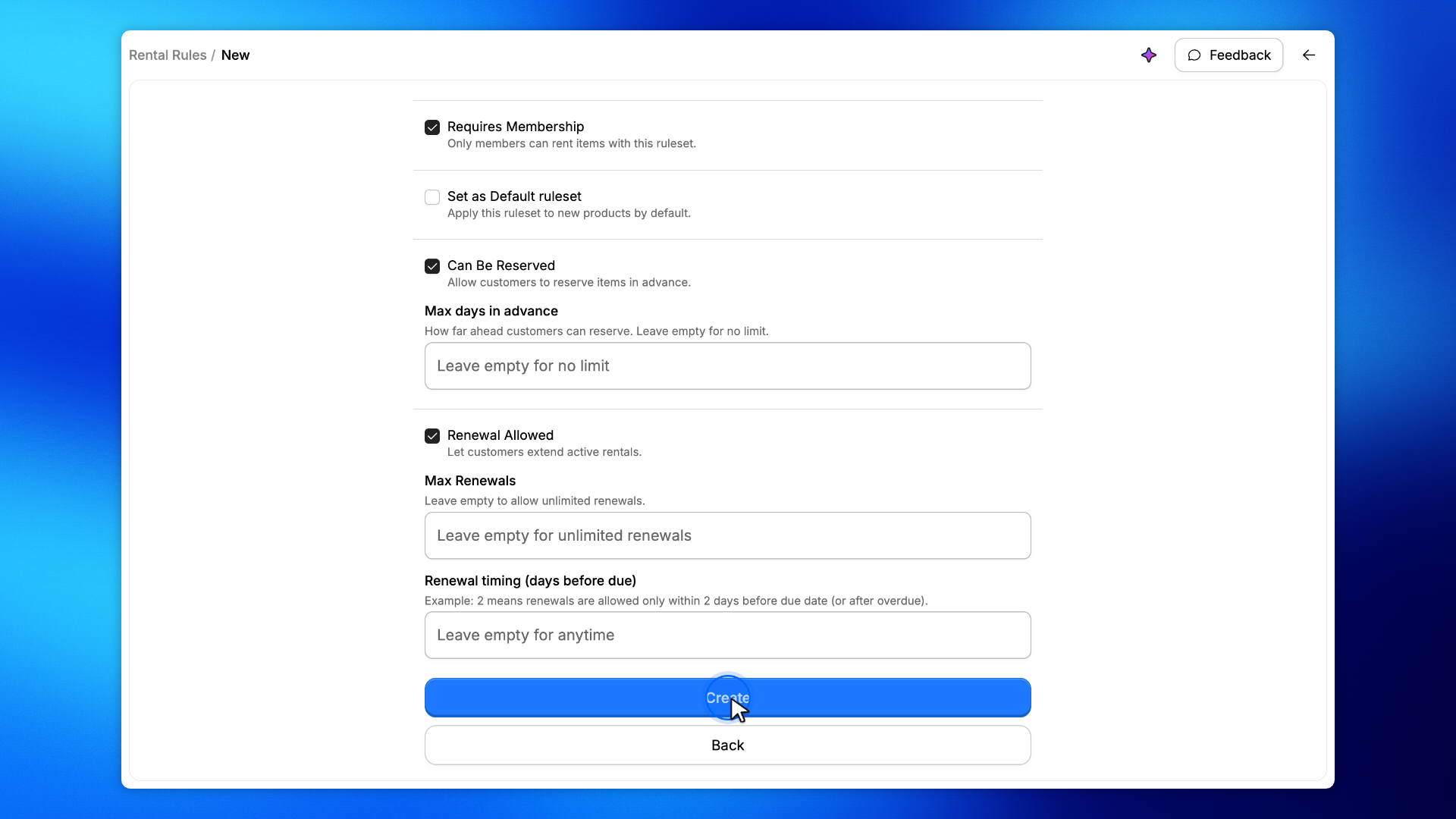
Click Next, then Create.
Assign the rule to a product and the shop calendar follows it: one click for a fixed length, a start and a return date for a flexible one.