Pick rental dates in the shop
By Julien RiouxUpdated September 21, 2026
Choose a pickup and a return day on a rental, and see why some days cannot be picked.
By Julien Rioux·Updated September 21, 2026
Choose a pickup and a return day on a rental, and see why some days cannot be picked.
Open a rental in the shop and click Select dates to choose when you pick it up and when you bring it back.
Some items have a set rental length. For those you only pick the start date, and the return date is filled in for you.
For the others, once you pick a start date the calendar greys out any return day the shop cannot accept: past the item's longest rental, across a day it is already booked, or when the shop is closed. Point at a greyed day to see the reason.
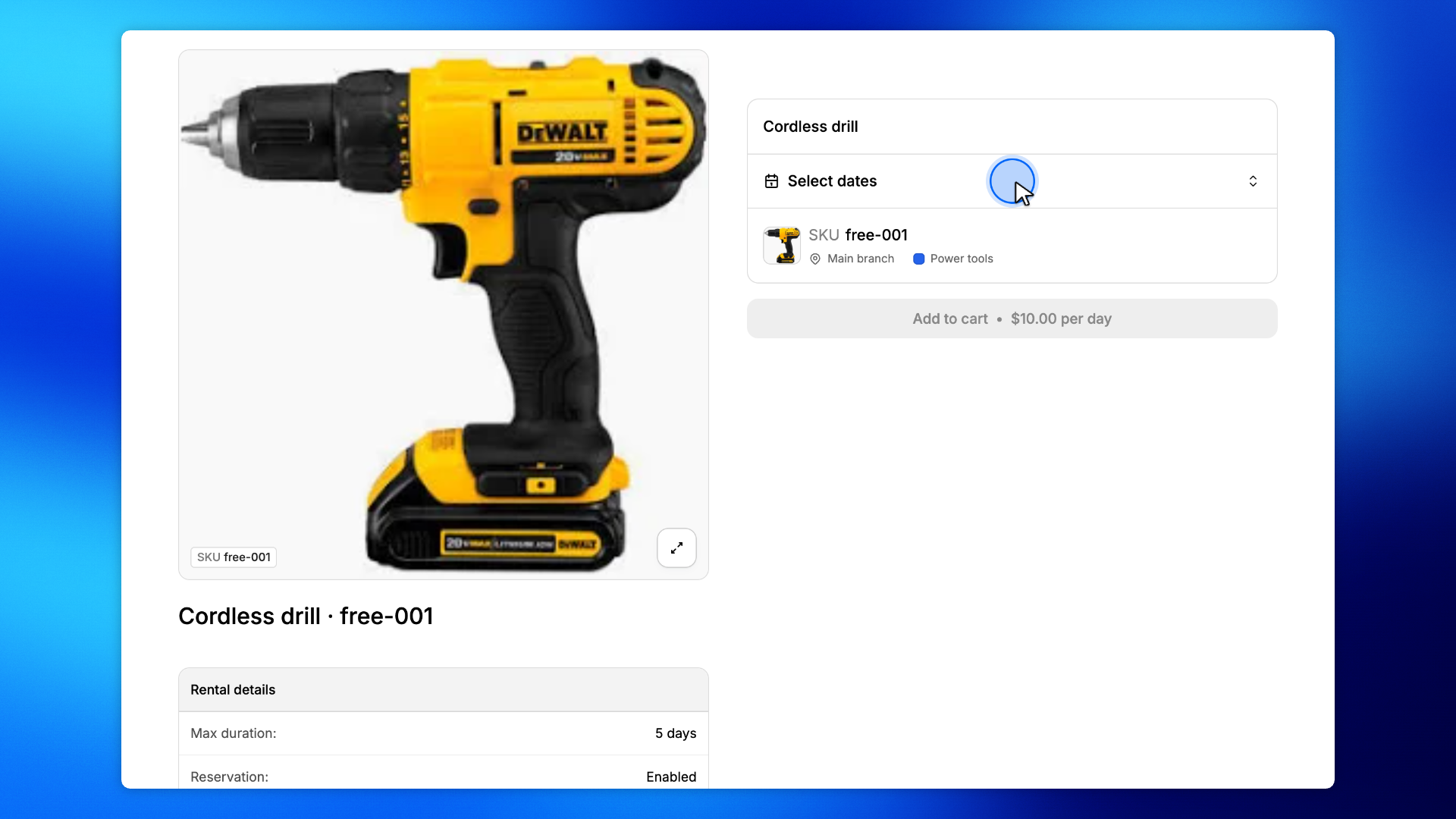
On the product page, click Select dates.
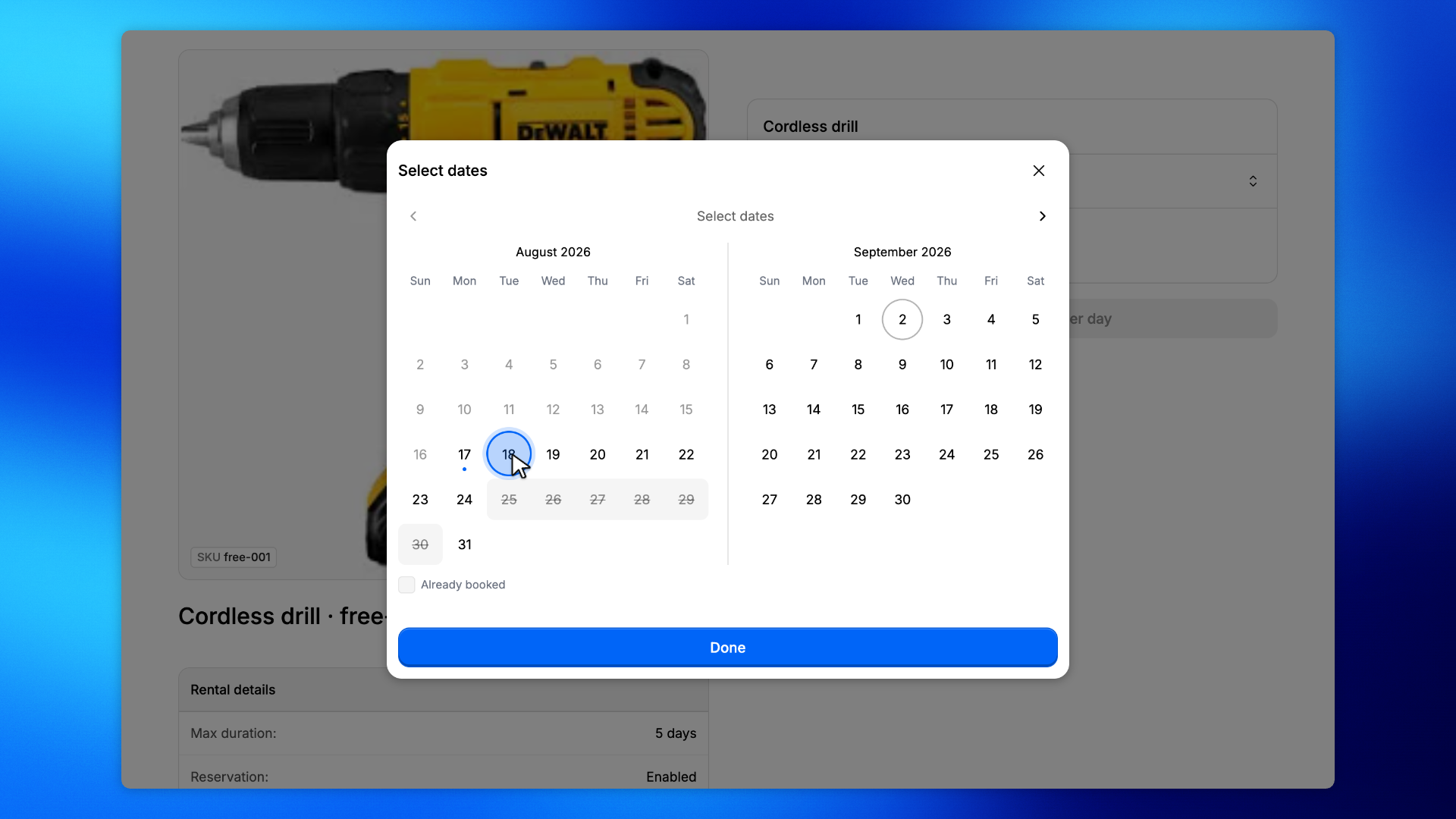
Click the day you want to collect the item. For example, Aug 18.
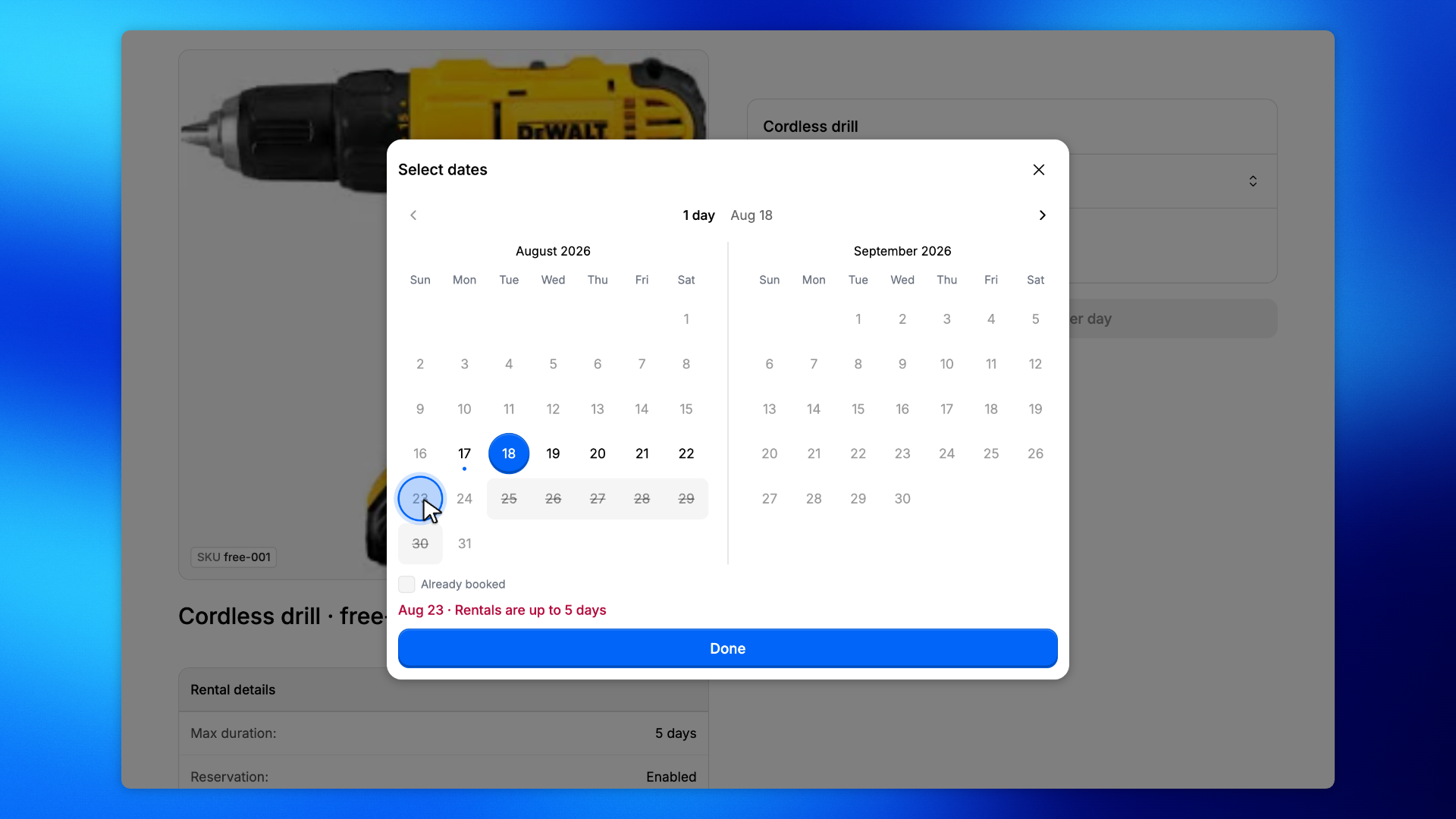
Days you cannot return on are greyed out. Point at one and the reason shows under the calendar.
Here the item rents for up to 5 days, so from Aug 18 the last return day is Aug 22.
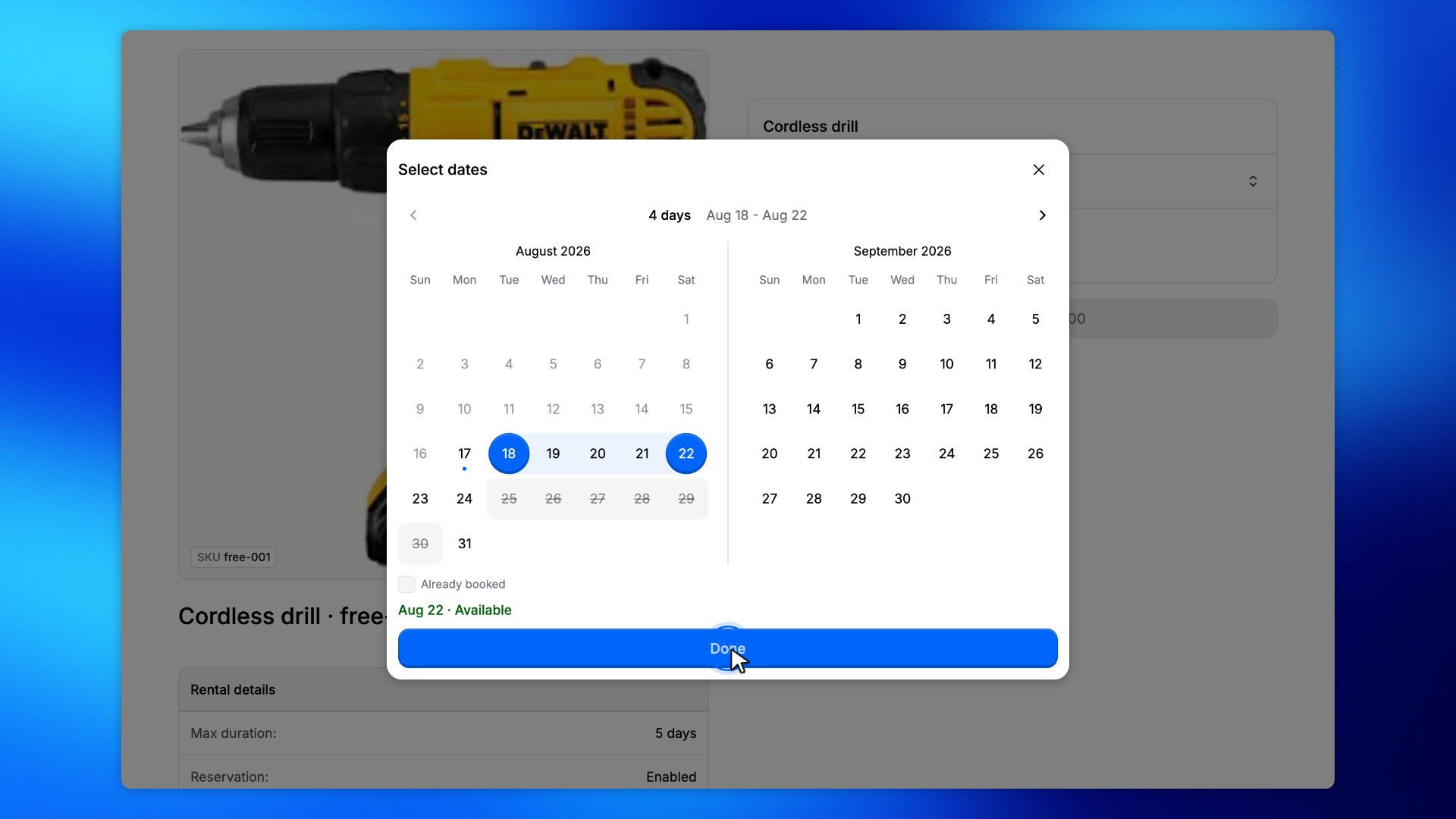
Click the return day, then Done.
The dates show on the product, and Add to cart uses them.