How to add closed dates
By Julien RiouxUpdated September 10, 2026
Block rentals on specific dates for a location, such as a holiday shutdown.
By Julien Rioux·Updated September 10, 2026
Block rentals on specific dates for a location, such as a holiday shutdown.
Open Organization › Locations, open the branch, then Edit. Closed dates sit under opening hours.
Those days cannot be reserved on the shop calendar. You can add an optional label, such as Holiday shutdown. Save the location when you are done.
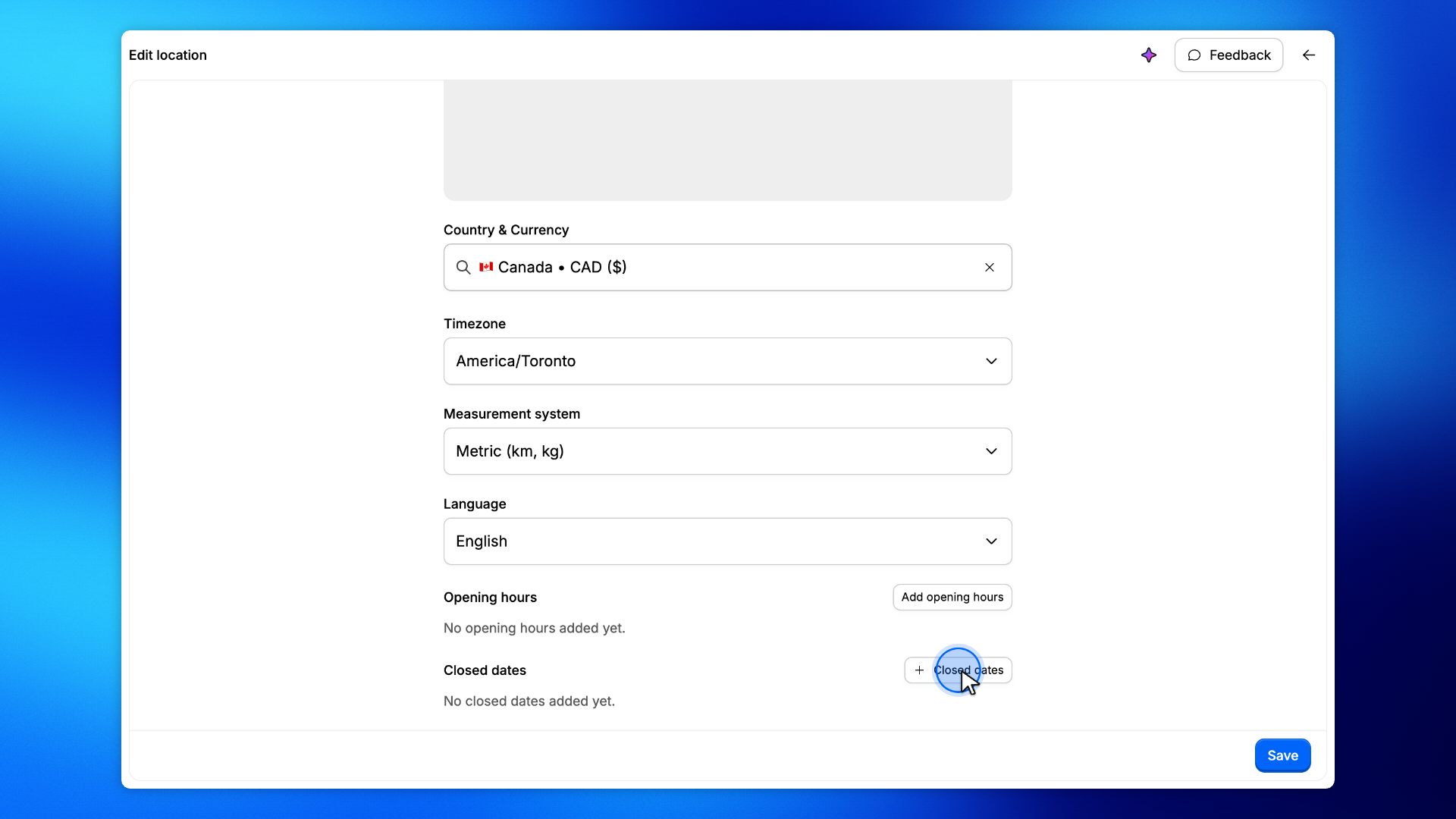
On the location form, Closed dates is under opening hours.
If none are set, the form says No closed dates added yet. Click Closed dates to add a range.
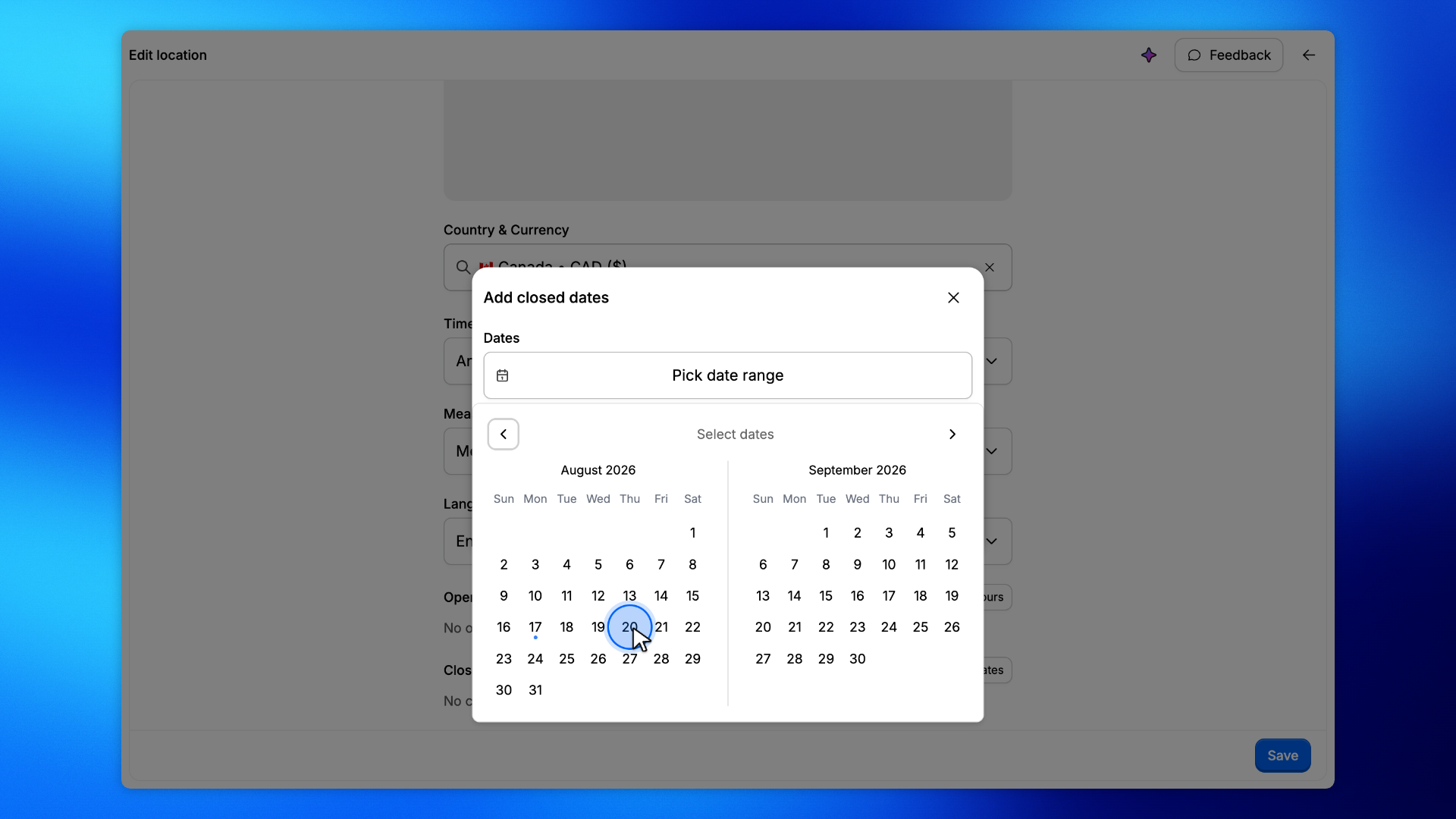
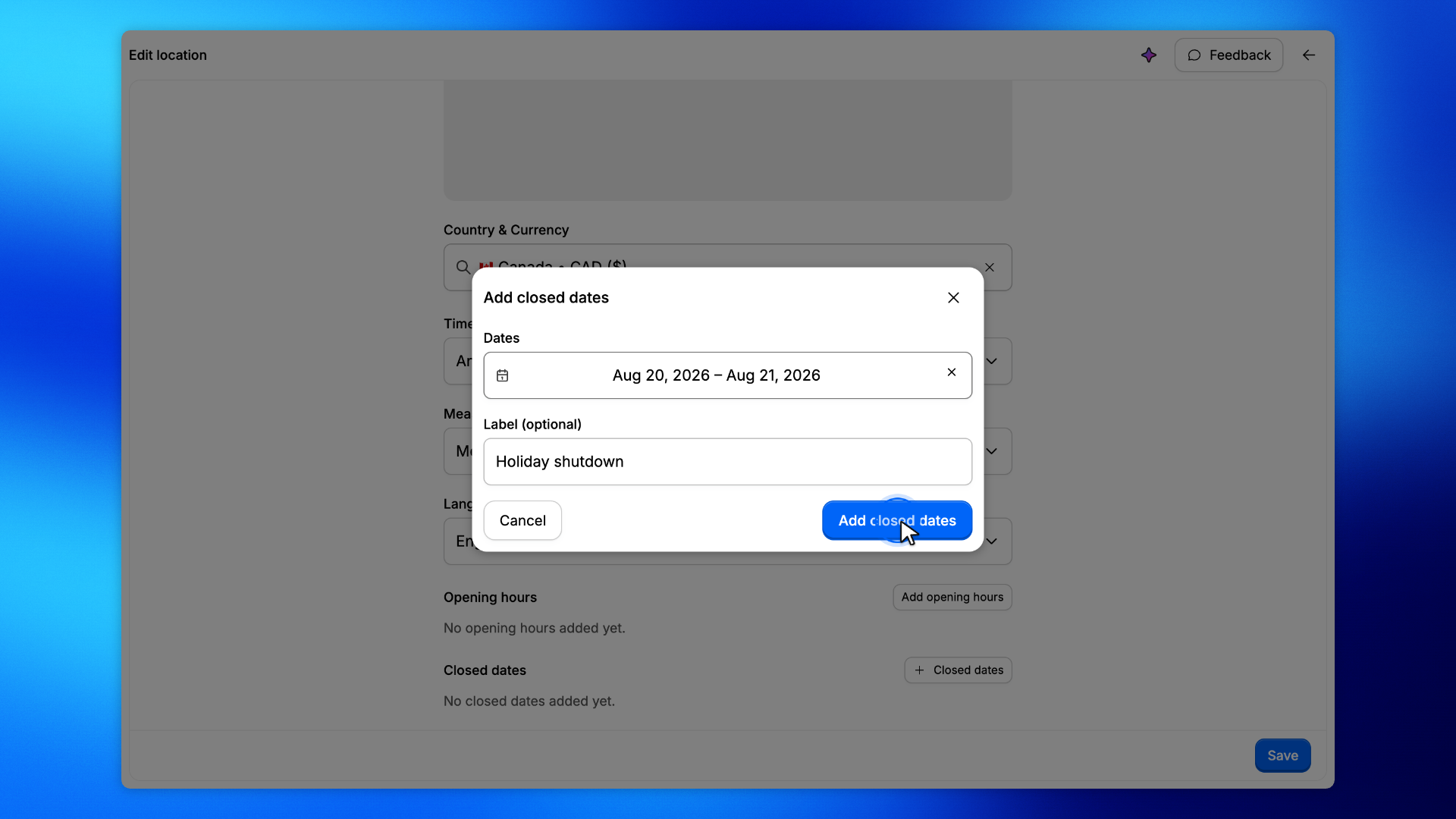
In Add closed dates, open the date range and select the days the location is closed.
For example, August 20 to 21, 2026. The range includes both days.
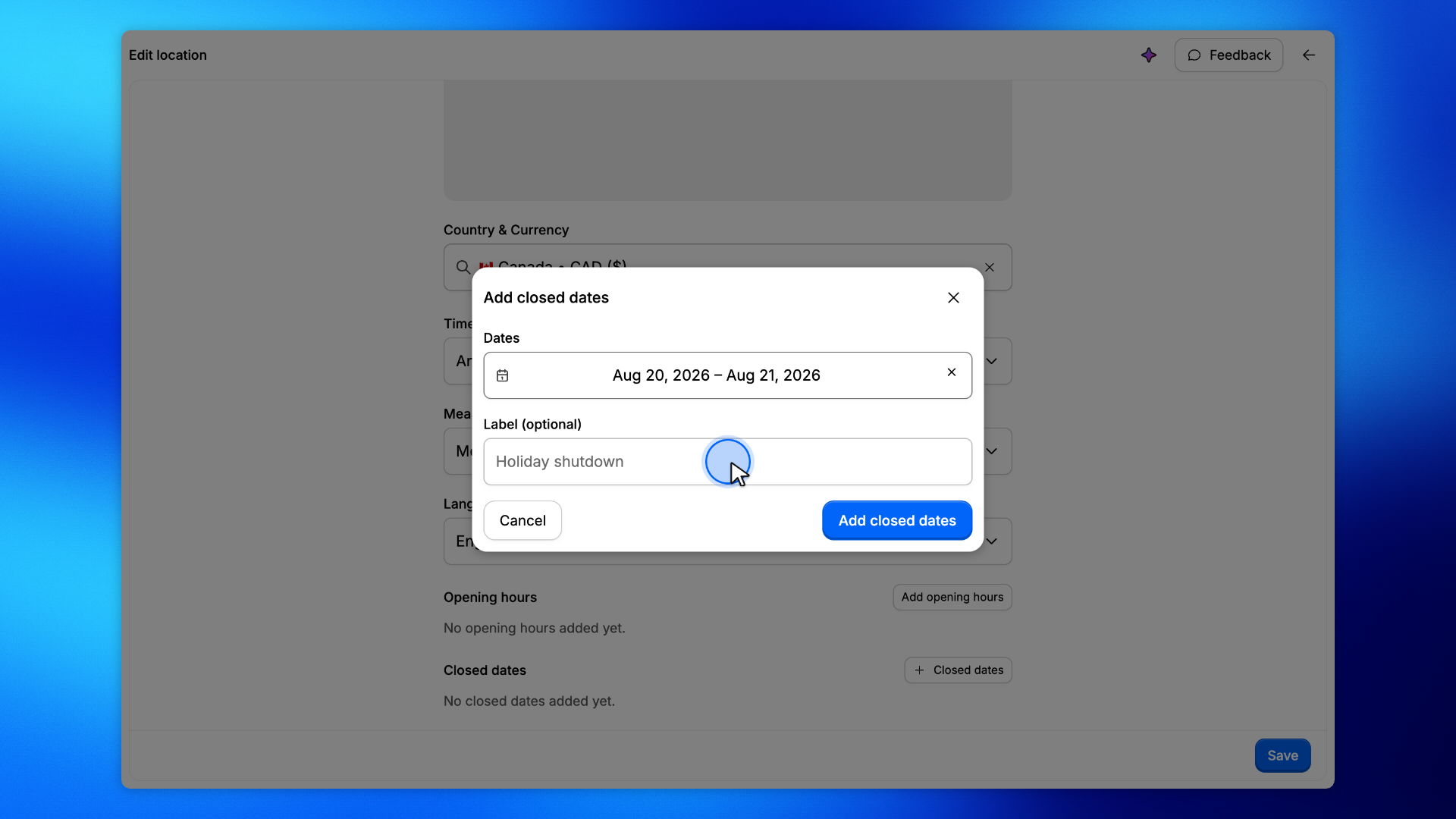
Optionally describe why the location is closed, such as Holiday shutdown.
The label is shown with the dates on the location and in the shop.
Click Add closed dates.
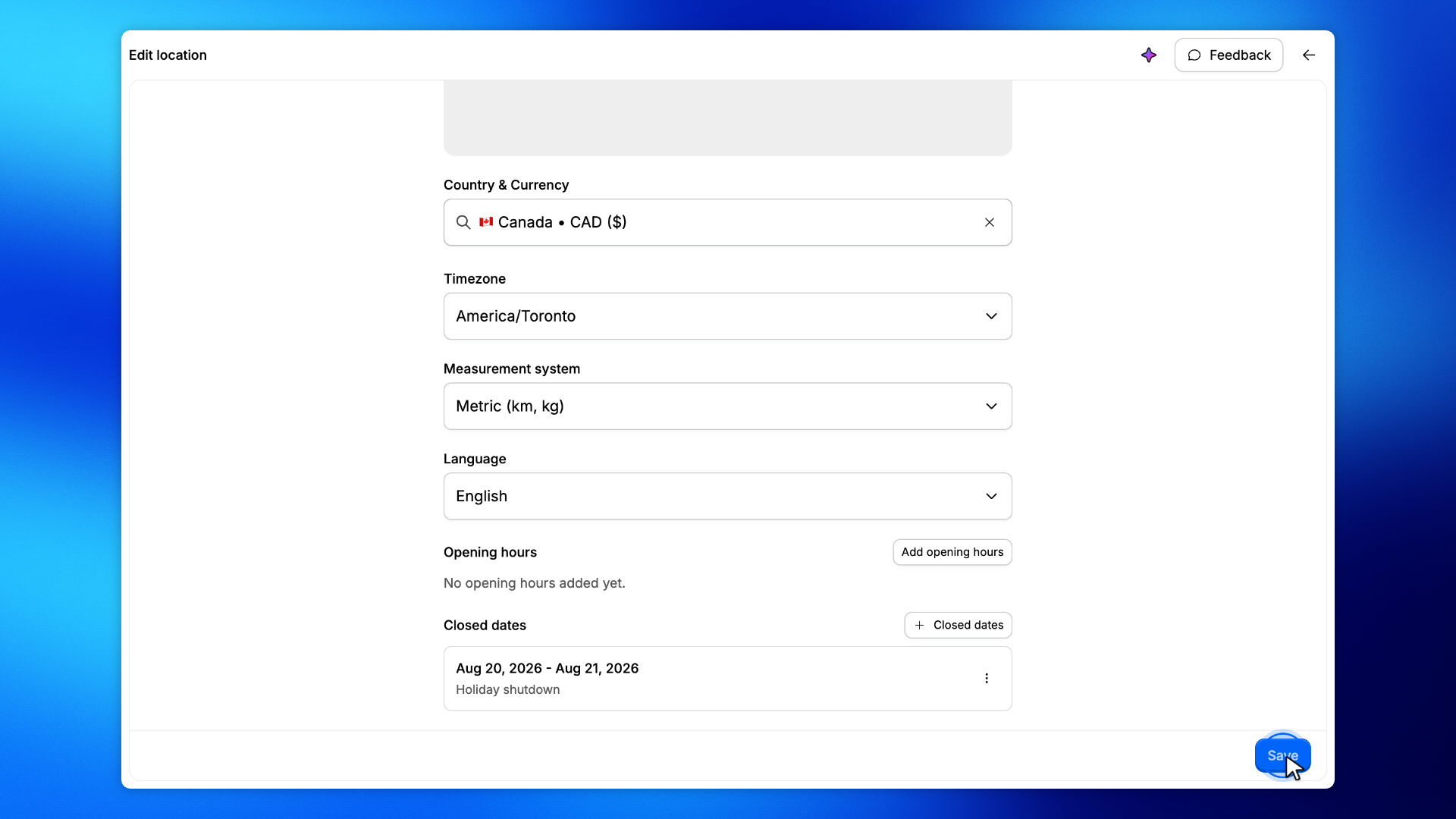
The range is added to the location form. For example, Aug 20, 2026 - Aug 21, 2026.
Click Save.
Until you save, the closed dates are only on the form. After you save, shoppers cannot reserve those days.