📥 Process Returns (Check-in)
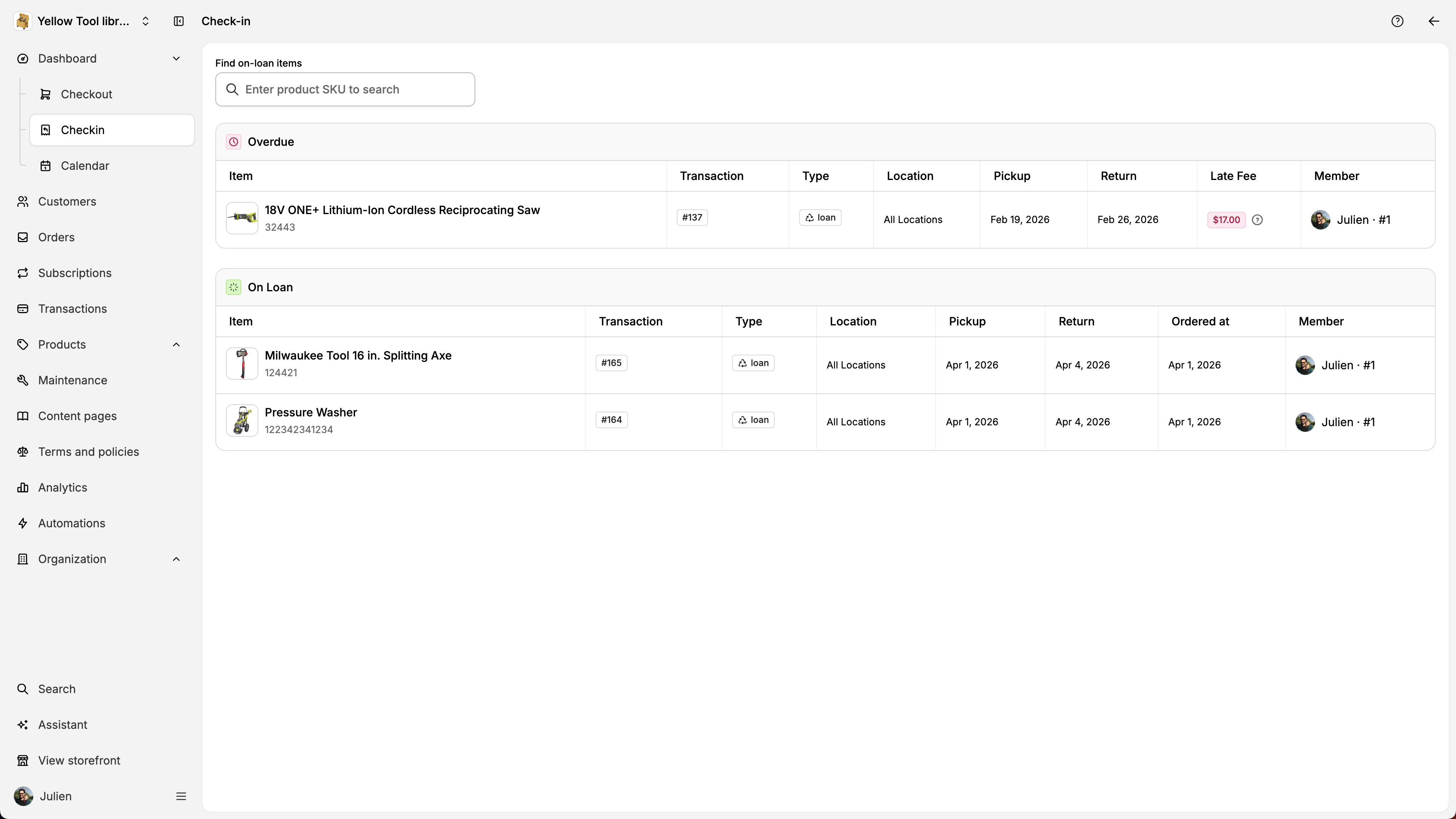
When a customer return items, you can check them out using the dashboard if the item return is due today. You can also check-in items coing to Checkin inside th
By Julien·Updated June 14, 2026
When a customer return items, you can check them out using the dashboard if the item return is due today. You can also check-in items coing to Checkin inside the left sidebar. The, you can enter the SKU or one of the item of the order.
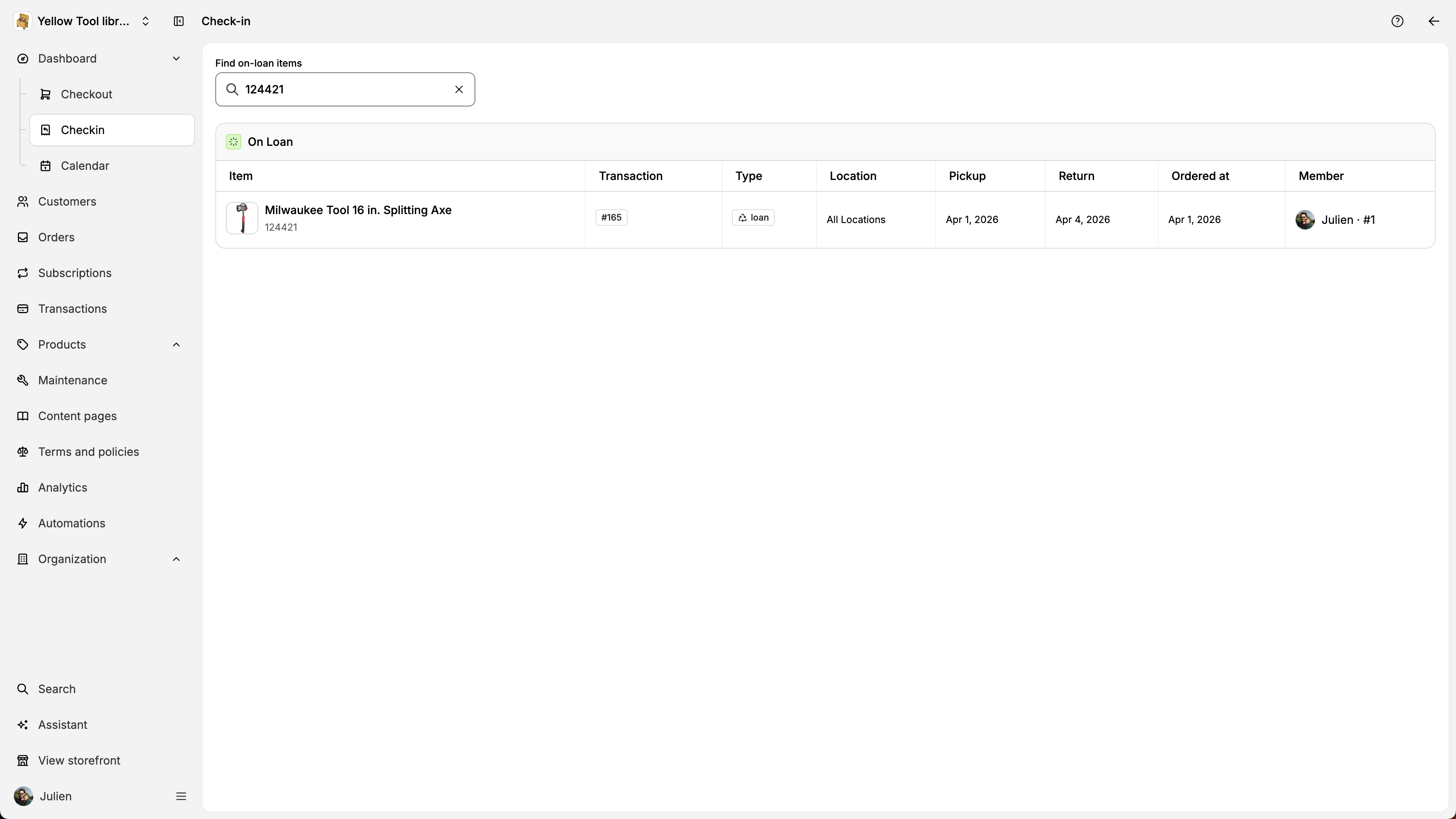
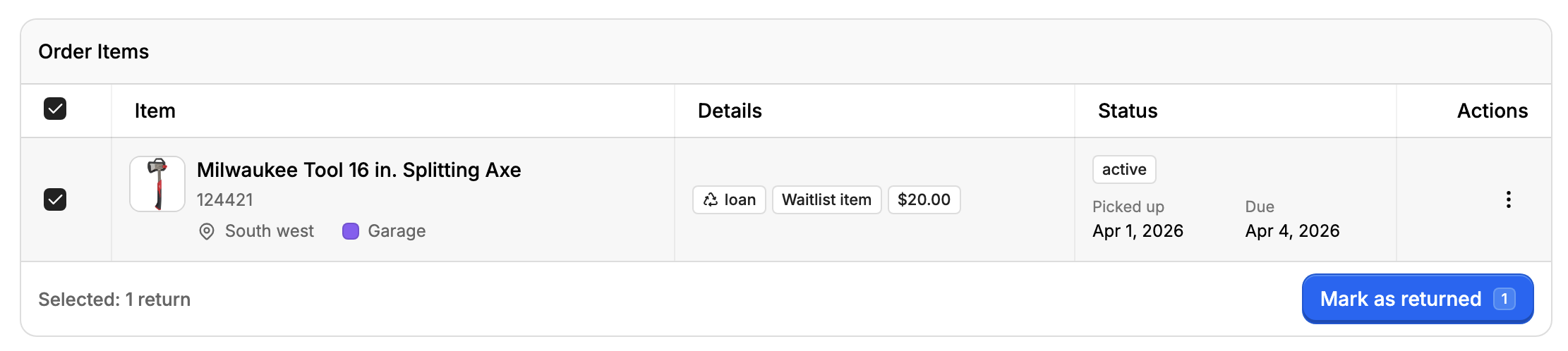
You will then be redirected to the order details page. If the item is due for today, we will pre-select the order item and show the Mark as returned button:
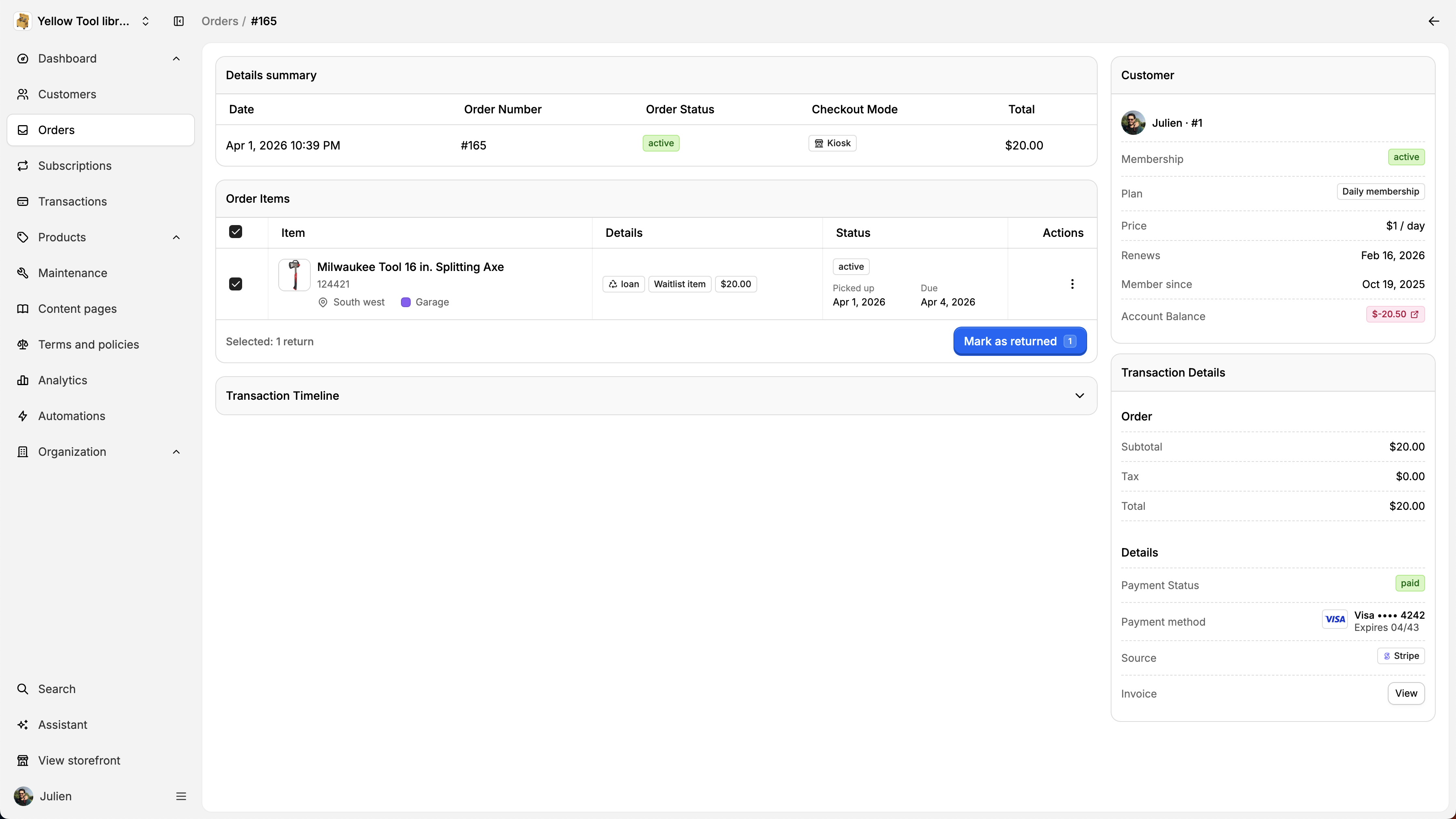
If the item is not due for today for instance tomorrow, you’ll need to select the item first.
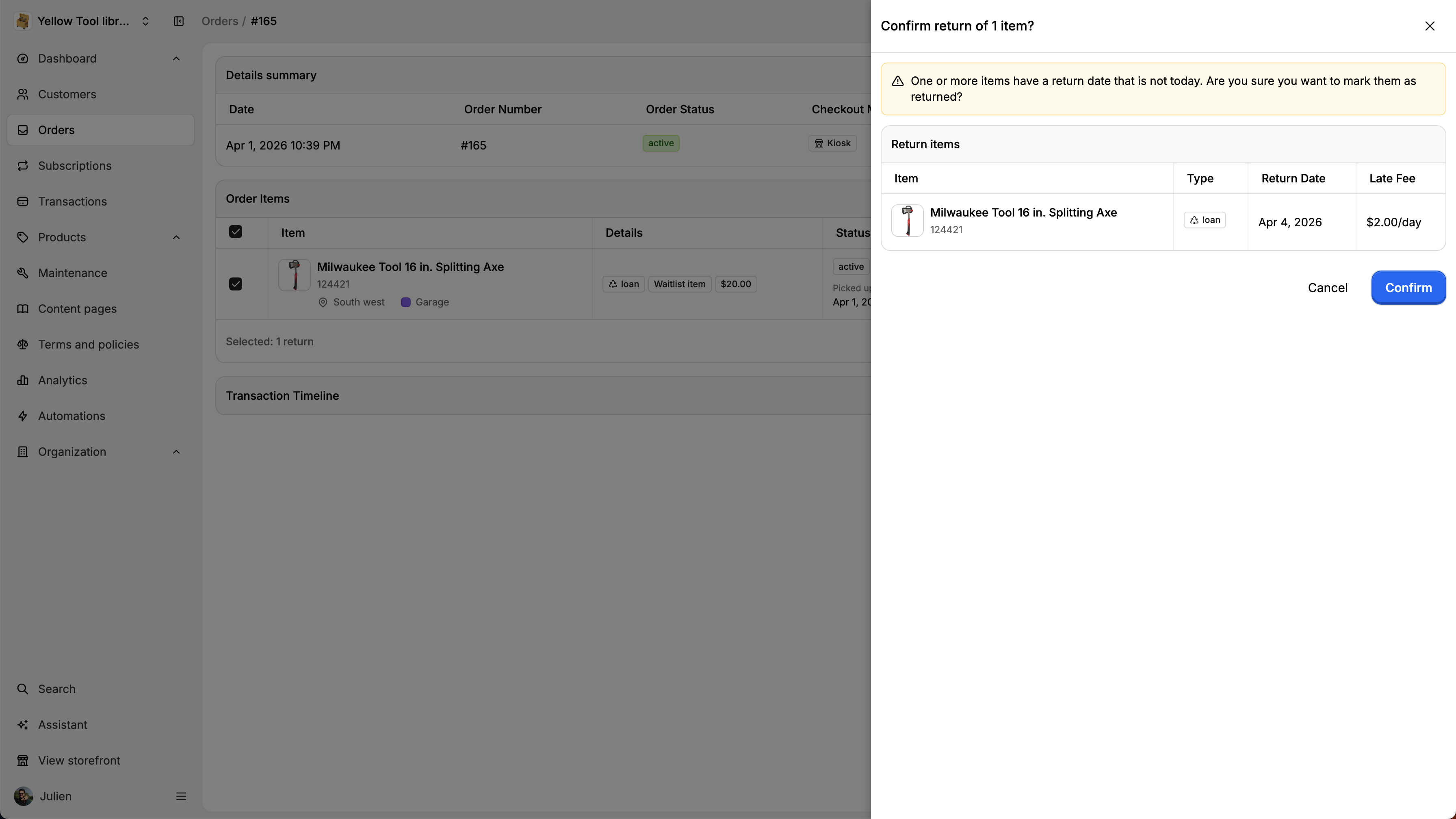
After clicking on Mark as returned, you will see be asked to confirm the return.
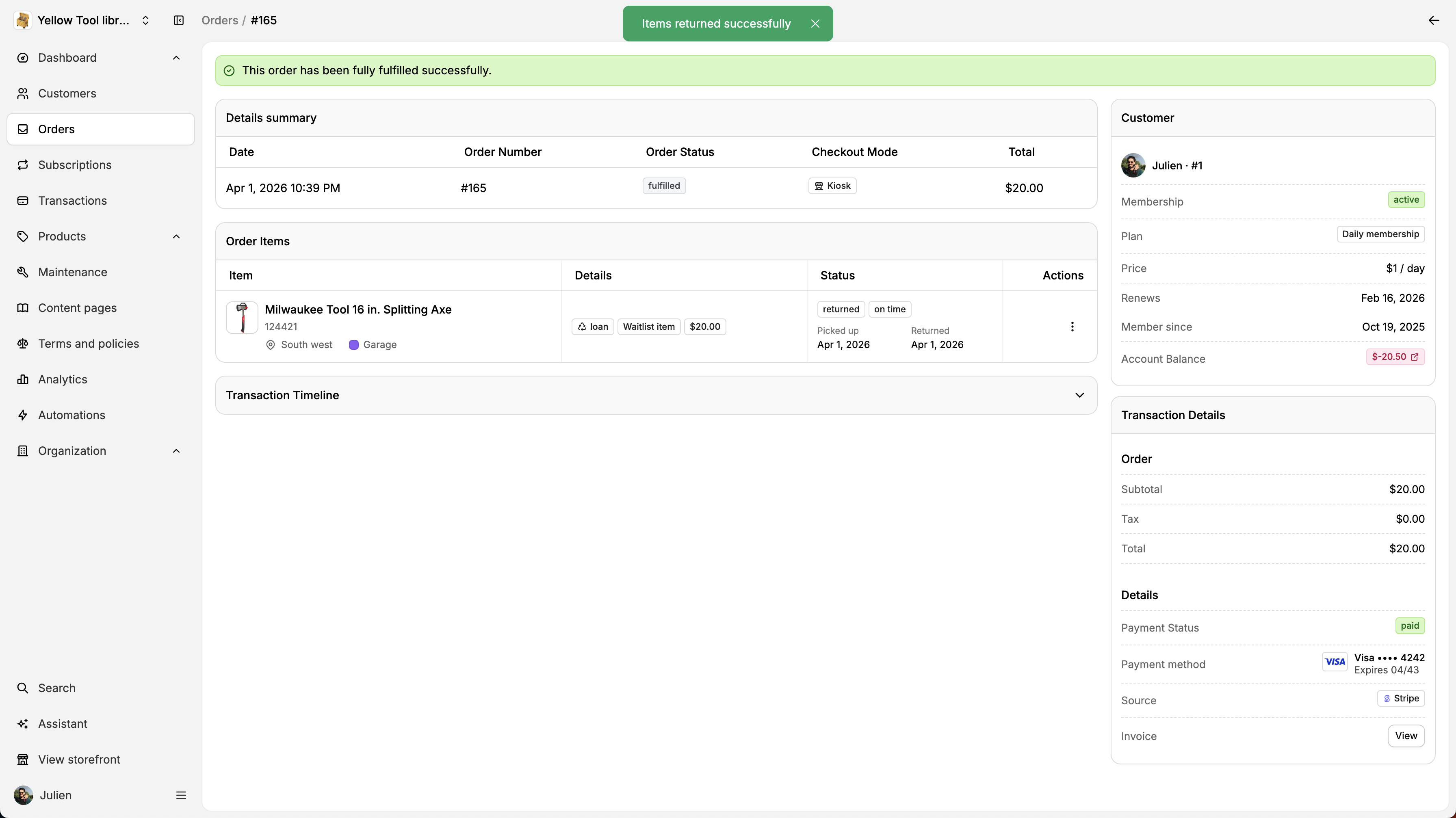
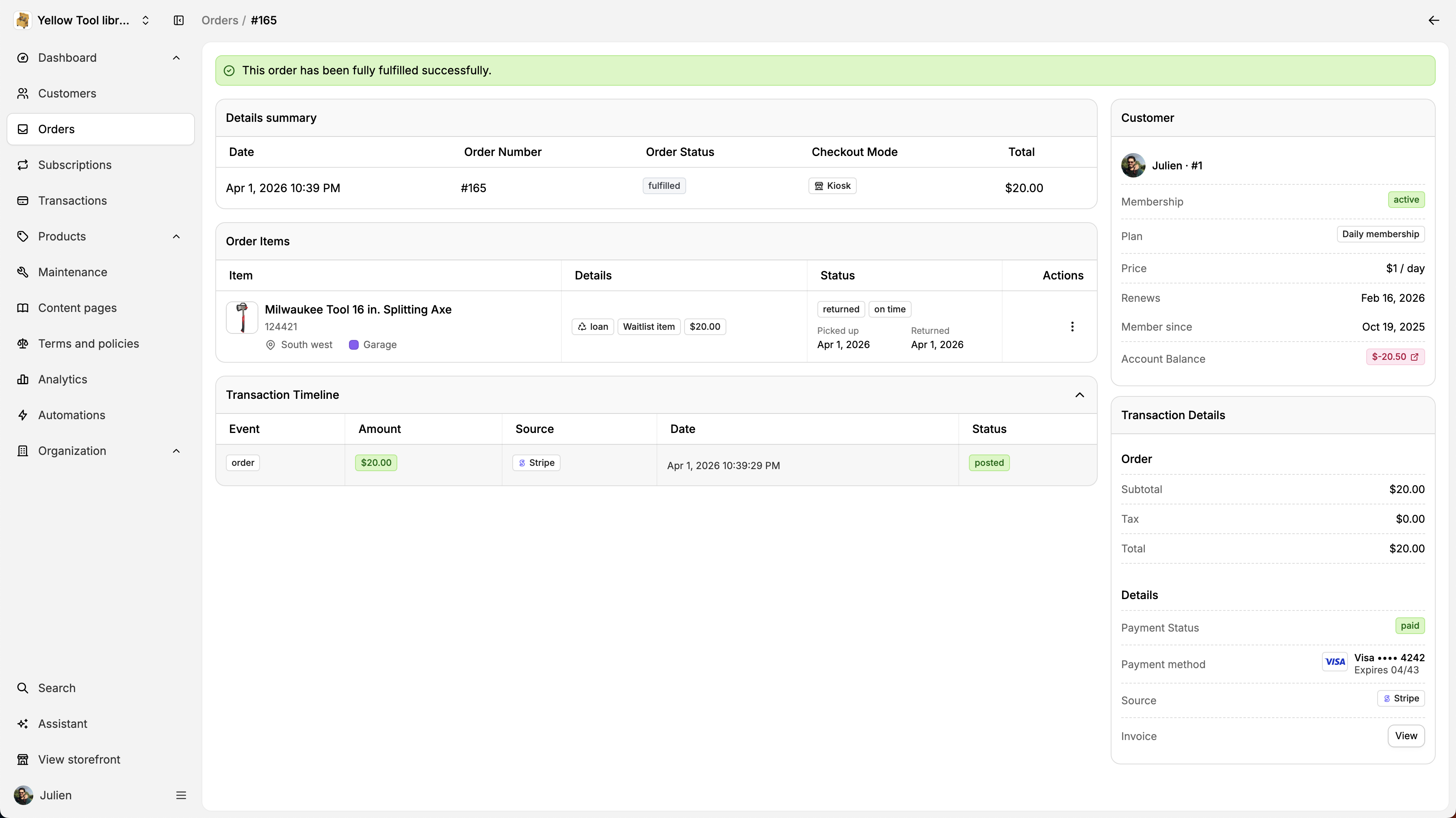
Once confirmed, we will update the status of the order. If all the items are fulfilled or returned, we will mark the order as fulfilled :
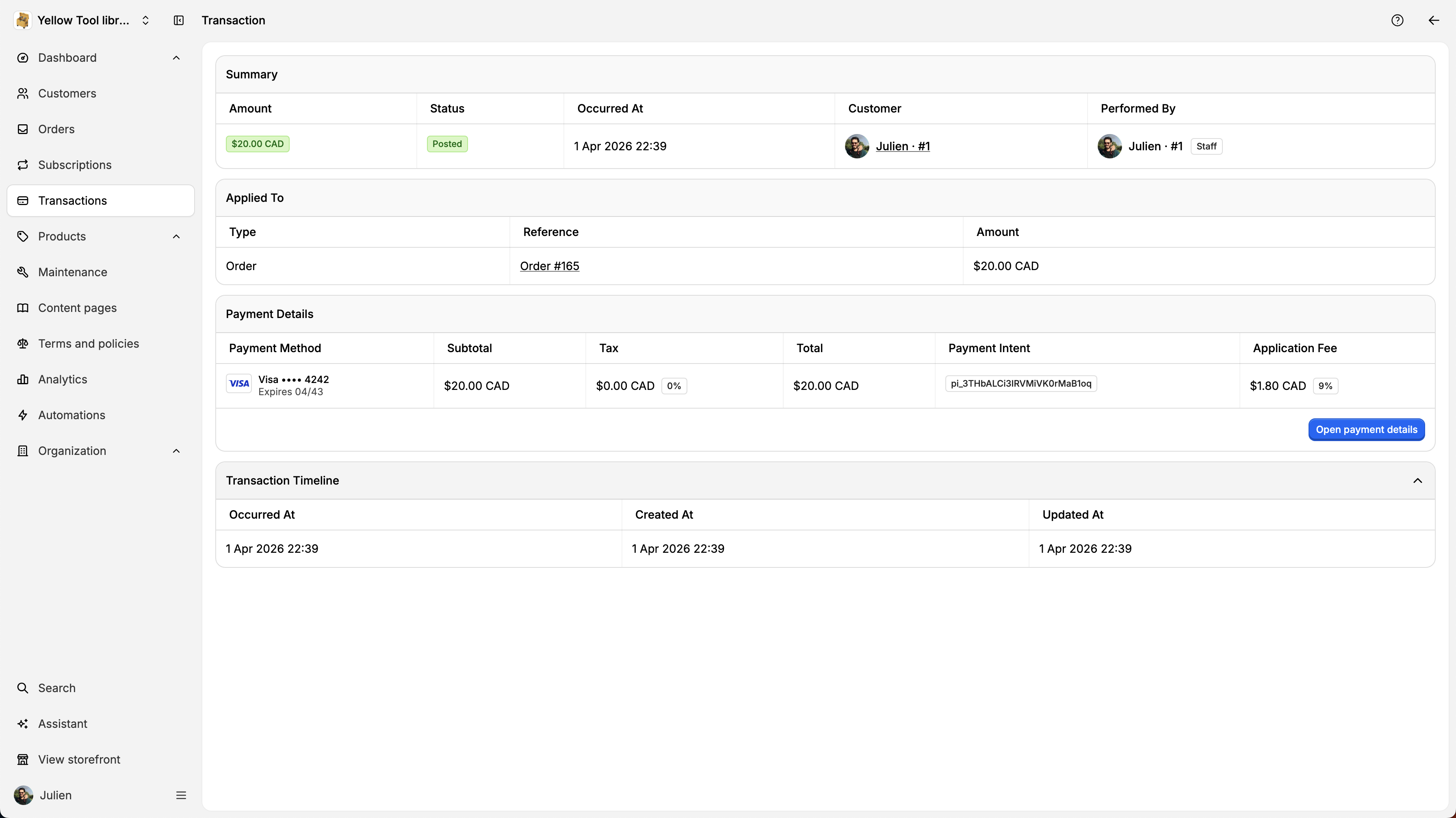
If you want to inspect the transaction details, click on Transaction Timeline.
When clicking on a transaction, you will see the transaction details: Customer, staff that performed the operations, payment details, and more.