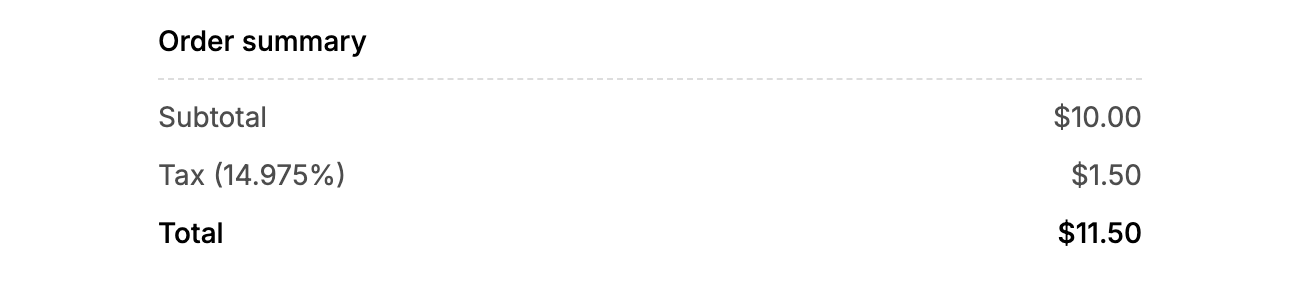
How to Set Up Tax
By Julien RiouxUpdated August 13, 2026
Easily set up tax rates in Patio to manage billing accurately for your rentals.
By Julien Rioux·Updated August 13, 2026
Easily set up tax rates in Patio to manage billing accurately for your rentals.
Learn how to configure tax settings in Patio to ensure accurate billing. This guide will help you set the tax rate for your organization.
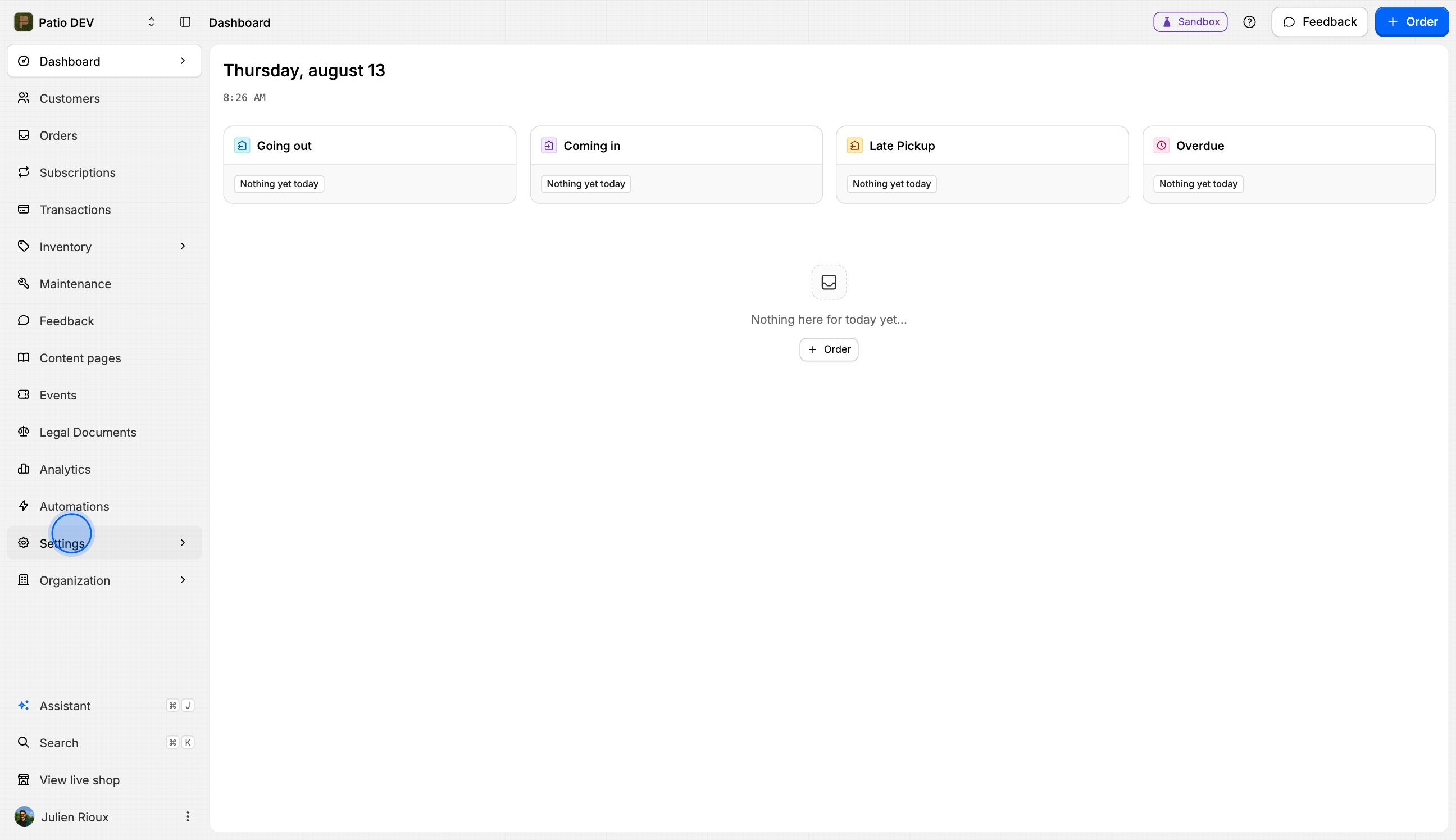
Go to the Settings section.
Select Organization from the menu.
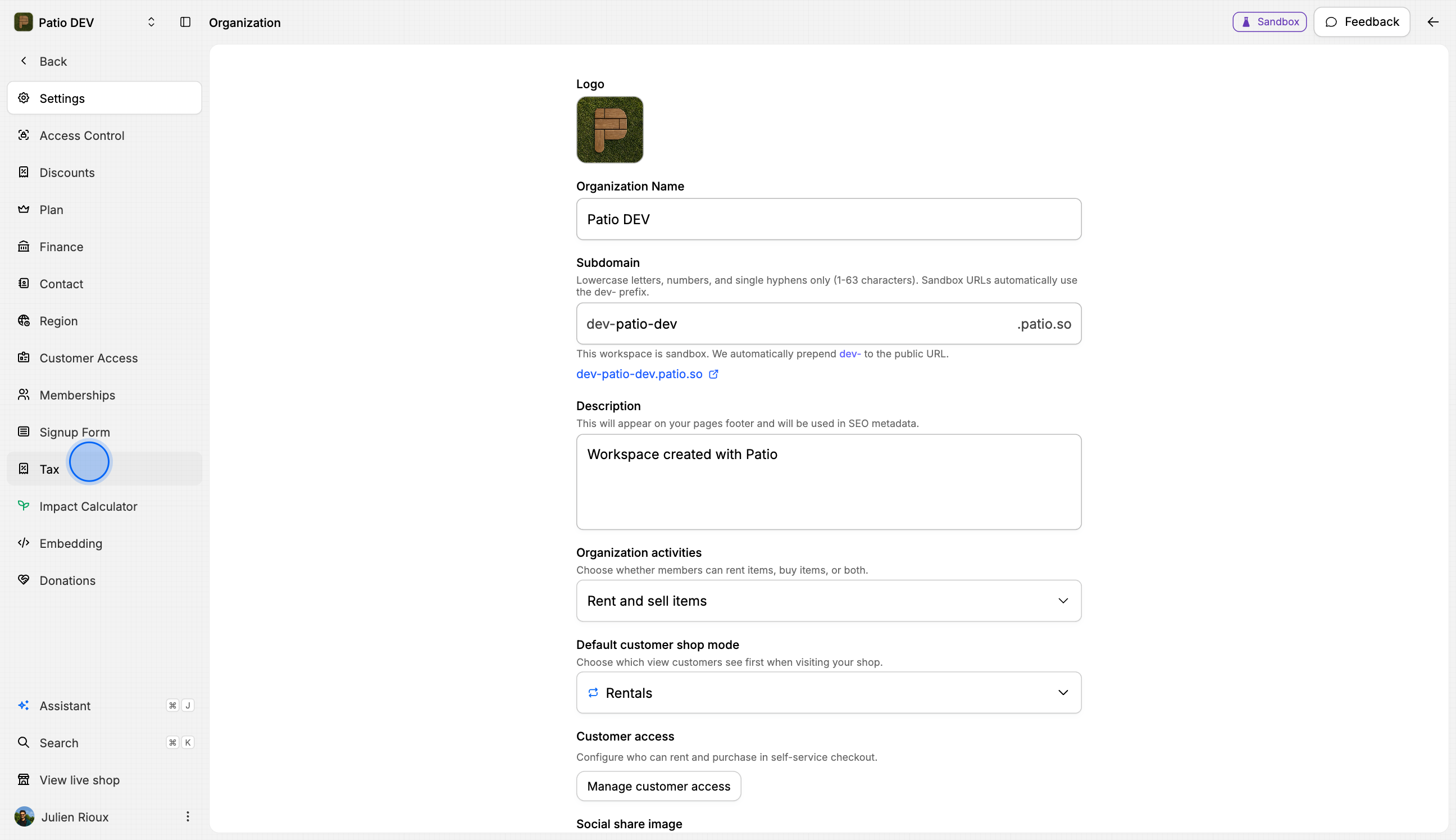
In the Settings menu, click on Tax.
Click on the input field for tax.
Enter the desired tax rate (e.g., 14.975).
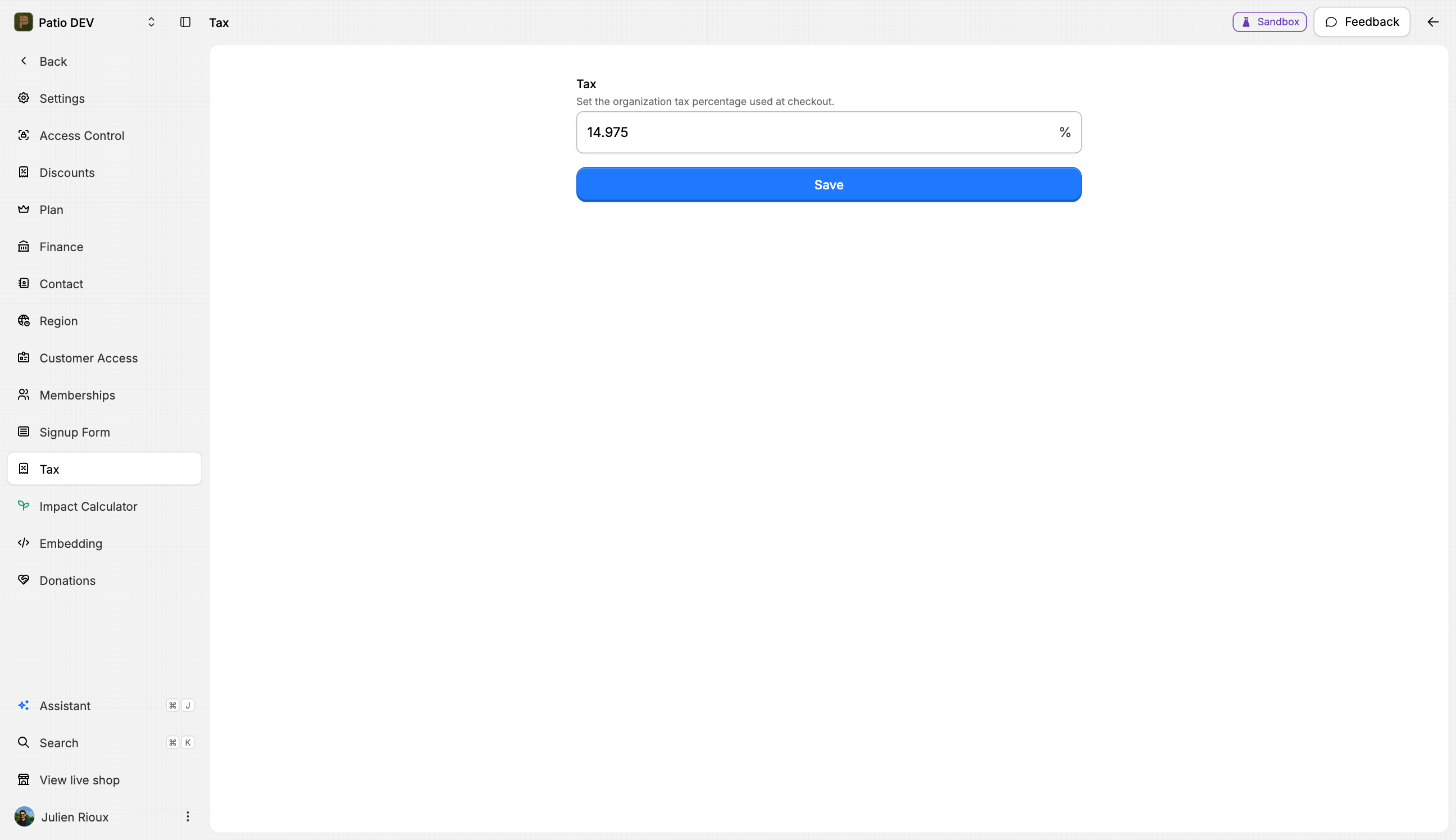
Click the Save button to apply the new tax rate.
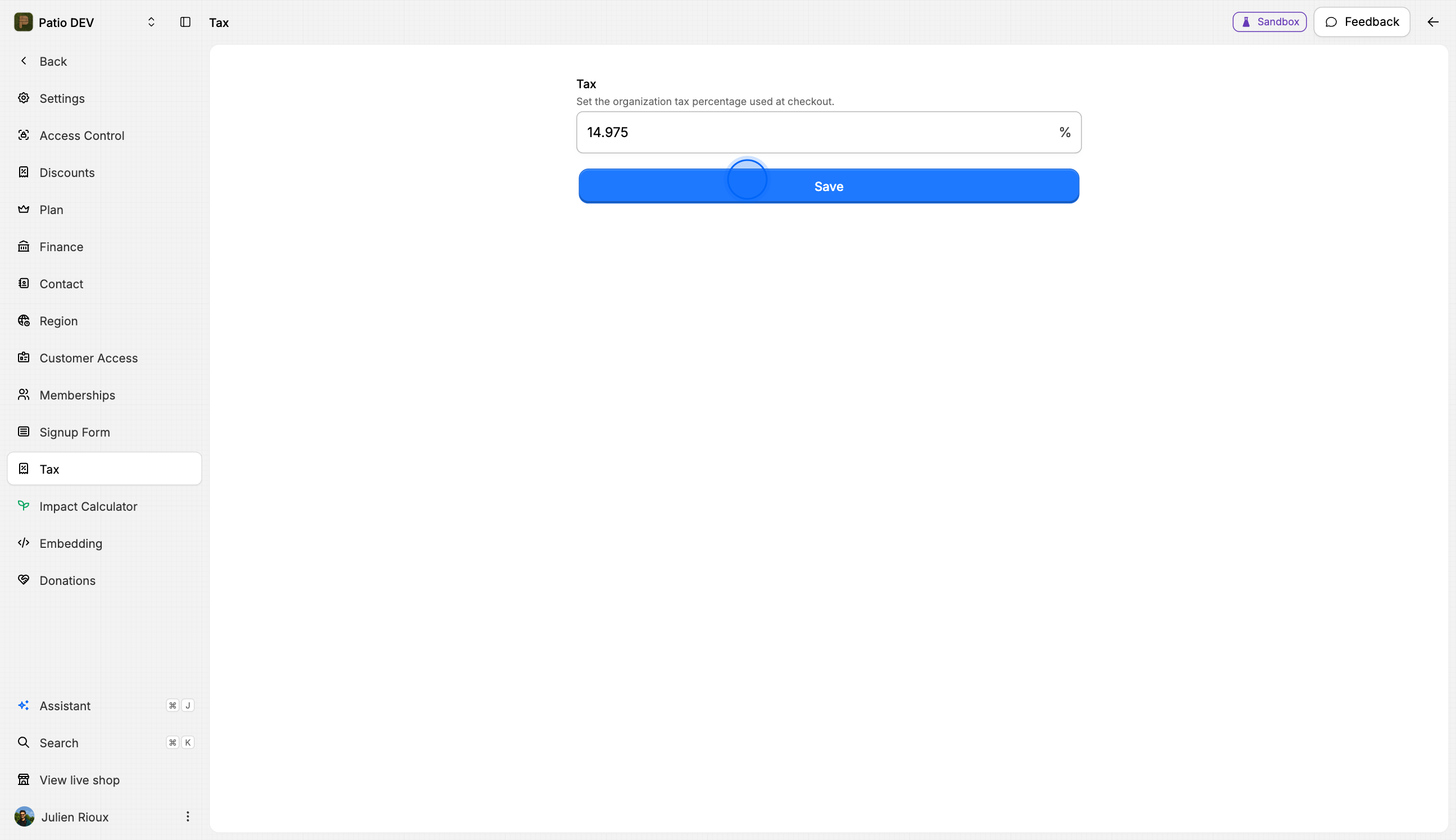
You've successfully set up the tax rate in Patio. Your billing will now reflect this new tax configuration.
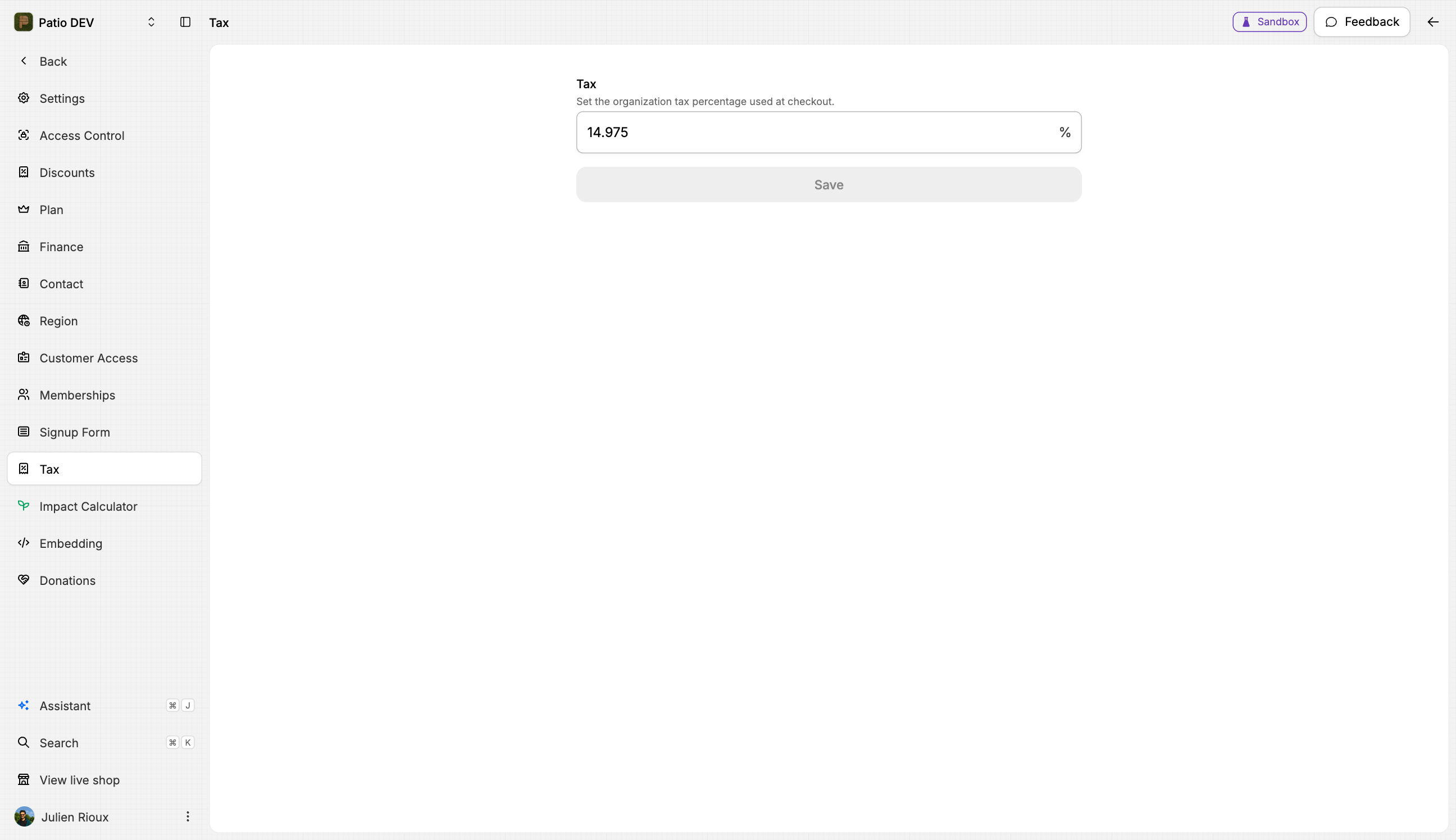
Your store will now have tax configured as expected.