How to Update Opening Hours
Update your location's opening hours in Patio with these simple steps.
By Julien Rioux·Updated July 23, 2026
Learn how to update the opening hours for a location in Patio. This guide will walk you through the steps to make the changes easily.
Access the Location Settings
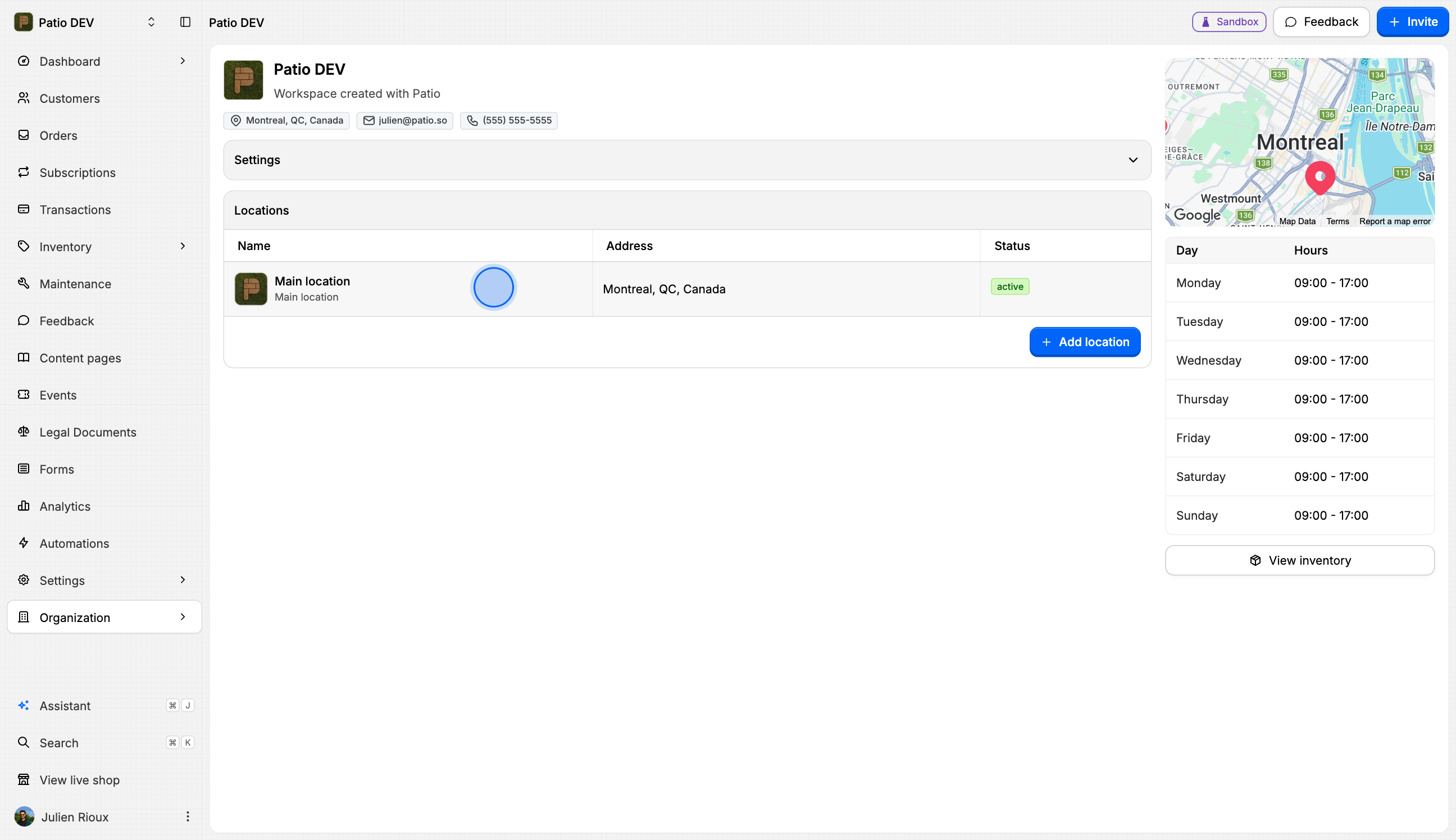
Edit Location Details
Click on the Edit button to modify the location settings.
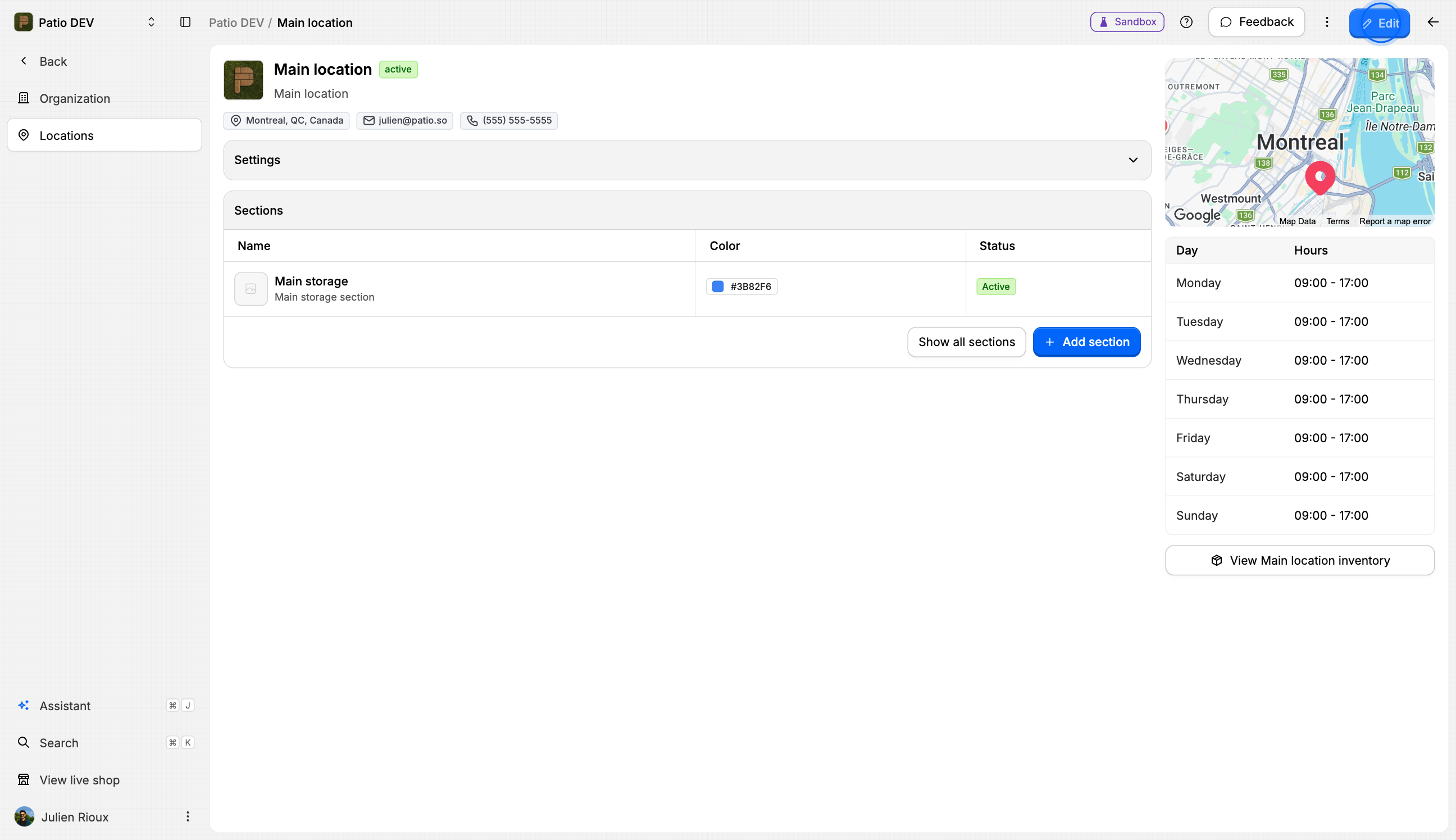
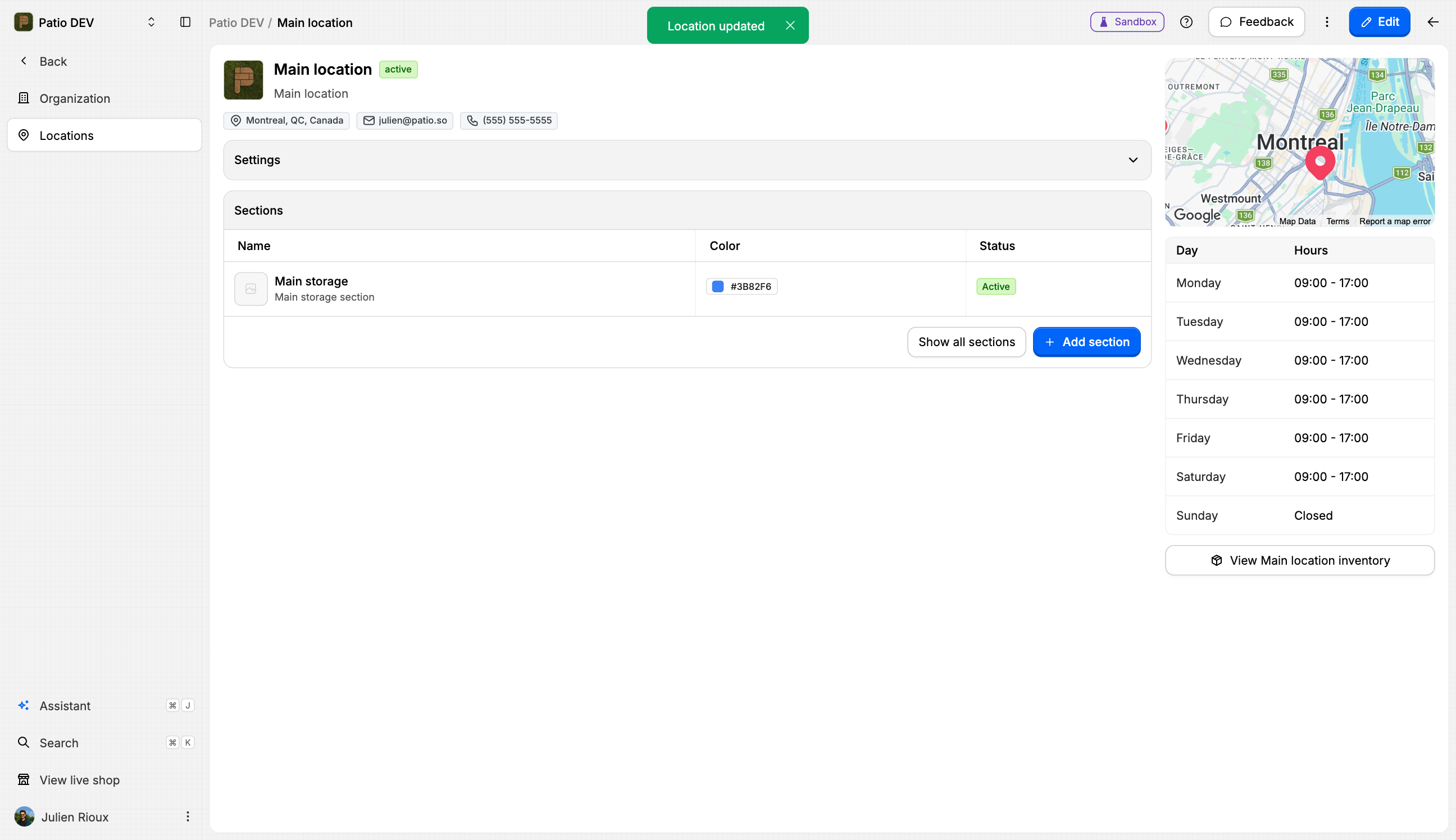
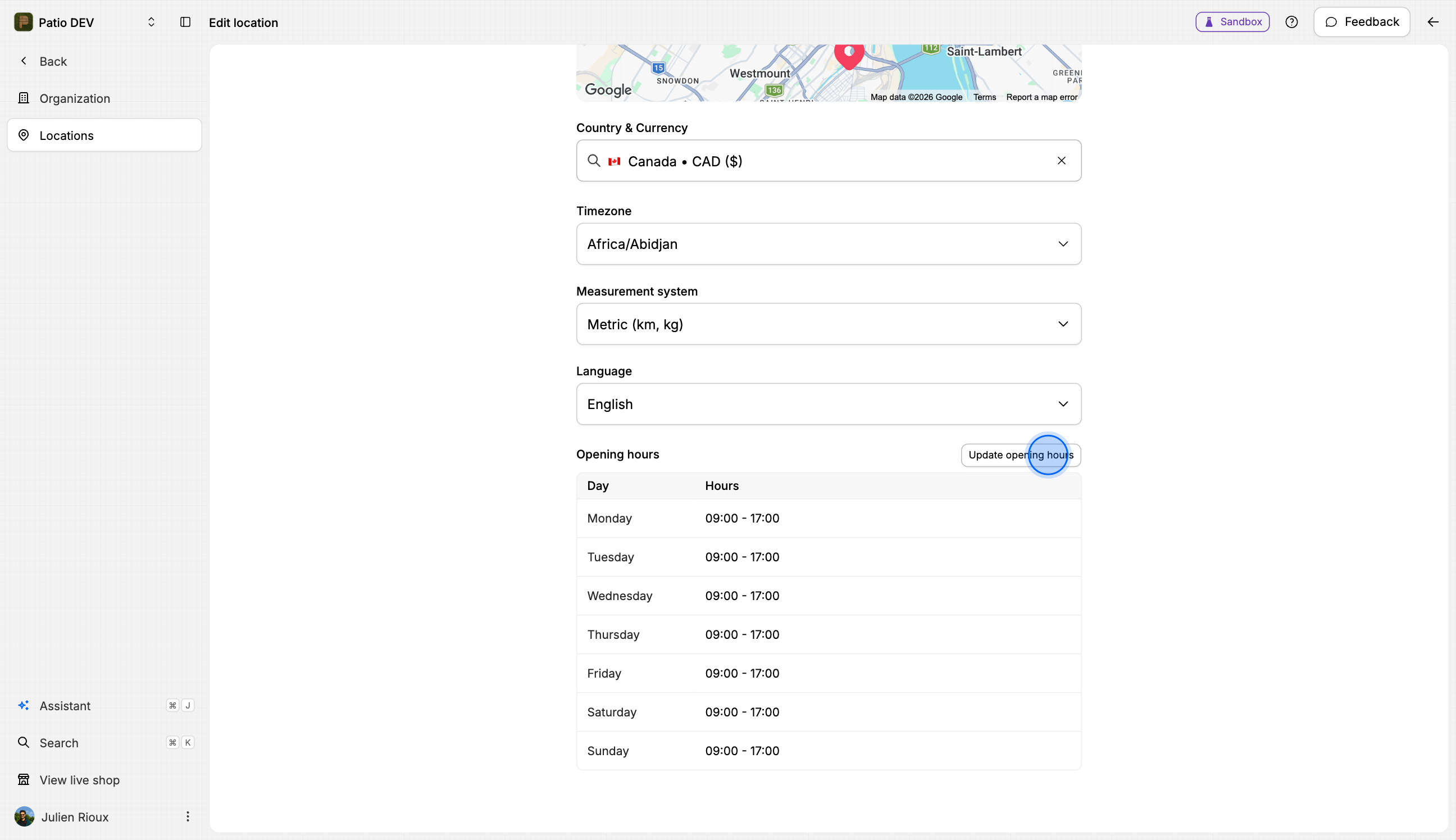
Open the Hours Configuration
Click on the Update opening hours button to configure the hours.
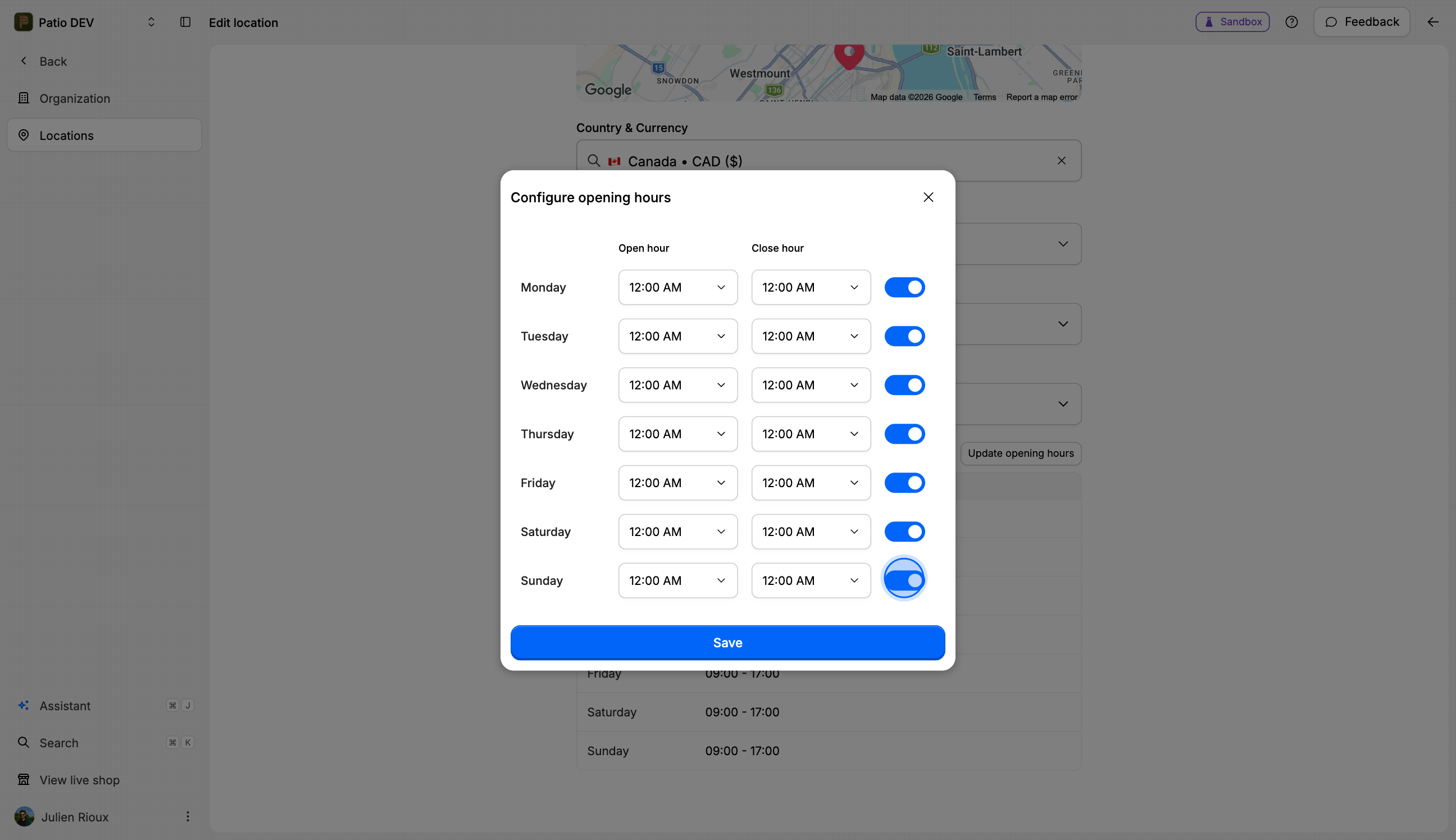
Set the Opening Hours
Save Your Changes
Click the Save button to apply the new opening hours.
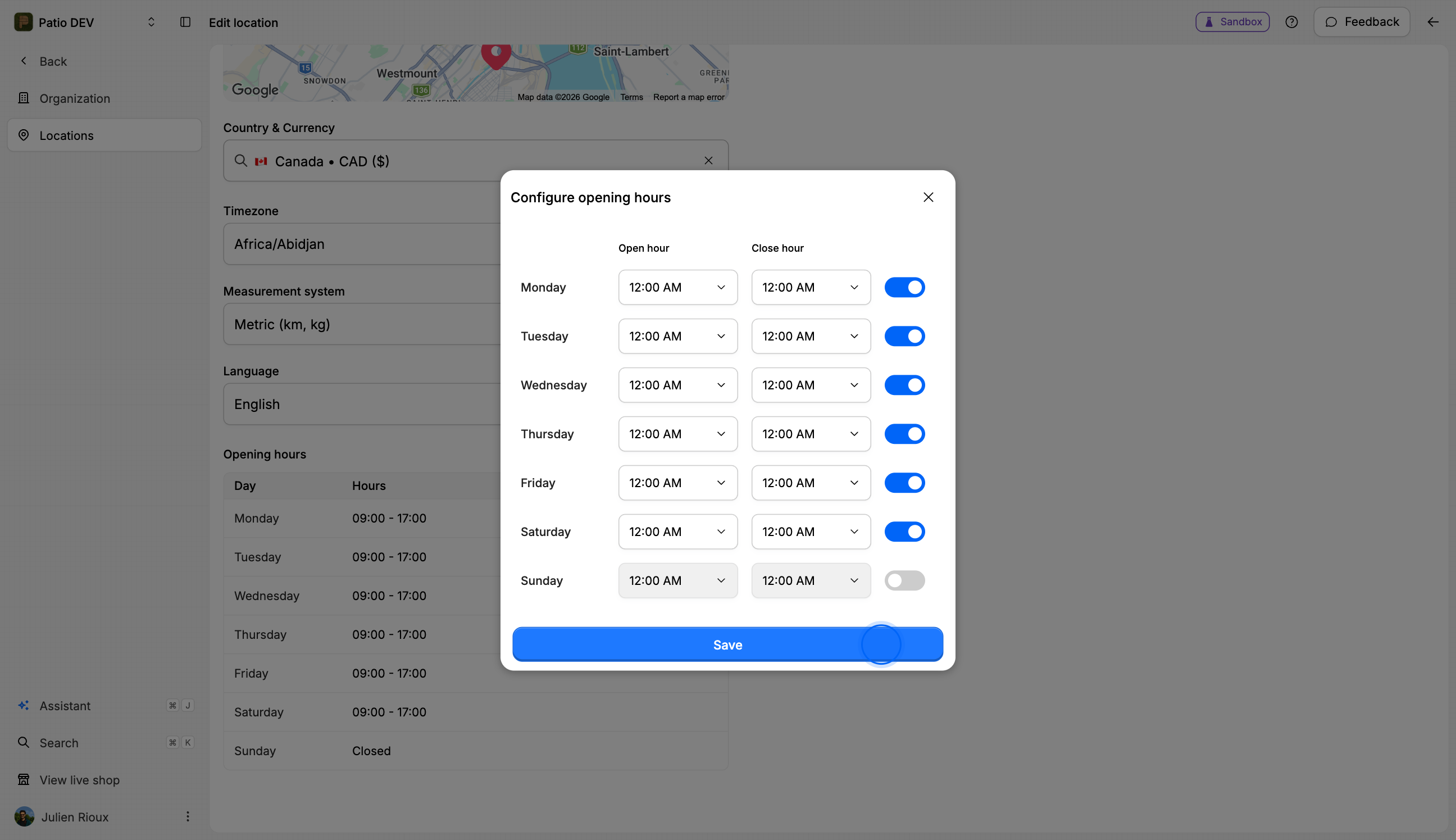
You've successfully updated the opening hours for your location. Now your members will have the latest information available.